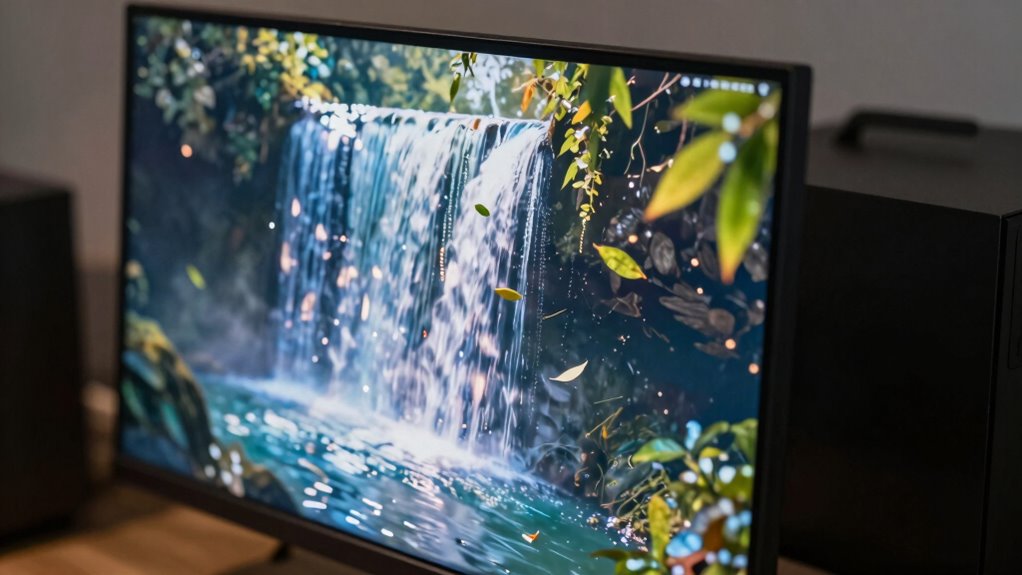

A refresh rate measures how many times your screen updates each second, measured in Hz. While many think this setting only matters for gaming, it also benefits everyday tasks like browsing, video streaming, and reducing eye fatigue. Higher refresh rates make motion appear smoother and lessen flickering, which is easier on your eyes. If you want to learn how this impacts your daily device use and how to optimize it, keep exploring further.

Get the latest gadgets delivered free — and shop member deals
- Fast, free delivery on millions of items
- Access to Prime Big Deal Days deals on October 6–7
- Prime Video, Amazon Music and more included
Key Takeaways
- Refresh rate measures how often a display updates per second, affecting motion smoothness and visual comfort.
- Higher refresh rates reduce flickering and eye strain during daily tasks like browsing and video watching.
- Even without gaming, a higher refresh rate enhances overall viewing experience and reduces visual fatigue.
- Refresh rate is different from resolution; both impact display quality but serve separate functions.
- Adjusting refresh rate settings can improve comfort and performance across various device uses.
As an affiliate, we earn on qualifying purchases.
What Is a Refresh Rate, and Why Does It Matter?

Ever wondered why some screens look smoother than others? It all comes down to refresh rate—the number of times a screen updates per second. A higher refresh rate means your display refreshes more frequently, resulting in smoother motion and less screen flickering. This is especially noticeable during fast-moving scenes or quick scrolling. When refresh rates are low, you might experience motion smoothing issues, where motion appears choppy or blurry. Screen flickering can also become more apparent, causing eye strain or discomfort over time. Understanding your screen’s refresh rate helps you appreciate why some displays deliver a more seamless visual experience, even outside gaming. It’s a key factor in how your device renders motion and maintains visual clarity. Additionally, visual comfort can be influenced by refresh rate, making prolonged usage more pleasant. Recognizing these factors can also help in selecting appropriate display settings for your needs.
As an affiliate, we earn on qualifying purchases.
Do You Need a High Refresh Rate for Daily Use?
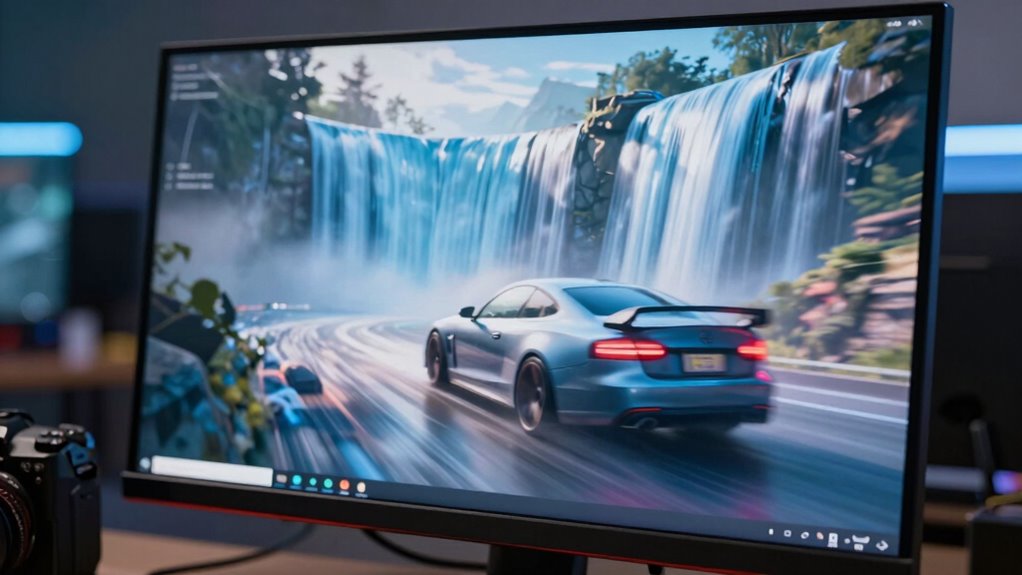
You might wonder if a high refresh rate is necessary for everyday activities like browsing, watching videos, or working. Many refresh rate myths suggest higher rates are only for gaming, but they can impact daily productivity too. If your tasks involve scrolling or video editing, a higher refresh rate can make movement smoother and reduce eye strain. Additionally, AI-powered displays are beginning to incorporate adaptive refresh rate technology to optimize performance based on activity. Moreover, display refresh rate can influence how comfortably your eyes process rapidly changing images, especially over extended periods. Display technology advancements are making higher refresh rates more accessible and beneficial for general use. Furthermore, the visual experience can be more immersive and less fatiguing with higher refresh rates, which is advantageous during prolonged use. The importance of refresh rate is increasingly recognized even outside of gaming contexts. However, the benefits may be less noticeable during basic tasks, so consider your specific needs when choosing a display.
As an affiliate, we earn on qualifying purchases.
How Refresh Rate Affects Video Playback and Streaming
When watching videos or streaming content, the refresh rate of your display plays a surprisingly limited role in the viewing experience. Unlike gaming, where higher refresh rates reduce motion blur, streaming quality and video buffering are mainly influenced by your internet connection and compression. A higher refresh rate doesn’t improve video resolution or reduce buffering delays. Instead, it can make fast-paced scenes appear smoother if your device’s hardware supports it, but it won’t fix issues like lag or low streaming quality. If your internet speed is slow, you’ll still experience buffering regardless of your display’s refresh rate. So, for streaming, focus on your internet connection and streaming settings rather than high refresh rates to enhance your viewing experience.
As an affiliate, we earn on qualifying purchases.
What’s the Difference Between Refresh Rate and Frame Rate?

Understanding the difference between refresh rate and frame rate is key to grasping how your display and content work together. Refresh rate refers to how many times per second your screen updates, while frame rate indicates how many frames your device produces each second. If these aren’t synchronized, you may notice issues like display flicker or choppy visuals. Here’s what to keep in mind:
Matching your device’s frame rate with your display’s refresh rate ensures smooth, flicker-free visuals.
- Frame timing determines how smoothly images are displayed, affecting your viewing experience.
- An unmatched refresh rate can cause flickering, even if the content’s frame rate is high.
- For the best experience, your frame rate should align with your display’s refresh rate to minimize flicker and ensure smooth motion.
- Understanding color accuracy in projectors can also influence the clarity and realism of your visuals, especially in home cinema setups.
Can a Faster Refresh Rate Reduce Eye Strain?
Did a higher refresh rate genuinely help reduce eye strain? It can improve eye comfort by making motion on the screen appear smoother, which eases your eyes’ effort to track fast-moving images. When the refresh rate is higher, your eyes don’t have to work as hard to adjust to flickering or stuttering visuals, reducing visual fatigue over time. This is especially helpful during long screen sessions, where constant focus can tire your eyes. While a faster refresh rate isn’t a guaranteed remedy for all eye discomfort, many users notice less strain and better visual comfort with higher rates. Increasing your refresh rate can also help mitigate visual fatigue, making your viewing experience more comfortable, particularly if you spend hours in front of a screen. Additionally, being aware of display technology can help you choose monitors that support higher refresh rates and better eye comfort features. Understanding consumer choices about display settings can empower you to select the most comfortable options for your eyes. For example, some displays incorporate flicker-free technology that further reduces eye strain during prolonged use. Moreover, selecting a monitor with blue light reduction features can further decrease eye discomfort during extended use.
How to Choose the Right Refresh Rate for Your Tasks
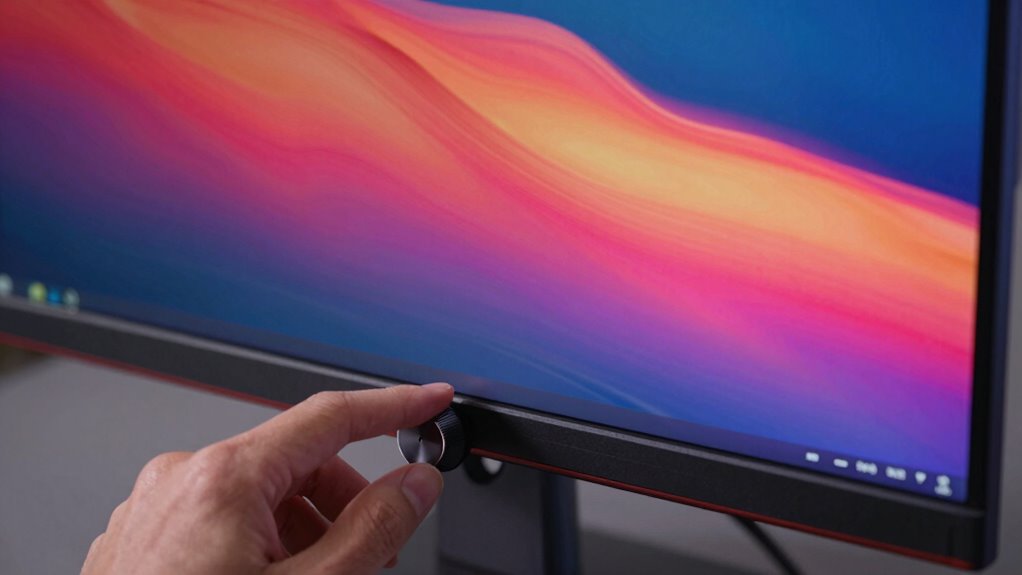
Choosing the right refresh rate depends on what you primarily use your screen for. If you mostly work with documents or browse the web, a standard 60Hz display is adequate. For tasks like video editing or watching movies, a refresh rate of 60Hz to 75Hz offers smooth visuals. If you do light gaming or design work, a 75Hz to 120Hz display can enhance clarity and reduce motion blur. To select the best refresh rate, consider these points:
- Refresh rate importance: Higher rates improve fluidity but may not be necessary for all tasks. Understanding your body jewelry measurements and materials can help ensure your setup is comfortable, just as choosing the right display enhances your visual experience. Additionally, knowing how sound therapy science influences perception can inform your understanding of visual smoothness. Being aware of market trends and insights can also guide you in selecting technology that aligns with current standards. Recognizing the significance of refresh rate specifications can help you make more informed decisions about your device.
- Display compatibility: Ensure your device supports your desired refresh rate.
- Task-specific needs: Match your display to your primary activities for ideal performance.
- Home tips for a clean and organized space can help ensure your workspace remains clutter-free, making it easier to focus on choosing the right display.
Knowing these factors helps you choose a display that balances performance, compatibility, and your specific needs.
Common Refresh Rate Myths Debunked

Many common beliefs about refresh rates persist despite evidence that they often oversimplify or distort the facts. One refresh rate myth is that higher numbers always mean better quality, but this isn’t true for everyone. Some think a 144Hz display will drastically improve all activities, but the benefits are most noticeable in gaming, not necessarily for everyday tasks. Another gaming misconception is that higher refresh rates eliminate all motion blur; however, other factors like response time and graphics also matter. You might also believe that refresh rate impacts image resolution, but they serve different purposes. Additionally, understanding the design and architecture principles behind display technology can help you make smarter choices and avoid overestimating how much a higher refresh rate will improve your experience outside gaming. Recognizing how display technology is developed can help demystify these myths and guide better purchasing decisions.
How to Check Your Display’s Refresh Rate and Upgrade If Needed
To determine if your display’s refresh rate meets your needs, start by checking your current settings through your computer or device’s display options. This helps assess refresh rate compatibility and guides whether an upgrade is necessary. A thorough understanding of device vulnerabilities can also help you recognize if your current setup might be at risk and whether a hardware upgrade could enhance both performance and security. Being aware of visual performance considerations ensures you make informed decisions about your display setup.
Here’s how to do it:
- Access your display or graphics settings on your device.
- Look for the refresh rate information, often under advanced display options.
- If your refresh rate is 60Hz or lower and you want smoother visuals, consider upgrading your monitor to a higher refresh rate.
Before upgrading, perform a display calibration to ensure your current monitor is functioning at its best. If your display supports higher refresh rates but isn’t set correctly, adjusting the settings can improve your experience without replacing hardware.
The Future of Refresh Rate Technology: What’s Coming Next?
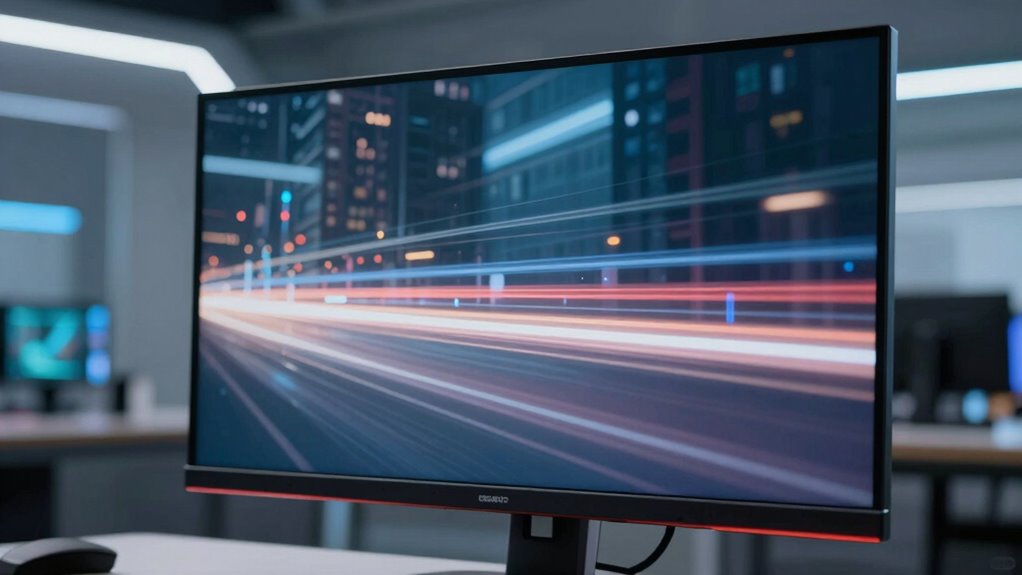
Have you ever wondered what the next wave of refresh rate technology will bring? Future display innovations are aiming to push refresh rate benchmarks even higher, resulting in smoother visuals and more seamless experiences. Manufacturers are exploring adaptive refresh rates that dynamically adjust depending on what you’re doing, reducing power consumption while maintaining clarity. Expect to see increased adoption of higher refresh rates beyond gaming, improving everyday activities like video editing, virtual meetings, and scrolling through content. Advances in display panel technology, such as OLED and microLED, will also enhance refresh rate performance, making screens more responsive and vivid. While we’re not yet at ultra-high refresh rates for all devices, these innovations point toward a future where smoother, more natural visuals become the standard.
Tips to Optimize Your Display Settings for Better Viewing
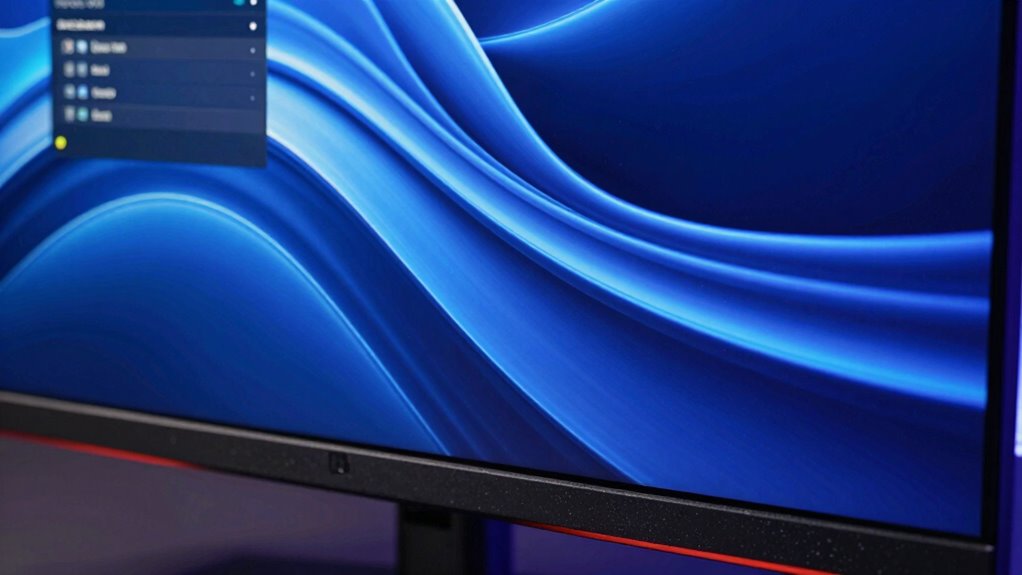
To get the best viewing experience, start by adjusting your refresh rate settings to match your monitor’s capabilities. Enable V-Sync options to reduce screen tearing and improve smoothness, especially during gaming. Also, fine-tune your brightness and contrast for clearer images and less eye strain. Additionally, understanding refresh rate can help you choose the right display for a more comfortable and immersive movie night. Being aware of natural light and its impact can also enhance your overall viewing comfort by reducing glare and eye fatigue. Knowing how engine feel can enhance your overall driving experience might not seem related, but optimizing your vehicle’s performance with the right upgrades can make your daily commute more enjoyable and responsive.
Adjust Refresh Rate Settings
Adjusting your refresh rate settings can significantly enhance your viewing experience, especially during fast-paced gaming or watching action-packed videos. To get the best results, start with proper monitor calibration, which guarantees accurate colors and sharp images. Next, set your refresh rate to match your monitor’s maximum supported value—this reduces motion blur and flicker. Finally, regularly update your graphics drivers for peak performance. When adjusting your display settings, keep these tips in mind:
- Use your monitor’s native resolution for better clarity.
- Enable refresh rate settings in your operating system’s display options.
- Verify color accuracy by adjusting color profiles for more natural visuals.
These steps help improve overall image quality and make your viewing smoother and more comfortable.
Enable V-Sync Options
Enabling V-Sync can help reduce screen tearing and provide smoother gameplay or video playback. V Sync benefits include aligning your display’s refresh rate with your graphics card’s frame rate, which minimizes tearing and stuttering. When you turn on V-Sync, it caps the frame rate to your monitor’s refresh rate, preventing the graphics card from sending more frames than your display can handle. This results in a cleaner, more stable picture, especially during fast-paced scenes. To enable V-Sync, go to your graphics settings or display control panel. Keep in mind, though, that V-Sync can introduce input lag, so it’s a trade-off. Still, for better viewing experiences, especially when gaming or watching videos, enabling V-Sync offers a simple way to improve visual smoothness.
Optimize Brightness & Contrast
Optimizing your brightness and contrast settings can markedly enhance your viewing experience by making images clearer and more comfortable for your eyes. To improve color accuracy and reduce eye strain, adjust your display based on ambient lighting conditions. Here are three tips:
- Set brightness to match ambient lighting—brighter rooms need higher brightness, darker rooms benefit from lower settings.
- Calibrate contrast to ensure details are visible without causing glare or eye fatigue.
- Use calibration tools or display presets to fine-tune color accuracy, making images look natural and vibrant.
Frequently Asked Questions
Does Refresh Rate Impact the Clarity of Static Images?
A higher refresh rate doesn’t directly impact the clarity of static images, but it can improve display clarity overall. When you view static images, the sharpness depends more on resolution and panel quality. However, a higher refresh rate makes progressions smoother for moving images and reduces flickering, which enhances your viewing experience. So, while refresh rate mainly affects motion, it can still contribute to a clearer, more comfortable display.
Can a Higher Refresh Rate Improve Productivity in Non-Gaming Tasks?
Did you know that a higher refresh rate can boost productivity by up to 15%? Yes, a faster refresh rate enhances your multitasking efficiency by providing smoother shifts and reducing eye strain. When you use a monitor with a higher refresh rate, you’ll notice less flickering, making it easier to focus on multiple tasks. This simple upgrade can make your work sessions more comfortable and efficient, helping you get more done.
How Does Refresh Rate Influence Virtual Reality Experiences?
A higher refresh rate considerably improves your virtual reality experiences by reducing motion sickness and enhancing immersion. When the display updates more frequently, movements feel smoother and more natural, making it easier for you to stay engaged. This smoother visual flow minimizes discomfort and disorientation, allowing you to enjoy longer, more immersive VR sessions without feeling queasy. Faster refresh rates truly make virtual worlds feel more lifelike and comfortable to explore.
Is There a Difference Between Refresh Rate and Response Time?
Think of refresh rate and response time as two dancers in a performance; they may move in sync, but they serve different roles. Refresh rate is how often your screen updates, while response time measures how quickly pixels change. Don’t fall for refresh rate myths—it’s not the only factor affecting clarity. Response time effects matter, especially for smooth visuals, but both work together to improve your viewing experience.
Are Higher Refresh Rates More Energy-Efficient?
Higher refresh rates generally aren’t more energy-efficient; in fact, they often consume more energy due to increased display activity. This can lead to higher energy consumption and potentially reduce display longevity over time. If you’re concerned about saving power and maintaining your device’s lifespan, choosing a lower refresh rate may be beneficial. However, for smoother visuals, especially in gaming or fast-moving videos, higher refresh rates might be worth the extra energy use.
Conclusion
Understanding refresh rates is like tuning a musical instrument—you’ll notice the difference once it’s right. Whether for daily use, streaming, or reducing eye strain, knowing what your display offers helps you make smarter choices. Don’t settle for a blurry, laggy screen when you can upgrade or optimize for a clearer, more comfortable view. Stay curious and keep exploring, because the right refresh rate can transform your screen experience just like a perfect melody enhances a song.
Fall Picks
fall essentials
As an affiliate, we earn on qualifying purchases.