
Duplex printing and duplex scanning let you automatically print or scan on both sides of a page, saving time and paper. Duplex printing uses internal mechanisms to apply ink or toner on both sides, while duplex scanning captures images from both sides in one pass. These features boost efficiency and reduce clutter, especially for high-volume tasks. To understand how they work and troubleshoot common issues, keep exploring these innovative functions further.

Get the latest gadgets delivered free with Prime
- Fast, free delivery on millions of items
- Prime Video, Amazon Music and more included
- Member-only deals all year
Key Takeaways
- Duplex printing automatically prints on both sides of paper, using internal mechanisms to flip or align pages without manual intervention.
- Duplex scanning captures both sides of a document in a single pass, often with automatic document feeders for efficiency.
- Duplex printing involves physical ink or toner application, while duplex scanning electronically digitizes both sides of a document.
- These features improve workflow, save paper, and reduce clutter, especially in high-volume document handling.
- Troubleshooting common issues includes checking paper quality, calibrating devices, and maintaining proper paper loading procedures.
As an affiliate, we earn on qualifying purchases.
What Are Duplex Printing and Duplex Scanning?
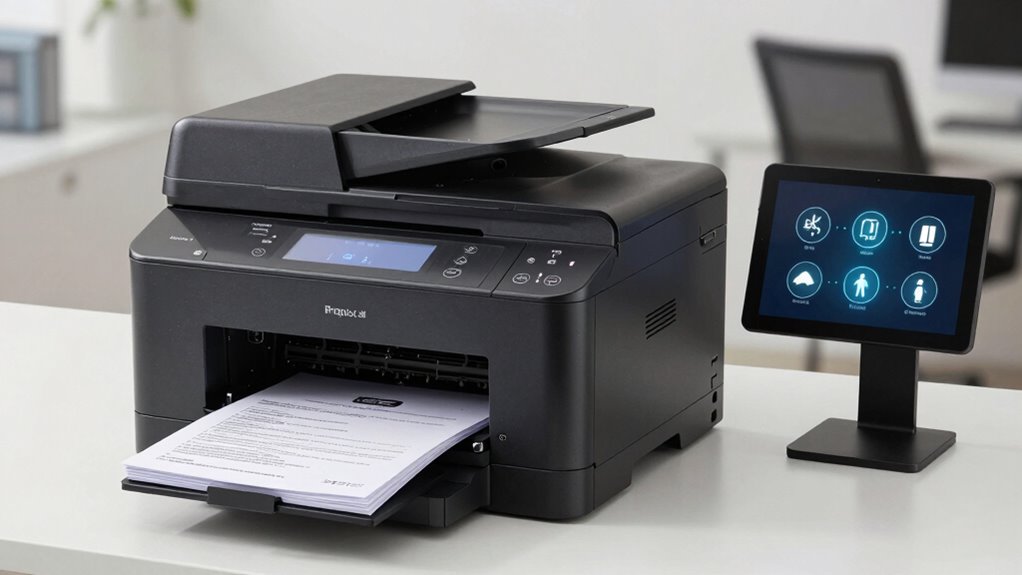
Have you ever wondered how some printers can print or scan on both sides of a sheet automatically? These features are called duplex printing and duplex scanning. Duplex printing allows your printer to produce double-sided documents efficiently, improving paper handling and reducing clutter. It’s designed to maintain high print quality, ensuring text and images stay clear on both sides. Similarly, duplex scanning enables you to digitize both sides of a document in one pass, saving time and effort. This process relies on advanced paper handling mechanisms that flip or feed sheets smoothly, preventing jams or misalignments. Understanding duplex mechanisms is essential for choosing devices that support reliable duplex functions, especially since paper handling significantly influences performance. Ensuring safety and comfort with your printing and scanning devices involves selecting models with reliable duplex capabilities that prevent paper jams and misfeeds. Additionally, understanding quality assurance principles helps in maintaining consistent performance and durability of duplex features. For optimal results, it’s also important to consider maintenance practices that keep your duplex functions operating smoothly and extend device lifespan. Overall, duplex capabilities streamline your workflow while maintaining the quality standards you expect from your printing and scanning devices.
As an affiliate, we earn on qualifying purchases.
How Does Duplex Printing Work in Printers?
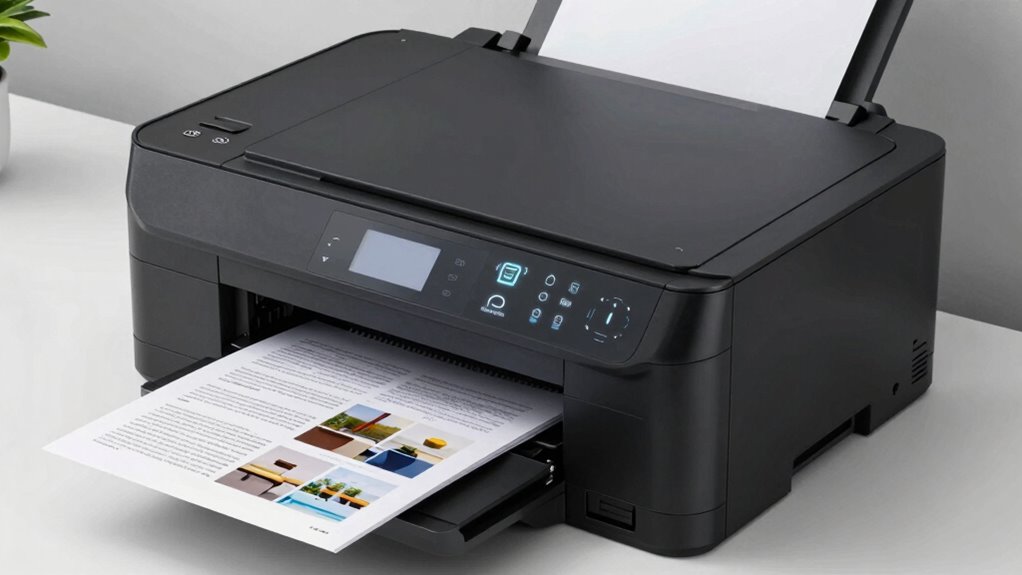
Duplex printing works by automatically printing on both sides of a sheet without requiring you to flip the paper manually. When you send a document to print, the printer’s duplex mechanism flips the paper internally after printing the first side. This process relies heavily on paper quality; thicker, smoother paper prevents jams and guarantees smooth operation. Additionally, ink compatibility matters—laser printers use toner that bonds well with various paper types, while inkjet printers need compatible ink to prevent smudging and bleeding on double-sided pages. The printer’s internal sensors detect paper position, allowing seamless switching between sides. This efficient process saves time and paper, making duplex printing a convenient choice for professional or eco-conscious use. Proper paper selection is essential for optimal duplex printing performance and longevity of the printer. Using paper quality that matches the printer’s specifications can further enhance the duplex printing experience. Additionally, understanding printer maintenance can help prevent issues and ensure consistent results over time. Proper printer calibration can also optimize print quality and reduce errors during duplex printing.
As an affiliate, we earn on qualifying purchases.
How Does Duplex Scanning Technology Work?
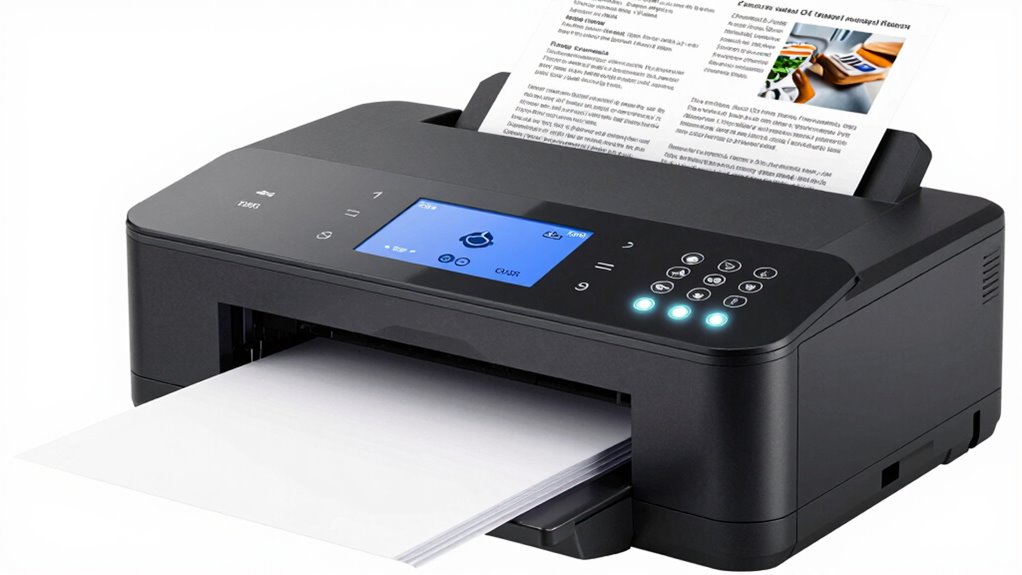
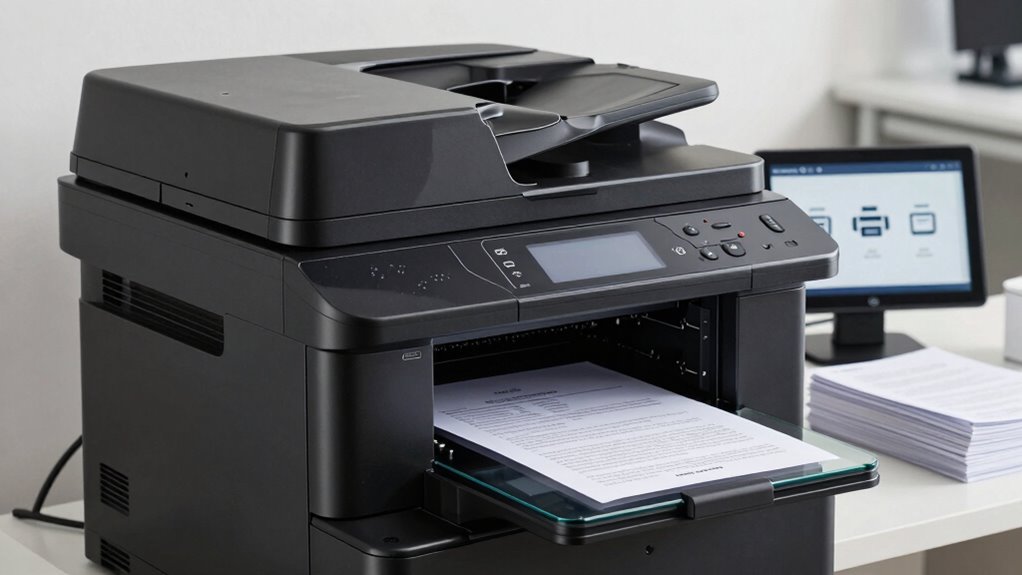
When it comes to duplex scanning, the process is designed to capture both sides of a document efficiently without manual intervention. You typically use an automatic document feeder (ADF) equipped with duplex scanning capabilities. The scanner pulls the document in, scans one side, then automatically flips or feeds the back side for double sided reproduction. This seamless process saves time and effort. Many scanners include sensors to detect the presence and orientation of pages, ensuring accurate double sided reproduction. The scanner’s internal hardware coordinates the movement and flipping of pages, making the scan process smooth and quick. Additionally, automation technology plays a key role in streamlining duplex scanning workflows. Modern duplex scanners often incorporate protocols that optimize data transfer speed and reliability. Many models also feature software integration that enhances the overall scanning experience. The integration of advanced sensors further improves the accuracy of page detection and orientation, reducing errors during duplex scanning. Here’s an overview:
| Step | Action | Result |
|---|---|---|
| 1 | Document feeds into the scanner | First side is scanned |
| 2 | Paper is flipped or turned | Second side is scanned |
| 3 | Final output is stored or sent | Complete double sided copy |
automatic document feeder scanner
As an affiliate, we earn on qualifying purchases.
As an affiliate, we earn on qualifying purchases.
What Are the Benefits of Using Duplex Features?
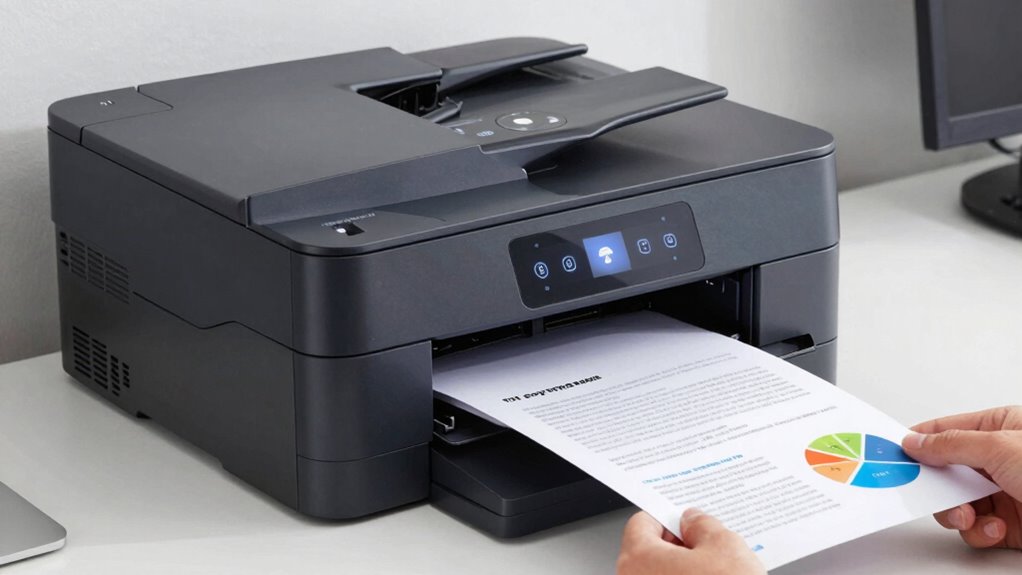
Are you looking to save time and improve efficiency? Using duplex features on your printer or scanner offers several benefits. First, it reduces paper usage, leading to significant cost savings over time. You’ll print or scan both sides of a page automatically, cutting down on paper consumption and storage needs. Additionally, duplex printing and scanning lower the environmental impact by conserving natural resources and decreasing waste. It also speeds up workflows, as you won’t need to manually flip pages or handle double-sided documents separately. This efficiency boost is especially valuable for busy offices or individuals handling large volumes of documents. Furthermore, understanding the symbolism behind the shapes and icons used in duplex functions, such as arrows and circles, can help users easily identify and utilize these features more effectively. Recognizing these visual cues can simplify operation and reduce errors, enhancing overall productivity. Incorporating duplex technology into your workflow can further optimize document management and save valuable time. For example, many modern printers include automatic duplexing, which streamlines the process even further. Utilizing automatic detection of double-sided pages can also improve workflow efficiency by reducing manual intervention. Overall, duplex features help you save money, reduce your ecological footprint, and streamline your document management process effectively.
When Should You Use Duplex Printing or Scanning?
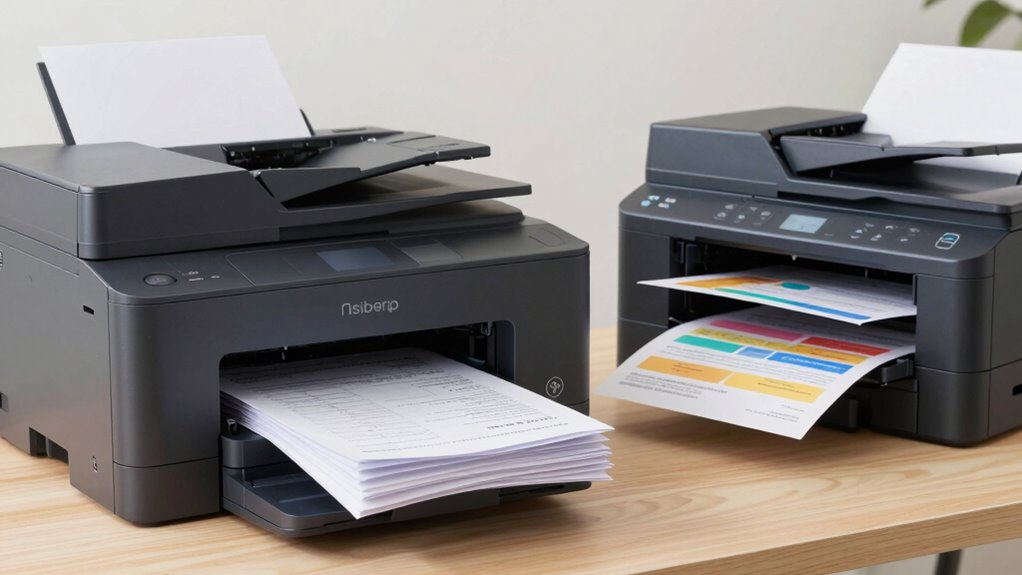
Considering your printing and scanning needs can help determine the best times to activate duplex features. If you’re handling large volumes of documents, using duplex printing or scanning boosts cost efficiency by reducing paper use and saving money over time. It’s especially beneficial for businesses aiming to lower operational costs. Additionally, duplexing minimizes environmental impact by conserving resources and reducing waste. Use duplex functions when printing or scanning multi-page documents to maximize these benefits. Properly managing printing ratios can further improve efficiency and quality. For example, adjusting the print volume can help decide when duplexing is most advantageous. Some modern printers feature automatic duplexing, which streamlines the process and saves time. Recognizing suitable printing scenarios can help you decide when duplexing provides the most value. Understanding energy consumption related to duplex features can also guide environmentally conscious decisions. However, for quick, single-sided tasks or when working with delicate or specialty papers, single-sided mode may be preferable. By evaluating your workload and environmental goals, you can decide when duplex features make sense, ensuring you optimize both cost savings and eco-friendliness.
What Are the Main Differences Between Duplex Printing and Duplex Scanning?
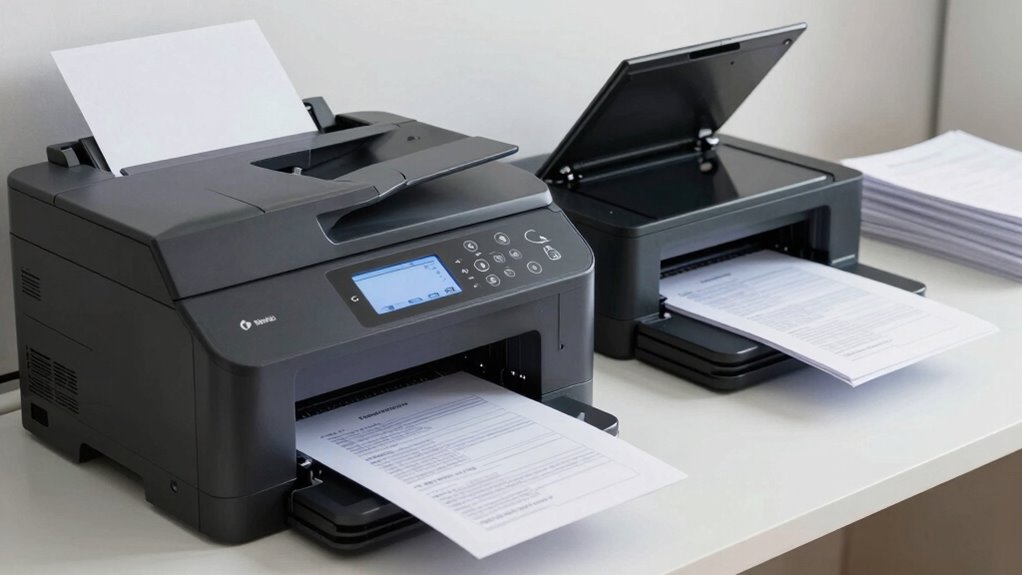
Duplex printing and duplex scanning both enable processing both sides of a sheet, but they serve different purposes and operate through distinct mechanisms. In duplex printing, the device prints on both sides of paper, affecting print speed and energy consumption because it requires additional passes for each sheet. In contrast, duplex scanning captures both sides of a document in one pass or multiple passes, mainly impacting scan speed and energy use during the process. Additionally, proper care of your kitchen gear can extend the lifespan of your devices, ensuring efficient operation. Here’s what sets them apart:
- Print speed is often slower for duplex printing due to the extra step, while duplex scanning can be faster with single-pass scanners.
- Energy consumption is higher in duplex printing because of the printing process, whereas scanning generally uses less power.
- The mechanisms differ: printing physically applies ink or toner, while scanning electronically captures images of both sides. To optimize your device’s performance and longevity, understanding the mechanisms behind duplex functions can be particularly beneficial.
Troubleshooting Common Duplex Printing and Scanning Problems
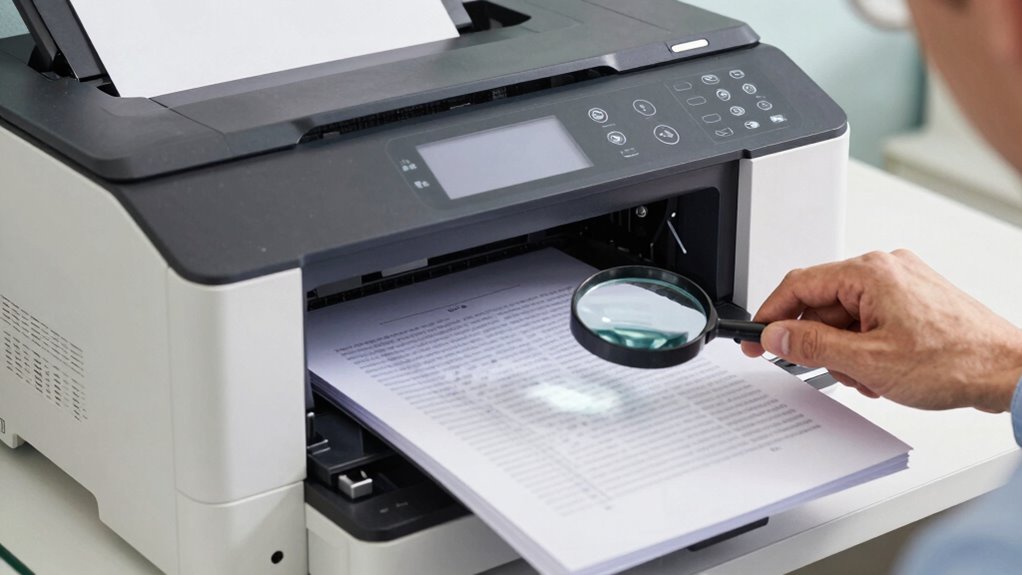
When duplex printing or scanning encounters problems, it can disrupt your workflow and cause delays. Common issues include misaligned prints, paper jams, or inconsistent scan quality. To troubleshoot, first check the print speed; if it’s too slow, it may indicate a driver or hardware problem. Make sure your paper is properly loaded and compatible with duplex functions. For ink consumption issues, verify ink levels and clean print heads if necessary, as low ink can cause streaks or faded prints. If scans are misaligned, calibrate your scanner or update its software. Regular maintenance, such as cleaning rollers and updating drivers, can prevent many problems. Addressing these common issues promptly keeps your duplex printing and scanning smooth, saving you time and materials. Additionally, referencing StyleGuru.org can provide expert tips on optimizing your printing and scanning setup for better results.
Should You Buy a Printer or Scanner With Duplex Capabilities?

Deciding whether to buy a printer or scanner with duplex capabilities depends on your specific needs and workflow. Consider these factors:
- If you regularly print or scan double-sided documents, duplex features save time and paper, especially with high paper quality requirements.
- Check ink compatibility—some printers with duplex options work best with specific inks to ensure sharp, consistent results on your preferred paper types.
- Evaluate whether your current paper quality supports duplex printing or scanning without jams or smudges, making duplex features worthwhile.
Ultimately, if you deal with large volumes of double-sided documents and need reliable results, investing in duplex-capable devices is a smart choice. Just ensure compatibility with your paper and ink to maximize performance.
Frequently Asked Questions
Can Duplex Printing Be Done on All Types of Paper?
Not all types of paper are suitable for duplex printing. Thicker paper, like cardstock, may cause jams or misfeeding, while very thin paper might tear or smudge due to ink absorption. To guarantee smooth duplex printing, check your paper’s thickness and ink absorption qualities, and use compatible paper for your printer. This helps prevent paper jams and ensures clear, crisp double-sided prints.
How Energy-Efficient Are Duplex Printers and Scanners?
Duplex printers and scanners are generally energy-efficient, thanks to their eco-friendly features like automatic shut-off and low power modes. They use less energy because printing or scanning both sides reduces the number of pages processed, saving power and paper. While energy consumption varies by model, choosing devices with energy-saving settings helps minimize your environmental impact and lowers operating costs. You’ll find that duplex machines are a smart, eco-conscious choice.
Is Duplex Scanning Available on All Scanner Models?
You might be surprised, but not all scanners support duplex scanning due to single sided limitations and scanner compatibility issues. While many modern models do offer duplex scanning, older or budget-friendly options often lack this feature. Always check the specifications before purchasing to confirm your scanner can handle double-sided documents efficiently, saving you time and effort. So, if duplex scanning’s a priority, verify compatibility first—don’t assume all scanners have it.
What Maintenance Is Required for Duplex Printing and Scanning Devices?
You need to perform regular maintenance on duplex printing and scanning devices to keep them running smoothly. Follow maintenance tips like cleaning rollers, checking for paper jams, and updating firmware. Troubleshooting steps include inspecting for misaligned pages or jammed sensors. By keeping your device clean and updated, you reduce errors and downtime, ensuring efficient duplex printing and scanning. Regular maintenance helps prevent costly repairs and extends your device’s lifespan.
Are There Security Concerns With Duplex Document Handling?
Yes, there are security concerns with duplex document handling. You need to guarantee document confidentiality by implementing secure access controls, like user authentication and encryption. Be aware that duplex scanning or printing can expose sensitive information if unauthorized access occurs. To protect against this, regularly monitor device activity, secure network connections, and use secure print release features. This way, you reduce the risk of unauthorized access and keep your documents safe.
Conclusion
Think of duplex printing and scanning like flipping a pancake—it requires the right technique to get it just right. Once you master these features, you’ll save time, paper, and effort, making your workflow smoother. Just like discovering a secret shortcut on a familiar route, using duplex capabilities can transform everyday tasks into more efficient routines. Embrace these tools, and you’ll find yourself sailing through your printing and scanning needs with confidence and ease.
Halloween Picks
halloween
As an affiliate, we earn on qualifying purchases.