
🔍 Read the full analysis: How To Set Expectations For Claude Meetings In Google Meet on ThorstenMeyerAI.com

Get the latest gadgets delivered free with Prime
- Fast, free delivery on millions of items
- Prime Video, Amazon Music and more included
- Member-only deals all year
TL;DR
Anthropic’s Claude Meetings beta, announced November 12, adds Claude as a participant in Google Meet calls for Team and Enterprise subscribers. It can transcribe meetings, answer questions and create documents during calls, so users should explain its presence and seek participants’ agreement before it joins.
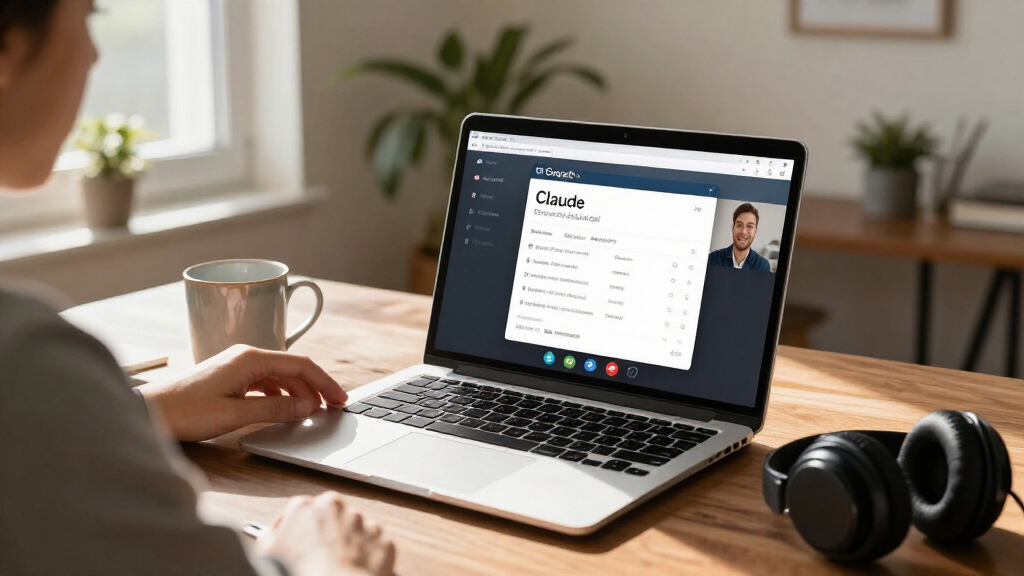
Anthropic announced Claude Meetings on November 12, a beta feature that lets eligible Team and Enterprise customers add Claude to a Google Meet call as a visible participant. The AI can create a transcript and summary, answer questions in the meeting chat and build documents or whiteboards live, making it important for hosts to tell participants what it will record and get their agreement before using it.
According to Anthropic’s Help Center, Claude Meetings is available through Claude and Claude Desktop for Google Meet only. The feature is not available to some organizations during the beta, including those using zero data retention, HIPAA-ready configurations or customer-managed encryption keys. Anthropic says support for other meeting platforms is coming, but has not given a date.
Claude can join when a user adds it to a scheduled meeting or enables a personal auto-join setting. Users can set it to join all their meetings or all except one-on-ones; organization owners cannot set auto-join on behalf of users. Claude usually joins without asking the host for permission, though the host can admit it if prompted. If the host declines, it will not try to join that call again unless someone adds it.
During a call, participants can address Claude aloud or type a request in Meet chat. By default, Claude replies in writing in the chat, where its messages are visible to everyone on the call. It can also create documents and whiteboards attached to a meeting page. Afterward, that page can include the transcript, summary, action items and artifacts. Invitees from the organization can receive a recap email and edit what Claude created; external guests do not receive the page or email.
Claude Meetings · beta since Nov 12, 2026
What happens when Claude joins your call
One video call with Claude as a participant, in six steps: how it gets in, what it hears, what it makes, and where the results go, as Anthropic describes it.
The call (schematic)
Step by step
- AddedSomeone adds Claude from the calendar, or has auto-join on. It joins as a visible participant and posts a notice in the chat.
- ListensIt follows the call and keeps a live transcript on a meeting page. It saves text, not audio.
- Builds“Claude, make a doc”: docs, whiteboards and slides appear on the meeting page. Answers go to the Meet chat, visible to everyone.
- ActsConnected tools, like a Slack message, only with each person’s permission. A yes applies going forward.
- GuestsIf outside guests are not allowed, Claude leaves when one joins. If allowed, it takes notes but does not reply in chat.
- AfterNotes, summary, action items, transcript. Colleagues on the invite get a recap email; guests do not. Stays up to 8 hours.
Source: Anthropic, “Introducing Claude Meetings” (Nov 12, 2026) and Help Center article “Use Claude Meetings” (retrieved Nov 15, 2026). The call picture is a schematic: tile names and labels are illustrative, not Anthropic’s interface.
Graphic: Powered by Thorsten Meyer AI
Set Consent Before Claude Joins
Claude Meetings does more than capture a conversation: it can produce working materials during the call and use connected tools, such as sending a Slack message, with the relevant user’s permission. That makes it useful for teams that want notes and follow-up tasks without assigning a human note-taker, but it also gives the AI access to spoken discussion and, in some cases, connected services.
Anthropic’s Help Center says the feature keeps a transcript, summary and screen descriptions, not audio. It also says users should make sure everyone on the call is comfortable being transcribed. The participant tile and a notice in the call chat make Claude visible, but visibility alone does not establish that everyone has agreed. Hosts should explain the recording and artifact features before adding Claude, especially when customers, partners or other outside guests are present.
For Team plans, Claude can join calls with outside guests by default, though an organization owner can turn that off. On Enterprise plans, an owner must enable outside-guest access first; it is limited to internal meetings by default. If outside guests are allowed, Claude includes what they say in the transcript and notes, but does not reply in the chat. These differences make checking the organization’s plan and settings part of setting expectations.
Products Worth Considering

Kindle Paperwhite Signature Edition 32GB (2024 Model) – Metallic Black

Amazon Kindle Scribe (16GB) with Premium Pen, Tungsten

Apple Watch Series 10 GPS 46mm with Silver Aluminum Case and Blue Cloud Sport Loop
As an affiliate, we earn on qualifying purchases.
How the Beta Reaches Meet
Anthropic’s product example describes a team planning a customer event. A participant asks Claude to start a document, and it drafts the plan as the group talks. When asked about the prior year’s event cost, Claude requests approval to look it up and posts the result in the meeting chat. After the call, the notes, action items, plan and whiteboard are available on the meeting page. This is an example from Anthropic, not an independent assessment of the feature.
The beta’s defaults vary by subscription. Team plans have the feature on by default, and calls with outside guests are allowed by default. On Enterprise plans, an owner must turn the feature on, and it is restricted to internal meetings unless the owner permits external guests. If external guests are not allowed, Claude stays out of a meeting with an outside invitee and leaves if one joins later. It also leaves if another company’s note-taking bot joins.
Anthropic says notes, transcripts and answers are included in Team and Enterprise plans. Documents and whiteboards created during meetings are free through February 10, 2027; after that date, pricing is not specified in the cited help material. Requests that use connected tools count toward usage. Users can pause Claude, tell it to stop listening or leave, or remove it from the call. Anthropic says it can remain for up to eight hours and warns before leaving.
““It takes the notes, answers questions, and builds artifacts, such as docs, whiteboards, and slides, live during the call.””
— Anthropic Help Center, “Use Claude Meetings”
Retention, Pricing and Platform Dates
Anthropic’s cited Meetings information does not state how long meeting records are retained, or what documents and whiteboards will cost after February 10, 2027. It also does not provide a launch date for platforms beyond Google Meet. Those details may affect organizations deciding whether the beta fits their privacy, compliance and budgeting requirements.
The feature’s availability is also limited: some organizations, including those with zero data retention, HIPAA-ready configurations or customer-managed encryption keys, cannot use it during the beta. The source material does not specify when those restrictions might change. Anthropic says tool actions require permission, but the precise experience can differ by request: it says approval is requested the first time a connected tool is used, while spoken requests prompt Claude to confirm who is speaking each time.
Watch for Beta Changes
Anthropic says it is working with Gong, Attention, Granola, Fireflies.ai, Otter and Plaud so users will be able to send meeting transcripts to tools their teams already use. It has not announced when that option will arrive. For now, the next practical step for organizations considering the beta is to check availability and plan settings, decide whether outside guests may be included, and tell attendees what Claude captures and creates before a call begins.
Teams should also review the handling of meeting pages and connected tools against their own policies, since the available product information does not give a retention period. Further announcements from Anthropic may clarify platform support, beta eligibility and post-February pricing; no dates for those updates have been provided.
Key Questions
What is Claude Meetings?
Claude Meetings is an Anthropic beta that adds Claude to Google Meet calls. It can take notes, answer questions in the meeting chat and create documents or whiteboards during a call.
Does Claude record meeting audio?
Anthropic says Claude keeps a transcript, summary and screen descriptions, not audio. Its Help Center advises users to make sure everyone on the call is comfortable being transcribed.
Can Claude join a meeting with outside guests?
On Team plans, outside-guest calls are allowed by default, though an owner can disable them. On Enterprise plans, an owner must allow them; the default is internal meetings only. When guests are permitted, their comments are included in the notes and transcript.
How much does Claude Meetings cost?
Anthropic says notes, transcripts and answers are included in Team and Enterprise plans. Meeting documents and whiteboards are free through February 10, 2027; pricing after that date has not been stated in the cited information. Connected-tool usage counts toward plan usage.
Can users stop Claude during a call?
Yes. Users can ask Claude to stop listening or leave, pause it from the meeting page, or select “Remove Claude” in Meet. Anthropic says it can stay for up to eight hours and warns before it leaves.
Source: ThorstenMeyerAI.com