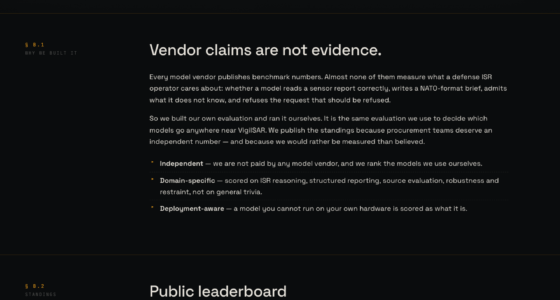

To set up a guest Wi-Fi network properly, start by choosing a router that supports network segmentation and advanced security features. Create a separate network with a strong, unique password and enable encryption like WPA3. Limit guest access by setting bandwidth restrictions and disabling device-to-device communication. Regularly update your router’s firmware and test the network for stability. For more detailed steps, continue exploring how to secure and manage your guest Wi-Fi effectively.
Key Takeaways
- Choose a router supporting separate guest network features for easy segmentation.
- Enable WPA3 or WPA2 encryption and set a strong, unique password for the guest Wi-Fi.
- Configure bandwidth limits and access restrictions to control guest device usage.
- Regularly update router firmware to patch vulnerabilities and improve security.
- Test network isolation and monitor activity to ensure guest traffic remains separate from main devices.
Wi-Fi router with guest network support
As an affiliate, we earn on qualifying purchases.
As an affiliate, we earn on qualifying purchases.
Why You Need a Separate Guest Wi-Fi Network
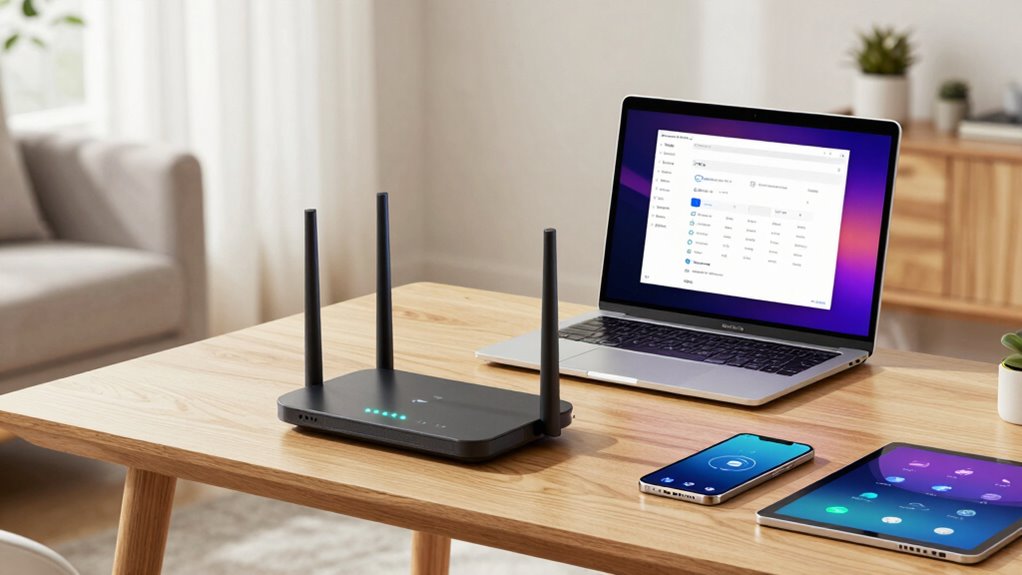
Having a separate guest Wi-Fi network is essential for maintaining your home’s security. It creates a form of network segmentation, isolating guest devices from your primary network. This separation prevents visitors from accessing sensitive data, devices, or shared files on your main network. By segmenting your network, you protect your privacy and reduce the risk of malware spreading between devices. A dedicated guest network also ensures that your devices operate smoothly without interference from guest traffic. Additionally, it allows you to control what guests can access, enhancing overall privacy protection. Setting up a separate Wi-Fi ensures you’re not exposing your personal information or critical devices to potential security threats, giving you peace of mind while allowing visitors to enjoy internet access. Proper configuration of your router’s settings can optimize the performance and security of your guest network, providing an extra layer of protection. Incorporating network security best practices can further strengthen your network’s defenses and keep unwanted intrusions at bay. Regularly monitoring network activity can help you quickly identify and respond to any suspicious behavior, further safeguarding your network. Implementing regular firmware updates is also vital for patching vulnerabilities and maintaining optimal security.
As an affiliate, we earn on qualifying purchases.
Pick the Right Hardware and Set Up Your Router
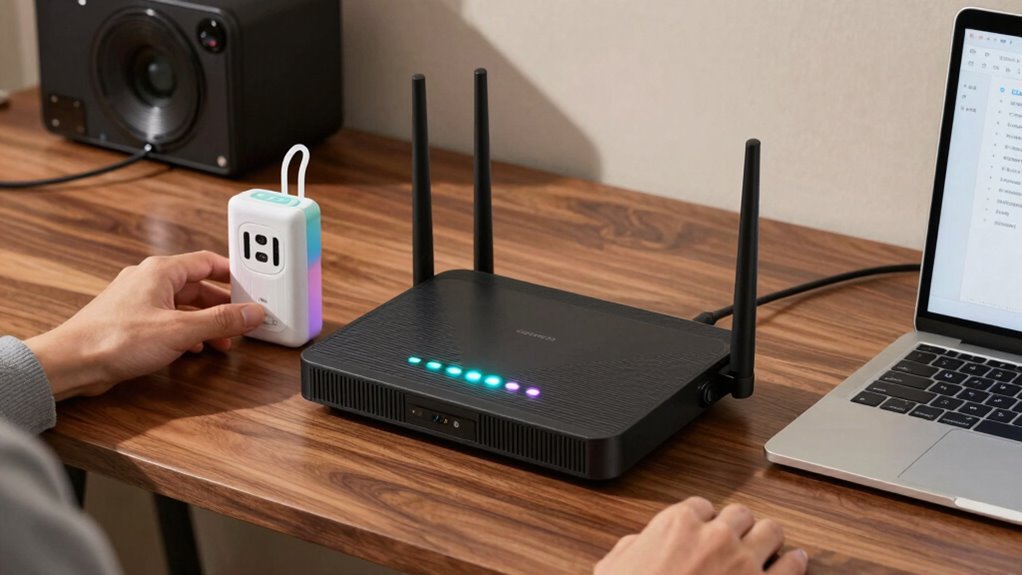
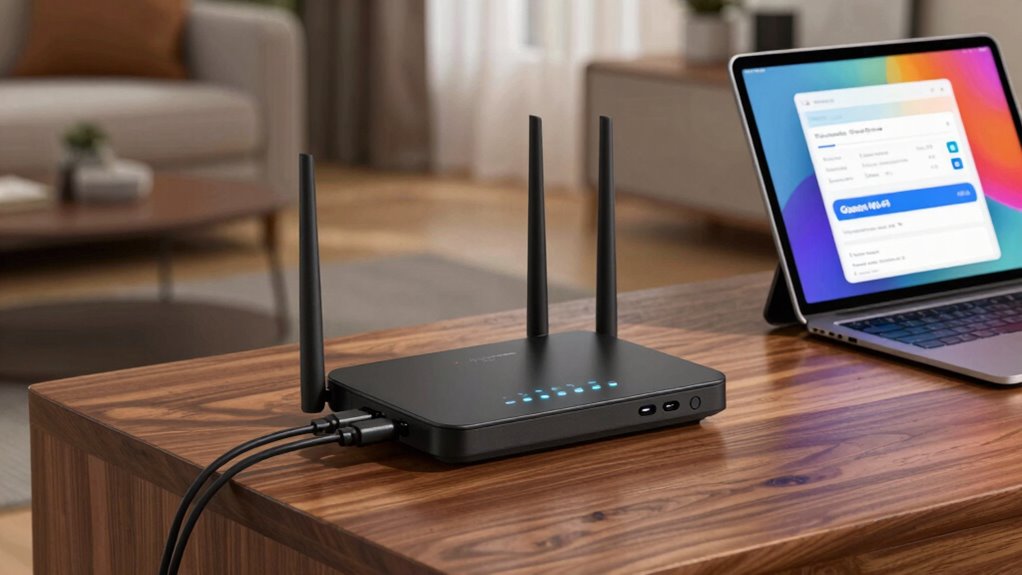
Choosing the right hardware is essential for a smooth and secure guest Wi-Fi setup. A capable router supports network segmentation, isolating your guest network from your main devices, which enhances security. Look for routers with dual-band or tri-band options to better manage traffic and prevent congestion. Prioritize devices such as your main computers and smart home gadgets to ensure they get the bandwidth they need, leaving guest devices with sufficient access without affecting performance. Some routers offer Quality of Service (QoS) features, allowing you to assign device prioritization easily. Proper hardware guarantees stable connections, better security, and ideal performance for both your devices and your guests. Additionally, selecting routers with advanced hardware components can improve overall reliability and longevity of your network setup. Implementing security features on your router is also crucial to protect your network from unauthorized access. Investing in Proper hardware setup is crucial for maintaining a reliable and secure network environment. Ensuring your hardware is up-to-date and well-maintained can further optimize network performance and security. Regularly upgrading firmware can also enhance security and introduce new features for your router.
As an affiliate, we earn on qualifying purchases.
Configure and Secure Your Guest Wi-Fi Network
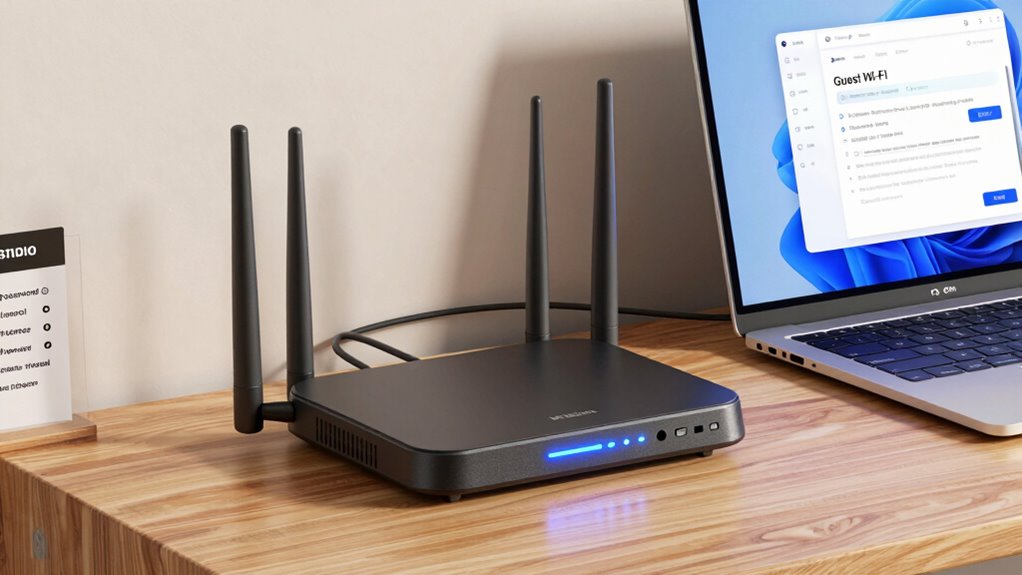
Wondering how to keep your guest Wi-Fi both accessible and secure? The key is to configure your network with proper security measures. Use network segmentation to isolate guest traffic from your main network, preventing unauthorized access to sensitive data. Enable strong encryption protocols like WPA3 or WPA2 to protect data transmission. Set a unique, complex password for your guest network, avoiding default credentials. Regularly update your router’s firmware to patch vulnerabilities. Consider disabling remote management features to prevent external access. Additionally, understanding the importance of network security can help ensure your setup remains robust and protected against potential threats. Implementing network monitoring can further detect and respond to suspicious activity in real-time. Staying informed about the latest security practices helps maintain your network’s integrity. Incorporating firewall settings can add an extra layer of defense against unauthorized access. Here’s a quick overview:
| Security Step | Description | Benefit |
|---|---|---|
| Network Segmentation | Isolate guest and main networks | Limits access to sensitive info |
| Encryption Protocols | Use WPA3 or WPA2 for data encryption | Protects data in transit |
| Unique Password | Set a strong, unique password for guest Wi-Fi | Prevents unauthorized access |
As an affiliate, we earn on qualifying purchases.
Manage Guest Access and Limit Bandwidth
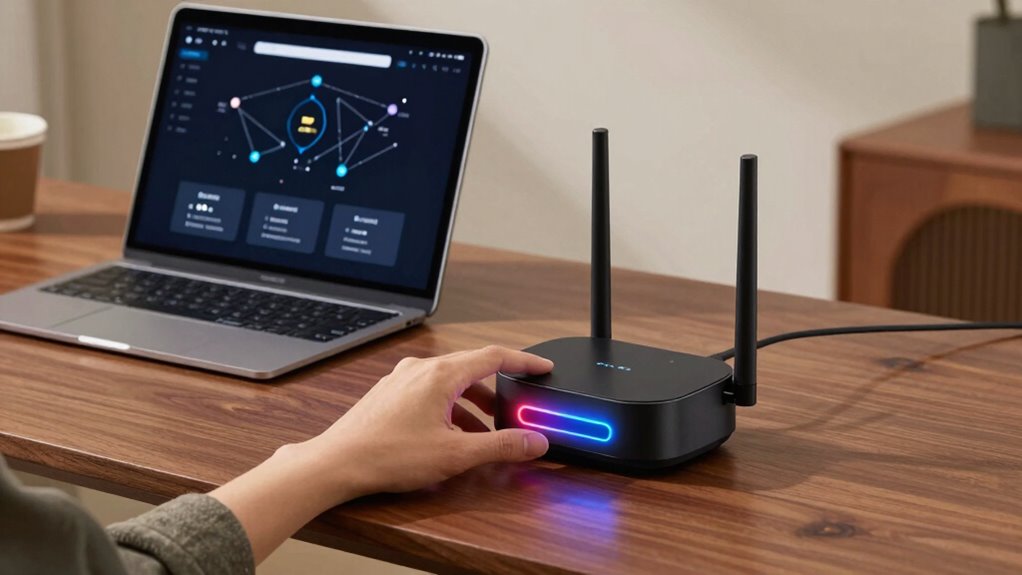
Once you’ve set up and secured your guest Wi-Fi, it’s important to manage how guests access the network and control their bandwidth usage. Implement network segmentation by creating a separate guest network, which keeps guest traffic isolated from your main devices. This prevents potential security risks and guarantees your primary network remains fast and secure. To prevent guests from consuming too much bandwidth, use bandwidth throttling features available on your router. This limits the maximum data each guest can use, maintaining excellent performance for your devices. Regularly monitor network activity to identify any unusual usage patterns. Employing network segmentation enhances security by isolating guest traffic from sensitive devices. Additionally, setting up guest access policies helps you define specific rules and restrictions for your visitors. Using bandwidth management tools allows you to better control resource allocation and ensure consistent network performance. Incorporating electric bikes and generators knowledge can inspire you to consider sustainable technology options for your home or outdoor activities, promoting energy efficiency. Being aware of privacy concerns associated with guest Wi-Fi can help you implement appropriate safeguards. Managing guest access with segmentation and bandwidth throttling keeps your network secure, efficient, and ensures a good experience for both you and your guests.
Test Your Guest Wi-Fi and Keep It Secure Over Time
To guarantee your guest Wi-Fi remains reliable and secure over time, you should regularly test its performance and security features. Start by verifying that network segmentation is working properly, keeping guest traffic isolated from your main network. Use tools to assess connection stability, speed, and coverage. Review your guest access policies periodically to ensure they still align with your security goals, updating passwords or access restrictions as needed. Conduct security checks for vulnerabilities, such as outdated firmware or weak encryption. Regular testing helps identify potential issues before they become problems. Keep monitoring your guest Wi-Fi’s performance to ensure it stays fast and secure, maintaining a safe environment for your guests and protecting your core network from potential threats. Staying informed about security best practices can help you adapt your setup to evolving threats. Additionally, understanding network segmentation principles is crucial for maintaining an effective guest network. Home theater fundamentals also play a role in ensuring a seamless online experience, especially if streaming or gaming. Regularly updating your Wi-Fi equipment firmware is essential for optimal security and performance. Moreover, staying aware of emerging security threats allows you to proactively defend your network against new vulnerabilities.
Frequently Asked Questions
Can I Use a Guest Wi-Fi Network on My Mobile Device?
Yes, you can use a guest Wi-Fi network on your mobile device. Most modern mobile devices are compatible with guest networks, allowing you to connect easily. However, be aware of guest network restrictions, which might limit access to certain websites or services. Make certain your device’s Wi-Fi is turned on, select the guest network from available options, and enter the password if required. This way, you stay connected while respecting the network’s limitations.
How Often Should I Update My Wi-Fi Security Settings?
You should update your Wi-Fi security settings at least every three to six months. Regular password management guarantees your network stays secure, so change your passwords periodically. Also, keep your router’s firmware updated to patch vulnerabilities and enhance security features. Staying proactive helps protect your network from potential threats and unauthorized access, giving you peace of mind. Consistent updates are key to maintaining a safe and reliable Wi-Fi environment.
What Are Common Signs of an Insecure Guest Wi-Fi Network?
If your guest Wi-Fi shows signs of unauthorized access or slow, unreliable connections, it’s a red flag. You might notice strange devices connected, or your network encryption isn’t strong enough, leaving your network wide open for hackers. An insecure guest network often lacks proper security measures, making it easy for hackers to exploit. Regularly check your connected devices and upgrade your encryption to keep your network safe and secure.
Is It Possible to Customize Bandwidth Limits for Specific Guests?
Yes, you can customize bandwidth limits for specific guests through bandwidth management features in your router’s access control settings. This allows you to allocate more or less bandwidth based on each guest’s needs, preventing any single user from hogging your connection. By setting these limits, you guarantee fair distribution of your network’s resources and maintain ideal performance for all guests and devices.
How Do I Troubleshoot Connectivity Issues With My Guest Network?
If you’re experiencing connectivity issues with your guest network, start by rebooting your router to clear any temporary glitches. Check for network interference from nearby devices or other Wi-Fi signals, which can disrupt your connection. Move your router to a more central location and away from electronics that cause interference. If problems persist, update your router’s firmware and consider changing the Wi-Fi channel to improve stability.
Conclusion
Setting up a guest Wi-Fi is like opening a friendly door—offering visitors access without risking your main network. By choosing the right hardware, securing your connection, and managing access, you keep your digital home safe while welcoming guests. Regularly testing and updating your setup is your shield against potential threats. With these steps, your guest Wi-Fi becomes a well-guarded gateway—a trusted bridge that keeps your online world safe and sound.