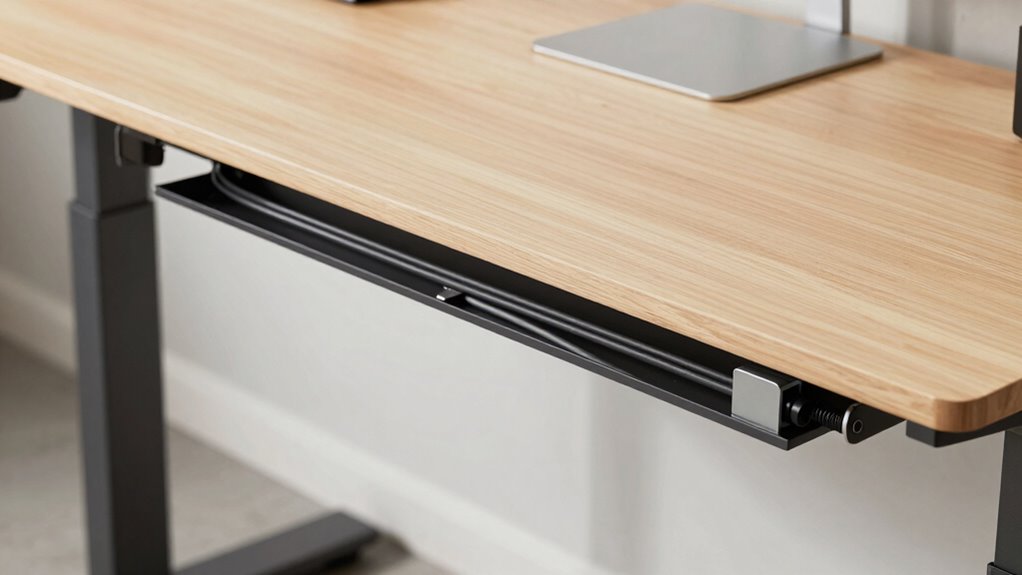

To create a clean setup for your standing desk, start by evaluating your cable needs and planning routes that keep cords organized and out of sight. Use cable clips, sleeves, and trays to secure and conceal cables along walls and desk edges. Label cords for easier adjustments, and regularly maintain your setup by untangling knots and inspecting for wear. Keep your workspace safe and tidy—continue exploring these tips to master effortless cable management.
Key Takeaways
- Assess device placement and cable lengths to minimize clutter and ensure easy access.
- Plan cable routes along walls or desk edges to keep cords tidy and prevent tripping hazards.
- Use cable clips, sleeves, and labels for secure, organized, and easily identifiable wiring.
- Position power strips off the floor and bundle cords with Velcro straps or ties for safety.
- Regularly review and maintain your setup, replacing damaged cables and exploring wireless alternatives.

SOULWIT 50Pcs Self Adhesive Cable Management Clips, Cable Organizers Wire Clips Cord Holder for TV PC Ethernet Cable under Desk Home Office (Black)
🔷SUPER EASY TO USE: Stick to clean surface, open tab, insert multiple cables, close the tab, enjoy the…
As an affiliate, we earn on qualifying purchases.
As an affiliate, we earn on qualifying purchases.
Why Cable Clutter Damages Your Workspace: And How to Fix It
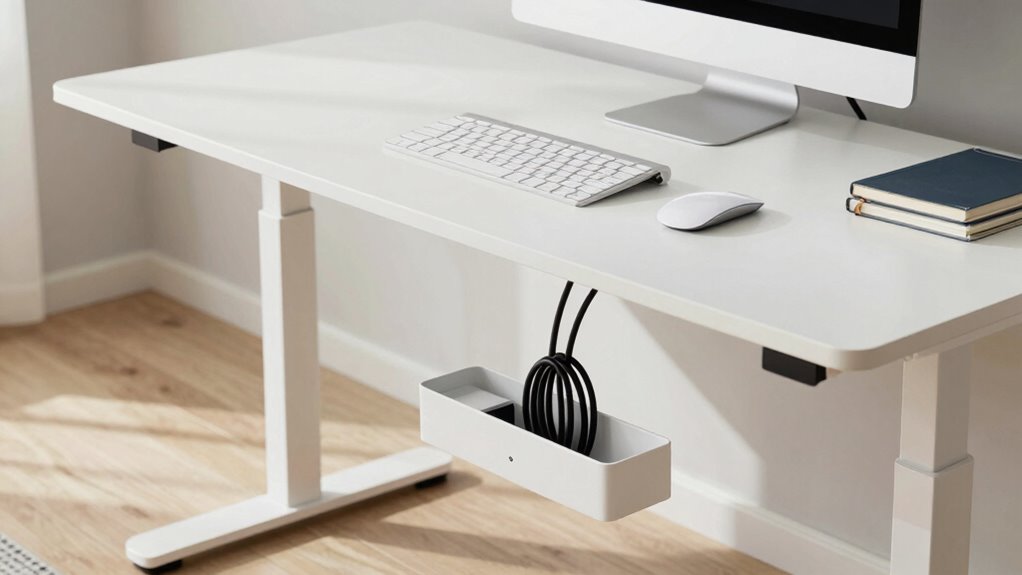
Cable clutter might seem like a minor inconvenience, but it actually harms your workspace in several ways. Poor cable aesthetics can make your area look chaotic and unprofessional, which affects your motivation and focus. More importantly, tangled or scattered cables can create ergonomic issues, leading to discomfort or even injury. When cables are strewn across your desk, you might find yourself constantly adjusting your position or struggling to reach devices, disrupting your workflow. Additionally, cluttered cables can cause accidental pulls or damage to your equipment over time. Fixing this involves organizing cables neatly, using cable clips, sleeves, or trays. Proper cable management can also prevent equipment damage and extend the lifespan of your devices. Implementing effective cable management techniques can further enhance workspace safety by reducing tripping hazards. Maintaining a tidy workspace can also improve productivity by minimizing distractions caused by clutter. Clearing your workspace improves both its visual appeal and ergonomic safety, helping you work more efficiently and comfortably at your standing desk. Furthermore, proper cable organization can contribute to equipment longevity by reducing wear and tear on cables and connectors. Moreover, maintaining proper cable management can help preserve your valuable golf heritage by preventing accidental damage to equipment and ensuring a professional setup.

VIVO No Drill Clamp-on 24 inch Mesh Net Under Desk Cable Management Wire Organizer, Adjustable Home Office Standing Desk Cord Storage Sleeve, Black, DESK-AC24MH
Clamp-On Mesh Cable Management: Easily route cables under the desk with simple installation for a better system. C-clamps…
As an affiliate, we earn on qualifying purchases.
As an affiliate, we earn on qualifying purchases.
Figuring Out Your Cable Management Needs
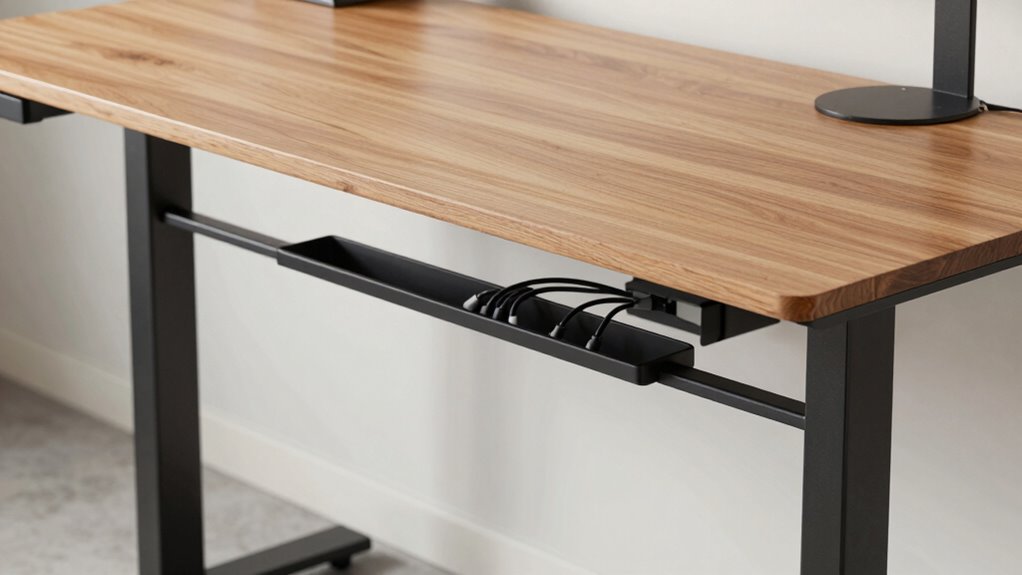
Before you start organizing, determining your specific cable management needs is vital. Begin by evaluating your devices and their locations to identify necessary cable length optimization. Measure the distances between your desk, power outlets, and peripherals to avoid excess slack or tight pulls. This step helps prevent cable clutter and makes future adjustments easier. Additionally, implement cable labeling strategies to keep track of connections, especially if you frequently disconnect or rearrange devices. Labeling allows you to quickly identify which cable belongs to each device, reducing confusion and saving time. Incorporating smart home safety features like cable organizers with integrated sensors can also help monitor cable conditions and prevent hazards. Furthermore, understanding child-friendly cable management solutions can be beneficial if children have access to your workspace, promoting safety and reducing risks of accidental disconnection or injury. Considering the electric power capabilities of your setup can also help ensure your cables are rated for the appropriate load, preventing overloads. Being aware of Gold IRA markets and their standards can inspire you to select high-quality, certified cables that meet safety regulations. Additionally, choosing ergonomic cable routing methods can improve comfort and workspace efficiency. By understanding your setup’s unique requirements, you can choose appropriate cable lengths and labeling methods, ensuring a clean, efficient workspace that’s easy to maintain and troubleshoot.

Trilancer Cable Cord Labels Large Size, for Organizing Wires and Identification, Multicolored Handwriting Cable Tags, Reusable with Multiple Uses – 35 PCS
✅【Get Organized】- Sick of unplugging the wrong cord? So were we. Avoid the frustration with the cable cord…
As an affiliate, we earn on qualifying purchases.
As an affiliate, we earn on qualifying purchases.
Designing a Simple Cable Routing Plan
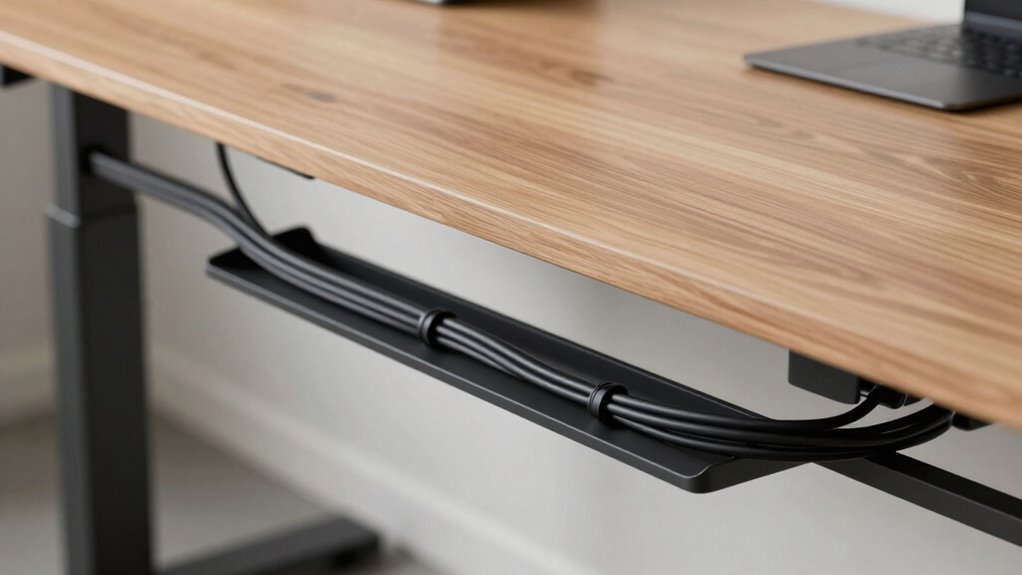
Start by identifying your power sources and where your devices will connect. Then, plan the best routes for your cables to keep them tidy and out of the way. Additionally, consider cable safety to prevent accidents and damage. Incorporate Free Floating elements to ensure your setup remains adaptable and clutter-free. To enhance safety and organization, opt for high-quality cable management tools like clips or sleeves to secure and organize everything effectively. Incorporating ethical consumer choices can also guide you toward sustainable and environmentally friendly cable options. Understanding drone bees and hive health can inspire a balanced and efficient approach to your cable management system, promoting a harmonious workspace.
Identify Power Sources
To create an effective cable routing plan, you need to identify all the power sources that will supply your standing desk setup. Start with power source identification by locating the outlets closest to your workspace. Consider outlet placement to ensure easy access without stretching cords or creating hazards. Check if existing outlets can handle the power load of your devices or if you need to add additional outlets or power strips. Note the position of each outlet relative to your desk and plan your cable routes accordingly. This step helps you avoid clutter and minimizes the risk of tripping over cords. Properly recognizing your power sources ensures a cleaner, safer setup and sets the foundation for an efficient cable management system. Additionally, using weatherproof power outlets can protect your setup from environmental damage and enhance safety. Remember that understanding your electrical capacity is crucial to prevent overloading circuits and potential hazards. Being aware of your power capacity allows you to select appropriate power strips and avoid circuit overloads, which is vital for a safe workspace. Moreover, considering the location of outlets can influence the overall accessibility and neatness of your cable routing plan.
Plan Cable Pathways
How can you design an effective cable routing plan that keeps your workspace tidy and safe? Start by visualizing a clear pathway from your power sources to your devices. Use pathway planning to determine the most direct route, avoiding unnecessary twists and tangles. Keep cables close to the desk edge or along the back panel to reduce clutter. Consider natural cable routes that follow the desk’s shape and layout. Group cables together using clips or ties to prevent tangling. Avoid crossing pathways with foot traffic or moving parts. By mapping out a simple, logical cable routing plan, you ensure your workspace stays organized, safe, and visually clean. Thoughtful pathway planning makes ongoing cable management effortless and enhances your overall setup. Incorporating cable management solutions designed for safety and ease can further improve your workspace environment. Additionally, understanding capacity and watt-hours can help you select the appropriate cable lengths and power management devices to optimize your setup. You can also consider ergonomic placement to improve accessibility and reduce strain when managing cables. Paying attention to cable flexibility can make adjustments easier as your workspace evolves.
Use Cable Management Tools
Using the right cable management tools makes implementing your routing plan much easier and more effective. Cable clips, sleeves, and adhesive mounts help you keep cords organized and secure along your desk and walls. Use cable labeling to identify each cable’s purpose, making future adjustments simple and quick. When routing cables, consider cord length adjustment to prevent excess slack or tension, which can cause tangling or damage. Velcro straps or reusable zip ties allow you to fine-tune cable lengths easily. These tools help you create a clean, efficient setup, reducing clutter and improving safety. With proper cable labeling and thoughtful cord length adjustment, your standing desk remains neat, functional, and free of messy tangles. Additionally, incorporating accessible cable management solutions can ensure safety and usability for all users. Proper cable routing also minimizes damage risk by preventing unnecessary strain on connections and cords.

Jgstkcity Desk Clamp Power Strip USB C,40W Total Fast Charging Station,4 PD 20W USB C Ports,Desk Edge Mount Surge Protector,5 Outlets,Fit 1.96" Tabletop Edge,ETL Listed
Office Organizers for Desk: Versatile power dock and USB charger mount to the desk surface with an edge…
As an affiliate, we earn on qualifying purchases.
As an affiliate, we earn on qualifying purchases.
Picking the Best Tools for Cable Management

Choosing the right tools is essential for effective cable management on your standing desk. Start by evaluating your setup to determine what’s needed. Wireless alternatives, like Bluetooth keyboards and wireless chargers, can reduce cable clutter altogether. For remaining cables, invest in quality cable management accessories such as cable clips, sleeves, and zip ties. These tools help keep cords organized and prevent tangling. Look for adjustable or reusable options that fit your specific setup. If you have multiple devices, consider cable sleeves or wraps to bundle cords neatly. Additionally, ensure your tools are durable and easy to install. Selecting the right combination of wireless solutions and cable management accessories will streamline your workspace and make standing desk adjustments effortless.
Installing Cable Clips, Sleeves, and Trays Effectively
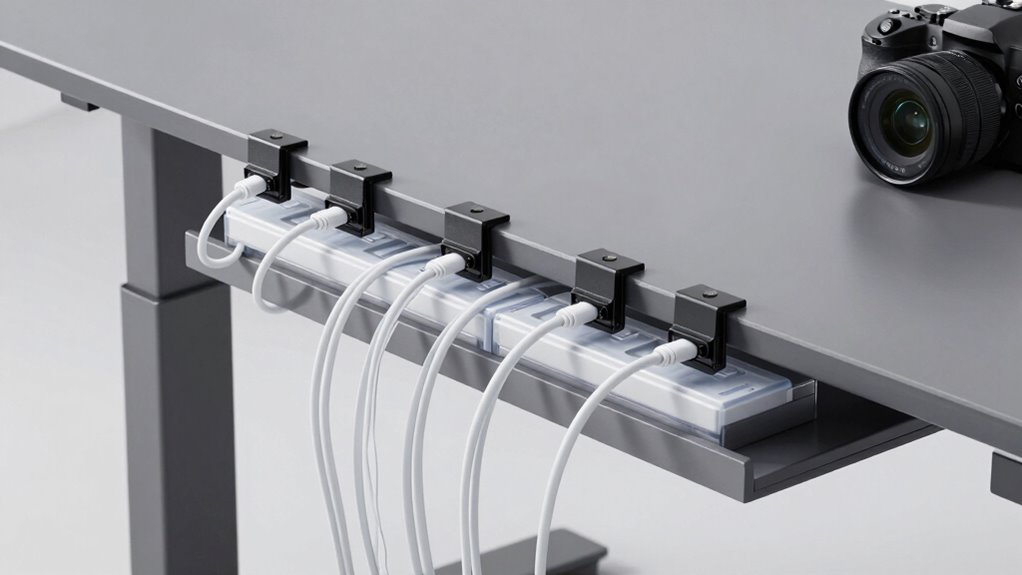
To install cable clips, sleeves, and trays effectively, start by planning your cable layout. This helps you determine where to secure cables for a clean look and easy access. Consider the different cable clip types, such as adhesive, screw-in, or magnetic clips, and choose the appropriate ones for your desk surface. When selecting cable sleeve materials, opt for flexible, durable options like neoprene or nylon to protect and organize cords.
Here’s how to proceed:
- Map out your cables along your desk and wall.
- Use cable clips to secure cords along edges, avoiding tangles.
- Incorporate sleeves around groups of cables for protection.
- Install trays underneath or behind your desk to keep cords off the floor.
Managing Power Strips and Multiple Cords Safely and Neatly
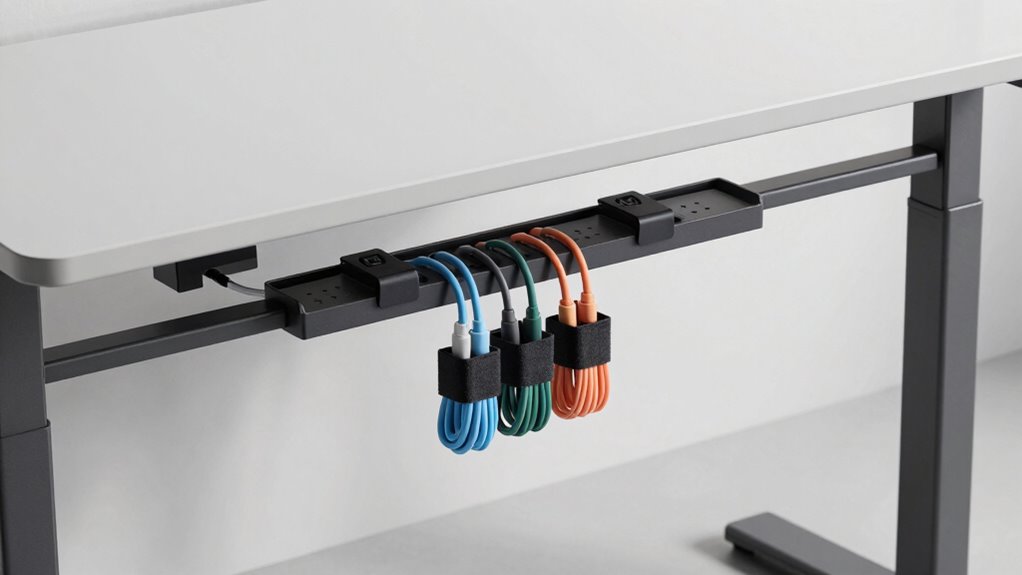
After securing individual cables with clips and sleeves, it’s important to focus on managing power strips and multiple cords to prevent clutter and potential hazards. Proper cord safety starts with choosing the right power strip placement—keep it off the floor to avoid water and dust exposure, and position it where cords won’t stretch or strain. Use cable ties or Velcro straps to bundle cords together, reducing tangles and tripping risks. Avoid daisy-chaining multiple power strips, which can overload circuits. Instead, connect devices directly to a single, well-placed strip. Ensure cords run along the desk edges or walls, secured neatly to prevent accidental disconnection or damage. By thoughtfully managing power strips and cords, you create a safer, cleaner workspace that’s easier to maintain.
How to Keep Your Cables Organized Over Time
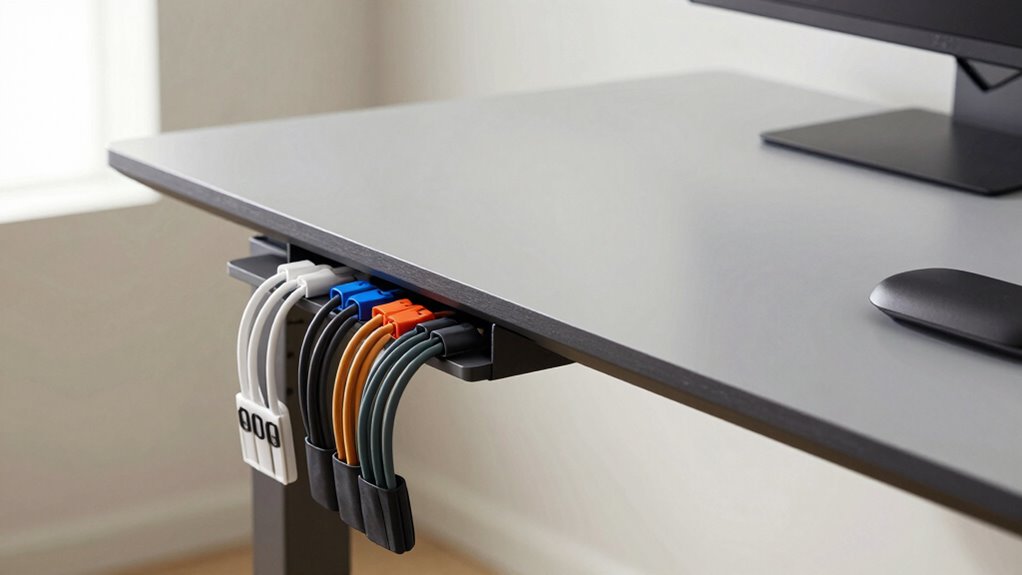
Maintaining organized cables over time requires consistent effort and good habits. To keep your setup tidy, consider these strategies:
Consistent effort and good habits keep your cables tidy and your workspace organized.
- Use cable labeling to identify cords easily, making adjustments simpler.
- Switch to wireless alternatives when possible to reduce clutter.
- Regularly review and untangle any knots or tangles that form.
- Implement a routine to check and secure cables, ensuring they stay in place.
These habits prevent clutter from building up and make future adjustments straightforward. Cable labels help you quickly identify which cord belongs where, saving time. Wireless options, like Bluetooth peripherals, eliminate many cables altogether. Staying proactive with cable management ensures your standing desk remains clean, safe, and efficient over time.
Troubleshooting Common Cable Management Problems
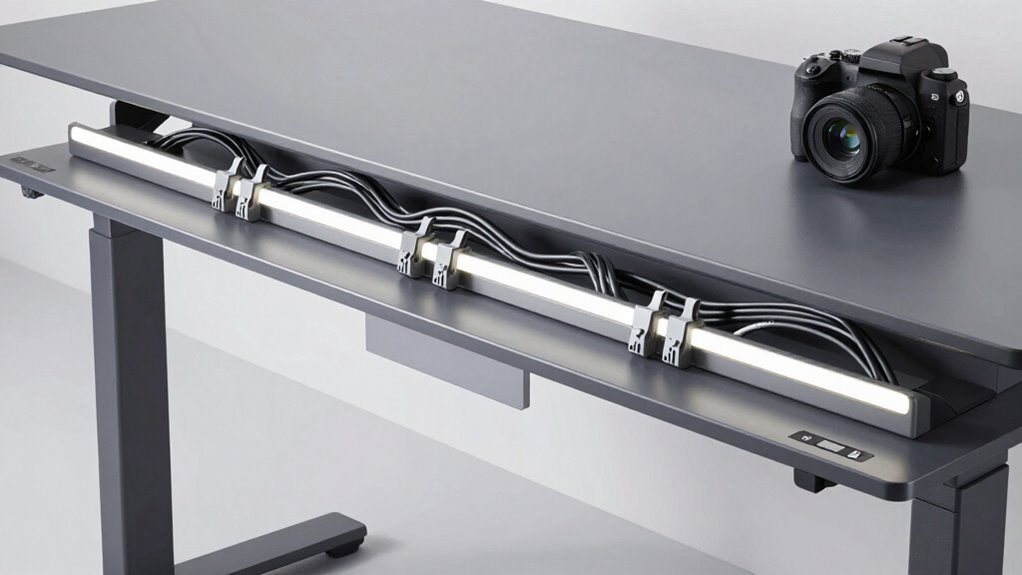
Even with the best organizing habits, cable management problems can still arise over time. If cables become tangled or cluttered, consider exploring wireless alternatives for your devices, reducing the need for long cables. When cables are too short or too long, cable length adjustment can help; use cable ties or clips to manage excess slack neatly. Loose or sagging cables can cause tripping hazards or disconnects, so secure them firmly along your desk frame. If connections frequently disconnect, check for damaged or worn cables and replace them promptly. Regularly inspecting your setup ensures that issues are caught early and resolved efficiently. Keeping cables tidy not only improves safety but also maintains a clean, professional workspace.
Making Your Workspace Look Better With Hidden Cables
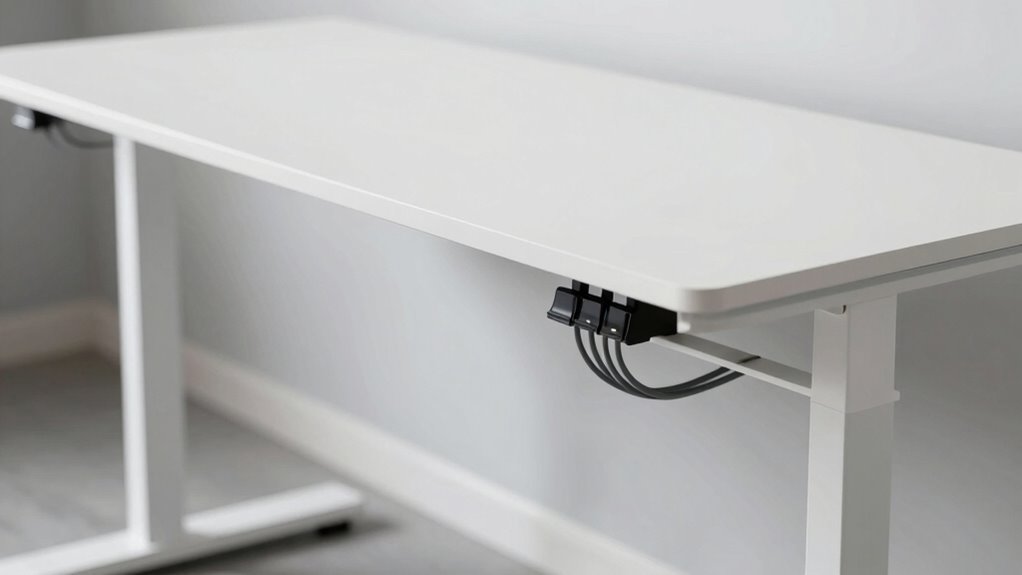
To create a clean and professional-looking workspace, hiding cables is an effective strategy that minimizes visual clutter. Using wireless solutions is one way to achieve this, reducing the number of visible cords. Aesthetic enhancements, like cable covers or raceways, help conceal wires along desks and walls. Additionally, consider the following tips:
- Use adhesive cable clips to secure cords along furniture edges.
- Install under-desk cable trays for a tidy appearance.
- Opt for wireless chargers and peripherals to eliminate unnecessary cables.
- Incorporate cable sleeves for a seamless, clean look around multiple wires.
These methods not only improve aesthetics but also make your workspace safer and more organized, promoting focus and productivity. Hidden cables create a streamlined environment that’s both functional and visually appealing.
Tips for Maintaining Your Cable Setup Long-Term
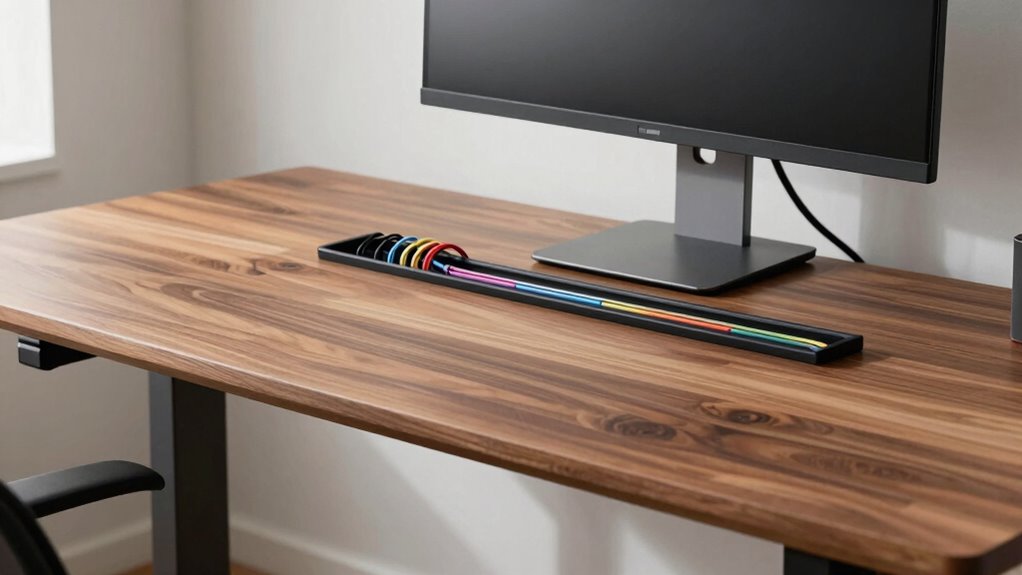
Keeping your cable setup in good shape over time requires regular vigilance and proactive adjustments. To maintain a clean workspace, consider switching to wireless solutions whenever possible to reduce clutter. Label your cables clearly using cable labeling tools so you can easily identify and manage them during maintenance. Regularly check for loose connections or wear and tear, and reorganize cables as needed. Use the table below to visualize your setup:
| Cable Type | Maintenance Tip |
|---|---|
| Power Cables | Label and inspect monthly |
| Data Cables | Keep organized with cable clips |
| Wireless Devices | Ensure firmware is up-to-date |
This approach keeps your cables tidy, minimizes disruptions, and prolongs their lifespan. Consistent care guarantees your setup stays sleek and functional.
Frequently Asked Questions
How Often Should I Check and Update My Cable Management System?
You should check and update your cable management system at least once a month. Establish a regular maintenance schedule to perform cable inspections, ensuring everything remains organized and secure. If you notice any loose, frayed, or tangled cables, take immediate action to fix or replace them. Regular upkeep helps prevent accidents, keeps your workspace tidy, and prolongs the lifespan of your cables and desk setup.
What Are the Best Eco-Friendly Cable Management Options?
Like planting a seed for a greener future, you can choose eco-friendly cable management options that make a difference. Opt for biodegradable materials and recycled components, reducing waste and environmental impact. Using cable clips made from bamboo or recycled plastics keeps your workspace tidy and sustainable. These choices not only protect your setup but also symbolize your commitment to a healthier planet, inspiring others to follow your lead.
Can Cable Management Solutions Be Customized for Different Desk Sizes?
Yes, you can customize cable management solutions for different desk sizes and variations. You can choose modular or adjustable systems that fit your specific workspace, ensuring a neat setup regardless of desk variations. Custom solutions allow you to tailor cable clips, trays, and sleeves to match your desk dimensions, making installation simple and effective. This personalized approach helps keep your workspace organized, safe, and visually appealing.
How Do I Prevent Cable Damage From Daily Wear and Tear?
You might think your cables are invincible, but daily wear and tear can cause damage over time. To prevent this, focus on cable durability by choosing high-quality, reinforced cords. Use protective sleeves or conduit to shield them from friction and accidental pulls. Regularly check and straighten cables to avoid unnecessary stress. Remember, a little wear prevention now saves you from costly replacements and frustration later.
Are There Safety Considerations When Hiding Power Strips and Cords?
Yes, you should consider safety when hiding power strips and cords. Make sure electrical hazards are minimized by avoiding overloading outlets and keeping cords away from water or heat sources. Use surge protectors and secure cords to prevent tripping. For fire safety, hide cords in cable channels or conduits, but never cover them with rugs or furniture, as this can cause overheating and increase the risk of fire.
Conclusion
Keeping your standing desk cables organized isn’t just about looks—it’s about efficiency and safety. Did you know that cluttered cables can cause a 20% increase in workspace accidents? By following a simple management plan, using the right tools, and maintaining your setup, you’ll boost productivity and prevent hazards. Stay proactive, and your workspace will stay clean, safe, and inspiring for years to come.