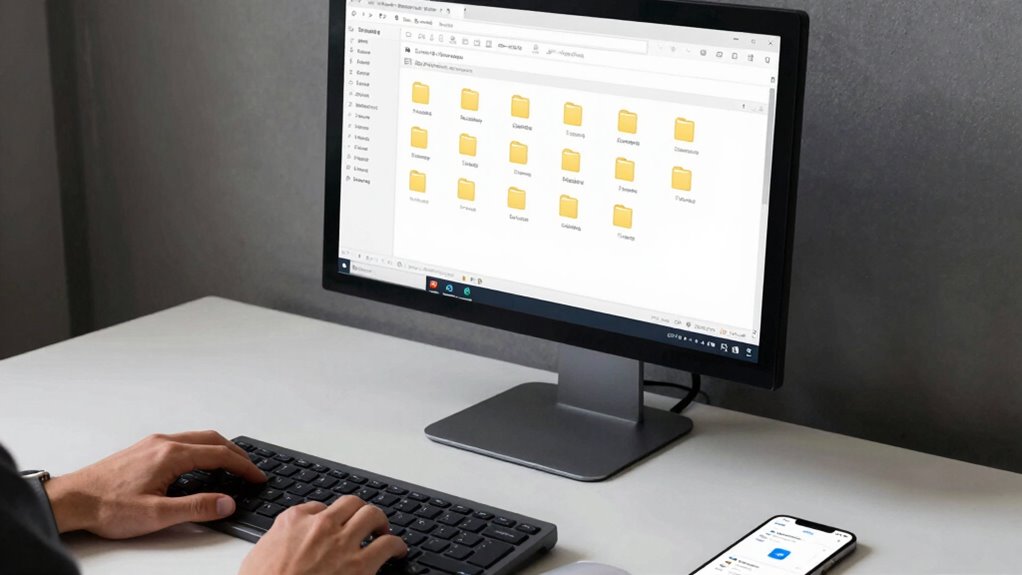

Using a consistent, descriptive file naming system helps you find your files faster and avoid confusion. Stick to clear patterns that include key details like dates, project names, or versions, and use proper keywords for easy filtering. Avoid vague labels and keep your naming style uniform across folders. By organizing your files this way, you’ll save time and reduce frustration—more tips on creating an effective system are just a step away.

Get the latest gadgets delivered free — and shop member deals
- Fast, free delivery on millions of items
- Access to Prime Big Deal Days deals on October 6–7
- Prime Video, Amazon Music and more included
Key Takeaways
- Use clear, descriptive filenames with relevant keywords like project name, date, and version.
- Follow a consistent naming convention and date format for easy chronological sorting.
- Incorporate key details such as project type or status to enhance searchability.
- Utilize templates and standardized abbreviations to maintain uniformity across files.
- Regularly review and update file names and metadata to ensure ongoing organization and quick retrieval.
digital file organization software
As an affiliate, we earn on qualifying purchases.
As an affiliate, we earn on qualifying purchases.
Start Here: Why Consistent File Naming Saves You Time
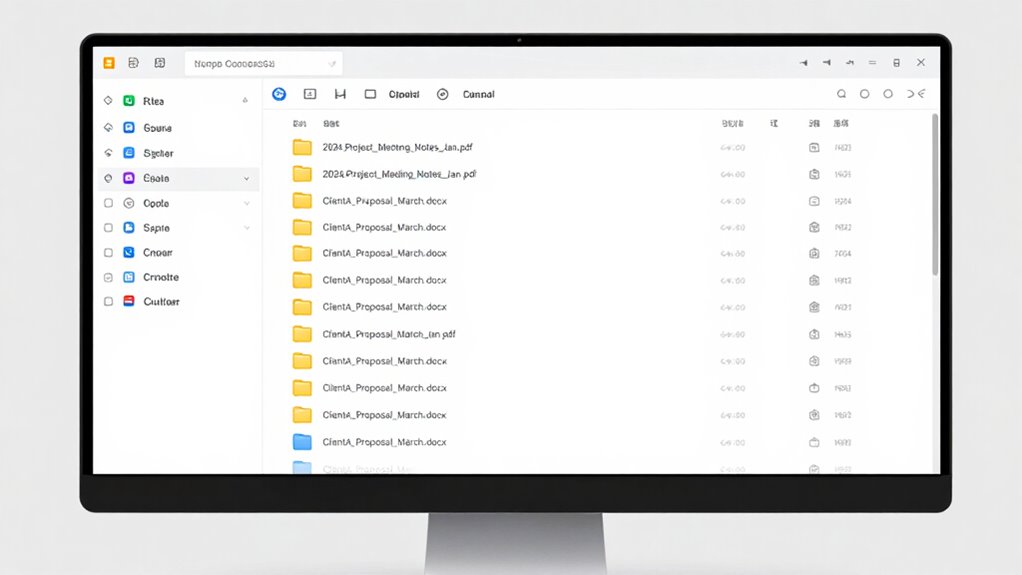
Consistent file naming might seem like a small detail, but it can dramatically improve your workflow. Using clear file naming conventions helps you find what you need quickly, saving you time and frustration. When you adopt digital organization strategies that emphasize consistency, you reduce the chance of duplicate or misplaced files. A predictable system allows you to sort and filter documents effortlessly, especially when working on multiple projects. Instead of guessing which file is the latest version, you’ll instantly identify it by its logical name. Establishing a consistent approach to naming files creates a streamlined process that benefits your productivity. Additionally, understanding file naming best practices can further optimize your digital organization. Implementing standardized naming conventions ensures that all team members follow the same system, which minimizes confusion and enhances collaboration. Developing habits around digital file organization over time makes managing your digital files more intuitive, letting you focus on your work rather than hunting for misplaced documents. Incorporating metadata and tags into your naming system can also improve searchability and categorization, making it even easier to locate specific files quickly. Practicing consistent naming patterns from the start helps prevent chaos as your collection of digital files grows.
file naming convention templates
As an affiliate, we earn on qualifying purchases.
As an affiliate, we earn on qualifying purchases.
The Basic Principles of Effective Digital File Naming
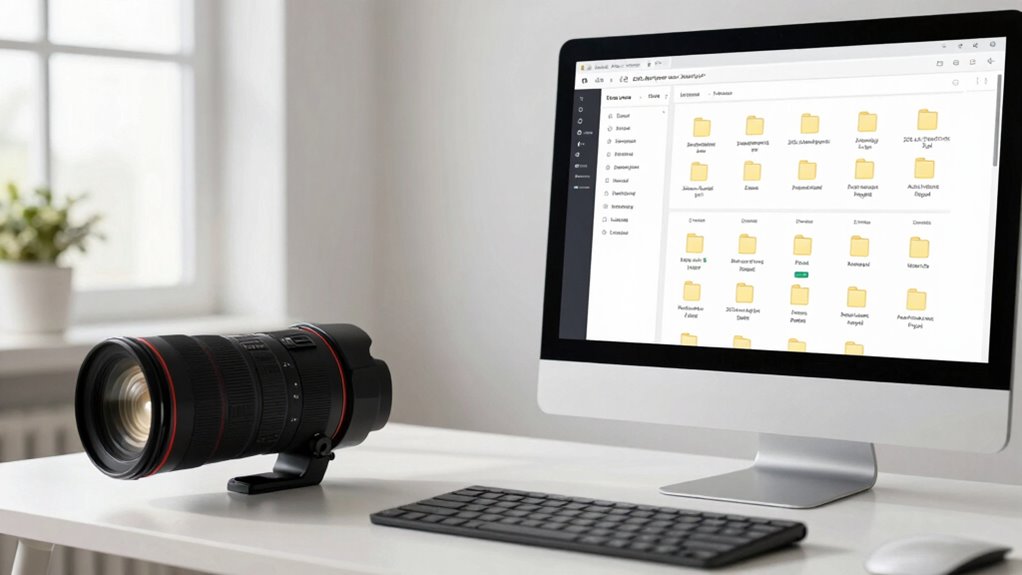
To keep your files organized, you need to follow basic principles of effective naming. Consistency helps you find what you need quickly, so develop a clear naming pattern and adhere to it. Using descriptive terms ensures each file’s purpose is obvious at a glance. Incorporating organized storage practices can further enhance your ability to locate files efficiently. Additionally, avoiding passive voice in your file descriptions can make your naming conventions more direct and clear. Understanding electric dirt bike specifications, such as horsepower and speed, can also aid in creating more meaningful file names related to technical details. Recognizing the importance of golf history can inspire themed naming conventions for related documents, making retrieval even more intuitive. Moreover, implementing cookie management strategies ensures your digital workspace remains streamlined and user-friendly.
Consistency Is Key
Achieving consistency in your file naming practices is essential for staying organized and easily retrieving documents later. When you follow clear folder organization and consistent naming conventions, it becomes effortless to locate files quickly. Stick to a standard format for dates, project names, or versions, and avoid mixing styles. This helps prevent confusion and saves time searching. Consider this table to understand the importance:
| Consistent Practice | Benefits |
|---|---|
| Use the same date format | Easy chronological sorting |
| Keep naming order uniform | Faster identification |
| Apply uniform abbreviations | Reduced ambiguity |
| Maintain style across folders | Seamless navigation |
| Regularly review labels | Continuous clarity |
Additionally, understanding software quality assurance principles can further optimize your workflows by ensuring your file management practices support overall project quality and reliability.
Use Descriptive Terms
Have you ever struggled to identify a file just by its name? Using descriptive terms helps improve metadata organization, making searches faster and more accurate. Instead of vague labels like “Document1” or “Image,” include specific keywords that describe the content, such as “MeetingNotes_Quarter1_2024” or “ProductLaunchBrochure.” These descriptive keywords create a clear, detailed file name that instantly communicates its purpose. When you apply this principle consistently, it becomes easier to locate files without opening multiple folders. Remember, clear, relevant terms serve as valuable metadata, guiding you right to the file you need. Incorporating ethical considerations in digital organization into your file naming can also help reflect cultural practices and traditional knowledge. For example, respecting indigenous naming conventions can enhance the cultural relevance of your digital archives. Additionally, understanding digital preservation principles can ensure your files remain accessible over time. This simple approach saves time, reduces frustration, and ensures your digital organization stays effective and efficient.
metadata tagging tools for files
As an affiliate, we earn on qualifying purchases.
As an affiliate, we earn on qualifying purchases.
How to Create a Clear and Logical Naming Structure
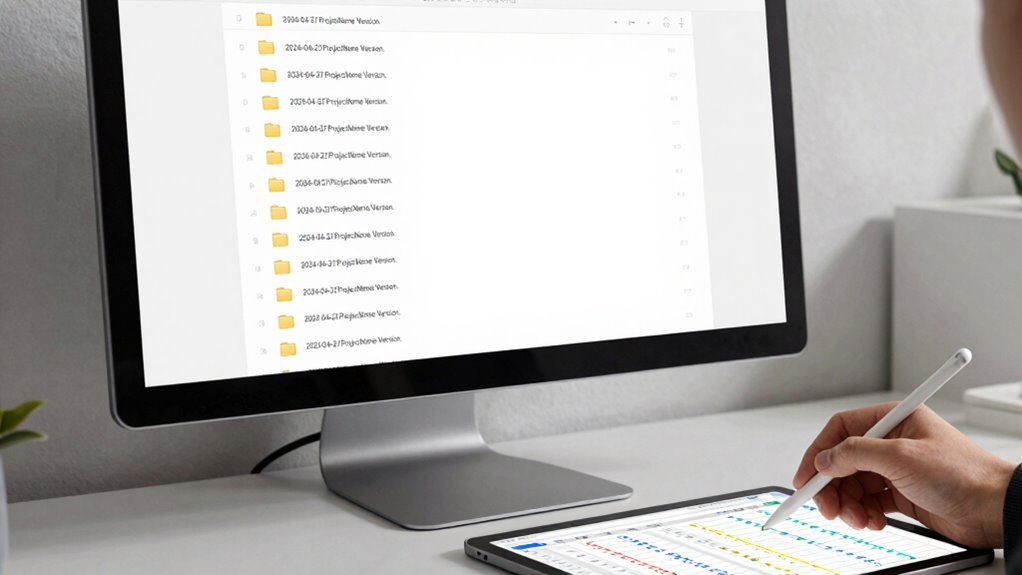
Creating a clear and logical naming structure starts with planning how you’ll organize your files. Think about establishing a consistent folder hierarchy that reflects your workflow, making it easier to locate files quickly. Use version control to differentiate drafts from final versions, avoiding confusion. Create a naming pattern that includes key details, such as date, project, or type, and adhere to it. Here’s a simple example:
| Folder Hierarchy | Naming Pattern | Purpose |
|---|---|---|
| Projects | ProjectName_Date | Organize by project and date |
| Drafts | Draft_VersionX | Track revisions easily |
| Final Files | Final_Project | Identify completed work |
This structure ensures your files stay organized, accessible, and easy to search.
As an affiliate, we earn on qualifying purchases.
Practical Tips for Applying Your File Naming System
To guarantee your file naming system works effectively, you need to maintain consistency across all files. Using clear and descriptive terms helps you find what you need quickly and reduces confusion. Keep these tips in mind as you apply your system to stay organized and efficient.
Consistency Is Key
Why is consistency so essential in a file naming system? It guarantees you can find files quickly and avoid confusion. Adopting clear naming conventions helps keep your files organized, making it easier to locate what you need. Consistency also supports effective version control, so you always know which file is the latest and avoid overwriting important data. When you follow the same structure for all your files—such as date, project name, and version—you create a predictable system that saves time. Regularly applying these principles prevents chaos and maintains clarity. Remember, the more consistent you are, the less time you spend searching or correcting mistakes. This disciplined approach transforms a chaotic collection of files into a streamlined, easy-to-navigate library. Additionally, understanding the importance of research-backed methods can enhance your organization system further. Implementing standardized formats ensures uniformity across your files, making retrieval even more efficient and reducing the chance of errors.
Use Clear Descriptors
Using clear descriptors in your file names is crucial because it guarantees you can quickly identify the contents without opening each file. Incorporate specific keywords that reflect the file’s purpose, date, or project to enhance metadata tagging. This makes searching more efficient and reduces confusion. When organizing your folders, use descriptive names that mirror the file names, creating a logical folder structure. Avoid vague terms like “Document” or “Misc.” Instead, include details like “Q2_Sales_Report_2024” to clarify its content at a glance. Clear descriptors help you locate files faster, especially when combined with a consistent naming convention. Proper metadata tagging and thoughtful folder organization ensure your digital system remains streamlined and easy to navigate, saving you time and frustration.
Common Mistakes to Watch Out for When Naming Files
One of the most common mistakes in file naming is using vague or inconsistent labels that make it difficult to identify files later. Avoid abbreviations to prevent confusion—what’s clear to you might be confusing to others. Also, steer clear of inconsistent date formats, like mixing “2023-10-01” with “10/1/23,” as this hampers sorting and searching. Keep your naming conventions uniform, so files are easy to find and organize. Consistent file naming conventions help maintain clarity and streamline workflows over time. Establishing standardized naming protocols ensures everyone follows the same structure, reducing errors and improving efficiency. Don’t rely on generic names like “Document1” or “Final,” which don’t convey meaningful information. Instead, use descriptive terms and consistent structures to streamline your workflow. Additionally, content organization plays a crucial role in maintaining an efficient file system. Using clear folder structures can further improve accessibility and reduce the time spent searching for specific files. By avoiding these pitfalls, you ensure that your files remain easily searchable and well-organized over time.
Tools and Templates to Keep Your File Names Consistent
To maintain consistent file names, leveraging tools and templates can make a significant difference. Using template tools helps you follow clear file naming conventions, reducing errors and inconsistencies. These tools often come with predefined structures that ensure essential details like dates, project names, and versions are included correctly. Many software options, like Excel templates or specialized file management apps, let you customize naming formats to suit your needs. By adopting consistent templates, you streamline your workflow and make searching easier later. Instead of guessing or manually creating names each time, you save time and improve accuracy. Incorporating these tools into your routine keeps your file names uniform, reinforcing good habits and simplifying long-term organization.
Next Steps: Improving Searchability and Retrieval
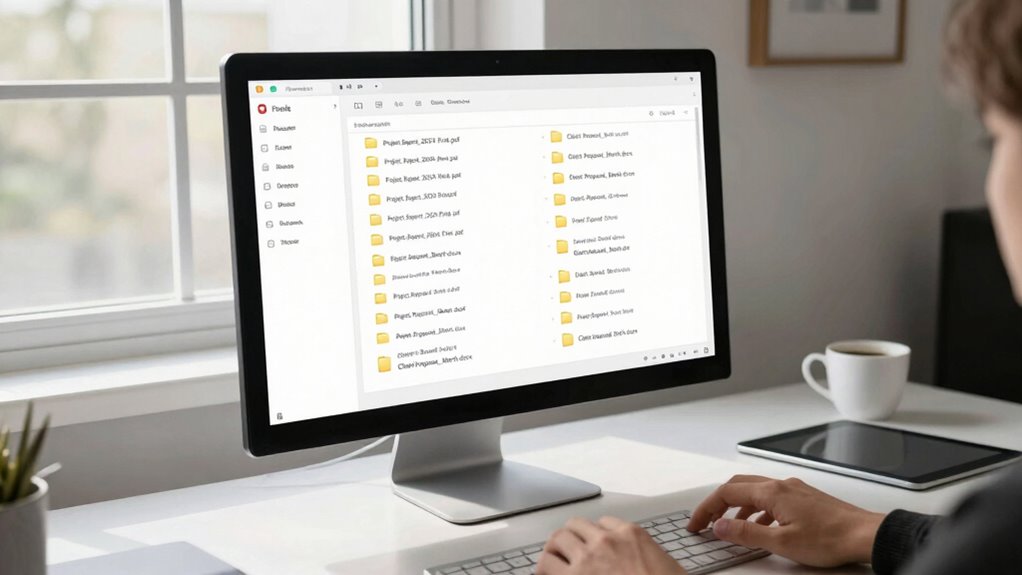
Have you ever struggled to find a specific file among thousands? Improving searchability starts with effective metadata tagging. By adding relevant keywords, dates, and categories to your files, you make them easier to locate later. Use consistent metadata standards across your collection to avoid confusion. To further enhance your organization, consider advanced search techniques—like filtering by date, file type, or tags—to quickly narrow down results. Combining strategic naming conventions with detailed metadata transforms a cluttered archive into a powerful retrieval system. Regularly reviewing and updating metadata ensures your search process remains efficient over time. Incorporating simple recovery routines, such as foam rolling, can also boost HRV and overall productivity, making your digital and physical organization more effective. Implementing standardized naming conventions across your files further streamlines the search process, reducing the time spent looking for specific items. Additionally, employing consistent file formats can improve compatibility across different platforms and tools. Using metadata management tools can further automate and optimize your organization process, saving you time. Ultimately, these steps help you find what you need faster, saving time and reducing frustration in managing your digital files.
Frequently Asked Questions
How Often Should I Review and Update My File Naming Conventions?
You should review and update your file naming conventions at least every six months to maintain version consistency and guarantee they stay relevant. Regular naming convention audits help catch outdated or inconsistent labels, making searches faster. If your work involves frequent updates or team changes, consider more frequent reviews. Keeping your naming system current improves organization and efficiency, saving you time and frustration when locating files.
Can I Automate File Naming Processes for Large-Scale Projects?
Yes, you can automate file naming for large projects using automation tools. These tools enable batch renaming, saving you time and reducing errors. You simply set your naming conventions once, and the software applies them across all files automatically. This streamlines your workflow, especially when handling numerous files, ensuring consistency and making future searches much easier. Embrace automation tools to efficiently manage large-scale file organization.
What Are Best Practices for Naming Files Across Different Devices?
Imagine your files as a well-organized library where each book has a clear label. To keep this harmony across devices, use consistent naming conventions with descriptive names, including file extension management, so files open correctly. Adopt folder organization strategies that mirror your workflow, ensuring easy navigation. This way, whether on a laptop, tablet, or cloud, your files stay in sync, simple to find, and effortless to manage.
How Do I Handle Naming Conflicts or Duplicates in My System?
When encountering duplicate files or naming conflicts, you should implement duplicate resolution strategies like renaming, merging, or deleting redundant files. Use clear, consistent conflict management practices, such as adding version numbers or dates to filenames, to prevent future issues. Regularly review and organize your files to catch duplicates early. This proactive approach guarantees your system stays tidy, making searches faster and reducing confusion from conflicting or duplicate file names.
Are There Industry-Specific Standards for Digital File Naming?
Yes, industry standards and naming protocols vary by field, but they aim to guarantee consistency and clarity. You should follow specific guidelines relevant to your industry, such as including dates, project codes, or version numbers in your file names. This helps you and others locate files quickly and avoid confusion. Adopting these standards streamlines your workflow and improves collaboration across teams, making digital organization more efficient.
Conclusion
By adopting a consistent and logical file naming system, you’ll save time and reduce frustration when searching for files. Some might think it’s too time-consuming, but the initial effort pays off with faster retrieval later. Remember, a little organization now prevents chaos later. Start applying these principles today, and you’ll find your digital workspace becomes more efficient, leaving you more time to focus on what really matters.
Halloween Picks
halloween
As an affiliate, we earn on qualifying purchases.