
To tell if an app is over-collecting your data, check its permissions to see if it asks for more access than necessary. Review the privacy policy for clear, transparent info on what data is gathered and how it’s used. Keep an eye on your data usage reports and permissions, especially if the app transmits large amounts of info or requests unrelated data. If you stay alert, you’ll spot signs of over-collection and learn how to protect yourself better.
Key Takeaways
- Review app permissions to see if they request unnecessary or excessive data beyond core functions.
- Check privacy policies for transparency about data collection, sharing, and retention practices.
- Monitor data usage via device settings or third-party tools to identify unusual or high data activity.
- Look for signs like background data activity or large data uploads that may indicate over-collection.
- Revoke unnecessary permissions and restrict background data to limit app’s access to personal information.

ES File Explorer File Manager
File Manager
As an affiliate, we earn on qualifying purchases.
As an affiliate, we earn on qualifying purchases.
What Is Data Over-Collection in Mobile Apps and Why It Matters
Many mobile apps collect more data than they genuinely need, and this over-collection can pose serious privacy risks. When apps request excessive app permissions, they gain access to information that isn’t necessary for their core functions. This compromises your data privacy because your personal details—like location, contacts, or device info—can be shared or misused without your consent. Over-collection often results from poorly designed apps or malicious intent, making it harder for you to control what data is gathered. Being aware of these risks helps you make better choices about which apps to trust. Always review app permissions carefully and question whether an app truly needs the data it’s requesting. Protecting your data privacy starts with understanding how over-collection can harm you. Understanding app permissions can help you recognize when apps are requesting unnecessary data. Additionally, familiarizing yourself with data over-collection practices can improve your ability to identify suspicious app behavior. Recognizing patterns of excessive data requests is crucial for maintaining your privacy and security, especially as some apps may exploit vulnerable data to target users.

Hidden Camera Detector 2026 Upgraded, Anti Spy Camera Finder Hidden Devices Detector Privacy Pen Camera Scanner with 720H Battery Life & 3 Working Modes for Travel Hotel Home Bathroom Office (Black)
🔥【Camera Finder with Innovation】This hidden camera detector uses the advanced RF signal detection technology identifies hidden cameras, spy…
As an affiliate, we earn on qualifying purchases.
As an affiliate, we earn on qualifying purchases.
What Data Do Mobile Apps Usually Collect?

Most mobile apps collect personal information like your name, email, and location, often without you realizing it. They also gather device data such as your device type, operating system, and usage patterns to improve functionality. Being aware of these common data points helps you spot when an app might be over-collecting. Additionally, understanding privacy policies can reveal what information is being collected and how it’s used. Recognizing data collection practices can empower you to make informed choices about which apps to trust. Moreover, some apps may collect or share data for purposes unrelated to app performance, raising concerns about data privacy and security. Monitoring cookie categories and consent management settings can also help you control what data is being stored and shared. Awareness of data security measures used by apps is also crucial to protect your information from potential breaches.
Personal Information Collection
When you install and use a mobile app, it often requests access to various types of personal information to function properly or improve user experience. These can include your name, email address, phone number, and sometimes more sensitive data like location or contacts. Apps request specific app permissions to access this information, which can impact your user privacy. Some apps ask for more data than necessary, raising concerns about over-collection. Be cautious about what permissions you grant and whether they align with the app’s primary purpose. Understanding what data an app collects helps you determine if it’s overstepping boundaries. Always review the permissions requested before installing or updating an app, and question if the data collection seems excessive for its intended use. Additionally, awareness of Rhythm Failure themes can help you recognize patterns in apps that might overreach in their data collection. Recognizing signs of over-collection can help you protect your personal information from unnecessary exposure. Being familiar with common data collection practices can further empower you to make informed decisions about app usage. Recognizing permission requests that seem unusual can also alert you to potential overreach, especially when combined with privacy settings available on your device.
Device and Usage Data
Apps often collect device and usage data to understand how you interact with their features and improve their services. This data includes details like your device type, operating system, location, and app activity. While some data is necessary for functionality, it can also enable user tracking beyond what’s needed. To prevent overreach, look for signs of data minimization—apps collecting only what’s essential. Common data collected includes:
- Device identifiers and operating details
- App usage patterns and session durations
- Location data and device settings
Being aware of what info apps gather helps you gauge if they’re over-collecting. Always review privacy policies and permissions to ensure your data isn’t being collected unnecessarily or used for purposes beyond service improvement. Understanding AI ethics can also inform your awareness of data collection practices. Additionally, monitoring the types of data collected can help you identify if an app is engaging in activities like water park data collection, which may not be necessary for its core function. Recognizing data collection practices can empower you to make informed choices about your digital privacy. Newer privacy standards and data minimization principles are increasingly important in maintaining control over your personal information.
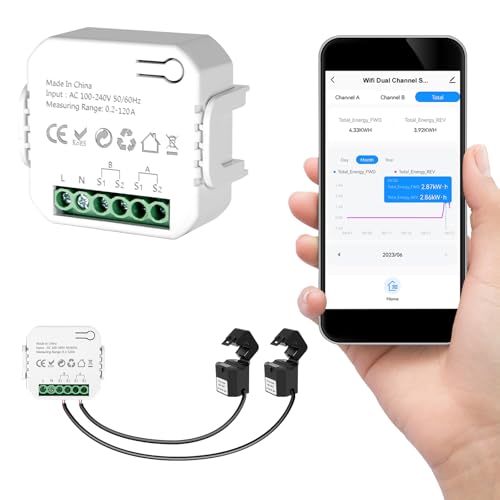
Smart Home Energy Monitor 2×120A, Dual-Channel Real-Time Electricity Usage Monitoring for Household Power, WiFi Energy Meter with App Control, Compatible with Tuya/Smart Life
【Dual-Channel Energy Monitoring】 This smart home energy monitor features two independent high-capacity sensing channels, allowing you to track…
As an affiliate, we earn on qualifying purchases.
As an affiliate, we earn on qualifying purchases.
How to Check App Permissions Before Installing
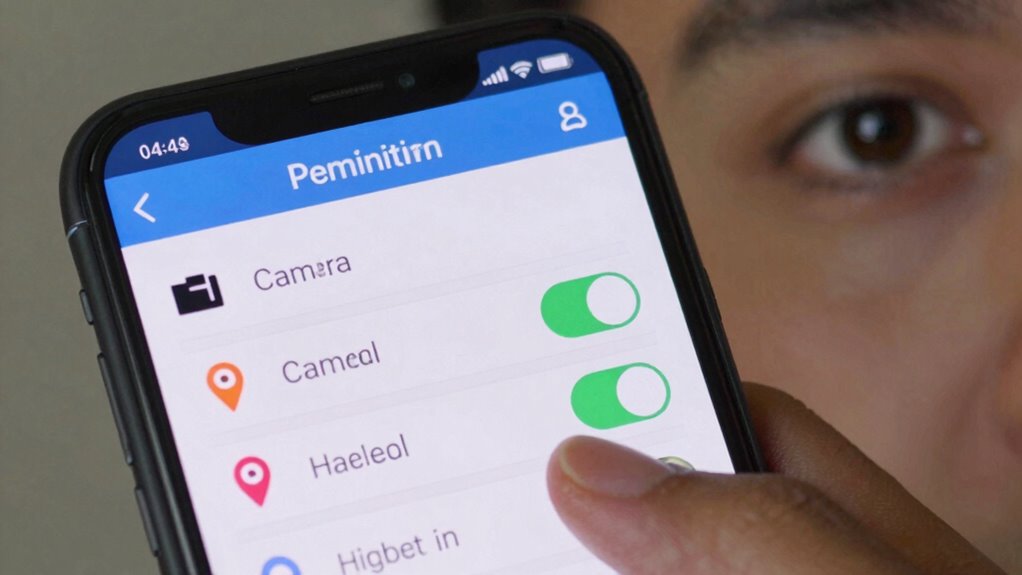
Ever wonder what permissions an app requests before you install it? Doing a quick permission review can help you identify potential privacy risks. Before downloading, check the app permissions through your device’s app store or settings. Look for any permissions that seem unnecessary for the app’s core function, like access to your camera, microphone, or location if you’re not using those features. App permissions reveal what data the app can access, so it’s essential to evaluate whether those permissions are justified. Be cautious if an app requests excessive permissions or access to sensitive information. By reviewing app permissions upfront, you can make smarter choices about what to install, reducing the chances of over-collection and protecting your privacy from the start. Recognizing how clocks and time relate to our perception of privacy can also help you understand the importance of timely permission checks. Additionally, understanding privacy frameworks can guide you in making more informed privacy decisions. Being aware of data collection practices enables you to better assess whether an app’s permissions align with its intended functionality. Remember that privacy policies often detail how your data is collected and used, so reviewing them can provide further clarity. Moreover, staying informed about regulatory standards can help you advocate for better privacy protections and make more conscious app choices.
background data restrictor
As an affiliate, we earn on qualifying purchases.
As an affiliate, we earn on qualifying purchases.
What to Look for in Privacy Policies and Data Collection Statements
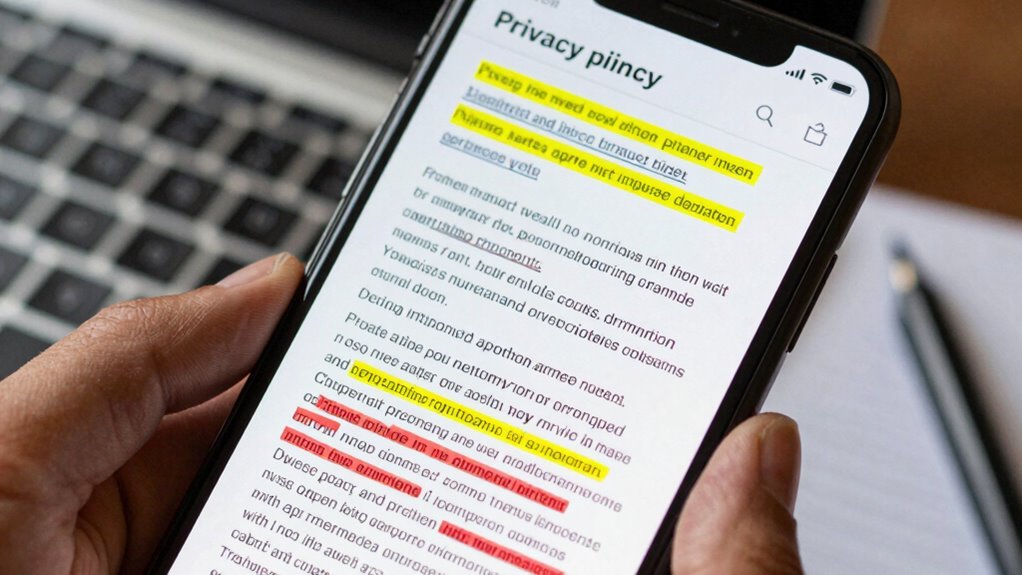
When reviewing privacy policies, look for clear explanations of what data the app collects and how it’s used. Transparency is key—if the language is vague or confusing, it’s a red flag. Make sure the policy details your rights and options for controlling your information. Also, check for data collection practices to ensure they align with your comfort level.
Privacy Policy Clarity
Clear and straightforward privacy policies are essential for understanding how your data is collected and used. When evaluating an app, look for policies that avoid confusing privacy policy jargon and instead use simple, plain language. Well-written policies clearly explain what data is collected, why it’s needed, and how it’s used. Pay attention to consent language clarity—are you easily able to see what you’re agreeing to? A good policy will also include:
- Clear explanations of data sharing practices
- Specific details about third-party access
- Transparent descriptions of data retention periods
Understanding the data collection practices outlined in privacy policies can help you determine if the app respects your privacy and whether their data collection practices are over-reaching. The clearer and more precise the policy, the better you can protect your data.
Data Collection Transparency
Understanding what data an app collects requires more than just reading its privacy policy; it demands a look at how transparent they are about their practices. Clear data collection statements show they prioritize user privacy and are honest about the information they gather. Look for detailed explanations of what data is collected, why it’s needed, and how it’s used. Apps that lack transparency may hide excessive data collection or unclear purposes, risking your privacy. Trustworthy apps openly share their data practices, making it easier for you to assess if they’re over-collecting. When policies are vague or overly complicated, it’s a red flag. Prioritizing data transparency helps you make informed choices and protect your user privacy from unnecessary or intrusive data collection. Additionally, understanding the types of data collected can help you identify self-sufficiency practices that prevent over-reliance on apps and digital services.
How to Use Tools to Monitor Your App Data Usage
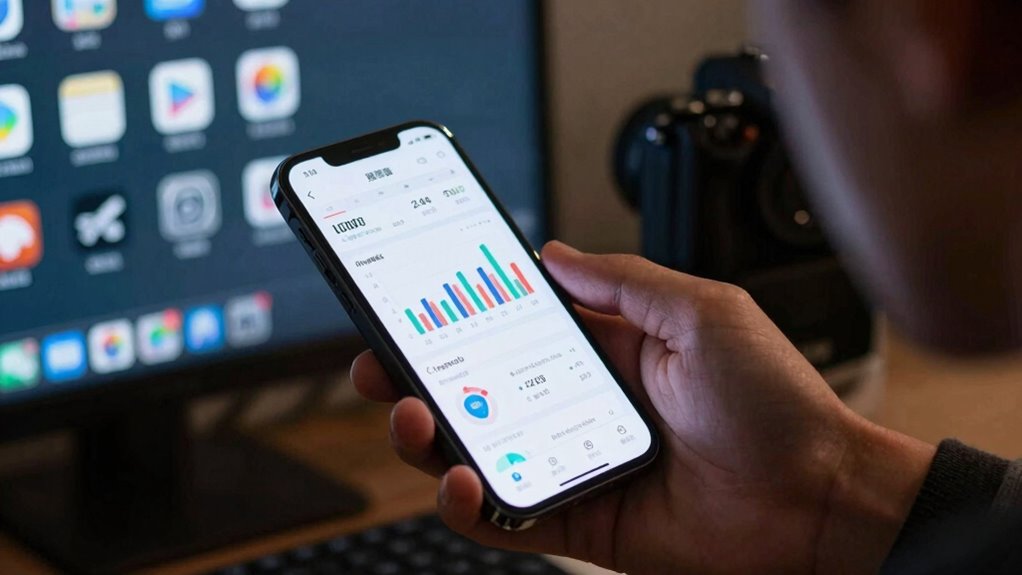
Monitoring your app data usage is essential to identify if certain apps are consuming more information than necessary. To do this effectively, use tools like built-in device settings or third-party apps for data usage analysis. These tools help you track which apps are using the most data and when. You can also manage app permissions to restrict access to background data, reducing unnecessary consumption. Look for features such as real-time data monitoring, alerts for high usage, and detailed breakdowns by app.
Monitoring app data helps identify high consumption and manage permissions to reduce unnecessary usage.
Consider these key steps:
- Regularly review data usage reports
- Enable alerts for unusual activity
- Adjust app permission management to limit background data access
Using these tools empowers you to control your data, ensuring you’re only sharing what’s necessary.
Signs That an App Is Over-Collecting Personal Data
While keeping an eye on your data usage can reveal if an app is draining your bandwidth, it also helps identify when an app might be overstepping in collecting personal information. One clear sign is excessive permission requests that go beyond the app’s core functionality. If an app asks for data unrelated to its purpose, it could be over-collecting to fuel behavioral analytics or targeted advertising. Unusual data activity, like sending information in the background without your knowledge, also raises concerns about data security. Additionally, if you notice frequent data transmissions or large data uploads, it’s a sign the app might be gathering more personal details than necessary. Recognizing these signs helps protect your privacy and ensures your personal data isn’t being exploited.
How to Limit Data Sharing and Protect Your Privacy
To effectively protect your privacy, you need to take control over how your apps share your data. Start by prioritizing data minimization—only grant apps permissions essential for their function. Always review and adjust app settings to limit data sharing, especially for location, contacts, and camera access. Respect user consent by refusing unnecessary permissions and denying apps access to data they don’t need.
Prioritize data minimization by reviewing app permissions and restricting unnecessary access to protect your privacy.
You can also:
- Regularly audit app permissions and revoke unnecessary ones
- Use privacy-focused settings within your device’s OS
- Limit background data sharing and disable ad tracking options
What You Can Do If You Find an App Over-Collecting Data
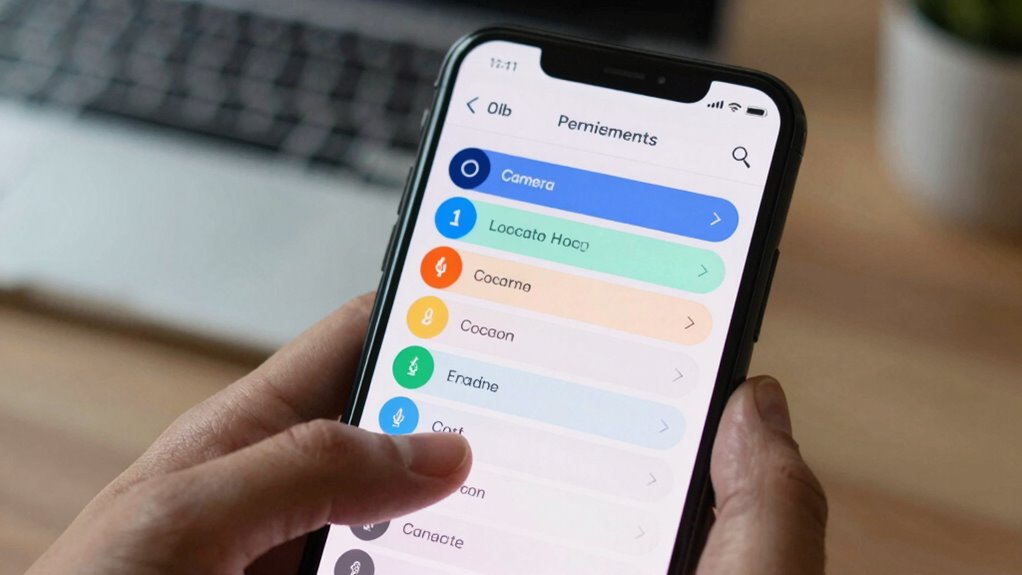
If you discover an app is over-collecting your data, take immediate steps to protect your user privacy. Start by reviewing app permissions and revoke any unnecessary access. Consider uninstalling the app if it continues to collect excessive data. Use built-in privacy settings to limit data sharing and enable data encryption where possible. Communicate with the app developer or report the issue to app stores.
Here’s a quick comparison:
| Action | Benefit |
|---|---|
| Revoke permissions | Limits data collected going forward |
| Uninstall the app | Removes access to over-collecting data |
| Enable data encryption | Protects your data from unauthorized access |
| Report to authorities | Holds developers accountable |
| Use privacy-focused apps | Reduces risk of over-collection in future |
Frequently Asked Questions
Can App Over-Collection Affect Device Performance?
Yes, over-collection of data can slow down your device. When apps gather more data than necessary, they consume extra storage, processing power, and battery life. This can lead to performance issues. To prevent this, look for data minimization practices and guarantee your apps ask for user consent before collecting personal information. Managing app permissions helps keep your device running smoothly and protects your privacy.
Are There Legal Consequences for Apps That Over-Collect Data?
You should know that over-collecting data can lead to serious legal repercussions for app developers, especially if it results in privacy violations. In fact, a recent survey found that 75% of users are concerned about their data privacy. If an app over-collects without proper consent, it risks fines and legal action under laws like GDPR or CCPA. Protect yourself by choosing apps that respect your privacy and follow legal guidelines.
How Often Should I Review App Permissions and Data Practices?
You should review your app permissions and privacy settings at least once a month to stay protected. Regularly managing permissions helps you control what data apps access and reduces over-collection risks. Make it a habit to check permission management and update your privacy settings whenever you notice new app updates or features. Staying vigilant guarantees your personal data remains secure and only accessible when necessary.
Do Over-Collecting Apps Drain My Battery Faster?
Over-collecting apps can act like a leaky faucet, steadily draining your battery faster than necessary. When apps gather excessive data, they often run background processes that sap your device’s energy, reducing overall efficiency. To protect your battery life, review app permissions regularly and uninstall those with unnecessary access. Remember, more data collection doesn’t mean better app performance; it can hinder your device’s efficiency and leave your battery running low quicker.
What Are the Best Privacy-Focused Alternative Apps?
If you’re seeking privacy-focused alternative apps, look for ones that prioritize your privacy through robust privacy settings and data encryption. These apps often avoid unnecessary data collection and offer end-to-end encryption for your messages and files. By choosing apps with transparent privacy policies and strong security features, you safeguard your data from over-collection and ensure your online activities remain private and secure.
Conclusion
Staying aware of your data’s journey keeps you in control. While apps promise convenience, over-collection can threaten your privacy. Don’t ignore permissions or privacy policies—they’re your first line of defense. Use tools to monitor your data, and if something feels off, act fast. Balance technology’s benefits with mindful oversight; protect your personal information. In a world of constant connectivity, your awareness is your strongest safeguard against over-collection.