TL;DR

Get the latest gadgets delivered free with Prime
- Fast, free delivery on millions of items
- Prime Video, Amazon Music and more included
- Member-only deals all year
A user has demonstrated that an $80 RK3562 Android tablet can be converted into a fully functional Debian 12 Linux workstation by booting from an SD card. This achievement was accomplished without vendor support or official documentation, showcasing a potential for affordable Linux devices.
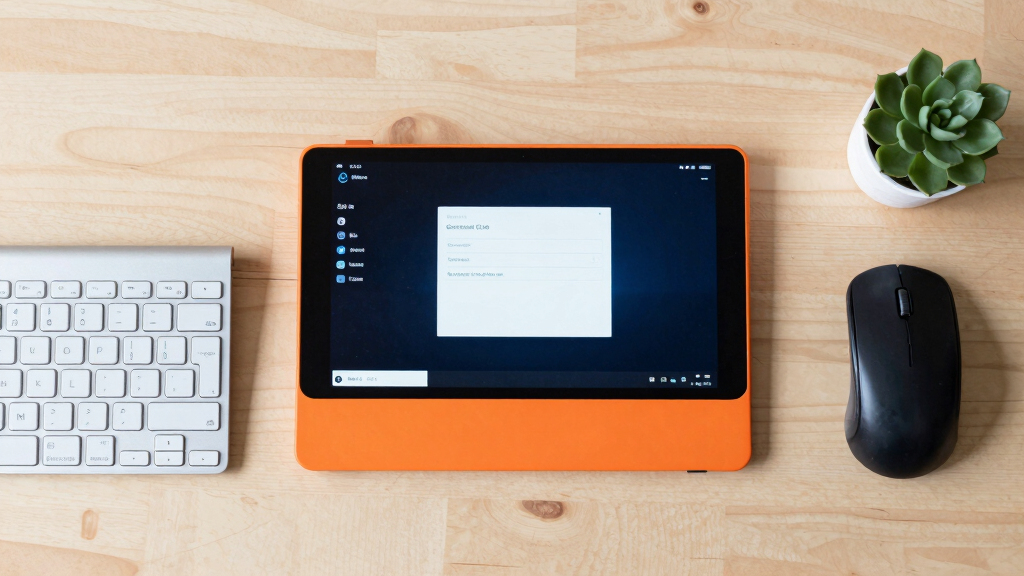
A user has successfully installed and booted Debian 12 on an $80 Android tablet powered by the Rockchip RK3562 processor, transforming it into a Linux workstation without modifying the device’s internal storage or bootloader.
The project involved creating a complete, bootable Debian 12 image that runs from an SD card. The user booted the tablet directly from this SD card, with the internal Android system remaining unaffected. The process did not require official vendor support or access to proprietary documentation, relying instead on reverse engineering and open-source resources. The resulting Debian system supports core functions such as display, touchscreen, Wi-Fi, Bluetooth, audio, and basic camera functions, with partial support for 3D acceleration and camera calibration. The device’s hardware includes a 10.1-inch display, 4GB of RAM, and 128GB of eMMC storage, with the Debian image enabling a full Linux environment suitable for general workstation tasks.
Why It Matters
This development demonstrates that affordable Android tablets based on Rockchip hardware can be repurposed as Linux workstations, potentially expanding access to low-cost computing devices. It highlights the feasibility of running full Linux distributions on hardware traditionally locked to Android, which could impact hobbyists, developers, and educational users seeking inexpensive portable Linux systems.
Android tablet SD card bootloader
As an affiliate, we earn on qualifying purchases.
As an affiliate, we earn on qualifying purchases.
Background
The project builds upon recent efforts to port Linux to Rockchip-based devices, which traditionally lack official support for Linux. The specific device, Doogee U10, was chosen for its affordability and hardware compatibility. Previous attempts to run Linux on similar devices often required complex modifications or were limited to specific hardware components; this project achieves a full desktop environment using a custom-built image that can be easily booted from an SD card. The effort was led by a community of open-source enthusiasts leveraging Firefly RK3562 repositories and reverse engineering techniques, marking a significant step in democratizing Linux on low-cost hardware.
“This is a proof of concept showing that affordable Android tablets can be transformed into functional Linux workstations without vendor help.”
— Project developer
“Reverse engineering the device from scratch demonstrates the power of open-source tools and community effort in expanding hardware capabilities.”
— Open-source community member
Linux Debian tablet installation kit
As an affiliate, we earn on qualifying purchases.
As an affiliate, we earn on qualifying purchases.
What Remains Unclear
It remains unclear how well the device will perform under sustained workloads or with more advanced peripherals. Support for camera calibration and full 3D acceleration is still partial, and some hardware features may require further development. Additionally, the long-term stability and compatibility of this custom Debian image are yet to be tested across different units or future firmware updates.
RK3562 Android tablet accessories
As an affiliate, we earn on qualifying purchases.
As an affiliate, we earn on qualifying purchases.
What’s Next
Next steps include refining hardware support, improving performance, and possibly creating a more user-friendly installation process. The community may also explore porting additional hardware features and extending support to other Rockchip-based devices. Developers and hobbyists are encouraged to test and contribute to the project to enhance stability and usability.
Portable Linux workstation tablet
As an affiliate, we earn on qualifying purchases.
As an affiliate, we earn on qualifying purchases.
Key Questions
Can I install Debian on my own RK3562 device?
While this project demonstrates it is possible, installation requires technical knowledge, reverse engineering, and building custom images. It is not a straightforward process for most users.
Will this work on other Android tablets with RK3562 chips?
Theoretically, similar methods could be applied, but hardware variations may affect compatibility. Testing and adjustments are likely needed for different models.
Does installing Debian void the device’s warranty?
Since the process involves booting from an SD card without modifying internal storage, it typically does not void warranty, but users should proceed cautiously and understand the risks involved.
What features are supported after installation?
Core features such as display, touchscreen, Wi-Fi, Bluetooth, audio, and basic camera functions are supported. Partial support exists for 3D acceleration and camera calibration, with ongoing improvements possible.
Halloween Picks
halloween
As an affiliate, we earn on qualifying purchases.