
TL;DR

Get the latest gadgets delivered free — and shop member deals
- Fast, free delivery on millions of items
- Access to Prime Big Deal Days deals on October 6–7
- Prime Video, Amazon Music and more included
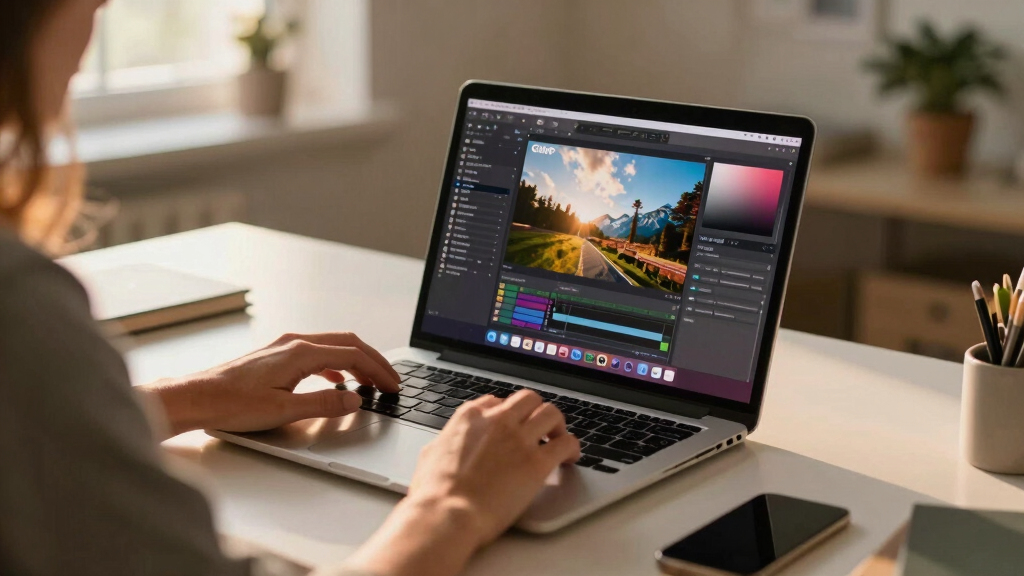
PhotoGIMP is a free patch that reconfigures GIMP 3 to mimic Photoshop’s layout and shortcuts, easing the transition for Photoshop users. It is now available for download across multiple platforms.
Developers have released PhotoGIMP, a free patch that reconfigures GIMP 3 to resemble Photoshop’s interface and shortcuts, aiming to ease the transition for Adobe Photoshop users switching to GIMP.
PhotoGIMP is a community-created patch that modifies GIMP 3’s layout, tool organization, and keyboard shortcuts to match those of Photoshop. It is compatible with GIMP 3.0 and newer versions, and available for Linux, Windows, and macOS. The patch replaces configuration files to adjust tool placement, window layout, and shortcuts, providing a more familiar environment for Photoshop users.
Installation involves backing up current settings, then downloading and extracting the patch files into GIMP’s configuration directory. For Linux users, it can be installed via Flatpak or through manual extraction; Windows and macOS users need to replace configuration folders with the patched files. The patch also includes a custom splash screen, icon, and theme adjustments to enhance the Photoshop-like experience.
Why It Matters
This development is significant for users who rely on GIMP but are accustomed to Photoshop’s interface, potentially lowering the barrier to switching software. By making GIMP feel more familiar, PhotoGIMP could increase adoption among professional and hobbyist designers who find GIMP’s default layout less intuitive.
For the open-source community, this demonstrates ongoing efforts to improve user experience and accessibility, especially for users transitioning from proprietary software. It also highlights the collaborative nature of GIMP development, with community patches enhancing usability.
Photoshop-like GIMP interface patch
As an affiliate, we earn on qualifying purchases.
As an affiliate, we earn on qualifying purchases.
Background
GIMP has long been a popular free alternative to Photoshop, offering a wide range of editing tools. However, its interface differs significantly from Adobe’s, which can be a hurdle for new users. The release of GIMP 3 introduced a more modern architecture but maintained its distinct layout. Community efforts like PhotoGIMP aim to bridge this gap by customizing the interface to resemble Photoshop, following user feedback and demand for a more familiar workflow.
Previous versions of GIMP lacked such tailored interface options, making this patch a notable development. The project is maintained by community developer André Augusto, and it is available for multiple operating systems, easing cross-platform adoption.
“PhotoGIMP transforms GIMP into a Photoshop-like environment, making the transition smoother for users switching from Adobe’s software.”
— André Augusto
“This patch could help new users get up to speed faster and reduce the learning curve associated with GIMP’s interface.”
— GIMP community member
GIMP 3 community patch for Photoshop users
As an affiliate, we earn on qualifying purchases.
As an affiliate, we earn on qualifying purchases.
What Remains Unclear
It is not yet clear how stable the patch is across different GIMP versions or how it impacts advanced workflows. Compatibility with future GIMP updates remains to be tested, and user feedback is still emerging.
GIMP configuration files for Photoshop layout
As an affiliate, we earn on qualifying purchases.
As an affiliate, we earn on qualifying purchases.
What’s Next
Next steps include wider testing by users, potential official integration or support, and updates to ensure compatibility with upcoming GIMP releases. Developers may also expand customization options based on user feedback.
As an affiliate, we earn on qualifying purchases.
Key Questions
How do I install PhotoGIMP on my system?
Installation involves backing up your current GIMP settings, downloading the patch files, and replacing your configuration folders with the patched versions. Detailed instructions are provided for Linux, Windows, and macOS.
Will this patch affect my existing GIMP projects?
No, the patch only modifies interface configuration files. Your existing projects will remain intact, but interface changes may affect how you access tools and menus.
Is PhotoGIMP compatible with GIMP 2.x?
No, it is designed specifically for GIMP 3.0 and newer versions. Users on older GIMP versions will need to upgrade to GIMP 3 to use the patch.
Will the patch be integrated into official GIMP releases?
There is no official confirmation yet. It remains a community project, but future integration depends on community feedback and developer interest.
Can I revert to the original GIMP interface after installing PhotoGIMP?
Yes, by deleting or restoring your previous configuration files, GIMP will regenerate its default settings upon restart.
Halloween Picks
halloween
As an affiliate, we earn on qualifying purchases.