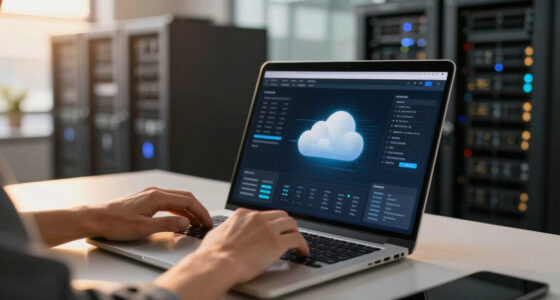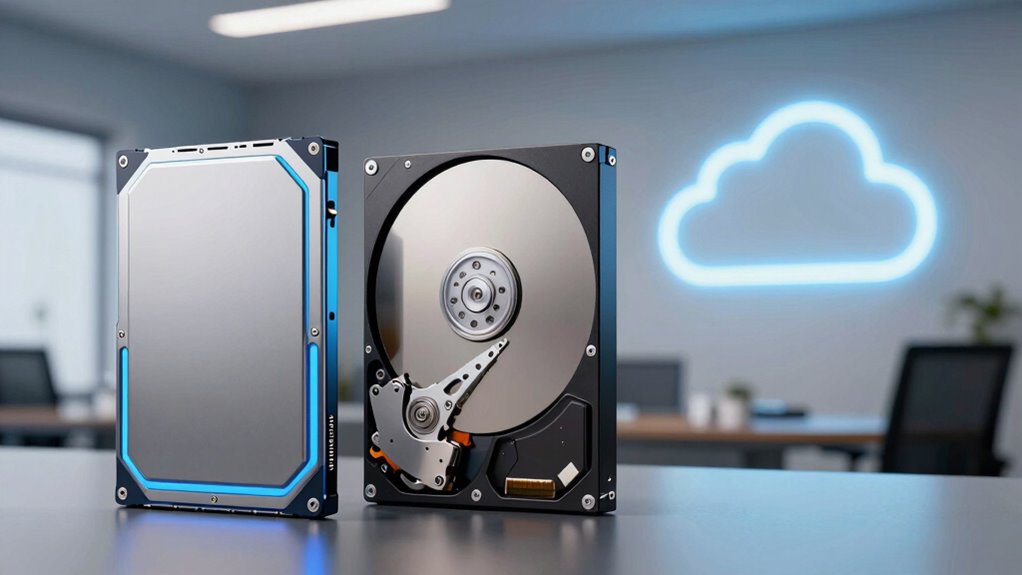

Choosing between SSDs, HDDs, and cloud storage depends on your needs for speed, cost, and reliability. SSDs are fast and durable but tend to cost more, making them ideal for quick access and intensive tasks. HDDs offer large capacity at a lower price but are slower and more vulnerable to damage. Cloud storage provides remote access and flexibility, though it depends on your internet connection. Exploring each option’s details will help you find the best fit for your digital life.

Get the latest gadgets delivered free — and shop member deals
- Fast, free delivery on millions of items
- Access to Prime Big Deal Days deals on October 6–7
- Prime Video, Amazon Music and more included
Key Takeaways
- SSDs offer faster data access and durability but at a higher cost and limited capacity compared to HDDs.
- HDDs are more affordable for large storage needs but slower and more prone to mechanical failure.
- Cloud storage provides remote access, scalability, and automatic backups, depending on internet stability.
- Choice depends on priorities: speed (SSD), budget (HDD), or flexibility and remote access (Cloud).
- Balancing cost, speed, and reliability helps determine the best storage solution for individual needs.
As an affiliate, we earn on qualifying purchases.
How Do SSDs, HDDs, and Cloud Storage Work?
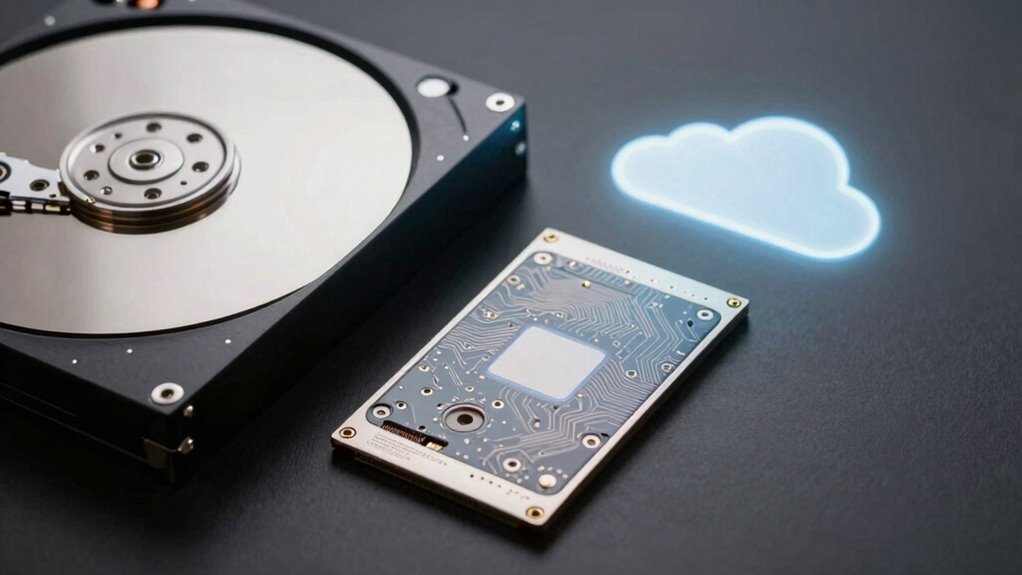
Have you ever wondered how your computer stores and retrieves data? It all starts with data transfer between your device and storage media through hardware interfaces. SSDs use flash memory chips connected via interfaces like SATA or NVMe, enabling rapid data transfer speeds. HDDs rely on spinning disks and read/write heads, with data transferred through similar hardware connections, but at slower rates. Cloud storage, on the other hand, involves data traveling over the internet through network interfaces, connecting your device to remote servers. Each storage type depends on different hardware interfaces to facilitate data transfer efficiently. Understanding these core mechanisms helps you grasp how each storage technology works behind the scenes, affecting performance and suitability for your needs. hardware interfaces are crucial in determining the transfer speeds and compatibility of each storage type.
As an affiliate, we earn on qualifying purchases.
What Factors Matter When Choosing Storage (Cost, Speed, Reliability)?
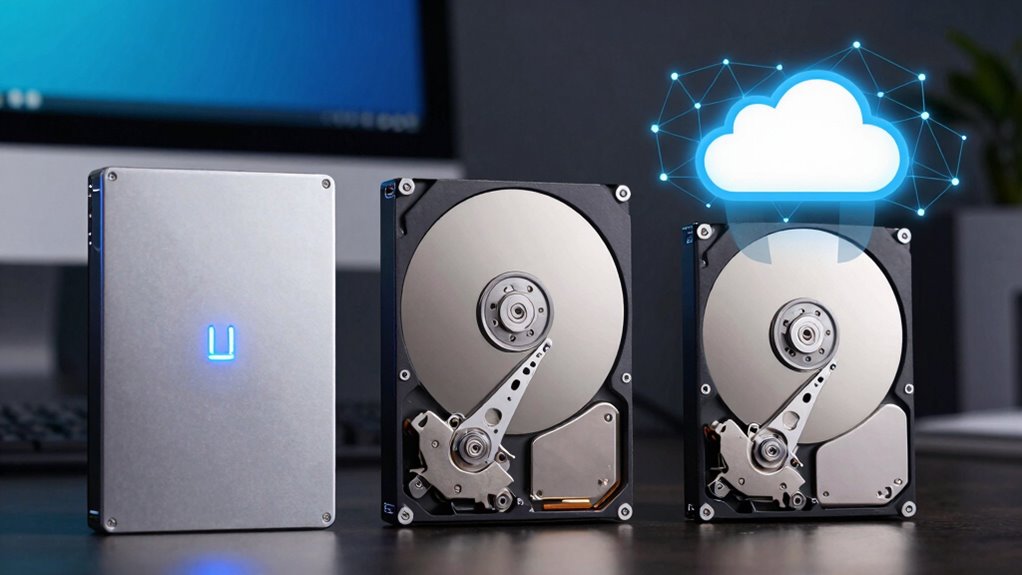
When choosing storage options, understanding the key factors—cost, speed, and reliability—can help you make informed decisions that match your needs. Cost affects your budget and long-term expenses, especially when considering backup redundancy and data security. Faster storage options, like SSDs, improve productivity, but often come at a higher price. Reliability ensures your data stays safe, especially if you need consistent access or protection against hardware failures. Data security measures, such as encryption and regular backups, are crucial for safeguarding sensitive information. Balancing these factors helps you select the right storage solution—whether for personal use, business, or cloud services—that offers ideal performance without compromising security or affordability. Your choice should align with your specific needs and risk tolerance, and understanding storage technology can help you choose the best option for your situation. Additionally, understanding the performance differences between SSDs and HDDs can guide your decision based on your speed requirements. Considering data security features like encryption can further enhance your data protection plan.
cloud storage subscription services
As an affiliate, we earn on qualifying purchases.
As an affiliate, we earn on qualifying purchases.
Pros and Cons of SSDs, HDDs, and Cloud Storage?
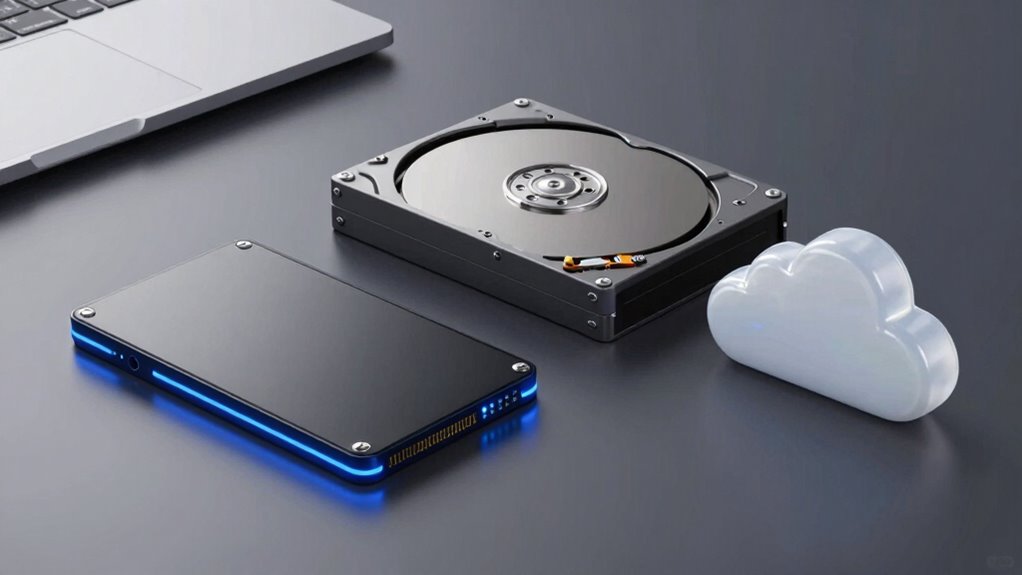
Choosing the right storage type depends on your specific needs, as each option offers distinct advantages and disadvantages. SSDs provide fast data access and improved performance, but they tend to be more expensive and have limited storage capacity. HDDs are cost-effective for larger data volumes, yet they’re slower and more vulnerable to physical damage, affecting storage security. Cloud storage offers excellent data accessibility from anywhere and automatic backups, but it relies on internet connectivity and raises concerns about data privacy. While SSDs excel in speed, they may lack the storage security of cloud solutions, which often include encryption. HDDs are budget-friendly but less reliable. Considering these pros and cons helps you balance speed, security, and accessibility based on your usage needs. Additionally, understanding the importance of storage security can help you choose options that better protect your data from potential threats.
As an affiliate, we earn on qualifying purchases.
Which Storage Option Is Best for Different Users and Budgets?
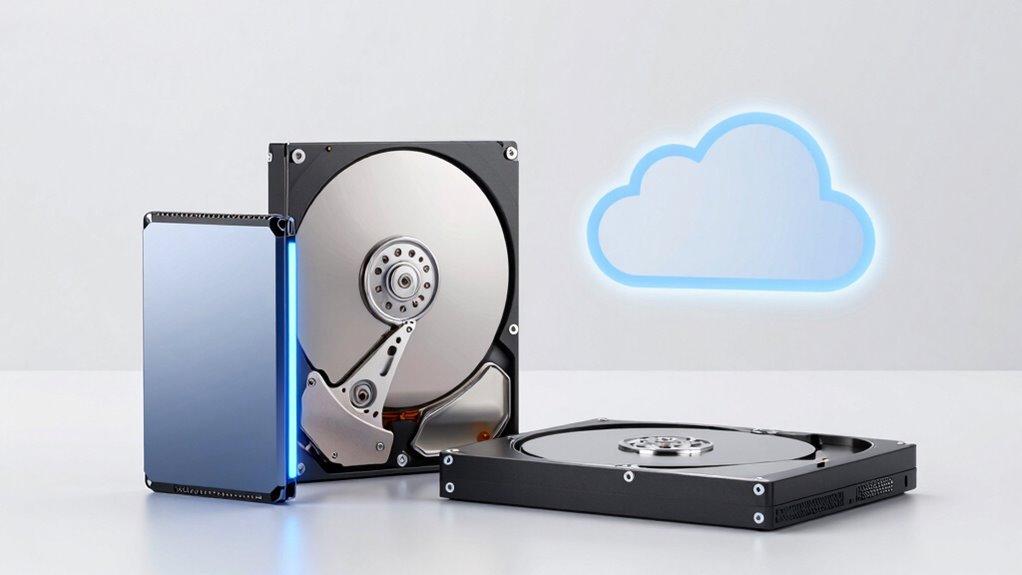
Selecting the right storage option depends heavily on your specific usage needs and budget constraints. If you prioritize speed and performance, SSDs are ideal, but they come at a higher cost. For larger storage at a lower price, HDDs suit those with extensive data needs who don’t require lightning-fast access. Cloud storage offers flexibility and remote access, making it perfect for users valuing convenience and scalable backup strategies. When choosing, consider your backup strategies and data encryption needs to ensure your data stays secure, regardless of the option. Additionally, understanding the differences between storage mediums can help you make more informed decisions based on your performance and capacity requirements. Incorporating natural cooling methods can also extend the lifespan of your hardware and improve efficiency. Proper ventilation and noise reduction techniques, rooted in sound healing science, might seem unrelated, but proper ventilation and quiet operation can reduce noise pollution and promote a healthier workspace environment.
How Do Costs, Speed, and Reliability Compare?
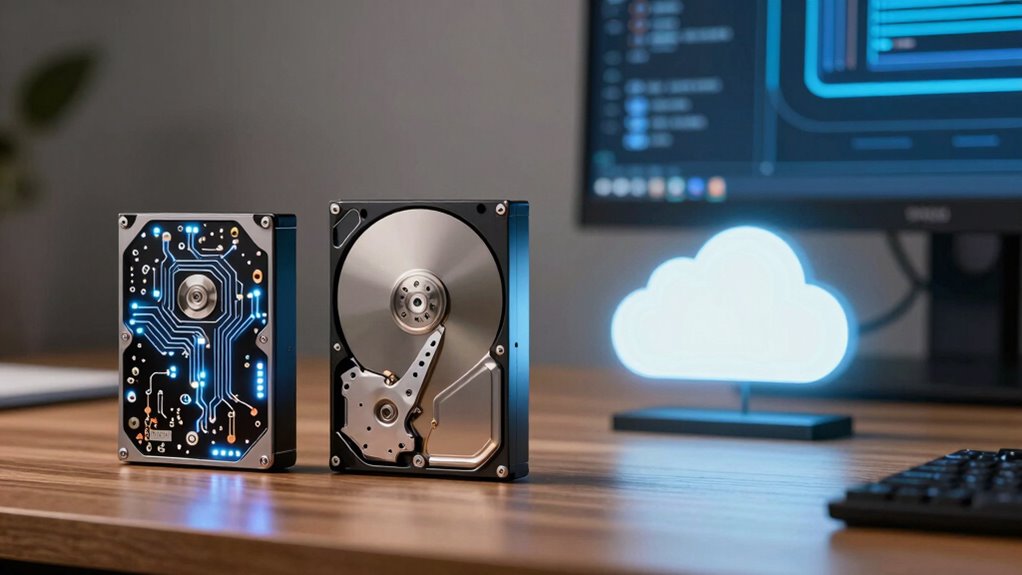
Are you wondering how different storage options compare when considering cost, speed, and reliability? Generally, SSDs are faster and more durable but tend to be pricier, while HDDs offer a lower cost comparison but are slower. Cloud storage provides convenience and scalability, often with recurring costs. Durability factors vary: HDDs are susceptible to physical shock, whereas SSDs have no moving parts, making them more durable. Cloud storage’s reliability depends on internet access and provider stability. Additionally, storage architecture plays a crucial role in overall performance and resilience. Here’s a quick comparison:
| Feature | Cost Comparison | Speed | Reliability & Durability Factors |
|---|---|---|---|
| SSD | Higher, but decreasing prices | Fastest | Very durable, no moving parts |
| HDD | Lower, especially for large capacity | Slower | Prone to shocks and mechanical failure |
| Cloud Storage | Subscription-based, scalable | Varies, dependent on internet | Depends on provider and connection stability |
How to Find the Right Storage Setup for Your Digital Life?
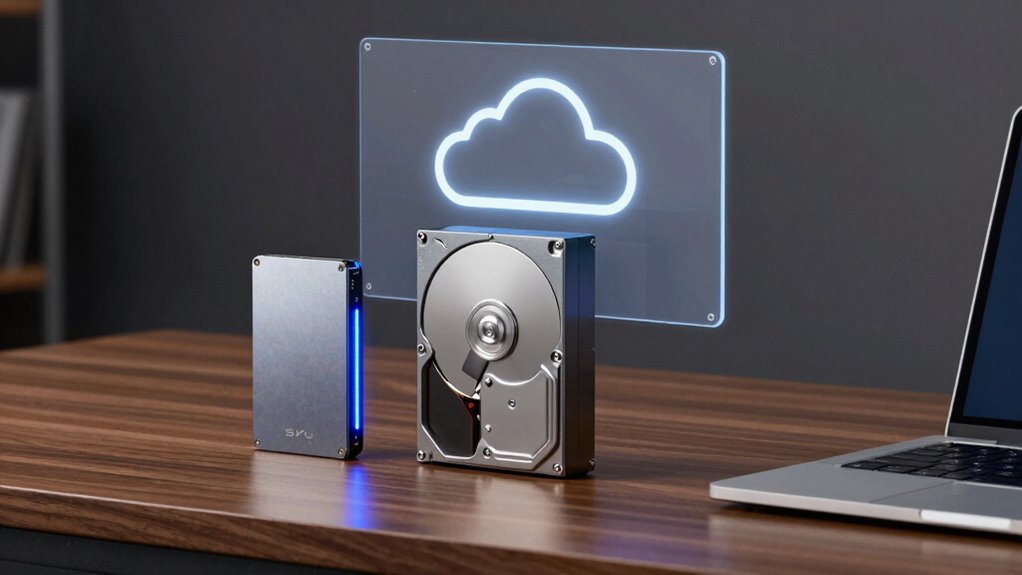
Finding the right storage setup for your digital life starts with understanding your specific needs and priorities. Consider how much data you generate, how often you access it, and your concerns about data security. To make an informed choice, evaluate whether you need fast access, reliable data backup, or secure storage solutions. You might prefer SSDs for speed, HDDs for cost-effective capacity, or cloud options for convenience and remote access. Additionally, understanding the vetted options available can help you select the most reliable and suitable storage solution for your requirements. For optimal performance, selecting the right engine upgrades can enhance your overall digital experience just as they do in automotive performance. Recognizing the importance of storage security can further help you protect your data from threats and unauthorized access. Incorporating smart home technology features such as automated backups and secure access controls can also improve your data management strategy. Moreover, exploring cloud security best practices can ensure your data remains protected in online environments.
Frequently Asked Questions
How Secure Is Data Stored in the Cloud Compared to Local Storage?
Data stored in the cloud can be quite secure thanks to cloud encryption, which protects your information from unauthorized access. However, you’re still at risk of data breaches if security measures aren’t strong or if vulnerabilities are exploited. Compared to local storage, cloud security depends on the provider’s protocols and your password practices. Always choose reputable services with robust encryption and stay vigilant to keep your data safe.
Can I Upgrade My Storage Devices Easily Later On?
Absolutely, upgrading your storage devices is a breeze—you’ll feel like a tech wizard! Most devices offer straightforward upgrade options, especially if you choose compatible hardware. Just double-check device compatibility before diving in, and you’ll effortlessly swap out or add drives. Whether it’s upgrading to a faster SSD or expanding your HDD space, you’ll enjoy seamless upgrades that boost your system’s performance without any hassle.
What Are the Environmental Impacts of Different Storage Options?
You should consider that SSDs and HDDs consume varying amounts of energy, with SSDs typically being more energy-efficient. Cloud storage reduces electronic waste because it minimizes physical devices, but data centers still use significant energy. Upgrading or disposing of storage devices can contribute to electronic waste, so choosing eco-friendly options and recycling responsibly helps lessen your environmental impact. Balancing performance with sustainability benefits both you and the planet.
How Does Data Recovery Vary Between SSDS, HDDS, and Cloud?
Data recovery varies considerably among SSDs, HDDs, and cloud storage. You’ll find that SSDs pose more data recovery challenges due to their complex hardware and encryption, making recovery difficult after hardware failure risks. HDDs generally offer easier recovery options since they have mechanical parts that can often be repaired or replaced. Cloud storage simplifies recovery, as providers handle backups, but you depend on their service stability and data retention policies.
Are There Any Hidden Costs Associated With Cloud Storage Plans?
Cloud storage can hide hidden fees and service limitations behind a velvet curtain, catching you off guard. You might find extra charges for exceeding data caps or using advanced features. Always read the fine print, as some plans have hidden fees lurking in the shadows, ready to surprise you. Be vigilant and choose a plan that aligns with your needs, avoiding unexpected costs that could cloud your storage experience.
Conclusion
Choosing the right storage depends on your needs, budget, and priorities. While cloud offers convenience and scalability, it might not suit everyone’s budget or security concerns. SSDs provide speed but at a higher cost, whereas HDDs are budget-friendly but slower. Don’t let complexity overwhelm you—by understanding your usage, you can find a setup that balances cost, speed, and reliability perfectly. With the right choice, your digital life becomes smoother and more secure.
Halloween Picks
halloween
As an affiliate, we earn on qualifying purchases.