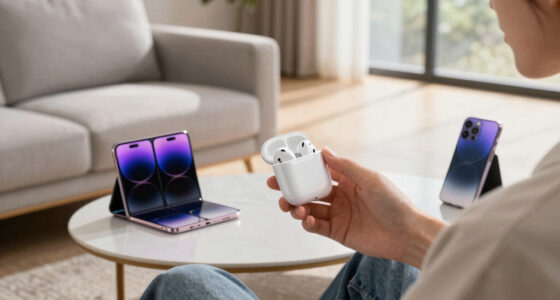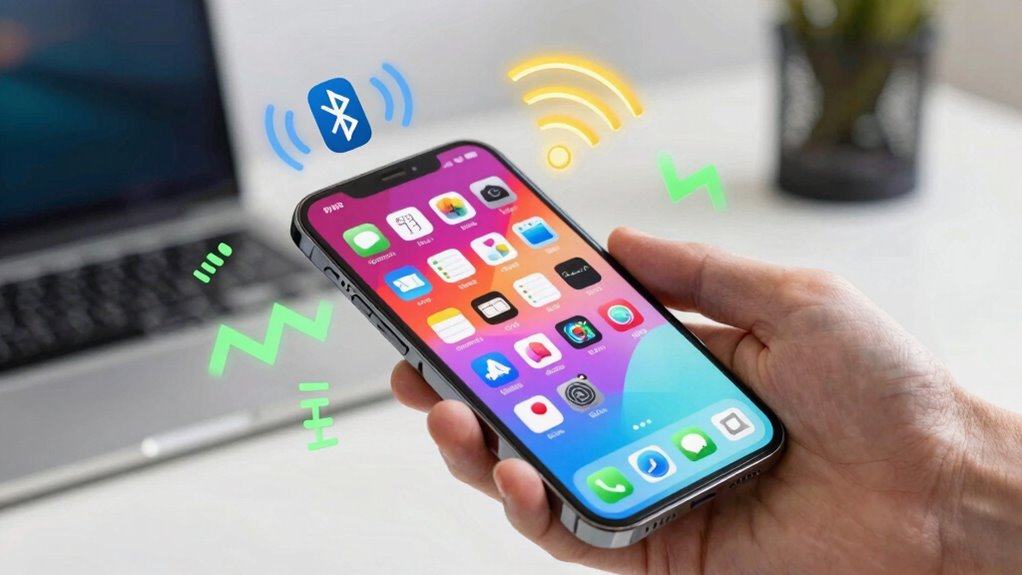

Wireless devices talk without wires by using different systems that send signals through the air. Bluetooth connects nearby gadgets like headphones or fitness trackers easily and securely. Wi-Fi keeps your devices connected to the internet over longer distances, like your home network. Zigbee is great for smart homes, letting many devices work together smoothly. Choosing the right one depends on what you need, and if you keep exploring, you’ll uncover even more simple ways these connections work.

Get the latest gadgets delivered free — and shop member deals
- Fast, free delivery on millions of items
- Access to Prime Big Deal Days deals on October 6–7
- Prime Video, Amazon Music and more included
Key Takeaways
- Bluetooth connects nearby devices like headphones and fitness trackers with low power and short range.
- Wi-Fi provides internet access by linking devices to routers using radio signals for high-speed data transfer.
- Zigbee creates mesh networks for reliable, low-power communication among smart home devices over larger areas.
- Setting up involves pairing devices, entering PINs, and ensuring they stay within signal range for stability.
- Securing your connections with strong passwords, encryption, and regular updates protects against unauthorized access.
As an affiliate, we earn on qualifying purchases.
How Do Wireless Devices Talk Without Wires?
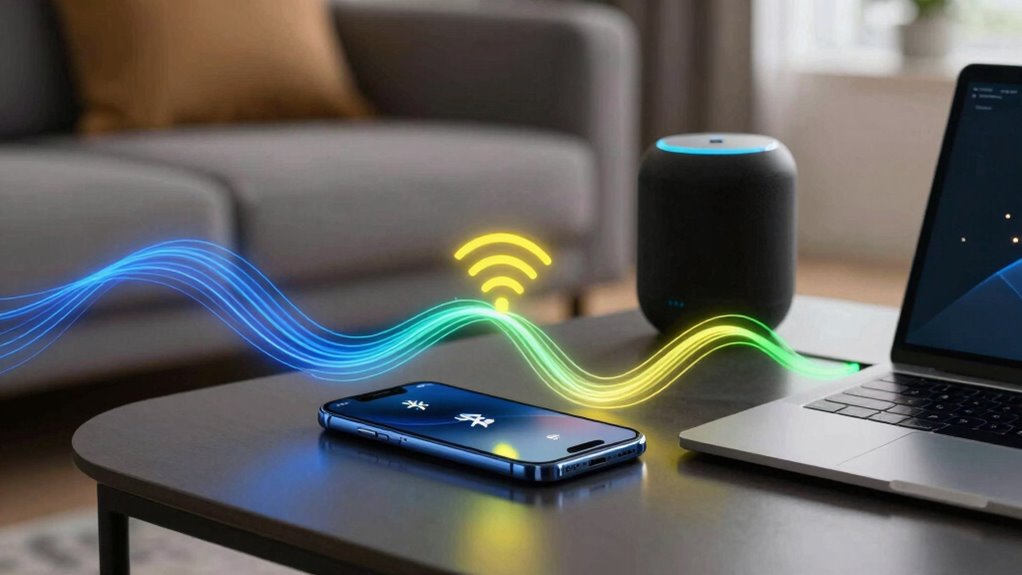
Ever wonder how wireless devices communicate without physical connections? It all comes down to using specific frequency bands, which are slices of the electromagnetic spectrum designated for data transmission. Devices transmit signals over these bands, such as 2.4 GHz or 5 GHz, depending on the technology. The signal range, or how far the device can send and receive data, varies based on the power and frequency used. For example, Bluetooth typically operates within a short range of about 10 meters, while Wi-Fi can reach much farther, sometimes hundreds of meters indoors or even kilometers outdoors. These frequency bands and signal ranges allow devices to communicate smoothly without wires, making your gadgets portable and easy to connect. Understanding electromagnetic spectrum helps explain why different wireless technologies have varying capabilities and limitations. Additionally, wireless communication protocols are designed to optimize data transfer and reduce interference, ensuring reliable connections in diverse environments.
As an affiliate, we earn on qualifying purchases.
What Is Bluetooth and How Does It Work in Your Gadgets?
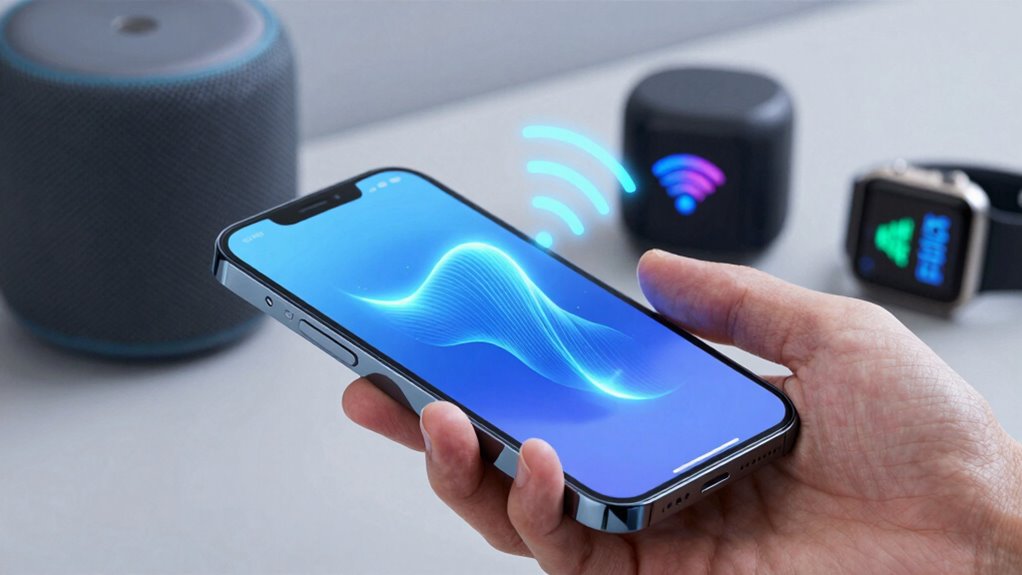
Bluetooth is a technology that lets your gadgets connect wirelessly over short distances. It works by creating a secure, low-power link between devices, making data transfer quick and easy. You’ll find Bluetooth in many devices like headphones, speakers, and fitness trackers, enabling seamless communication. Additionally, Bluetooth’s ability to support multiple device connections makes it versatile for various applications. Its compatibility with other wireless protocols also enhances its functionality in your smart home setup. This interoperability is important for integrating multiple devices within a connected environment. Understanding how Bluetooth interacts with different wireless standards can help you optimize your device connections.
Bluetooth Basics and Functionality
Many modern gadgets rely on Bluetooth to connect and communicate seamlessly without wires. When you turn on Bluetooth, your device searches for others nearby to establish a connection through device pairing. This process involves exchanging simple codes to guarantee both devices recognize each other securely. Once paired, Bluetooth uses short-range radio waves to transmit data. The signal range typically extends up to 30 feet, depending on obstacles and device power. This limited range keeps connections stable and reduces interference. Bluetooth operates in the 2.4 GHz frequency, allowing quick, low-power data transfer. It’s ideal for tasks like streaming music, sharing files, or connecting peripherals. Understanding these basics helps you grasp how your gadgets communicate smoothly within a close distance. Additionally, knowing about wireless communication protocols can improve your overall digital safety and device management. Bluetooth technology is designed to minimize power consumption, making it suitable for battery-powered devices. Recognizing short-range communication helps optimize device placement for better connectivity. Being aware of signal interference can also help troubleshoot connectivity issues and improve performance.
Wireless Connection Process
When you turn on Bluetooth on your device, it actively searches for compatible gadgets nearby to establish a connection. This process involves wireless energy transfer and spectrum sharing, allowing devices to communicate efficiently without physical cables. Bluetooth uses a short-range radio frequency, typically in the 2.4 GHz band, to transmit data. During pairing, devices exchange secure information to ensure a safe connection. Spectrum sharing helps multiple devices use the same frequency without interference, making connections seamless. Here’s a quick look at how the process works:
| Step | Description |
|---|---|
| Discovery | Device scans for nearby gadgets |
| Pairing | Devices exchange security info |
| Connection | Data begins to transfer smoothly |
This simple process makes your gadgets work together effortlessly. Additionally, Bluetooth’s ability to support local automation enables smart home devices to communicate and coordinate actions seamlessly. Understanding the underlying wireless connection process can help you troubleshoot issues and optimize your device pairing experience. Recognizing the importance of security measures during pairing can also protect your devices from unauthorized access. Knowing how spectrum sharing functions ensures that multiple devices can connect without interference, enhancing overall performance. Being aware of encryption protocols used during Bluetooth connections provides an extra layer of security and privacy for your data.
Common Device Applications
Bluetooth technology enables your gadgets to communicate wirelessly over short distances, making everyday tasks more convenient. Common device applications include connecting your smart device to headphones, speakers, or fitness trackers, all using wireless signals. You can effortlessly share files between phones or sync your smartwatch with your phone without any cables. Bluetooth also powers car audio systems, allowing you to stream music directly from your device. Many home appliances, like smart thermostats and security cameras, rely on Bluetooth to connect with your smartphone for easy control. These wireless signals create seamless interactions, reducing clutter and enhancing your tech experience. Whether you’re listening to music, managing home devices, or transferring data, Bluetooth simplifies how your gadgets work together. Additionally, some electric bikes incorporate Bluetooth connectivity to monitor performance and battery status through dedicated apps.
As an affiliate, we earn on qualifying purchases.
How Does Wi-Fi Keep Your Devices Connected to the Internet?
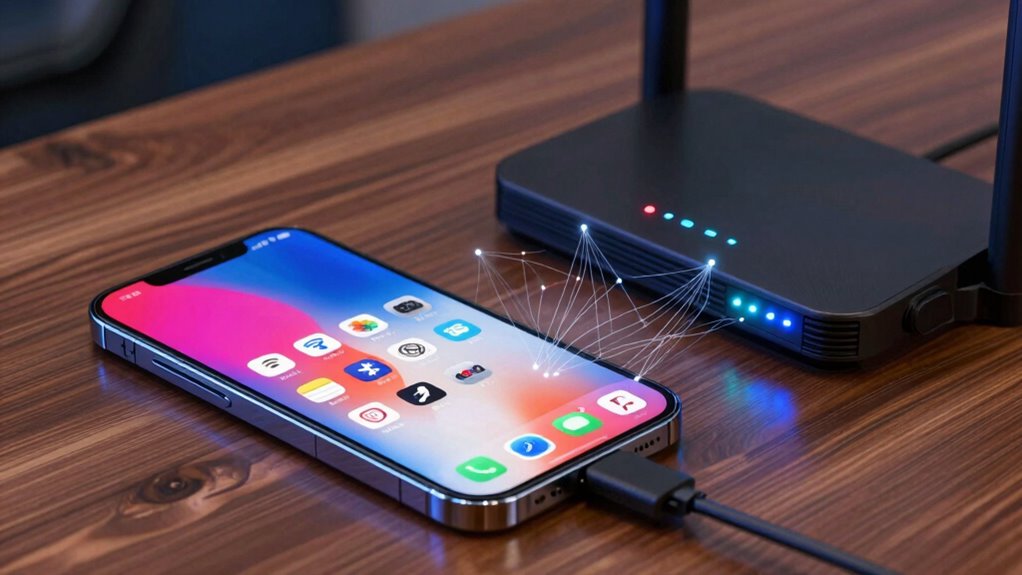
Have you ever wondered how your devices stay connected to the internet seamlessly? Wi-Fi achieves this through a process called device pairing, where your device and the router communicate wirelessly. When you turn on Wi-Fi, your device sends a request to connect, and the router responds by sharing wireless energy that powers the connection. This exchange allows your device to access the internet without physical cables. The router uses radio signals to keep the connection active, constantly exchanging data packets with your device. As long as your device remains within range and the Wi-Fi signal is strong, your device stays connected, allowing you to browse, stream, or work without interruptions. This constant, wireless energy transfer is what keeps you online effortlessly. Additionally, the presence of interference sources can sometimes disrupt this process, making a strong, clear signal essential for a stable connection.
As an affiliate, we earn on qualifying purchases.
What Is Zigbee and Why Is It Popular in Smart Homes?
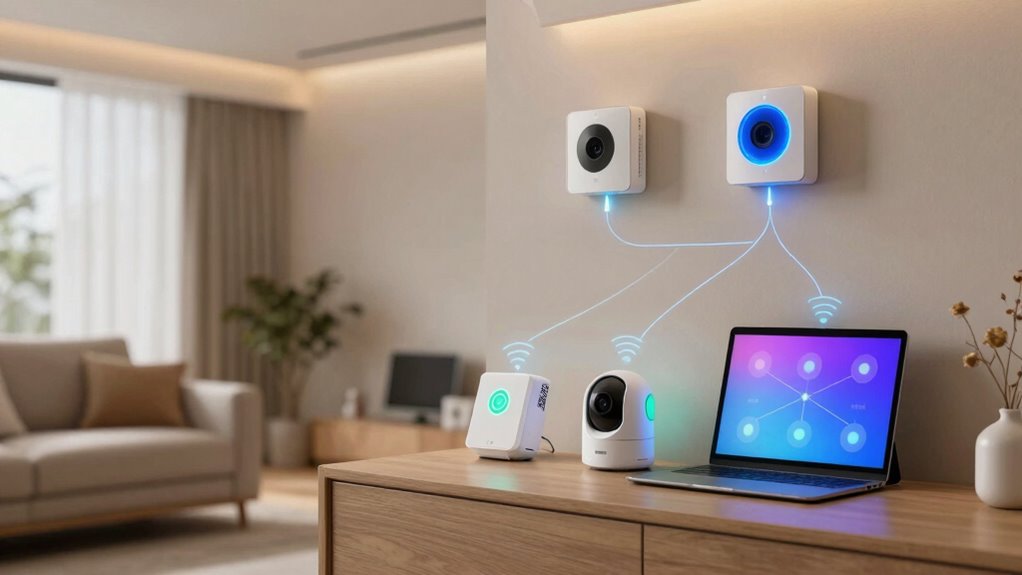
Zigbee is a wireless communication protocol designed specifically for smart home devices, enabling them to connect and work together seamlessly. Its Zigbee mesh network allows devices to communicate directly with each other, passing signals through multiple devices to extend range and improve reliability. This setup guarantees your smart home remains responsive, even if one device fails or is out of direct range. Zigbee is popular because it offers excellent smart home compatibility, working with many brands and gadgets without needing complex setups. Its low power consumption helps battery-powered devices last longer. Additionally, Zigbee’s mesh network technology enhances overall network stability and coverage. The protocol’s standardized communication methods facilitate smooth integration across various device platforms. By utilizing interoperability standards, Zigbee devices can easily integrate with other smart home ecosystems, making setup and expansion more straightforward. Moreover, Zigbee’s security features ensure that your connected devices remain protected from unauthorized access. The protocol also supports scalability, allowing users to add more devices as their smart home grows without compromising performance. Overall, Zigbee’s mesh structure and broad compatibility make it a reliable choice for creating a connected, easy-to-manage smart home environment.
Which Wireless Connection Is Best for Your Smart Home?
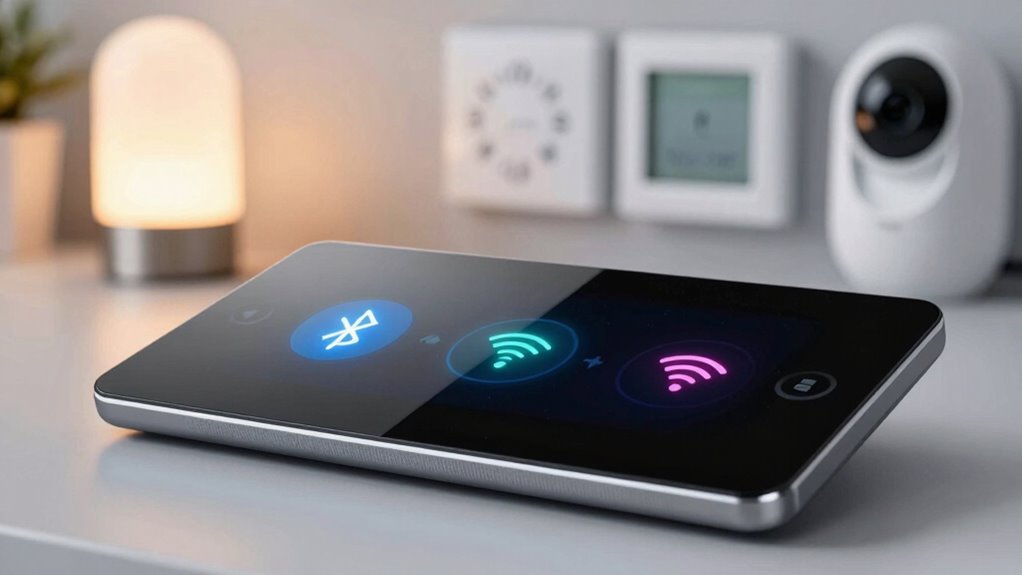
Choosing the right wireless connection for your smart home depends on your specific needs and the devices you plan to use. Wireless standards, like Wi-Fi, Bluetooth, and Zigbee, each have different signal ranges and capabilities. Wi-Fi generally offers a broad signal range, making it ideal for whole-home coverage and high-bandwidth tasks like streaming or video calls. Bluetooth has a shorter signal range but is perfect for connecting individual devices nearby, such as speakers or fitness trackers. Zigbee provides a middle ground, with a decent range and low power use, suitable for connecting multiple sensors or smart lights across your home. Consider your device types and how far apart they are to determine which wireless standard will best serve your smart home setup. Additionally, understanding the different dog breeds overview can help you select compatible devices for pet monitoring and care. When choosing a wireless connection, also consider the security features offered to protect your smart devices from potential threats.
How to Set Up Bluetooth, Wi-Fi, and Zigbee Devices
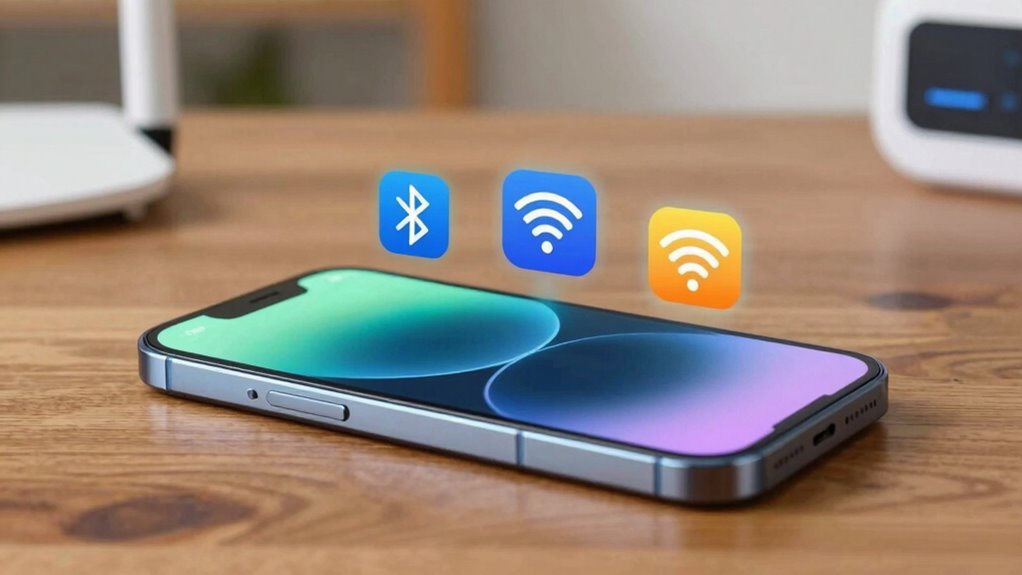
Setting up Bluetooth, Wi-Fi, and Zigbee devices involves specific steps to make certain they connect properly and operate smoothly in your smart home. First, enable the device’s pairing mode, which makes it discoverable. Next, follow these steps:
- Select the device from your smartphone or hub’s device list.
- Confirm the connection or enter a PIN if prompted.
- Keep within the device’s signal range to maintain a stable connection.
How to Secure Your Wireless Connections and Keep Them Private
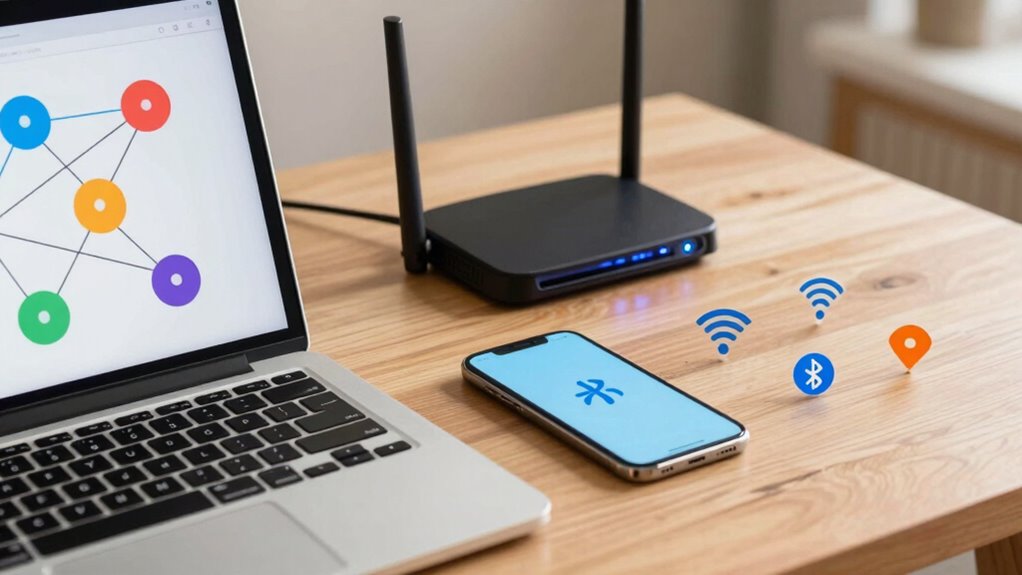
To keep your wireless connections secure and private, start by using strong, unique passwords for each device and network. This prevents unauthorized access. Next, enable encryption protocols like WPA3 for Wi-Fi and secure pairing methods for Bluetooth to protect data during transmission. Adjust privacy settings on all devices to limit sharing and visibility, such as hiding your network SSID or disabling device discovery when not in use. Regularly update firmware and software to patch security vulnerabilities. Be cautious with Zigbee devices by changing default security keys and enabling device-specific encryption options. These steps help prevent eavesdropping and unauthorized control. By managing encryption protocols and privacy settings diligently, you markedly enhance your wireless security and keep your connections private.
Troubleshooting Common Wireless Device Problems
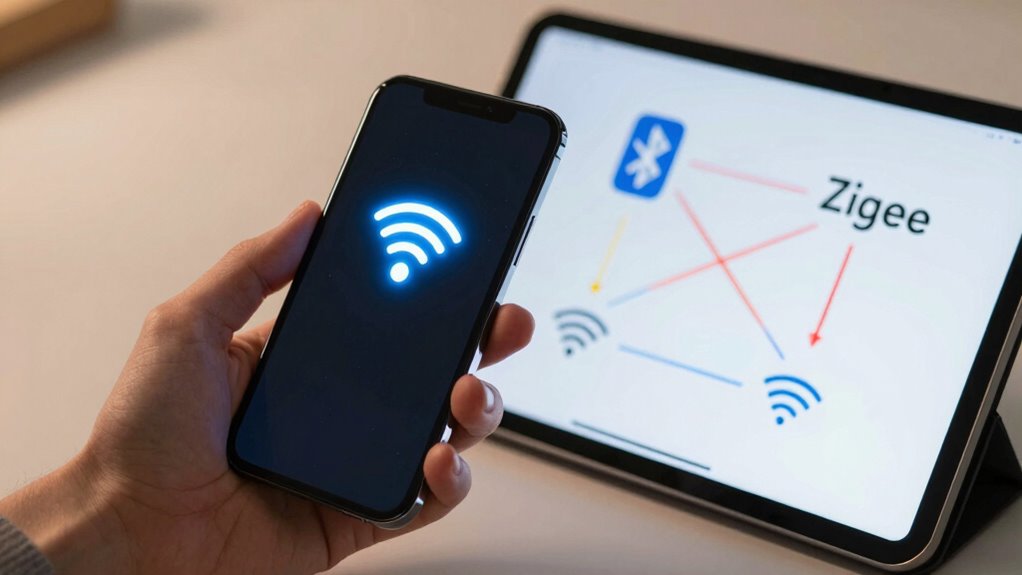
Wireless device problems can often be caused by interference or connection issues. You can try moving devices away from other electronics or changing channels to reduce interference. If problems persist, resetting your connection can often restore stability and improve performance.
Device Interference Solutions
Device interference is a common cause of connectivity issues with Bluetooth, Wi-Fi, and Zigbee devices. To improve performance, focus on interference mitigation and effective frequency management. First, identify and reduce sources of interference, such as cordless phones or microwaves, that operate on similar frequencies. Second, change your device’s Wi-Fi channel through your router settings to avoid crowded channels. Third, reposition devices away from potential interference sources and into open spaces to minimize signal clash. Using these strategies helps you manage frequencies more effectively, ensuring smoother device operation. By controlling environmental factors and optimizing your device placement, you prevent signal overlap and maintain reliable connections. Proper interference mitigation and frequency management are essential for seamless wireless device performance.
Connection Reset Strategies
When your wireless connection repeatedly drops or resets, it can be frustrating and disruptive. To fix this, focus on improving signal strength and interference management. First, move your device closer to the router or hub, reducing physical obstacles that weaken signals. Second, check for sources of interference like microwaves or cordless phones, and keep them away from your wireless devices. You can also try switching to a less congested channel to avoid interference from neighboring networks. Ultimately, resetting your device or router can clear temporary glitches. Here’s a quick guide:
| Strategy | Action |
|---|---|
| Improve Signal Strength | Move closer or eliminate obstacles |
| Manage Interference | Keep electronics away and change channels |
| Reset Devices | Restart your device and router for a fresh start |
Future Trends: How Wireless Tech Is Making Homes Smarter
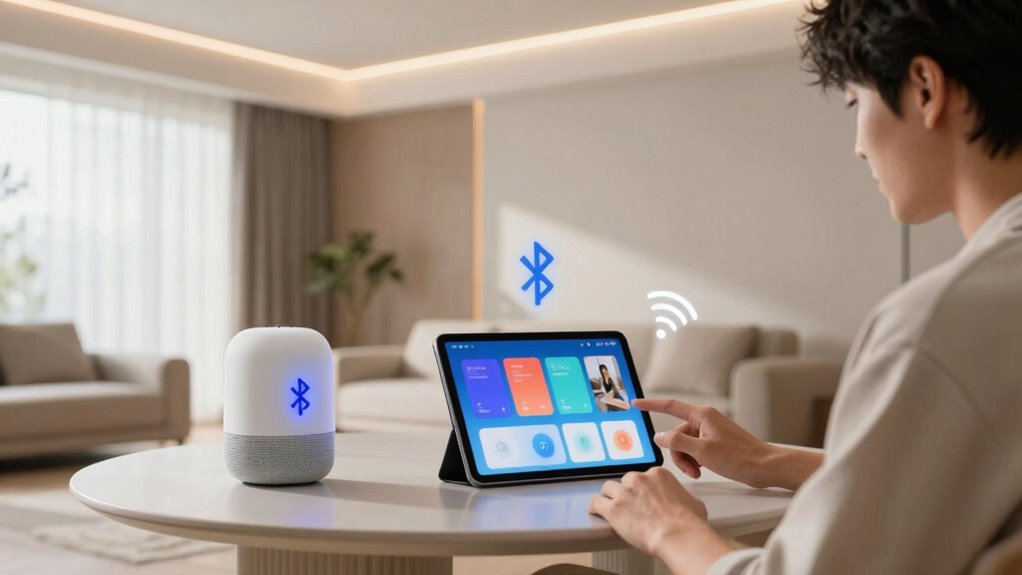
As smart home technology continues to evolve, wireless connectivity plays a crucial role in making homes more intuitive and efficient. Future trends focus on enhancing energy efficiency and device compatibility, ensuring your home adapts seamlessly to your needs. You can expect:
- Smarter automation systems that optimize energy use, reducing bills and environmental impact.
- Broader device compatibility, allowing different brands and technologies to work together effortlessly.
- Increased integration of wireless protocols like Bluetooth, Wi‑Fi, and Zigbee for smoother, more reliable connections.
These advancements mean your smart home will become more responsive, saving energy while providing greater control. Wireless tech will continue to bridge gaps between devices, making your home not only smarter but also more sustainable and user-friendly.
Choosing the Right Wireless Connection for Your Devices
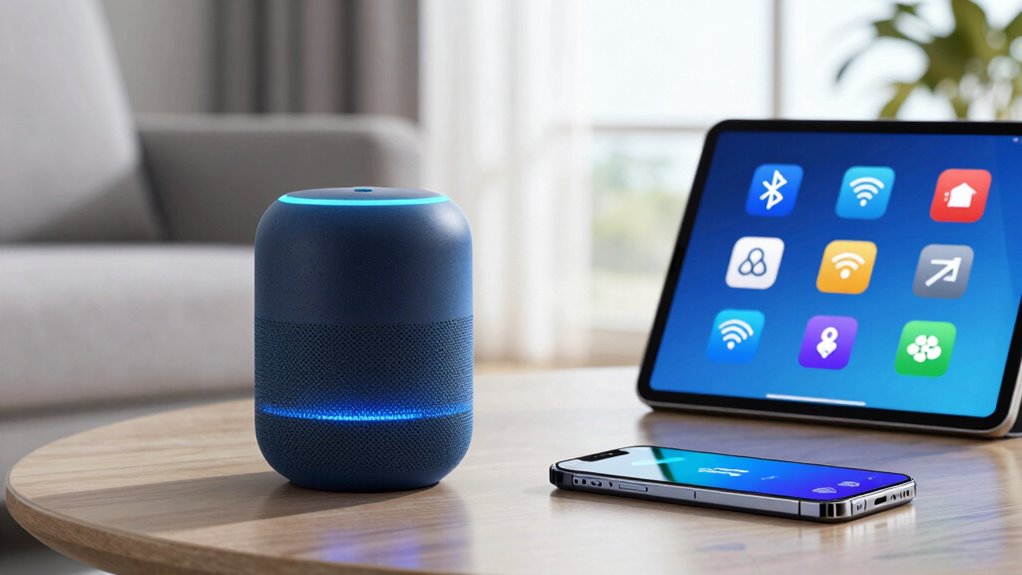
Choosing the right wireless connection for your devices can substantially impact your smart home’s performance and convenience. First, consider the frequency bands each technology uses; for example, Wi-Fi often operates on 2.4 GHz and 5 GHz, offering different ranges and speeds. Bluetooth typically uses 2.4 GHz, making it ideal for short-range, low-power devices. Zigbee also operates on 2.4 GHz but is designed for low power and reliable mesh networking. Device compatibility is essential—ensure your gadgets support the same technology and frequency bands for smooth communication. Some devices work better with Wi-Fi for high data needs, while others, like sensors, function perfectly over Zigbee or Bluetooth. Picking the right connection streamlines setup, improves performance, and maximizes your smart home’s efficiency.
Frequently Asked Questions
Can Multiple Wireless Devices Connect Simultaneously Without Interference?
Yes, multiple wireless devices can connect simultaneously without interference. This is achieved through interference management techniques and device coordination, which help prevent signals from clashing. Your devices often use different channels or frequencies, and smart protocols manage data flow efficiently. As a result, you experience smooth connections even with many devices in use, ensuring reliable performance and minimal disruptions in your wireless environment.
What Is the Typical Range for Bluetooth, Wi-Fi, and Zigbee Signals?
Bluetooth typically reaches about 10 meters, but signal strength and device placement can extend or limit this range. Wi-Fi usually covers up to 30 meters indoors, depending on obstacles and interference, so good device placement is key. Zigbee offers a shorter range, around 10-20 meters, but it’s designed to work well in smart home setups with proper device placement. Keep your devices close enough for strong signals to avoid connection issues.
How Do I Update Firmware on My Wireless Smart Home Devices?
To update your wireless smart home devices’ firmware, start by opening the manufacturer’s app or website. For example, if you own a smart thermostat, check for firmware updates in its app under device settings. Confirm your device is compatible with the latest firmware. Download and install updates promptly, as they often fix bugs and improve performance. Regular updates keep your devices secure and functioning smoothly.
Are Wireless Connections Safe From Hacking or Unauthorized Access?
Wireless connections can be safe if you use strong encryption methods like WPA3 or WPA2, which protect your data from hacking. To prevent unauthorized access, regularly update your device firmware, change default passwords, and enable two-factor authentication where possible. Keep your Wi-Fi network hidden and monitor connected devices. These steps substantially reduce hacking risks and keep your smart home secure.
What Should I Do if My Wireless Devices Keep Disconnecting Randomly?
If your wireless devices keep disconnecting randomly, start by moving closer to your router or access point to improve signal strength. Check for signal interference from other electronics or Wi-Fi networks, and try changing your device’s Wi-Fi channel. If issues persist, reset your device and router to refresh connections. This often fixes temporary glitches and stabilizes your wireless connection, reducing disconnections.
Conclusion
Now that you know how Bluetooth, Wi-Fi, and Zigbee work, you’re better equipped to build a smarter, safer home. By understanding these wireless wonders, you can choose the right connection, keep it secure, and troubleshoot with confidence. Remember, mastering modern tech makes your home more manageable and more comfortable. So, stay savvy, stay secure, and see how seamless your smart space can be when you’re in control of the connections you create.
Fall Picks
fall essentials
As an affiliate, we earn on qualifying purchases.