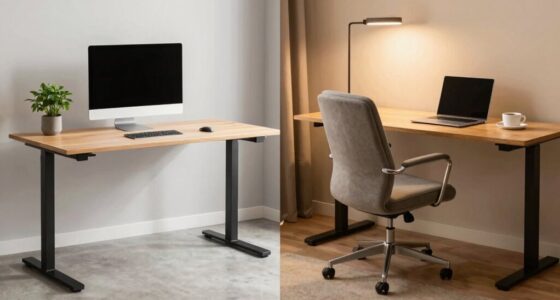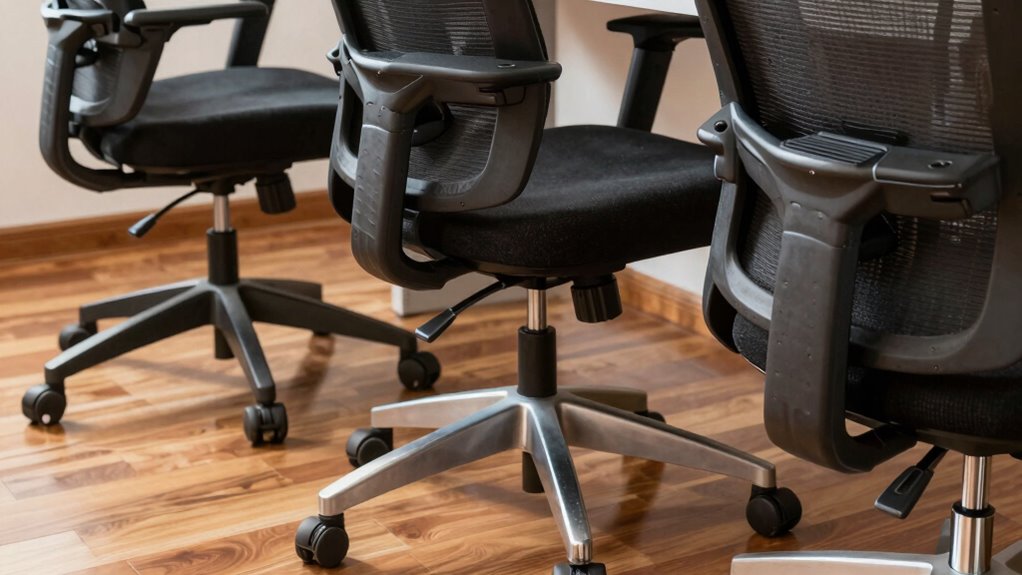

Start by adjusting your chair height so your feet rest flat on the floor and your knees are at about a 90-degree angle. Next, fine-tune the backrest and lumbar support to follow your spine’s natural curve, promoting good posture. Then, set the seat depth and armrests to ensure your thighs have space and your shoulders stay relaxed. Mastering these steps first will greatly improve your comfort and support throughout long work sessions. Keep going to learn even more tips for ergonomic success.
Key Takeaways
- Adjust the chair height so your feet are flat on the floor and knees are at a 90-degree angle.
- Set the backrest to support the natural curve of your lower back, ensuring proper lumbar support.
- Position the armrests to keep shoulders relaxed and elbows at roughly 90 degrees for optimal arm support.
- Ensure seat depth allows a small gap between the back of your knees and the seat edge for comfort.
- Fine-tune the chair’s recline and support features to promote good posture and reduce strain during prolonged sitting.

Ergonomic Office Chair with Footrest – Adjustable Lumbar Support & Headrest, 90-160° Reclining Mesh Back Computer Chair – Home Office/Gaming, 350lbs Capacity (SGS Certified)
This is more than a chair; it's a personalized comfort zone for work, rest, and play. We've meticulously…
As an affiliate, we earn on qualifying purchases.
As an affiliate, we earn on qualifying purchases.
Adjust Your Chair Height for Comfort
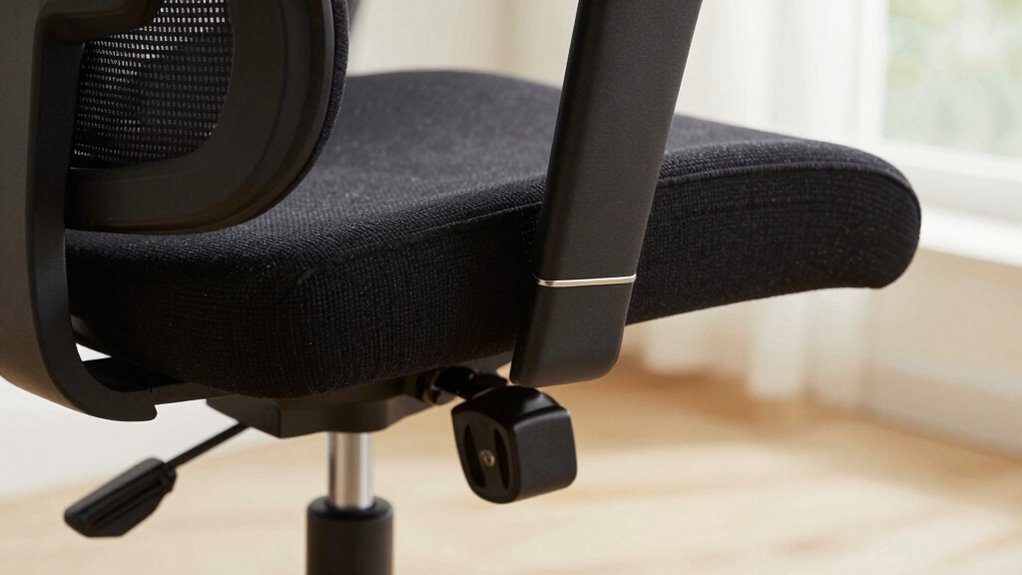
To guarantee maximum comfort and proper posture, start by adjusting your chair height so that your feet are flat on the floor. Achieving the right height helps maintain an ergonomic posture, reducing strain on your legs and lower back. When adjusting, ensure your knees are roughly at a 90-degree angle, and your hips are level with or slightly higher than your knees. Consider the chair materials—firm but comfortable padding can support prolonged sitting without discomfort. A good chair material also promotes proper airflow, preventing overheating. Proper height adjustment ensures your spine stays aligned and your shoulders relaxed. Incorporating adjustment of chair features can further optimize comfort and support. Remember, ergonomic principles emphasize that proper chair setup is fundamental to preventing discomfort and injury during long periods of sitting.

TRALT Office Chair – Ergonomic Desk Chair with Adjustable Lumbar Support, Mesh Computer Chair, Executive Chairs for Home Office Comfortable Lumbar Support (Black)
Ergonomic Office Chair: Experience unparalleled support with our ergonomic office chair, designed to provide comprehensive assistance for your…
As an affiliate, we earn on qualifying purchases.
As an affiliate, we earn on qualifying purchases.
Set Your Backrest and Lumbar Support Correctly
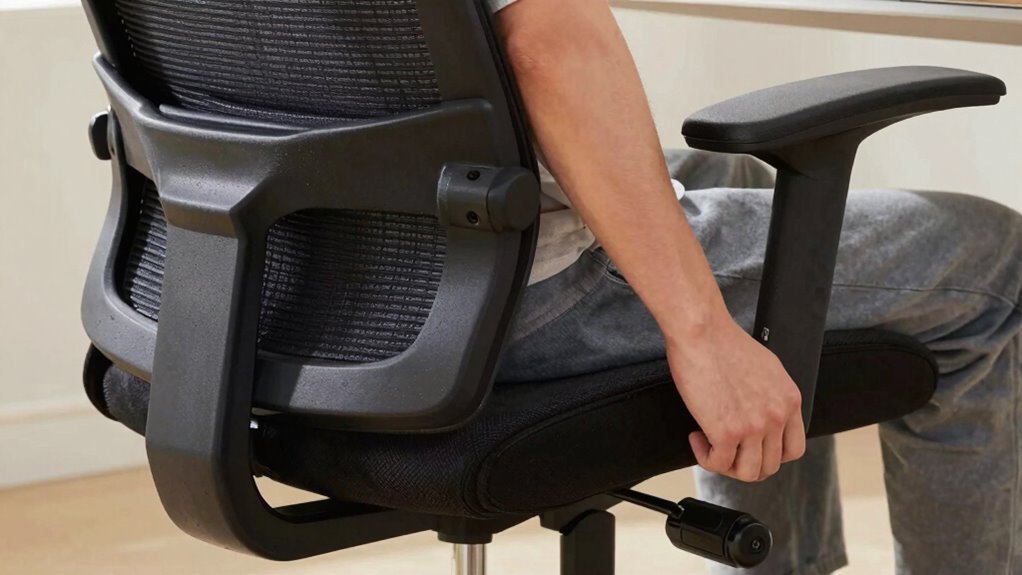
Properly setting your backrest and lumbar support is essential to maintaining good posture and preventing back pain. Follow ergonomic principles to guarantee your spine stays aligned and supported throughout the day. Adjust the backrest so it supports the natural curve of your lower back, promoting proper posture alignment. The lumbar support should fit snugly into the curve of your lumbar region, reducing strain on your spine. Avoid leaning forward or slouching; instead, aim for a slight recline that keeps your back comfortably supported. Fine-tuning these adjustments helps distribute your weight evenly and minimizes pressure points. Ensuring your chair’s ergonomic features are properly aligned can significantly improve your comfort and support. Remember, a well-positioned backrest and lumbar support are key to comfort and preventing long-term back issues. Take the time to get these settings right for maximum ergonomic benefits. Proper posture is crucial for overall comfort and long-term spinal health, especially when combined with appropriate adjustments. Maintaining spinal alignment through correct chair setup can also reduce fatigue and enhance your overall well-being.

Marsail Ergonomic Office Chair Ergonomic Gaming Chair with Lumbar Support, 2D Headrest, Adjustable Armrests, Contoured Seat Cushion, Computer Desk Chair with Wheels for Home and Office
Adjustable Lumbar Support: This ergonomic office chair is designed to align with the natural curve of your spine….
As an affiliate, we earn on qualifying purchases.
As an affiliate, we earn on qualifying purchases.
Fine-Tune Seat Depth and Armrests for Better Fit
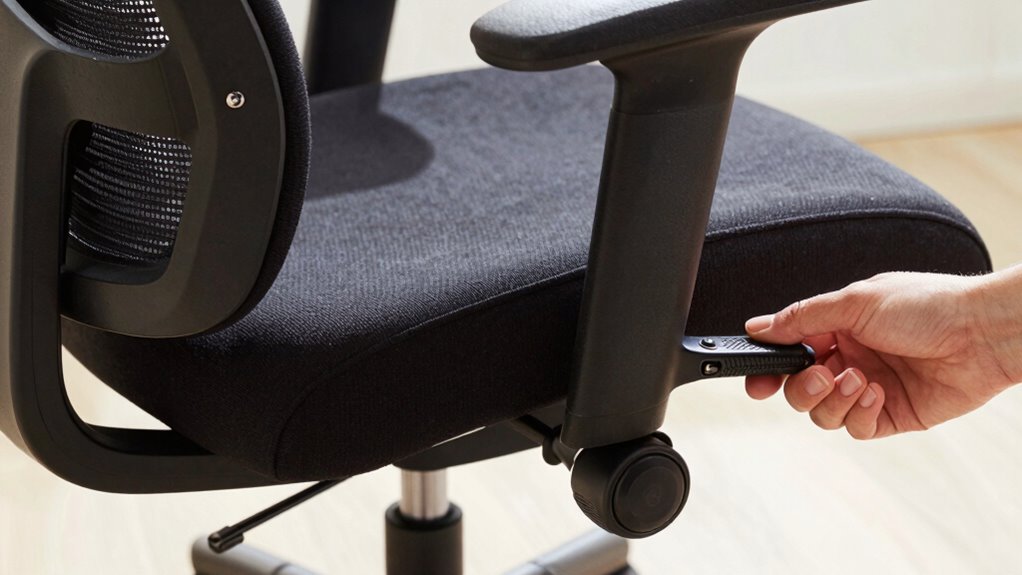
Adjusting your seat depth and armrests guarantees you’re fully supported and comfortable throughout the day. Start by setting the cushion positioning so your thighs rest evenly on the seat, with just enough space behind your knees. Your feet should be flat on the floor or footrest; proper footrest alignment prevents pressure on your legs and improves circulation. For seat depth, slide the seat forward or back until you can comfortably sit with your back against the lumbar support while maintaining a small gap between the edge of the seat and the back of your knees. Proper ergonomic setup promotes better posture and helps prevent discomfort over extended work sessions. Adjust the armrests so your shoulders stay relaxed, and your elbows are at a 90-degree angle. These tweaks ensure better support, reduce strain, and keep you comfortable during long periods of sitting. Additionally, aligning your workspace ergonomics with your body’s needs can further enhance comfort and reduce fatigue.

Ergonomic Mesh Office Chair for Home Office, Flip-Up Arms, Breathable Mesh Back & Thick Seat Cushion, Swivel Rolling Computer Desk Chair, BIFMA Certified, Supports 300 lbs (Black Frame/Black Seat)
Strong & Certified Quality: The aerospace-grade plastic frame safely supports up to 300 lbs and is certified by…
As an affiliate, we earn on qualifying purchases.
As an affiliate, we earn on qualifying purchases.
Frequently Asked Questions
How Do I Know if My Chair Height Is Right?
You’ll know your chair height is right when your feet rest flat on the floor and your knees are at a 90-degree angle. Adjust your ergonomic accessories if needed to support proper posture. Regular chair maintenance, like tightening screws and cleaning, keeps it in good shape. If you feel comfortable, supported, and your body aligns naturally, you’ve found the correct height for your workspace.
What’s the Proper Angle for My Backrest?
Imagine your back is a gentle curve of a river; your backrest should follow that flow. The proper angle usually ranges from 100 to 110 degrees, supporting your lumbar support without forcing you forward or reclined. Adjust your seat depth so there’s a comfortable space between your knees and the edge of the seat. This way, your lumbar support stays effective, and your posture remains balanced and relaxed.
How Tight Should the Armrests Be?
You should tighten your armrests just enough so they feel secure but still allow for comfortable armrest movement. Armrest comfort is key, so avoid making them too tight, which can restrict movement, or too loose, which can cause instability. Consider the armrest material; for softer padding, a slight looseness might improve comfort, while rigid materials may need a firmer adjustment to stay stable during use.
Can Chair Adjustments Prevent Back Pain?
A stitch in time saves nine, and proper chair adjustments can indeed prevent back pain. You should guarantee your lumbar support is correctly aligned to your lower back and adjust the seat tilt to keep your spine in a natural position. These tweaks help maintain good posture, reduce strain, and prevent discomfort during long hours. Taking these small steps makes a huge difference in maintaining back health and comfort.
How Often Should I Readjust My Chair Settings?
You should readjust your chair settings whenever you notice discomfort or after changing your position to maintain ergonomic benefits. Ideally, do a quick check every few hours during prolonged sitting sessions. Regular adjustment helps prevent strain and promotes good posture. Keep in mind, consistent adjustment frequency ensures your chair supports your body properly, reducing the risk of back pain and fatigue. Stay attentive to your comfort for maximum ergonomic health.
Conclusion
Think of your chair as your trusty steed—adjust it wisely, and it’ll carry you comfortably through your day. Just like tuning a musical instrument, the right settings guarantee everything is in harmony. By prioritizing height, backrest, and armrest adjustments first, you set the stage for better posture and less fatigue. Remember, a well-adjusted chair isn’t just furniture; it’s your partner in productivity, supporting you like a steadfast friend along the journey.