
Storing receipts in a box often leads to chaos, making it hard to find important documents when needed. It creates clutter, increases the chance of losing receipts, and wastes your time sorting through paper piles. A better system involves digitizing your receipts using apps that organize, categorize, and back them up securely. If you keep this in mind, you’ll prevent stress and improve your record-keeping—discover how to build an efficient receipt system as you continue.
Key Takeaways
- Relying on physical receipts in a box leads to clutter, loss, and difficulty locating specific documents quickly.
- Manual organization and storage increase the risk of receipts fading, being damaged, or getting misplaced.
- Digitizing receipts with cloud storage and clear categorization improves searchability, security, and reduces physical clutter.
- Regularly backing up digital files and maintaining consistent filing habits prevent data loss and keep records organized.
- Implementing a structured digital system minimizes errors, saves time, and enhances expense tracking for tax and financial management.

Epson RapidReceipt RR-60 Mobile Tax Receipt and Color Document Scanner with Complimentary Data Management Software for PC & Mac
ScanSmart AI PRO Technology — Intelligently convert and extract scanned information into smart digital data – making your…
As an affiliate, we earn on qualifying purchases.
As an affiliate, we earn on qualifying purchases.
Why a Receipts-in-a-Box System Causes Chaos
A receipts-in-a-box system might seem like a simple solution, but it often leads to chaos instead of order. Over time, receipt clutter quickly accumulates, making it difficult to find what you need when you need it. Instead of streamlining your record-keeping, this method encourages a paper pileup that becomes overwhelming. Without a proper system, receipts get mixed together, faded, or lost, increasing frustration and stress. The lack of organization means you waste time digging through stacks, and important documents can slip through the cracks. Implementing proper organization techniques can help ensure your important documents are accessible and secure, especially when considering digital storage options for better management. Developing a consistent filing system can further reduce clutter and improve efficiency during tax season or expense reconciliation. Additionally, using cloud-based storage can safeguard your receipts against physical damage or loss. Employing automated receipt tracking tools can also streamline the process and ensure accuracy in your record-keeping.

iCoin Wallet & Printer – Cold Storage Digital Crypto Hardware with 3in Color LCD Touchscreen, Secure Messaging and Digital Wallet for NFT, Crypto Currency and Tokens, All-in-one with Secure Printer
Cryptocurrency cold storage made easy. The iCoin Hardware Wallet securely holds your Bitcoin & Ethereum Private Keys encrypted…
As an affiliate, we earn on qualifying purchases.
As an affiliate, we earn on qualifying purchases.
The Hidden Costs of Lost Receipts and Missed Deductions
When receipts go missing in a cluttered box, the true costs often go unnoticed until it’s too late. Receipt theft becomes easier when paper clutter hides important documents, increasing your risk of losing valuable deductions. Missing receipts mean you can’t substantiate business expenses, leading to missed tax deductions and higher tax bills. Over time, these small losses add up, reducing your overall profitability. Plus, the time spent searching through paper clutter to find a single receipt is wasted effort that could be better spent on your business. Without a proper system, you might also overlook legitimate expenses, risking audits or penalties. Implementing cabling solutions and organized storage can help safeguard your receipts and improve record-keeping accuracy. Adopting a digital scanning system can drastically reduce the chances of losing important documents and streamline your record-keeping process. Additionally, utilizing vetted vacuum cleaners with proper filtration systems can help keep your workspace clean and reduce the risk of damage to important documents from dust or debris. Incorporating organized digital records can also enhance your ability to quickly access and verify expenses when needed. Establishing a dedicated storage area for receipts can further prevent misplacement and ensure timely retrieval. Ultimately, the hidden costs of lost receipts and theft threaten your financial health and complicate your record-keeping.
cloud-based receipt management system
As an affiliate, we earn on qualifying purchases.
As an affiliate, we earn on qualifying purchases.
How Digitizing Your Receipts Keeps Records Accurate and Easy to Find

Digitizing your receipts allows you to keep your records organized and easy to search. With digital filing, you can quickly locate any receipt whenever you need it. This efficiency saves you time and reduces the risk of losing important documents. Additionally, utilizing reliable measurement tools ensures your records are accurate and trustworthy. Incorporating organized digital systems can further streamline your record-keeping process and improve your overall home management. Well-maintained digital records also aid in tax preparation and financial planning, making your record-keeping even more effective. Understanding privacy policies and how your data is handled can help you make informed decisions about managing your digital records securely. Being aware of media literacy can help you better evaluate the credibility of the sources where your digital records are stored.
Organized Digital Filing
By digitizing your receipts, you create a streamlined system that keeps your records accurate and easy to access. Organized digital filing involves sorting receipts into clearly labeled folders, making retrieval quick and simple. Using cloud storage ensures your files are stored securely off-site, reducing the risk of loss or damage. It also allows you to access receipts from any device, anywhere. Implementing encryption security adds an extra layer of protection, safeguarding sensitive information from unauthorized access. Consistent naming conventions and folder structures help you maintain order, preventing clutter and confusion. This system not only saves time but also minimizes errors, making tax time and expense tracking much smoother. With organized digital filing, your receipts become a reliable, easily manageable record-keeping solution.
Instant Access Anytime
Having instant access to your receipts means you can find the records you need in seconds, no matter where you are. Digital archiving makes it easy to organize and retrieve documents quickly, saving you time and frustration. With a secure system, your records stay protected from loss or damage, ensuring record security. You can effortlessly search by date, vendor, or amount, streamlining your bookkeeping process. Plus, digital access reduces clutter and minimizes the risk of misplaced receipts. Implementing organized digital systems further enhances your ability to manage receipts efficiently. This system allows you to manage receipts efficiently and securely, giving you peace of mind and control over your financial records. Additionally, understanding water system efficiency can help you identify cost-saving opportunities and prolong the lifespan of your equipment, making your entire setup more reliable and effective. Recognizing the importance of Twin Flame connections can also inspire emotional clarity and strengthen your personal growth journey.

Nicecho Receipt Coupon Organizer, 13 Pockets Small Accordion File Organizer with Labels for Receipt Cards, Bill Business, Coupons Storage, 10.2X 5.1 Inches
【HIGH CAPACITY】Product size is 10.2*5.1inch. 13 individual pockets, maximum 350 sheets of coupon. it is large enough to…
As an affiliate, we earn on qualifying purchases.
As an affiliate, we earn on qualifying purchases.
Step-By-Step: Transitioning From a Box of Receipts to a Digital System
To start shifting from a box of receipts to a digital system, you need to gather all your physical receipts first. Next, select the right digital tools that fit your needs and preferences. Finally, organize your receipts logically and back them up regularly to keep your records safe and accessible. Incorporating time management strategies can help you stay consistent and efficient throughout this process.
Gather Physical Receipts
Start by gathering all your physical receipts in one place. This step helps you see the full scope of your paper clutter and simplifies receipt tracking. Once collected, sort through them quickly, setting aside any duplicates or irrelevant items. Use a box or folder to contain these receipts temporarily. Keep in mind that unmanaged paper clutter can make it hard to find receipts later and hampers your organization efforts. To stay efficient, consider dividing receipts by date, category, or store as you go. This makes future sorting easier and prepares you for digital conversion. Remember, the goal is to streamline the process, reducing chaos and making it easier to shift to a better system. Clear organization now saves time and frustration later.
Choose Digital Tools
Once you’ve gathered and sorted your physical receipts, moving them into a digital system becomes the logical next step. Choose reliable digital tools that prioritize digital security to protect sensitive information. Look for apps or software that offer encryption and secure login options. Cloud storage is essential, providing easy access from multiple devices and safeguarding your receipts against loss or damage. Select a platform that integrates with your current systems and offers user-friendly features, like automatic receipt scanning or categorization. Avoid unreliable or unencrypted solutions, as they pose risks to your data. Remember, the goal is to create a safe, accessible, and organized digital archive that simplifies tracking expenses and reduces clutter, making the *shift* smoother and more secure. Incorporating digital security best practices can further enhance your data protection and peace of mind. Additionally, consider the importance of data backup strategies to prevent loss due to unforeseen technical issues.
Organize and Backup
After you’ve chosen your digital tools, the next step is to organize your receipts systematically and create a reliable backup. Proper organization makes retrieval easy and ensures your records stay intact. Use clear folders or labels for different categories, dates, or vendors. Implement effective backup strategies to prevent data loss—consider cloud storage and external drives. Always prioritize digital security by encrypting sensitive files and using strong passwords. Regularly update your backups to include new receipts and confirm they’re accessible. To enhance your system:
- Keep receipts in designated digital folders
- Use consistent naming conventions
- Schedule automatic backups
- Encrypt sensitive data
- Test restore procedures periodically
This approach guarantees your receipts are both organized and protected. A solid backup strategy keeps your data safe against hardware failures or cyber threats.
How to Choose the Best Apps for Receipt Management
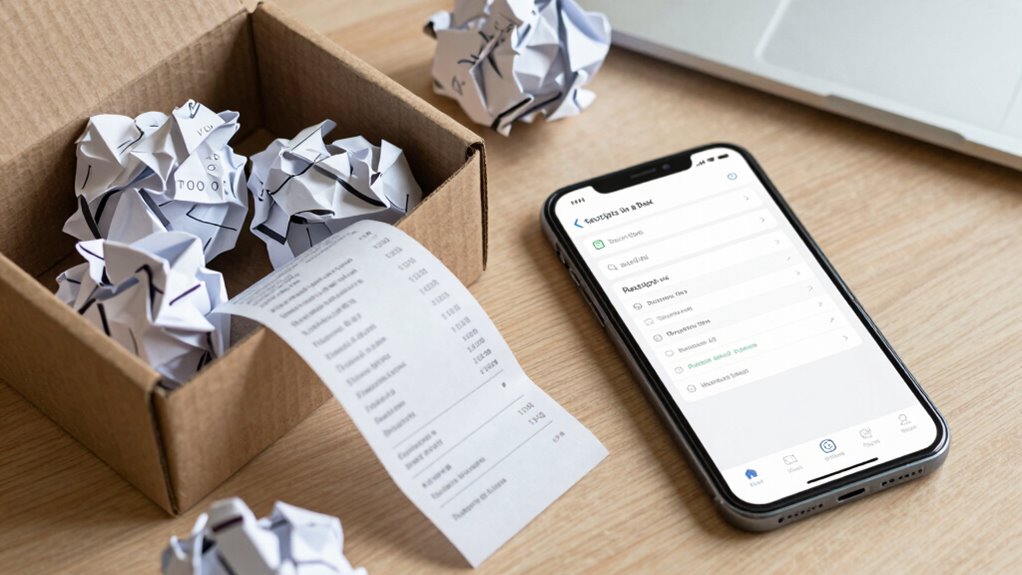
Choosing the right app for receipt management can considerably streamline your record-keeping process. Focus on apps that excel at receipt scanning, allowing you to digitize receipts quickly and accurately. Look for features like automatic data extraction to save time and reduce errors. App integration is also essential—it should sync seamlessly with your accounting software or cloud storage services, ensuring your receipts are organized and easily accessible across devices. Consider user-friendly interfaces and customizable categorization options to fit your specific needs. Compatibility with your smartphone and desktop platforms matters too, so you can manage receipts wherever you are. Incorporating passive voice detection features into your app selection can further enhance clarity and professionalism in your documentation. Additionally, selecting an app with automatic backup capabilities ensures your records are protected against data loss. Evaluating security features is crucial to safeguard sensitive information stored within your receipt management app. Moreover, choosing an app with cloud synchronization can help you access your receipts from multiple devices and locations effortlessly. Implementing data privacy measures in your chosen app guarantees that your sensitive information remains secure. By selecting an app that combines efficient receipt scanning with strong app integration, you’ll simplify your bookkeeping and avoid the chaos of misplaced paper receipts.
Tips for Organizing and Categorizing Digital Receipts Effectively

To keep your digital receipts organized, start by creating clear folder structures that make it easy to find what you need. Use consistent naming conventions so related receipts stay grouped together, and add searchable tags for quick access later. These simple steps will save you time and prevent receipts from getting lost in the shuffle.
Use Clear Folder Structures
Creating a clear folder structure is essential for managing digital receipts efficiently. A well-organized folder hierarchy helps you locate receipts quickly and reduces clutter. Start by grouping receipts into broad categories like “Utilities,” “Travel,” or “Groceries,” then create subfolders for specific months or vendors. Use consistent naming conventions to make files easy to identify at a glance. Consider these tips:
- Use descriptive folder names that reflect content
- Keep hierarchy levels minimal to avoid confusion
- Include dates or months in folder names for easy sorting
- Avoid vague labels like “Misc” or “Other”
- Regularly review and tidy your folder structure
A clear folder hierarchy and consistent naming conventions save time and prevent receipts from getting lost in the shuffle. Staying organized makes your digital receipt system more effective.
Implement Consistent Naming
Implementing consistent naming conventions is essential for keeping your digital receipts organized and easy to find. When you use clear, uniform naming conventions, you guarantee label consistency across all files. This makes searching straightforward and prevents confusion. Develop a system that includes key details like date, vendor, and amount, such as “2024-04-15_Amazon_45.99”. Use the table below to help organize your naming conventions:
| Category | Example Format |
|---|---|
| Date | YYYY-MM-DD |
| Vendor | Vendor Name |
| Purchase Details | Item or service description |
Stick to this structure consistently. You’ll save time and reduce frustration, ensuring your digital receipts stay organized and accessible.
Utilize Searchable Tags
Using searchable tags is a powerful way to enhance your digital receipt organization. Tags make it easy to find specific receipts quickly, improving your receipt tracking and overall digital organization. By assigning relevant keywords to each receipt, you reduce clutter and streamline searches. Consider tagging receipts by categories like “office supplies,” “travel,” or “meal expenses.” Use tags for dates, vendors, or payment methods to add further detail. Consistent tagging helps you locate receipts instantly, saving time and frustration. Remember to keep tags simple and uniform. Regularly review and update your tags to ensure they stay relevant. Effective use of searchable tags transforms your digital receipts into a well-organized system, making expense tracking and tax preparation much easier.
How to Keep Your Receipt System Organized Over Time
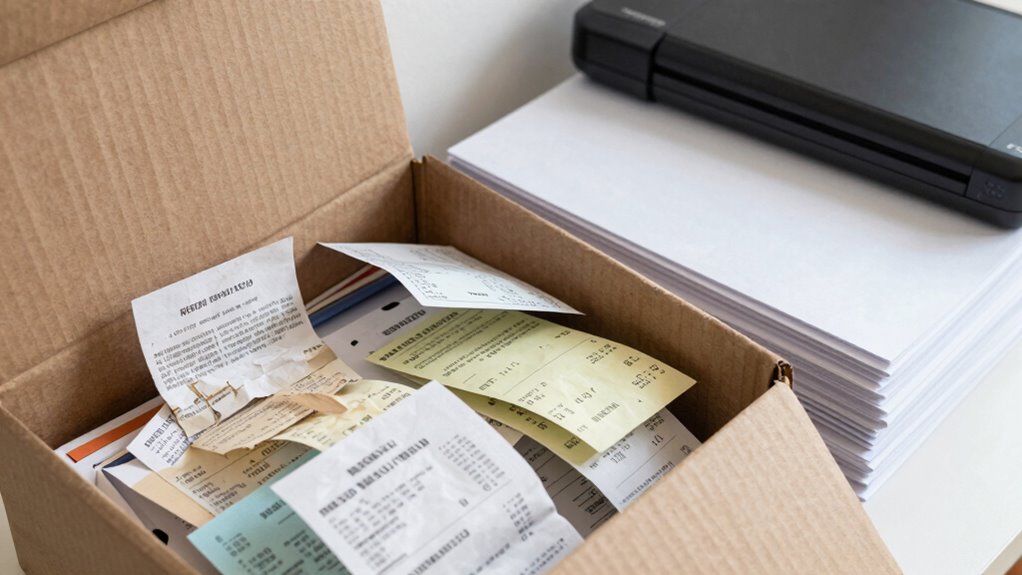
To keep your receipt system organized over time, it’s essential to establish consistent habits and routines. Regularly review and purge unnecessary receipts to prevent receipt clutter and paper chaos. Dedicate a specific time weekly to file or discard receipts, avoiding buildup. Use labeled folders or digital scans to categorize expenses, making retrieval easy. Create a simple system that fits your workflow; complexity invites disorder. Keep your storage accessible but tidy, preventing receipts from piling up. Consistency ensures your system stays reliable, reducing stress during tax season or audits. Remember, the key isn’t perfection but steady upkeep. By maintaining discipline, your receipt management remains straightforward and efficient.
| Habit | Action |
|---|---|
| Weekly Review | Purge and organize receipts |
| Categorize | Use labeled folders or digital tags |
| Consistent Filing | Always file receipts immediately |
| Clear Storage | Keep storage accessible and tidy |
| Routine Check | Regularly evaluate and adjust system |
Common Mistakes to Avoid When Managing Receipts Digitally
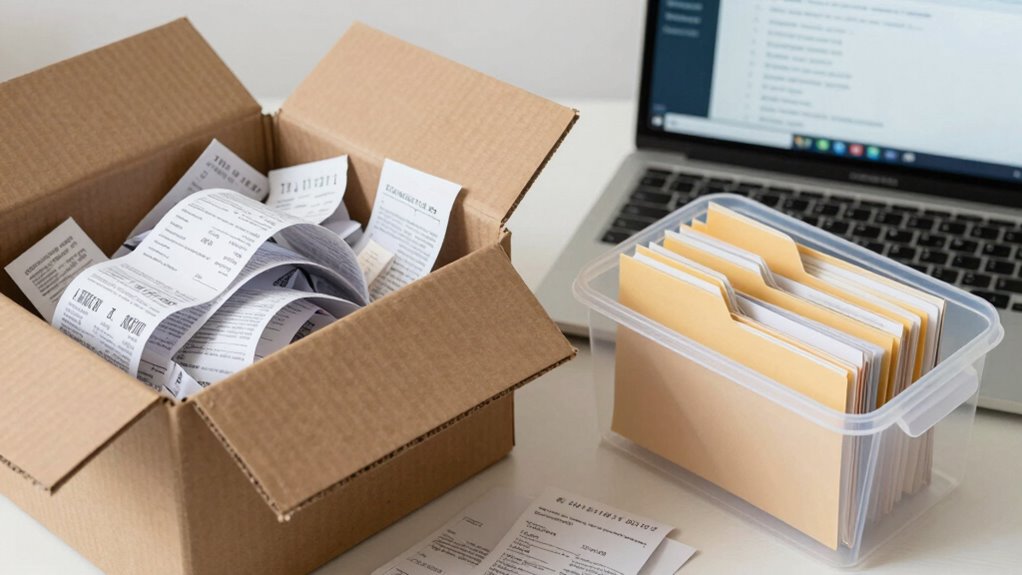
Even with a solid system in place for managing physical receipts, switching to digital methods introduces new pitfalls. Common mistakes include neglecting consistent receipt scanning, which can lead to lost expenses. Failing to organize digital files properly makes expense tracking cumbersome. Relying solely on cloud storage without backups risks data loss. Ignoring clear naming conventions hampers quick retrieval. Ultimately, neglecting regular review of digital receipts can cause discrepancies. To avoid these issues, always scan receipts promptly, organize files systematically, back up your data, use descriptive filenames, and review your digital receipts regularly. By steering clear of these mistakes, you’ll streamline expense tracking and maintain a reliable digital record. This approach ensures your receipts are accessible, accurate, and easy to manage over time.
How a Smarter Receipt System Saves You Time and Stress
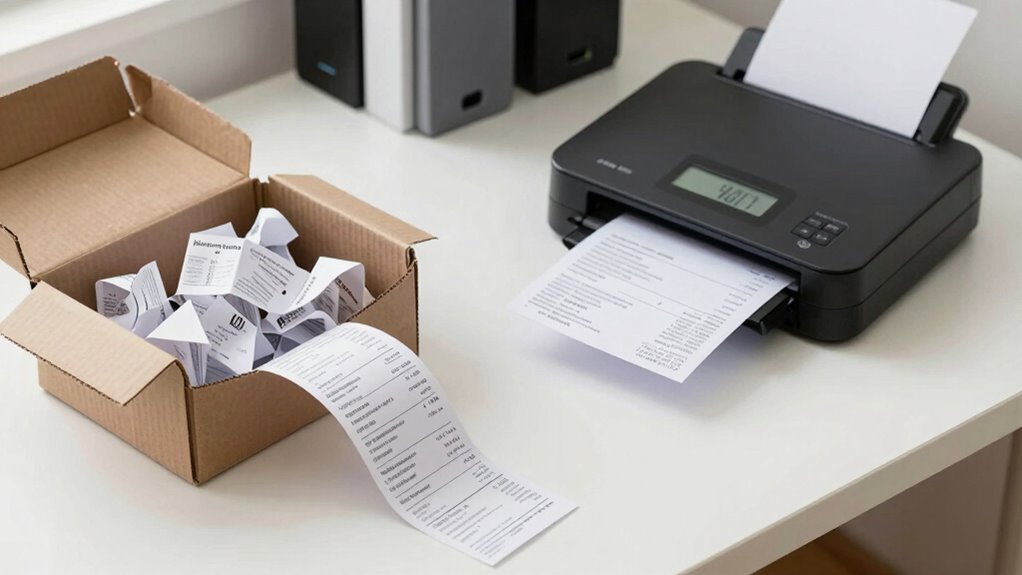
A smarter receipt system streamlines your expense management by reducing the time and stress involved in tracking and organizing receipts. Instead of digging through a cluttered box, you can rely on organized receipt storage that’s easy to access. Implementing effective filing strategies means your receipts are sorted logically—by date, category, or project—making retrieval quick and effortless. Digital tools or labeled folders cut down on manual sorting and eliminate the need for endless paper stacks. This system minimizes the risk of losing receipts and ensures you’re prepared for audits or expense reports. Overall, a smarter approach saves you valuable time and prevents unnecessary frustration, helping you stay on top of your finances without the chaos of an outdated, disorganized method.
Final Tips for Maintaining Your Receipt Organization System
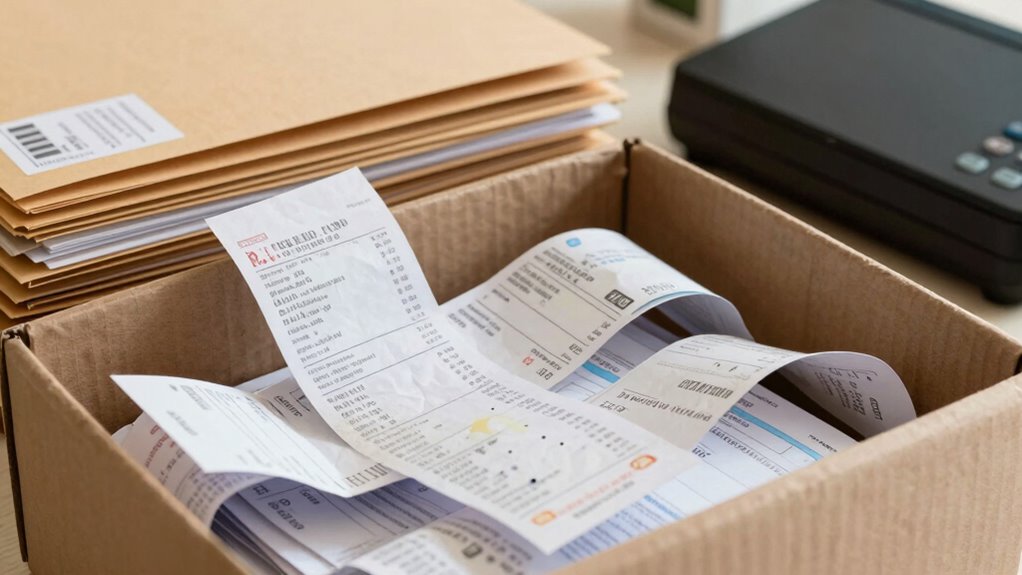
Maintaining your receipt organization system requires consistent effort and regular reviews to stay effective. Developing good receipt habits and sticking to filing routines guarantees your system remains reliable. To keep things on track, consider these final tips:
- Set a weekly reminder to file receipts promptly
- Keep your filing system simple and accessible
- Regularly discard irrelevant or outdated receipts
- Use clear labels for quick retrieval
- Review and adjust your system as needed
Frequently Asked Questions
How Often Should I Back up My Digital Receipts?
You should back up your digital receipts at least once a month to keep your receipt organization effective and up-to-date. Regular backup frequency guarantees you don’t lose important documents due to technical issues or accidental deletion. Make it a habit to set a reminder for monthly backups, especially if you process many receipts frequently. Consistent backups protect your records and make tax time much easier.
What Privacy Concerns Exist With Receipt Management Apps?
You risk exposing your secrets to hackers if you don’t watch out. Receipt management apps often request extensive app permissions, giving them access to your personal data, location, and contacts. These privacy risks can lead to identity theft or targeted ads. Always scrutinize app permissions, choose trusted providers, and read privacy policies carefully to protect your sensitive information from unnecessary exposure. Stay vigilant to keep your financial and personal privacy safe.
Can Digital Receipts Be Legally Accepted for Tax Audits?
Digital receipts can be legally accepted for tax audits if they include digital signatures that verify authenticity and meet legal compliance standards. You need to guarantee the receipts are tamper-proof and stored securely, aligning with tax authorities’ requirements. By using trusted digital signature methods and maintaining organized records, you help validate your expenses and avoid issues during audits, making digital receipts a reliable alternative to paper copies.
How Do I Recover Lost Digital Receipts?
To recover lost digital receipts, start by checking your email, cloud storage, or banking apps where receipts are often automatically saved. Implement a consistent system for receipt organization and digital archiving to prevent future loss. Use search functions with keywords like vendor names or dates to quickly locate receipts. If necessary, contact the vendor for copies, and always back up your digital receipts regularly to guarantee easy access when needed.
What Security Measures Protect My Digital Receipt Data?
Imagine your digital receipts are locked behind a vault door. That’s what data encryption does, turning your info into an unreadable format unless unlocked. Access controls act like security guards, limiting who can see or modify your receipts. Together, they protect your data from unauthorized access, ensuring your sensitive information stays private. Always choose platforms that prioritize strong encryption and strict access controls for maximum security.
Conclusion
Switching to a digital receipt system will save you time, reduce stress, and keep your records as tidy as a well-ordered scriptorium. No more lost receipts or missed deductions—just smooth sailing like a ship on calm waters. Embrace modern tech, avoid common pitfalls, and stay consistent. With a little effort, you’ll master this system faster than a knight can draw his sword, ensuring your finances stay clear and organized for years to come.