TL;DR

Get the latest gadgets delivered free with Prime
- Fast, free delivery on millions of items
- Prime Video, Amazon Music and more included
- Member-only deals all year
Microsoft is testing a new feature for Windows 11 Insiders that enables users to select the size of the Start menu and customize taskbar placement. These updates are currently in testing and will be available to Insiders first.
Microsoft is testing new customization options for Windows 11, allowing Insiders to choose the size of the Start menu and position the taskbar on any screen edge. These features aim to improve user control and interface flexibility, and are currently available in the Insider preview builds.
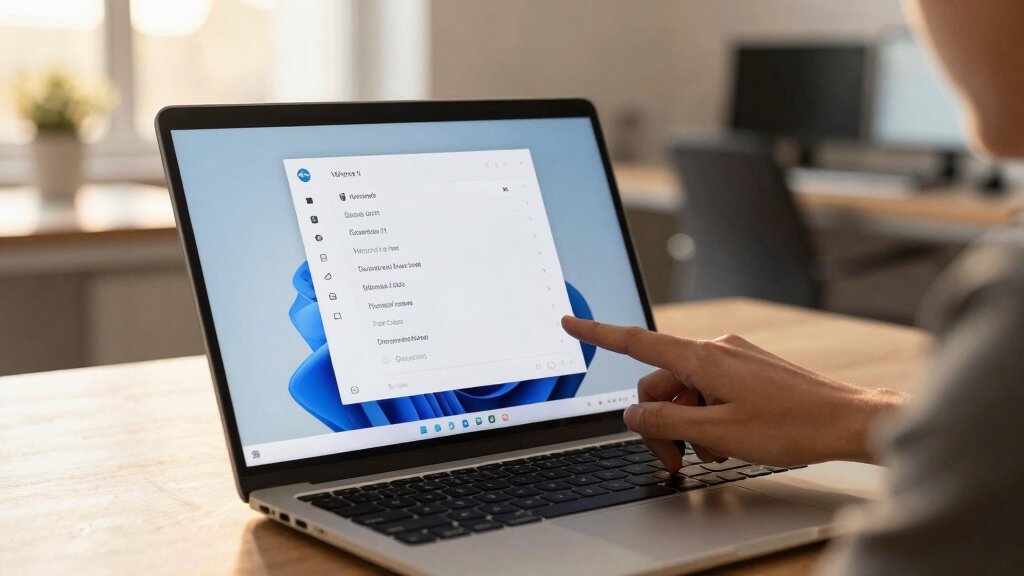
Starting today, Windows 11 Insiders in the Experimental channel can select between small and large Start menu sizes, with the choice saved across multiple displays. This addresses user feedback about the previous size, which was noted to have nearly doubled after the November update, according to reports from Windows Latest. Microsoft confirmed awareness of this issue and is testing the option to give users more control over the menu’s appearance.
In addition to size customization, Insiders will gain access to section-level toggles—Pinned, Recommended, and All—that let users show or hide parts of the Start menu, simplifying the interface. These toggles will be rolled out gradually over the next few weeks. A new control for file recommendations will also be introduced, enabling users to disable file suggestions in Start without affecting other parts of Windows. Privacy options are also expanding, with the ability to hide the user’s name and profile picture in Start during screen sharing or streaming.
Microsoft is also offering enhanced taskbar customization, including the ability to position the taskbar on any edge of the screen—top, bottom, left, or right. When positioned on the left or right, users can choose icon alignment options such as top or centered; when on the top or bottom, they can opt for left or centered icons. These features are part of Microsoft’s effort to give users more control over their interface and improve usability.
Why It Matters
This development matters because it responds directly to user feedback about the size and placement of the Start menu and taskbar in Windows 11. Customization options can improve accessibility, productivity, and overall user satisfaction. As Windows continues to evolve, these features could influence how users interact with their desktops and how Microsoft designs future updates.
Windows 11 Start menu size customization
As an affiliate, we earn on qualifying purchases.
As an affiliate, we earn on qualifying purchases.
Background
Since its launch, Windows 11 has undergone several updates, with user feedback often highlighting areas for improvement, including the size of the Start menu. Reports from Windows Latest indicated that the Start menu had grown significantly after the November update, prompting Microsoft to acknowledge the concern. The current testing phase aims to address these issues by providing more user control over the interface. Insider testing is a standard way for Microsoft to gather feedback before broader deployment.
“We are exploring ways to give users more control over their Windows 11 experience, including customizable Start menu sizes and flexible taskbar positioning.”
— Microsoft spokesperson
“The Start menu size nearly doubled after the last update, prompting Microsoft to look into user feedback and test new options.”
— Windows Latest
Windows 11 taskbar positioning tools
As an affiliate, we earn on qualifying purchases.
As an affiliate, we earn on qualifying purchases.
What Remains Unclear
It is not yet clear when these features will be available to all Windows 11 users outside the Insider program. The precise rollout timeline and whether additional customization options will be added later remain unknown. Further updates from Microsoft are expected as testing progresses.
Windows 11 desktop customization software
As an affiliate, we earn on qualifying purchases.
As an affiliate, we earn on qualifying purchases.
What’s Next
Microsoft will continue to gather feedback from Insiders on these features, with plans to refine and possibly expand customization options. A broader rollout to all Windows 11 users may follow once testing confirms stability and usability. Watch for updates in upcoming Windows builds.
Start menu toggle switches for Windows 11
As an affiliate, we earn on qualifying purchases.
As an affiliate, we earn on qualifying purchases.
Key Questions
When will these features be available to all Windows 11 users?
There is no official timeline yet; these features are currently in testing with Windows Insiders, and a wider release has not been announced.
Can I customize the Start menu size now?
Yes, if you are a Windows Insider in the Experimental channel, you can select between small and large Start menu sizes in the latest build.
Will these options be available on all devices?
This depends on the broader rollout and hardware compatibility, but initially, these features are limited to Insiders testing the latest builds.
Are there other upcoming customization features?
Microsoft is exploring additional options, including more flexible taskbar positioning and privacy controls, but details are still under development.
Halloween Picks
halloween
As an affiliate, we earn on qualifying purchases.