
To find the right screen size and viewing distance for your home theater, follow the rule of thumb: multiply your screen size by 1.5 to 2.5 times to determine your ideal distance. For example, a 65-inch screen should be about 8 to 13 feet away. Proper setup guarantees comfort and maximum picture quality. Keep in mind ergonomic principles and room layout—more helpful tips are just a few steps ahead.

Get the latest gadgets delivered free with Prime
- Fast, free delivery on millions of items
- Prime Video, Amazon Music and more included
- Member-only deals all year
Key Takeaways
- Multiply your screen size by 1.5 to 2.5 for the ideal viewing distance, ensuring clarity and immersion.
- For a 65-inch screen, aim for approximately 98 to 162 inches (8 to 13.5 feet) away.
- Larger screens require greater distances to prevent pixelation and maintain visual comfort.
- Proper setup aligns the screen center with eye level, promoting natural posture and reducing neck strain.
- Testing different angles and distances helps optimize comfort, immersion, and overall home theater experience.
As an affiliate, we earn on qualifying purchases.
Why Screen Size and Viewing Distance Matter in Your Home Theater
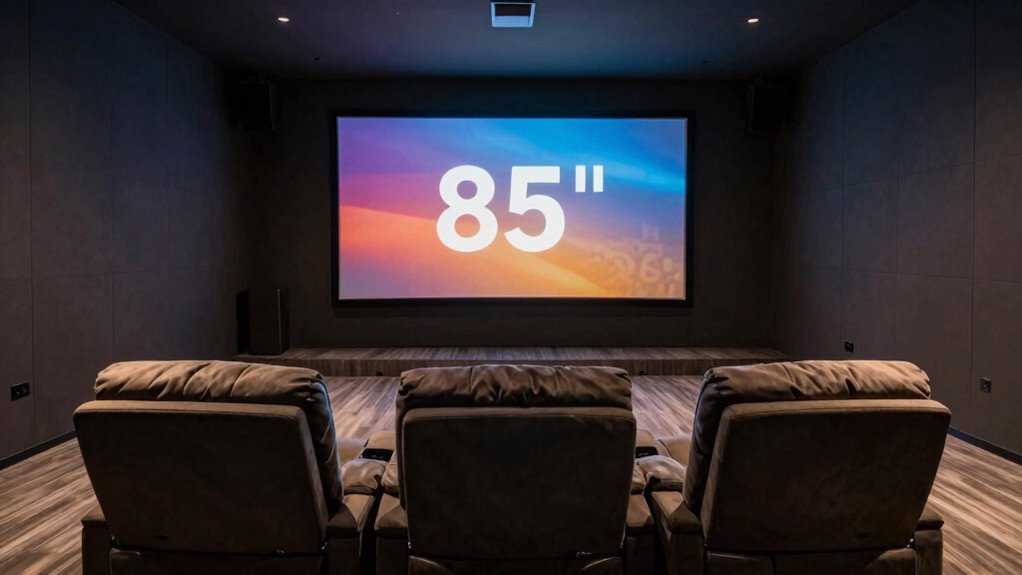
Choosing the right screen size and viewing distance is essential because they directly impact your home theater experience. When you select an appropriate screen size, you improve visual comfort, reducing eye strain and ensuring you can enjoy long viewing sessions. Proper viewing distance enhances viewing ergonomics, allowing you to see details clearly without leaning forward or straining your neck. If the screen is too large or too close, it can overwhelm your field of view, causing discomfort. Additionally, an optimal setup helps prevent visual fatigue, which can occur from prolonged exposure to improperly configured screens. Maintaining an ergonomic viewing position further minimizes discomfort and promotes better posture during extended viewing. Proper screen size and distance are also critical in achieving optimal contrast ratio, which affects your overall image quality. A well-calibrated setup can also help maximize visual clarity and color accuracy, enhancing your viewing pleasure. Conversely, a screen that’s too small or too far away might make it hard to see details, diminishing immersion. By paying attention to these factors, you create a balanced setup that’s easier on your eyes and neck, making your home theater experience more enjoyable and comfortable. Optimal viewing ergonomics are crucial for maintaining comfort during extended viewing periods.
As an affiliate, we earn on qualifying purchases.
The Simple Rule of Thumb for Screen Size and Distance
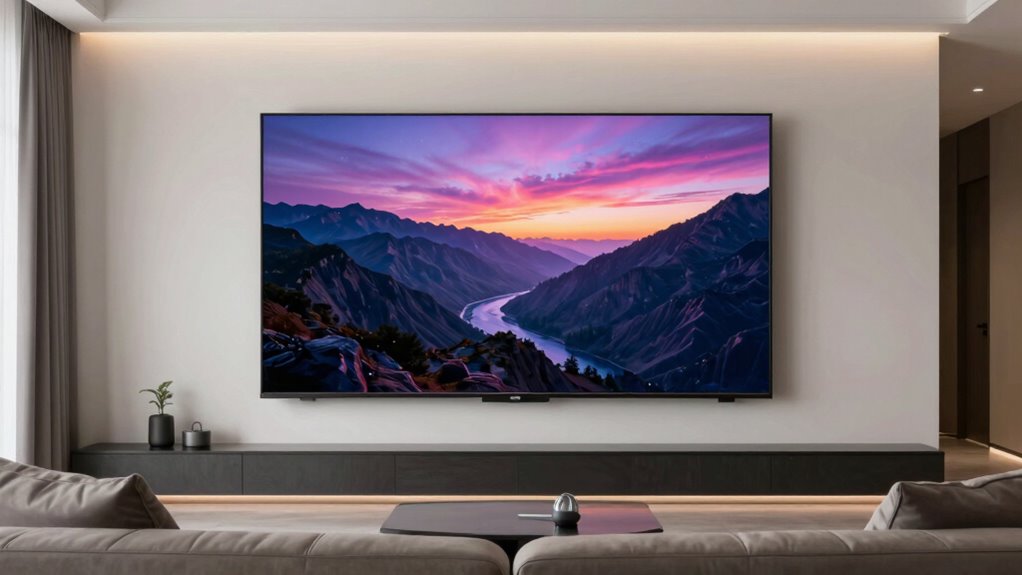
To find the right screen size and viewing distance, you can use a simple rule of thumb that considers ideal viewing angles and recommended distance ranges. This formula helps you select a screen that offers the best visual experience without causing discomfort. Understanding these points guarantees you choose a setup that’s both immersive and comfortable for your space. Additionally, knowing about home theater fundamentals ensures your setup maximizes audio and visual quality for an optimal movie night.
Ideal Viewing Angles
When it comes to achieving the best viewing experience, understanding ideal viewing angles is essential. You want your screen positioned so your line of sight is slightly downward, around 15 to 20 degrees from eye level. This promotes viewing comfort by reducing neck strain and minimizing glare. Proper screen calibration guarantees colors and brightness are optimized, making the image clear and vibrant without causing eye fatigue. Keep in mind that too wide or narrow angles can distort the picture or cause discomfort over time. The goal is to sit at a distance where you can see the entire screen comfortably without craning your neck or straining your eyes. By maintaining these angles, you enhance your overall viewing experience and preserve your comfort during long sessions.
Screen Size Formula
Optimizing your viewing experience starts with understanding the relationship between screen size and viewing distance. A simple rule of thumb is to multiply your desired screen size by 1.5 to find an ideal viewing distance. For example, if you want a 65-inch screen, you should sit approximately 98 inches (around 8 feet) away. This screen size formula guarantees you’re neither too close nor too far, providing an immersive experience without straining your eyes or losing detail. Keep in mind that larger screens require a greater viewing distance to maintain comfort and picture clarity. Using this straightforward formula helps you select the right screen size for your space and ensures ideal viewing across different setups.
Viewing Distance Range
Finding the right viewing distance isn’t complicated when you use a simple rule of thumb. For ideal viewing, your viewing distance should be about 1.5 to 2.5 times your screen size. For example, if you have a 100-inch screen, sit between 150 and 250 inches away, or roughly 12.5 to 20.8 feet. This range ensures you experience clear images without strain or loss of detail. Too close, and you may notice pixelation; too far, and the immersive effect diminishes. Adjust your seat accordingly within this viewing distance range to maximize your home theater experience. Remember, balancing screen size and viewing distance enhances picture quality and comfort. Keep these guidelines in mind to create the perfect setup.
As an affiliate, we earn on qualifying purchases.
How to Calculate the Ideal Home Theater Screen Size
To determine the ideal home theater screen size, you need to contemplate both your viewing distance and the screen’s dimensions. A good rule of thumb is to multiply your viewing distance by 0.8 to find the ideal diagonal screen size. Keep in mind, projection mapping can enhance image quality, making larger screens more immersive without distortion. Proper sound calibration complements your visual setup, ensuring a balanced experience. Consider these tips:
- Measure your typical viewing distance accurately
- Use projection mapping settings for superior picture clarity
- Choose a screen size that allows for comfortable viewing without straining your eyes
- Home appliance and air system technology can also improve your overall home entertainment environment.
- Additionally, understanding display resolution can help optimize your viewing experience for clarity and detail.
- Ensuring proper light control within your room can significantly improve picture quality and reduce glare.
- Being aware of visual comfort principles can help prevent eye strain and enhance your overall viewing satisfaction.
- Incorporating calibration techniques can fine-tune your setup for optimal picture and sound quality, creating a more enjoyable viewing experience.
Balancing these factors ensures your home theater feels natural, immersive, and tailored to your space.
As an affiliate, we earn on qualifying purchases.
Finding Your Best Viewing Distance for Comfort and Clarity

Finding Your Best Viewing Distance for Comfort and Clarity. To find your best viewing distance, focus on maintaining an ideal viewing angle so the screen feels comfortable without straining your eyes. Make sure your eyes are level with the center of the screen to reduce neck and eye fatigue. When you position yourself thoughtfully, clarity and comfort naturally improve. Additionally, considering tax law changes can help you optimize your entertainment setup within your budget. Being mindful of visual ergonomics can further enhance your viewing experience and minimize discomfort during extended viewing sessions.
Optimal Viewing Angle
Achieving the ideal viewing angle is essential for both comfort and clarity when watching screens. The *best* visual angle ensures your eyes don’t strain and your viewing experience remains immersive. To improve viewing ergonomics, aim for a viewing angle of about 30 degrees from your eye to the screen. This helps prevent neck and eye discomfort over time. Keep these tips in mind:
- Position the screen so it’s directly in front of you, avoiding excessive tilting.
- Maintain a viewing distance that keeps the visual angle comfortable.
- Adjust the screen height to keep your eyes level with the top third of the display. Additionally, understanding visual ergonomics can help optimize your setup for long-term comfort. Incorporating technology advancements in display design can also enhance your viewing experience by reducing eye strain and improving clarity. Being aware of ergonomic principles can further support sustained comfort during prolonged viewing sessions. Paying attention to lighting conditions in your environment can further reduce glare and eye fatigue during extended viewing periods.
Eye Level Position
Finding the right eye level position is key to guaranteeing your screen remains comfortable and clear during extended viewing. Your eye level should align with the center of the screen, reducing strain and improving image clarity. When you set your viewing height properly, you avoid tilting your head up or down, which can cause discomfort over time. Adjust your seating so that your eyes naturally look straight ahead at the middle of the screen. This setup helps maintain a natural posture, preventing neck fatigue. Remember, the ideal eye level position varies depending on your height and the size of the screen. Properly aligning your eye level ensures a more immersive experience while keeping your viewing comfort a top priority. Additionally, considering ergonomic setup can further enhance your viewing experience and reduce physical strain, especially when practicing spirituality read principles of mindfulness and balance during leisure activities. Being aware of visual ergonomics can also help you optimize your environment for long-term comfort and clarity, and incorporating correct seating posture can further support your overall well-being during extended screen time. Incorporating traditional wellness practices into your environment can also promote a sense of harmony and balance while enjoying your screen time.
Common Mistakes When Choosing Screen Size and Seating Distance
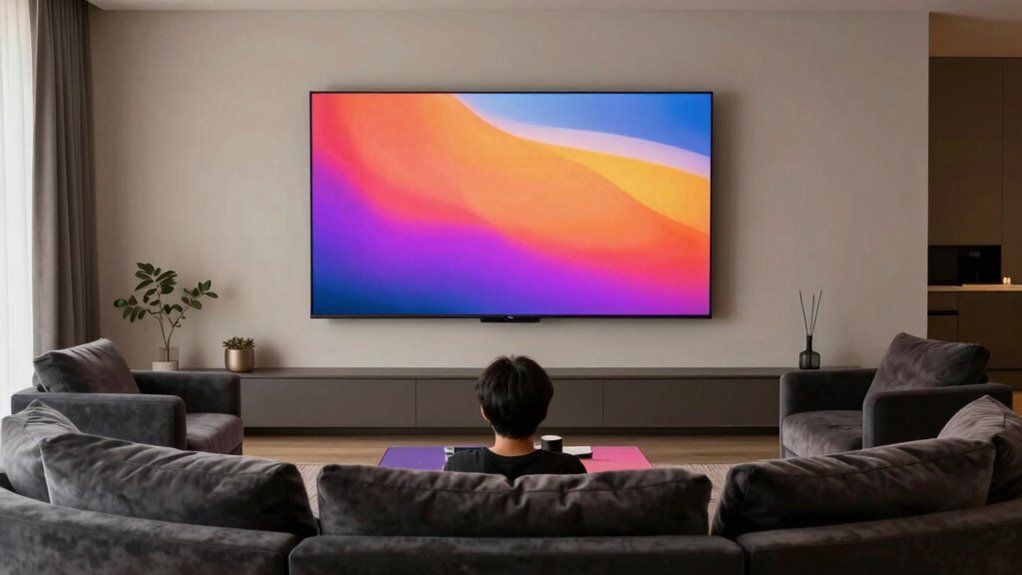
Many people make the mistake of choosing a screen size or seating distance based solely on appearance or guesswork, rather than considering the ideal viewing experience. This can lead to issues like excessive screen glare, which strains your eyes, or poor audio synchronization, ruining immersion. You might pick a massive screen just because it looks impressive, but if you’re too close, it causes discomfort and diminishes picture quality. Conversely, sitting too far reduces detail and makes it harder to engage with the content. Additionally, neglecting proper cabling and mount leveling can result in image distortion or unstable viewing, further impacting your experience. Ensuring home safety measures, such as properly secured mounts, can also prevent accidents or damage during setup. Using the correct DIY tools and safety precautions can make the installation smoother and safer, preventing costly mistakes.
Adjusting the Rule of Thumb for Different Screen Types and Resolutions
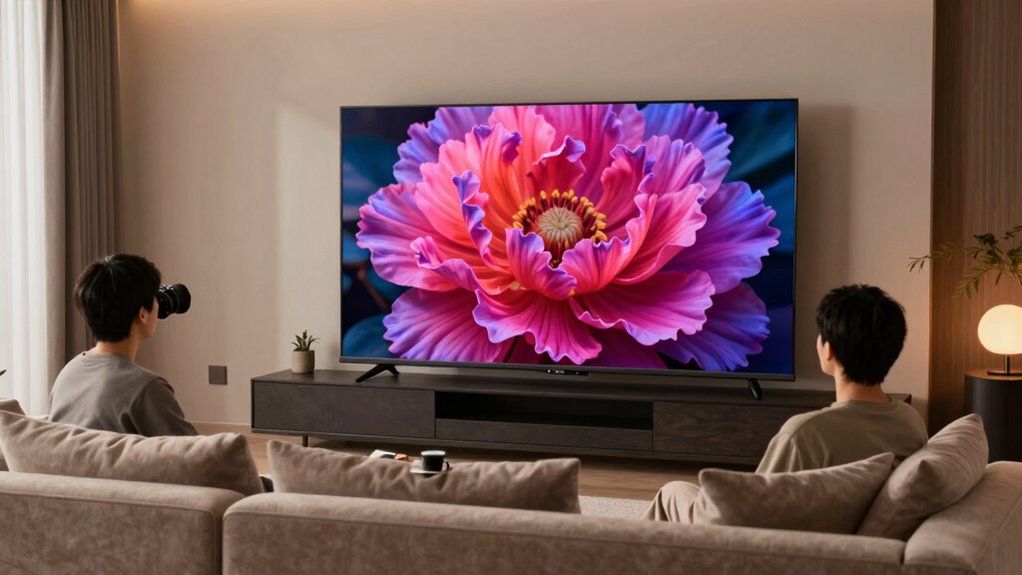
Adjusting the rule of thumb for different screen types and resolutions is essential to optimize your viewing experience. Higher screen resolution, like 4K or 8K, allows you to sit closer without noticing pixelation, so you can reduce the recommended distance for a more immersive feel. Conversely, with lower resolutions or older display technology, sitting too close may reveal pixelation and diminish image quality. When selecting a screen size, consider the display technology—OLED, LCD, or LED—that affects contrast and color accuracy. For high-resolution displays, you can comfortably decrease viewing distance, enhancing immersion. However, with lower resolution screens, maintaining a slightly greater distance preserves crispness and prevents eye strain. Tailoring your setup based on screen resolution and display technology ensures the best visual experience.
Tips for Testing and Fine-Tuning Your Setup
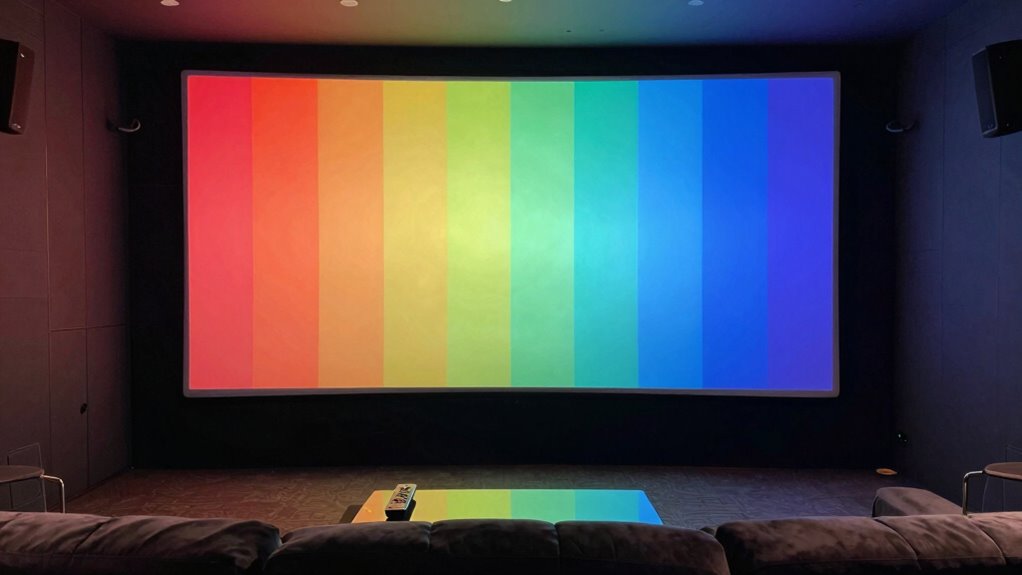
To guarantee your setup delivers the best viewing experience, start by testing different distances and angles to see what feels most comfortable and immersive. Adjust your seating position, and watch a variety of content to assess image clarity and comfort. Use your projection technology’s test patterns to check for sharpness and focus, and don’t forget sound calibration—ensure audio is balanced and clear from your seating area. Fine-tune the projector’s height and lens shift to optimize the picture, and tweak your sound system for surround effects. Remember, comfort and clarity are key, so spend time experimenting with different placements until you find the ideal setup. This process helps you maximize your home theater’s potential and enjoy a truly immersive experience.
How Room Layout and Seating Affect Your Screen and Distance Choices
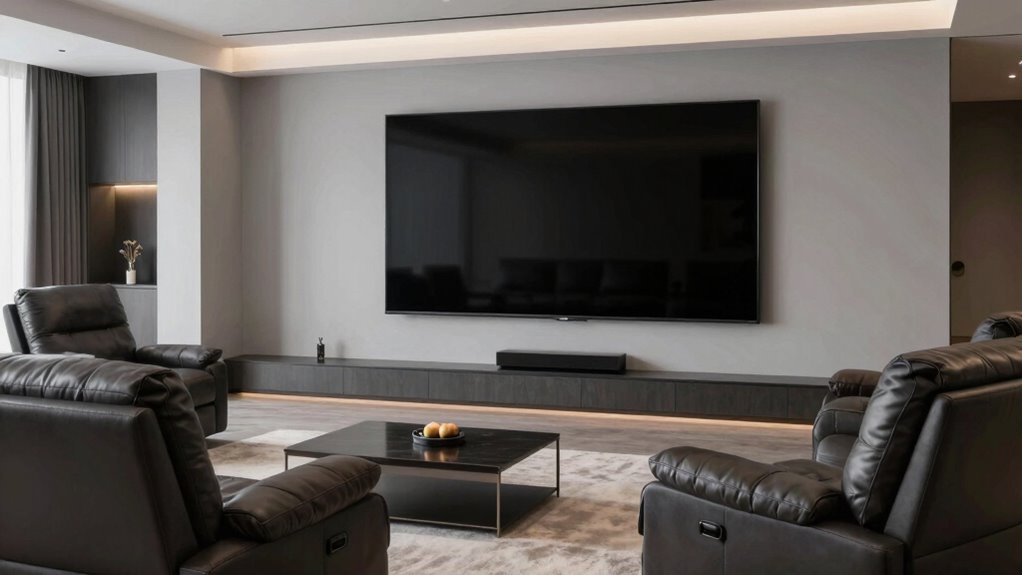
Your room layout and seating arrangement directly influence the ideal screen size and viewing distance. Positioning seats too close or too far can diminish your viewing experience, so consider the layout carefully. Incorporate decorative lighting that minimizes glare and creates ambiance without interfering with the screen. Soundproofing techniques help control acoustics, ensuring sound quality isn’t compromised by room echoes or external noise. When arranging seating, leave enough space between viewers and the screen to prevent eye strain, and plan for comfortable viewing angles. A well-thought-out layout balances visual and audio elements, enhancing immersion. Remember, the placement of furniture, lighting, and soundproofing all work together to determine the best screen size and distance for your home theater.
Final Checklist: Setting Up Your Home Theater for the Perfect View
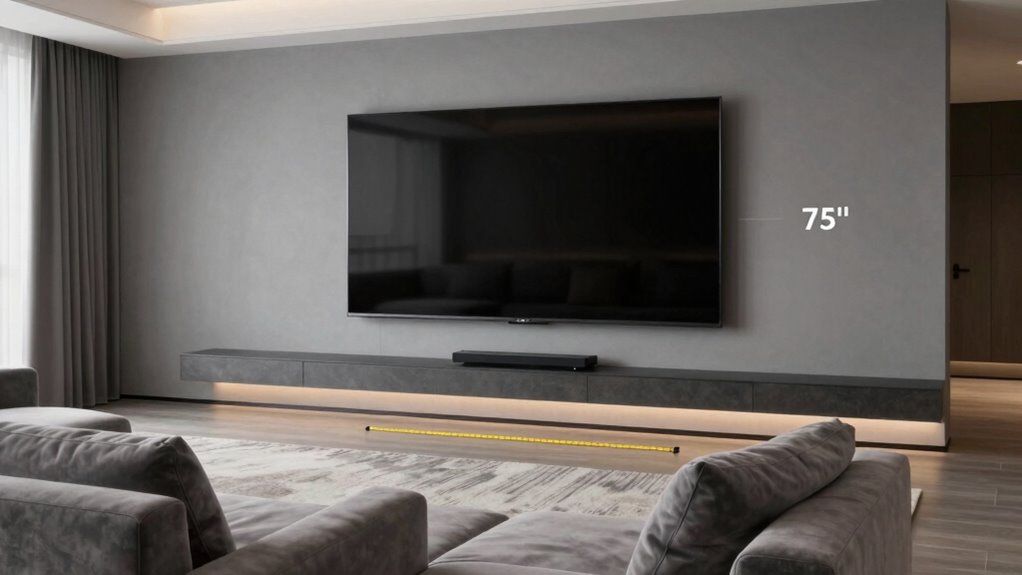
Before finalizing your home theater setup, it’s essential to verify that all elements work together seamlessly. Properly aligning your display technology and completing audio calibration ensures a flawless viewing experience. Check that your screen size suits your room and seating arrangement, and confirm that your projector or TV is positioned for optimal viewing angles. Make sure your audio system is calibrated for clarity and immersion.
Ensure your display and audio are calibrated for seamless, immersive home theater experiences.
- Test your display technology for color accuracy and brightness consistency
- Fine-tune your audio calibration for balanced sound across all speakers
- Confirm your seating is arranged for comfortable viewing distance and angle
Frequently Asked Questions
How Does Ambient Lighting Impact Optimal Screen Size and Distance?
Ambient light substantially impacts your ideal screen size and distance. When there’s lots of ambient light, you should opt for a larger screen with higher brightness to reduce glare and improve visibility. Additionally, sitting closer may cause reflections to be more noticeable, so increasing screen size and brightness helps maintain a clear, vibrant picture. Adjusting for ambient light ensures you enjoy a better viewing experience, whether in a bright or dim environment.
Can Wall-Mounted Speakers Influence Viewing Distance Recommendations?
Wall-mounted speakers can influence your viewing distance recommendations like a ripple in a pond. They usually sit closer to your screen, so you might need to sit a little farther back to avoid feeling overwhelmed by sound or blocking your view. Keep in mind, wall-mounted speakers affect both sound quality and spatial setup, so adjusting your seating distance guarantees you enjoy ideal audio-visual harmony without sacrificing comfort.
What Are the Best Practices for Children’s Home Theater Viewing Comfort?
To guarantee children’s home theater viewing comfort, prioritize child safety and content accessibility. Use secure mounts for screens to prevent accidents, keep cords out of reach, and select age-appropriate content. Adjust the viewing distance so kids don’t strain their eyes, and ensure the room lighting reduces glare. Regularly check equipment for safety, and encourage breaks to protect their eyesight and make the experience enjoyable and safe.
How Does Screen Curvature Affect Ideal Viewing Angles and Distances?
Screen curvature effects improve your viewing angles by making the display more immersive and reducing distortions at the edges. When choosing a curved screen, sit closer to the center for ideal viewing, typically at a distance where your eyes align with the curve’s center. This setup minimizes glare and ensures consistent image quality across the screen, enhancing your overall viewing comfort and experience.
Are There Safety Considerations When Setting up Large Screens in Small Rooms?
Think of setting up a large screen in a small room like fitting a giant puzzle piece; it requires careful placement. You should prioritize safe screen placement to avoid neck strain and eye fatigue, considering viewer ergonomics. Confirm the screen isn’t too close, which can cause discomfort, and maintain proper clearance around the device. Balance size with safety to enjoy your home theater without risking injury or discomfort.
Conclusion
Getting your home theater setup just right isn’t rocket science, but it does take some thought. By following the simple rule of thumb for screen size and viewing distance, you’ll enjoy clearer images and a more immersive experience. Are you ready to transform your space into the perfect movie haven? With a little planning and testing, you’ll be watching comfortably and in style—your perfect home theater is within reach!
Halloween Picks
halloween
As an affiliate, we earn on qualifying purchases.