
Creating a clear digital folder system helps you find files fast, saves you time, and reduces frustration. Organize your files into logical categories and use a consistent hierarchy that mirrors your workflow. Name folders and files descriptively, incorporating relevant keywords and dates to enhance searchability. Regularly clean and update your system to stay clutter-free. If you keep this approach in mind, you’ll discover simple ways to boost your digital efficiency and productivity as you go along.
Key Takeaways
- Design a folder hierarchy that reflects your workflow with clear main categories and relevant subfolders.
- Use descriptive, consistent naming conventions including keywords, dates, and version info for quick identification.
- Regularly review and update your folder structure to accommodate evolving projects and prevent clutter.
- Incorporate tags and color coding to enhance searchability and visual organization.
- Schedule routine cleanups to delete outdated files, eliminate duplicates, and archive inactive documents.

Sooez Upgraded Accordion File Organizer, Expanding File Folder with Deeper 12 Pockets – Never Cover Up Index Tabs, Monthly Bill Paper Receipt Document Organizer, Letter A4 Size for Home Office School
Superior Durability: Featuring strong 100C thickened cover and reinforced edges, surpassing competitors in durability. Made from PVC-free, acid-free…
As an affiliate, we earn on qualifying purchases.
As an affiliate, we earn on qualifying purchases.
Why a Clear Folder System Saves You Time and Frustration
A clear folder system helps you find files quickly and reduces the stress of digital clutter. When your digital organization is well-structured, file retrieval becomes effortless, saving you valuable time. Instead of wasting minutes searching through tangled folders, you can locate documents instantly. This boosts productivity and keeps you focused on important tasks. A logical folder hierarchy minimizes confusion and prevents files from getting lost in the shuffle. Plus, when you know exactly where everything is stored, you’ll feel more in control of your digital workspace. Over time, maintaining a consistent folder system reduces frustration and helps you keep your files organized. Additionally, understanding digital file management principles can enhance your organizational strategies. Developing a consistent naming convention can further streamline your search process and prevent misplacement. Applying folder organization best practices ensures your system remains effective and adaptable as your collection grows. Implementing regular maintenance routines can also prevent clutter from accumulating and keep your system running smoothly. Ultimately, a streamlined folder structure makes digital organization straightforward, making your entire workflow smoother and more efficient.
descriptive folder naming conventions
As an affiliate, we earn on qualifying purchases.
As an affiliate, we earn on qualifying purchases.
How to Choose the Best Storage Platform for Your Files
Choosing the right storage platform is essential to keep your digital files organized and easily accessible. Think about whether cloud storage or local drives suit your needs best. Cloud storage offers remote access, automatic backups, and seamless sharing, making it ideal for collaboration and mobile work. Local drives, on the other hand, provide faster access and control over your files, which is beneficial for sensitive or large data sets. Consider your internet reliability, storage needs, and security preferences. If you often work from multiple devices, cloud storage can streamline your workflow. For sensitive data or large files, local drives may be more practical. Often, a combination of both provides a balanced approach, giving you flexibility and peace of mind in managing your digital files. Understanding contrast ratio can also help you choose the right display setup for better visibility and organization.

SUNEE File Folders, 18 Pack Manilla Folders 8.5 x 11, Colored Folder Office Organization Home School Folders for Documents Files Paper,6 Assorted Colors
Package Includes: This file folders features 18 high-quality manila folders, highly suited for letter-sized papers (8.5 x 11…
As an affiliate, we earn on qualifying purchases.
As an affiliate, we earn on qualifying purchases.
Designing a Folder Hierarchy That Fits Your Workflow
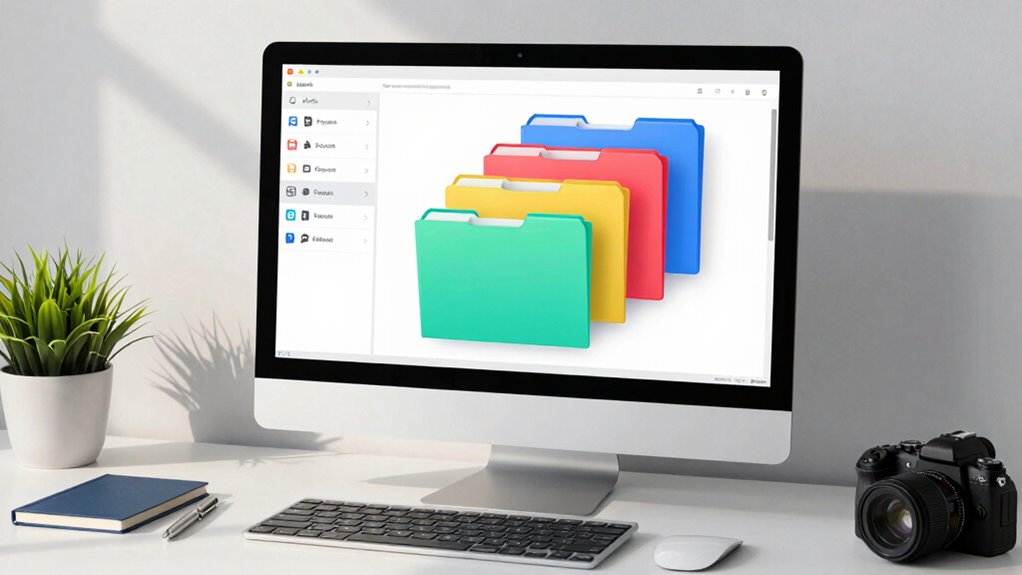
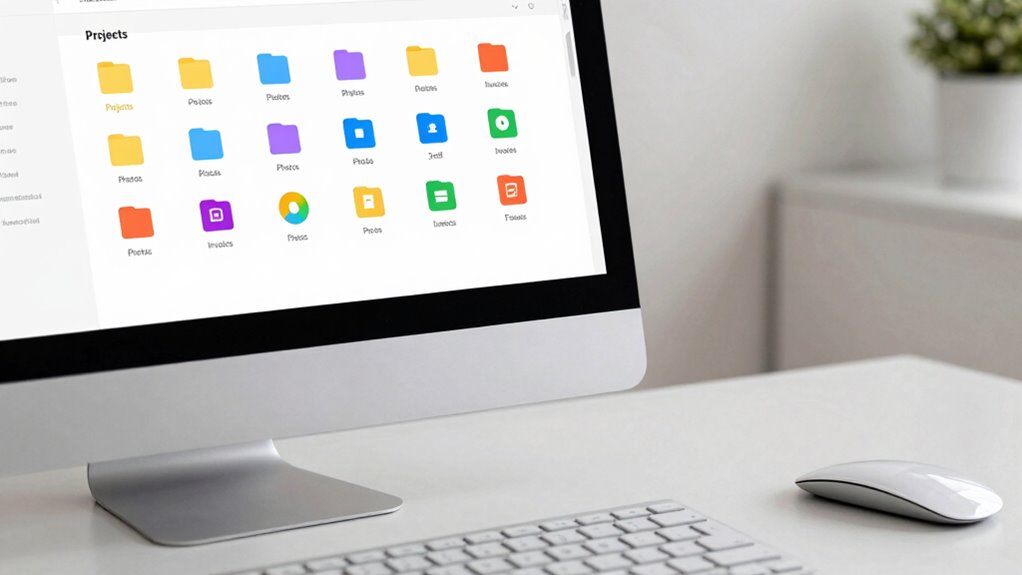
Designing a folder hierarchy that aligns with your workflow guarantees quick access and reduces clutter. When your folder structure mirrors how you work, finding files becomes effortless. Think about your tasks—are they project-based, client-focused, or time-specific? Organize folders accordingly for seamless workflow alignment. Use this visual to help shape your hierarchy:
| Main Folder | Subfolders |
|---|---|
| Projects | Active, Completed |
| Clients | Client A, Client B |
| Documents | Reports, Invoices, Templates |
This structure keeps related files grouped logically, saving you time and mental energy. By customizing your folder hierarchy to fit your unique workflow, you create a system that feels natural, intuitive, and efficient—making your digital space a true asset.
Manage Files with Google Drive 2025: Master Modern File Organization And Collaboration With Practical Cloud Storage Tools Security Essentials And Productivity Strategies For Everyday Digital Success
As an affiliate, we earn on qualifying purchases.
As an affiliate, we earn on qualifying purchases.
Naming Conventions That Make Files Easy to Find
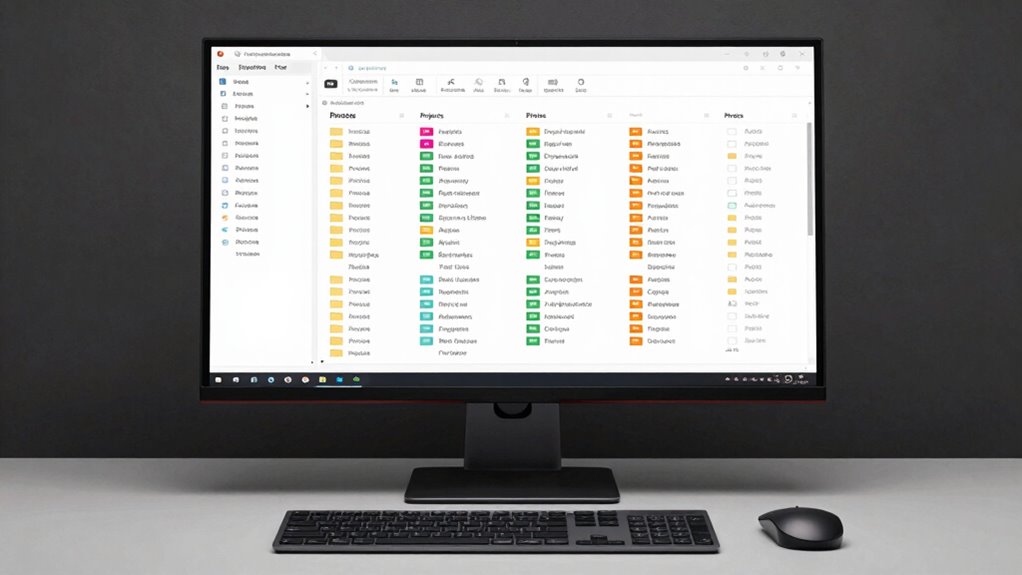
Clear and consistent naming conventions are essential for quickly locating files in your digital system. Using clear file naming standards helps you avoid confusion and saves time searching. Start with descriptive folder labels that reflect the content or purpose of each folder. When naming individual files, include relevant details such as dates, project names, or version numbers, and keep the format uniform. For example, use “2024-04-27_ClientMeetingNotes” instead of vague titles. Avoid vague names like “Document1” or “Final,” which don’t provide enough context. Consistent naming conventions make it easier to scan through your files and identify what you need at a glance. This organization reduces frustration and keeps your digital workspace neat and efficient. Incorporating sound healing science principles, such as using specific, meaningful keywords, can further enhance your system’s effectiveness. Additionally, employing standardized naming practices helps reinforce your system’s clarity and reduces the chance of misfiling.
Organizing Files by Categories and Projects
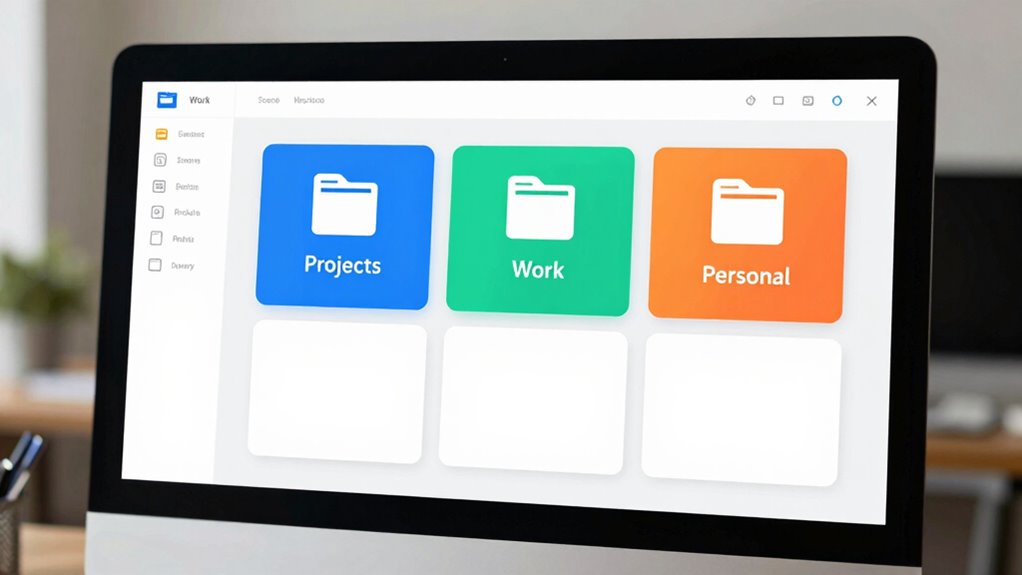
Once you’ve established consistent naming conventions, organizing your files by categories and projects helps keep everything accessible. Digital categorization creates a clear folder taxonomy that streamlines your workflow. Start by grouping related files into broad categories, such as Work, Personal, or Finances. Within each category, create subfolders for specific projects or topics, like “Q2 Reports” or “Vacation Planning.” This structure helps you find files quickly and reduces clutter. By maintaining a logical folder taxonomy, you’ll avoid the chaos of scattered files. Remember to regularly review and refine your categories as projects evolve. Clear categories and thoughtful organization make your digital space intuitive, saving time and frustration whenever you need a file. consistent naming conventions help reinforce your folder structure and improve overall file retrieval.
Keeping Your Folder System Consistent Across Devices
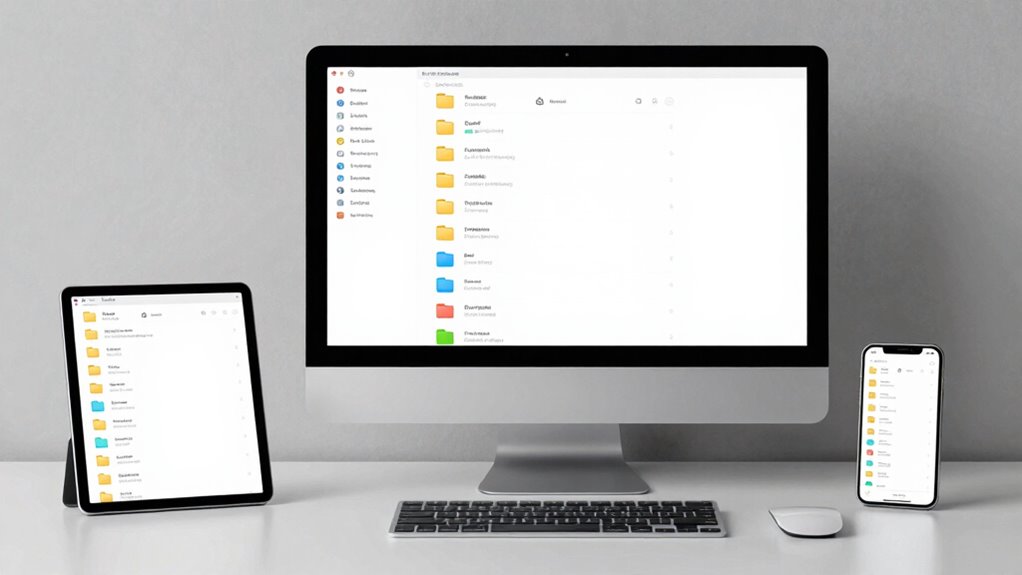
To keep your folder system consistent across devices, it’s essential to adopt a unified structure and naming conventions that you apply everywhere you work. This ensures seamless cloud synchronization and maintains cross-platform compatibility, so your files stay organized whether you’re on a laptop, tablet,, or smartphone. Use clear, consistent folder names and avoid different naming styles across devices. Regularly update your folder hierarchy to match your main system, and double-check that your cloud storage syncs correctly. By doing so, you prevent confusion and save time searching for files. Consistency across devices makes it easier to locate what you need quickly and keeps your digital workspace neat, no matter where you access it. Following a consistent folder structure helps streamline your digital organization and reduces the risk of misplaced files.
Using Search and Tagging Tools to Find Files Quickly
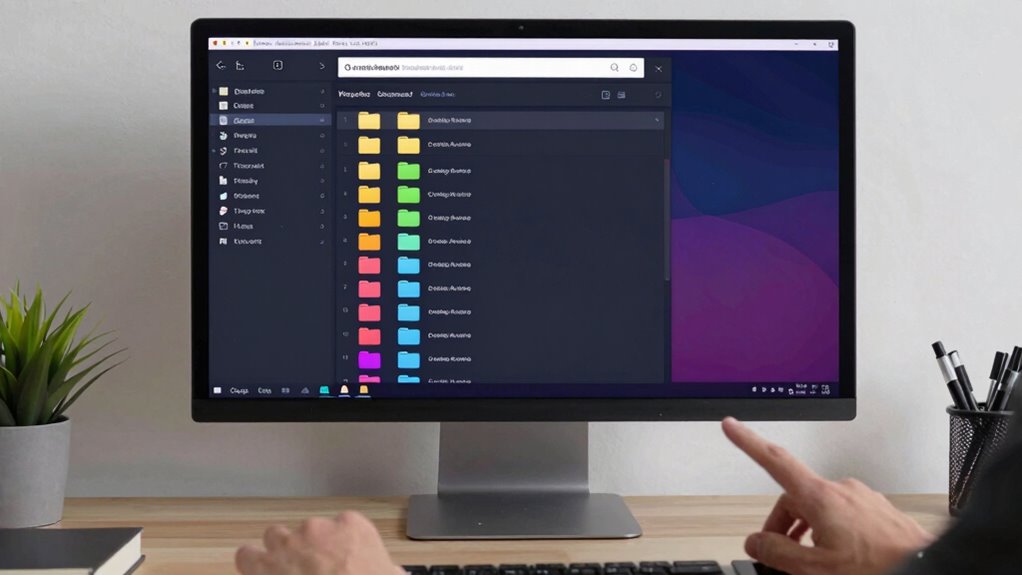
Using search and tagging tools can drastically reduce the time you spend looking for files. By applying effective search strategies, you can locate documents instantly, even if they’re buried deep in your folders. Tagging your files helps keep your digital workspace organized and makes future searches even faster. Incorporating file naming conventions can further enhance your ability to find files efficiently. Implementing consistent metadata standards ensures that files are more easily retrievable through search queries.
Effective Search Strategies
Effective search strategies are essential for quickly locating files within your digital folder system. Use built-in search functions in cloud storage platforms to filter by file type, date, or keywords. Take advantage of file versioning to access previous edits without cluttering your main folders. Consistently use relevant keywords and descriptive filenames to improve search accuracy. Incorporate the following tips:
| Tip | Benefit |
|---|---|
| Use advanced search operators | Narrow down results quickly |
| Tag key files with keywords | Enhance discoverability |
| Enable file versioning | Access previous versions easily |
Tagging for Organization
Tagging files with relevant keywords can substantially speed up your search process and keep your digital system organized. Metadata tagging allows you to add descriptive keywords or labels directly to files, making them easier to locate later. Incorporate color coding as a visual cue, assigning different colors to categories or project types for quick identification. For example, use a specific color for urgent documents or work-related files. Combining metadata tagging with color coding creates a powerful system that simplifies finding files without sifting through folders. When you need a document, search by tags or filter by color, saving time and reducing frustration. Effective digital organization can significantly enhance your productivity and reduce digital clutter. This approach guarantees your digital workspace remains tidy, accessible, and efficient, allowing you to focus on what matters most. Additionally, understanding how digital organization impacts overall productivity can motivate you to maintain a well-structured system. Investing in search and tagging tools can further streamline your workflow and enhance your ability to locate files instantly, fostering a sense of clarity and calm in your digital life. Implementing intuitive file naming conventions can also help sustain long-term organization and quick retrieval.
Tips for Maintaining and Cleaning Your Folder System Regularly
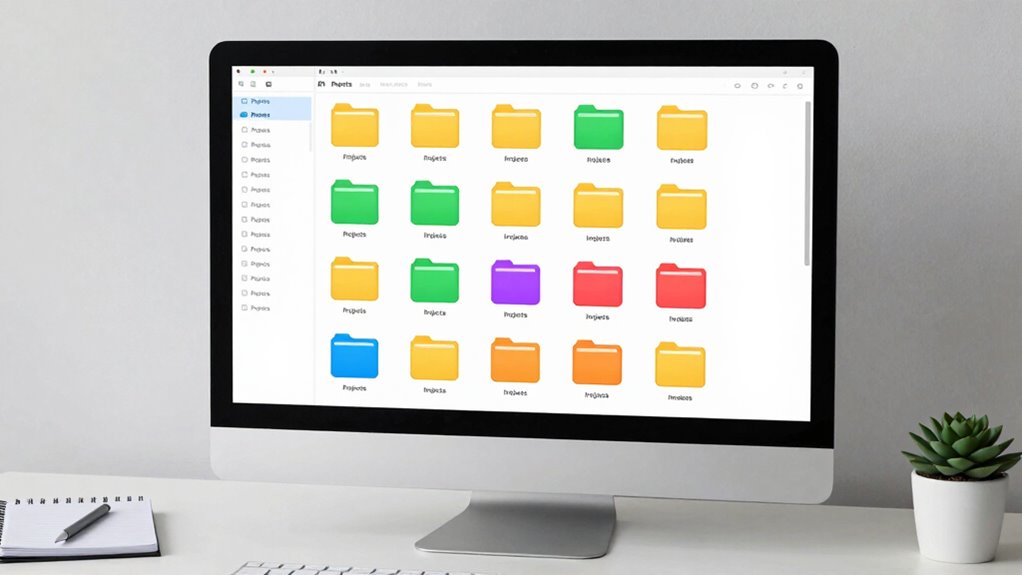
To keep your folder system effective, you should set aside time for regular cleanups. Using consistent naming conventions makes files easier to find and organize. By scheduling these tasks, you’ll prevent clutter from piling up and maintain a streamlined digital workspace. Incorporating free floating concepts into your organization can help create a more adaptable and efficient system.
Schedule Regular Cleanups
Regularly scheduling folder cleanups keeps your digital workspace organized and prevents clutter from piling up. Set a recurring reminder to review and tidy your files, ensuring your system stays efficient. During these cleanups, focus on updating file naming conventions for consistency and clarity. Also, verify your backup strategies to safeguard important data. To streamline this process, consider these steps:
- Delete outdated or unnecessary files to free up space.
- Reorganize misplaced files into appropriate folders.
- Review and refine your folder structure for better navigation.
- Maintain data integrity by checking for corrupted or incomplete files during your cleanup. Incorporating a consistent folder hierarchy can further enhance your organization and make files easier to locate. Additionally, understanding regional flavors and insights can inspire themed organization systems, making your digital workspace more engaging and personalized.
Regular check-ins can also help you stay aware of any emerging digital clutter and adjust your system accordingly, ensuring ongoing digital organization and efficiency.
Use Consistent Naming
Maintaining consistent file naming conventions is essential for keeping your digital workspace organized and easy to navigate. When you adopt clear and uniform folder naming practices, you make it simpler to locate files quickly. Use descriptive keywords that reflect the content, date, or project to guarantee names are meaningful. Establish a standard format, such as including dates in YYYY-MM-DD format or project codes, and stick to it. This consistency prevents confusion and saves time during searches. Regularly review your file and folder naming to catch inconsistencies or outdated labels. By applying these principles, your folder system remains intuitive, and you avoid the chaos of scattered or ambiguous file names. Implementing a naming convention aligned with your workflow further enhances efficiency. Consistent file and folder naming is your foundation for a tidy, efficient digital workspace.
Common Mistakes to Avoid When Setting Up Your Folder System
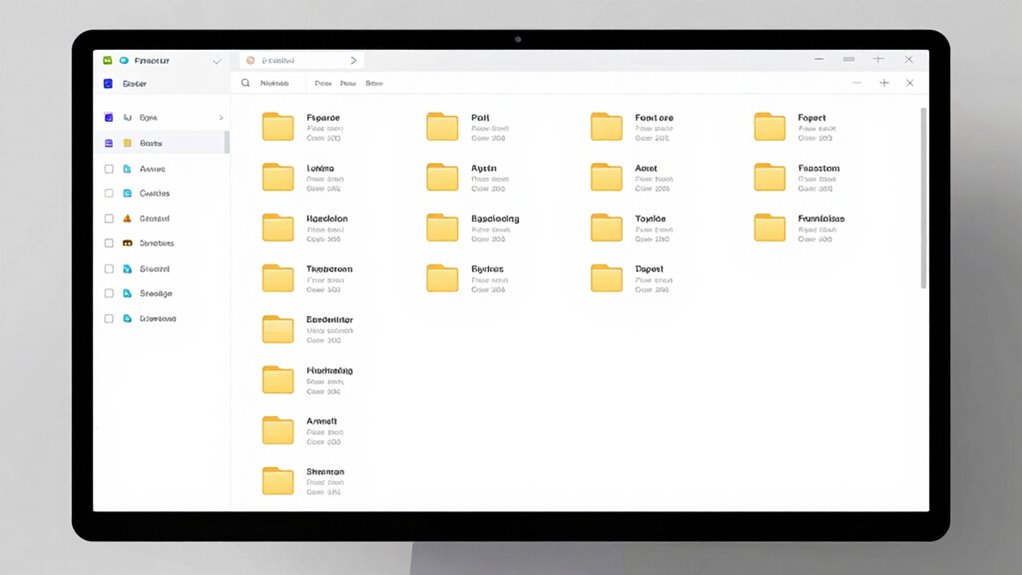
Setting up your folder system can seem straightforward, but many people make common mistakes that hinder its effectiveness. One major error is creating duplicate folders, which causes confusion and wastes space. Avoid this by regularly auditing your folders to remove or consolidate duplicates. Another mistake is inconsistent naming conventions, which make it hard to locate files quickly. Stick to clear, standardized naming rules. Additionally, neglecting a logical hierarchy can lead to disorganized chaos, making it difficult to find what you need. Ensure your folder structure is intuitive and categorized thoughtfully. By steering clear of these pitfalls, you’ll create a system that’s efficient, easy to navigate, and keeps your digital workspace clutter-free.
Final Tips: How a Well-Organized Digital Life Boosts Productivity
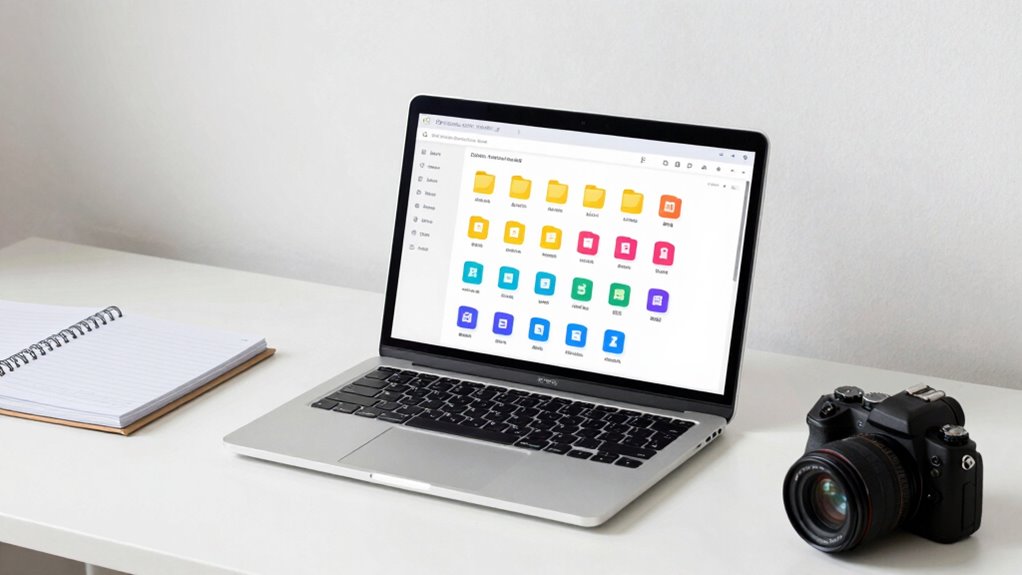
When your digital files are organized, you’ll find what you need faster and waste less time searching. This reduces clutter stress and keeps your mind clear, so you can focus on what matters. A well-structured system ultimately boosts your productivity and efficiency every day.
Reduces Search Time
A well-organized folder system dramatically cuts down the time you spend searching for files. By implementing consistent file naming conventions, you make it easier to identify documents at a glance. A clear folder hierarchy helps you locate files quickly without sifting through unrelated items. To enhance efficiency, consider these tips:
- Use descriptive, standardized file names for quick recognition.
- Arrange folders logically, grouping related files together.
- Regularly review and prune outdated or duplicate files to maintain clarity.
These strategies ensure you can find what you need in seconds, boosting your productivity. A systematic approach to file naming and folder hierarchy minimizes wasted time and mental clutter, helping you stay focused on your work rather than hunting for misplaced files.
Minimizes Clutter Stress
Organizing your digital files effectively can considerably reduce the stress caused by clutter. Embracing digital minimalism means keeping only what you truly need and eliminating unnecessary files. When your folders are tidy and purposeful, you avoid feeling overwhelmed by endless digital chaos. Clear organization creates a sense of control, making it easier to find and manage files without frustration. Clutter reduction through a well-structured folder system minimizes mental overload and creates a calmer digital environment. This streamlined setup helps you stay focused and reduces the anxiety that comes with searching through cluttered directories. By intentionally maintaining a simple, organized digital space, you foster a mindset of efficiency and clarity, making your digital life less stressful and more productive overall.
Enhances Focus Efficiency
A well-structured digital folder system sharpens your focus and boosts your productivity by making it easy to locate and access files quickly. When your files are organized, you reduce distractions caused by searching, which enhances your digital focus. This clarity helps clear mental clutter, allowing you to stay on task longer. To maximize this benefit, consider these tips:
- Use consistent naming conventions for quick recognition.
- Group related files into clearly labeled folders for easier navigation.
- Regularly declutter and archive outdated files to maintain mental clarity.
Frequently Asked Questions
How Often Should I Review and Update My Folder System?
You should perform a digital review and update your folder system every three to six months. Regular folder updates help you stay organized and guarantee files are correctly categorized. During your review, delete unnecessary files and reorganize as needed. This routine keeps your digital workspace efficient, prevents clutter from building up, and makes it easier to find important documents quickly when you need them.
Can Automation Tools Help Maintain My Digital Folder Organization?
Yes, automation tools can definitely help maintain your digital folder organization. With auto sorting features, your files automatically go into the right folders as you save them, saving you time and effort. AI organization tools can analyze your files, suggest better folder structures, and even clean up duplicates. By using these tools regularly, you keep your digital workspace clutter-free and easily accessible, ensuring your system stays organized effortlessly.
What Are the Best Practices for Backing up Organized Files?
You should back up your organized files regularly using a reliable cloud backup service. This guarantees your data stays safe and accessible from anywhere. Incorporate version control to track changes and revert to previous versions if needed. Confirm that your backups are automatic and encrypted for security. By following these best practices, you prevent data loss and keep your files well-protected, giving you peace of mind.
How Do I Handle Shared Folders With Multiple Collaborators?
When managing shared folders with multiple collaborators, you should set clear permissions based on roles—edit, view, or comment—to prevent confusion. Maintain shared folder etiquette by communicating updates and organizing files consistently. Regularly review permissions to make certain only relevant team members have access. Encourage collaborators to follow the folder structure and naming conventions, which keeps everything organized and makes collaboration smooth and efficient.
What Are Common Signs My Folder System Needs a Redesign?
Imagine walking into a cluttered room where folder chaos reigns, and misplaced files hide behind piles. If you constantly scroll through endless folders, struggle to find recent documents, or notice duplicated files causing confusion, it’s time for a redesign. These signs show your current system no longer serves you, and simplifying or reorganizing can bring clarity, making your digital space feel like a tidy, accessible workspace again.
Conclusion
Think of your digital folder system as a well-tended garden, where each plant has its place. When you keep it organized, your files bloom effortlessly, saving you time and frustration—like a neatly trimmed hedge. A clear, structured setup allows your productivity to flourish, turning chaos into calm. With regular care and mindful organization, you’ll enjoy a digital landscape that’s as beautiful and efficient as a well-kept garden, ready for whatever comes next.