
The setup rule most people miss is ensuring your elbows are at a 90-degree angle when standing comfortably at your desk, with forearms parallel to the floor. Your monitor should be at eye level, and feet flat on the ground for proper support. Many overlook these details, leading to strain and discomfort. To learn how to get your perfect setup and avoid common mistakes, keep exploring these essential tips.

Get the latest gadgets delivered free with Prime
- Fast, free delivery on millions of items
- Prime Video, Amazon Music and more included
- Member-only deals all year
Key Takeaways
- Proper standing desk height ensures elbows are at a 90° angle and forearms are parallel to the floor.
- The monitor should be at eye level to prevent neck strain and promote correct posture.
- Feet must be flat on the ground and supported to maintain stability and reduce fatigue.
- Avoid hunching or shrugging shoulders by adjusting desk height to match your body dimensions.
- Regularly reassess and fine-tune your setup to sustain ergonomic alignment and comfort throughout the day.
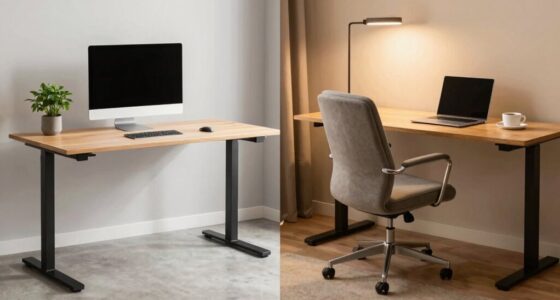
adjustable standing desk for proper height
As an affiliate, we earn on qualifying purchases.
As an affiliate, we earn on qualifying purchases.
Why Your Standing Desk Height Matters for Comfort and Productivity
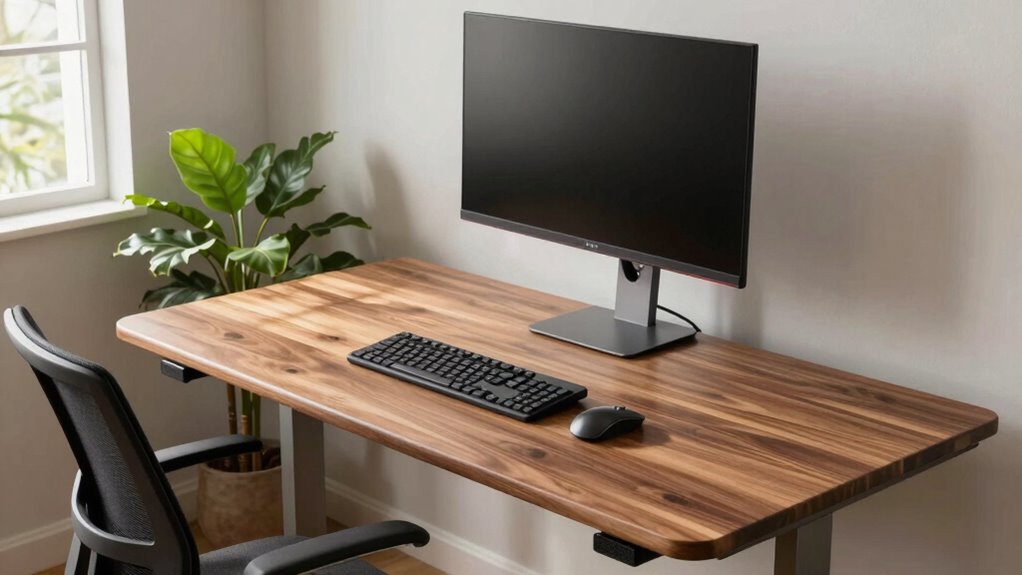
Your standing desk height is essential because it directly affects how comfortably and efficiently you work. When your desk is set at the right height, you maintain better posture awareness, which reduces strain and fatigue. Proper desk ergonomics ensures your elbows are close to your sides and form about a 90-degree angle, preventing shoulder and wrist discomfort. If your desk is too high or too low, you might hunch or stretch awkwardly, leading to muscle tension over time. Adjusting your standing desk to fit your body promotes better focus and endurance during long work sessions. Understanding ergonomic principles helps you optimize your workspace setup for health and productivity. Additionally, being aware of proper desk height techniques can further improve your comfort. Properly setting your desk height also involves understanding individual body measurements, which are crucial for a personalized ergonomic setup. Ultimately, setting the correct height helps you stay comfortable, minimizes the risk of injury, and boosts productivity throughout your workday. Recognizing the impact of workstation ergonomics can lead to more sustainable and health-conscious working habits.
ergonomic keyboard and mouse set
As an affiliate, we earn on qualifying purchases.
As an affiliate, we earn on qualifying purchases.
What Is the Proper Standing Desk Height? (The Correct Rule Explained)
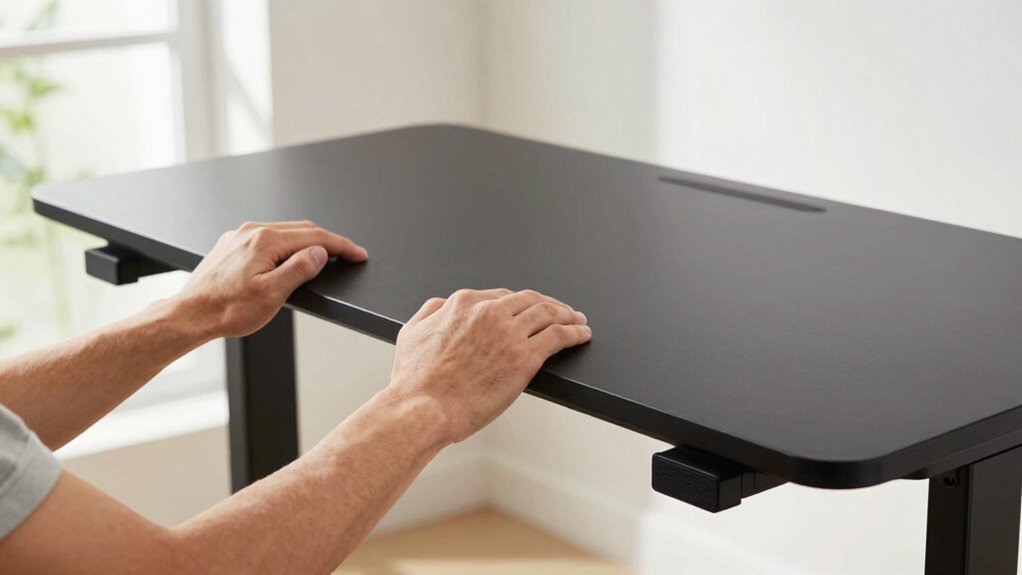
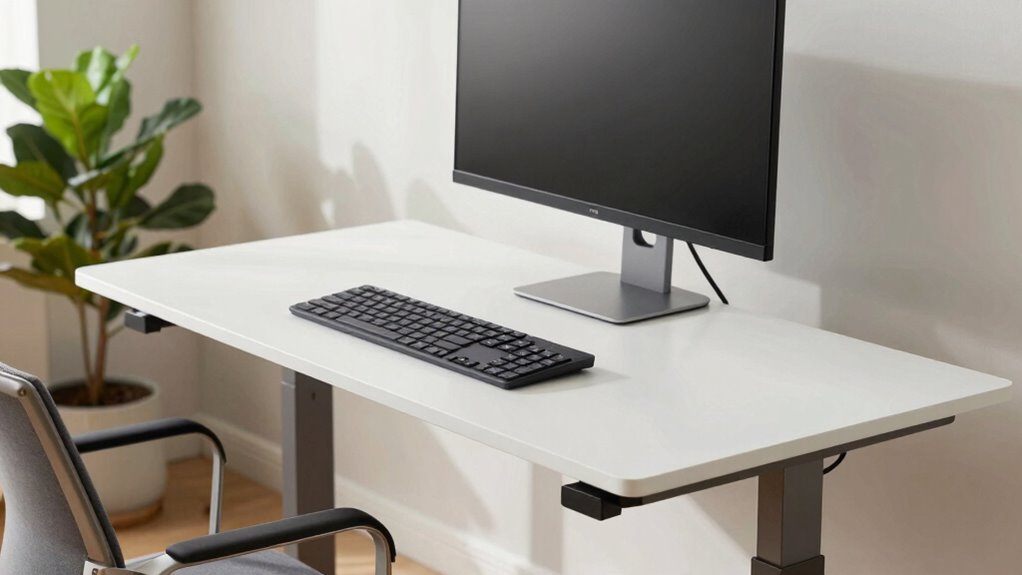
Finding the proper standing desk height involves following a simple but important rule: your elbows should be at a 90-degree angle when your hands are on the keyboard. This ensures an ergonomic setup that promotes comfort and reduces strain. To achieve this, adjust your desk height so that your forearms are parallel to the floor, and your wrists remain straight while typing. Your monitor should be positioned at eye level, so you’re not tilting your neck up or down. The goal is to create a workspace where every element supports natural posture. Remember, the correct desk height isn’t universal; it depends on your body dimensions. Prioritizing this rule helps you set up an ergonomic workspace that minimizes fatigue and maximizes productivity. Additionally, using essential DIY tools can help you make precise adjustments and ensure your workspace is safely optimized. Proper posture awareness throughout the day further enhances comfort and reduces the risk of musculoskeletal issues. Incorporating ergonomic principles into your workspace setup can lead to long-term health benefits. Maintaining adjustable furniture can also help accommodate your changing needs and promote sustained comfort during long work sessions.
As an affiliate, we earn on qualifying purchases.
Common Mistakes When Setting Up Your Standing Desk
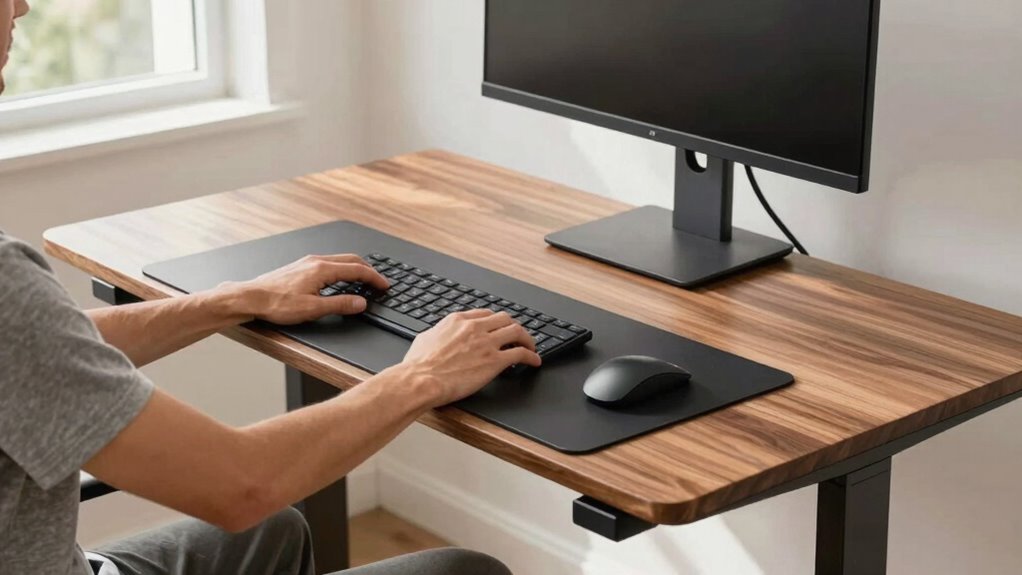
One common mistake when setting up your standing desk is neglecting to adjust the desk height properly, which can lead to discomfort and strain. Many people fall into posture pitfalls by misjudging the correct height, resulting in hunching or overextending their arms. Height miscalculations often cause you to keep your shoulders raised or neck bent, leading to fatigue and potential injuries over time. Instead of rushing the setup, take the time to find the right height that keeps your elbows at roughly a 90-degree angle and your monitor at eye level. Proper desk height adjustment is essential to prevent musculoskeletal issues and ensure ergonomic comfort. Additionally, correct workspace setup promotes better circulation and reduces fatigue during long work sessions. Properly aligning your monitor with your eye level can significantly decrease neck strain and improve overall posture. Ensuring your workspace is properly configured can make a significant difference in long-term comfort and productivity. Paying attention to equipment positioning can also help maintain proper posture and prevent unnecessary strain. Avoid settling for a default or guesswork approach, as improper height can undermine the benefits of standing work. Proper adjustment is key to staying comfortable and maintaining good posture throughout the day.
As an affiliate, we earn on qualifying purchases.
How to Measure and Adjust Your Desk for Perfect Ergonomics
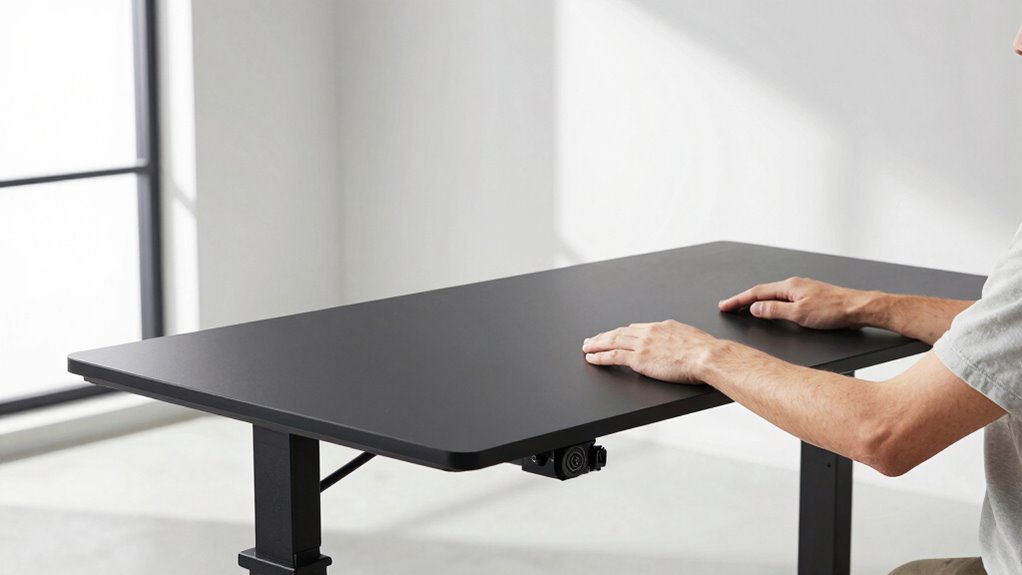
Properly measuring and adjusting your standing desk guarantees you stay comfortable and avoid strain throughout the day. To find the ideal height, start with a proper desk measurement: your elbows should form roughly a 90-degree angle when your arms hang naturally. Make ergonomic adjustments by raising or lowering your desk until your forearms are parallel to the floor and your wrists stay neutral. Visualize this setup with the following table:
| Your Posture | Desk Position |
|---|---|
| Elbows at 90° | Adjust height so elbows are at 90° |
| Wrists neutral | Keep wrists straight |
| Feet flat on floor | Ensure feet are flat and supported |
This approach helps you maintain proper ergonomics and reduces discomfort. Proper measurement techniques are essential for achieving optimal ergonomic setup, especially when considering individual differences to ensure a comfortable fit. Additionally, taking into account the desk’s adjustability features can enhance your ability to personalize your workspace. Recognizing body proportions can further improve ergonomic accuracy and comfort. Being mindful of posture habits throughout the day can also help prevent fatigue and musculoskeletal issues.
How to Tell If Your Standing Desk Is Set Up Correctly
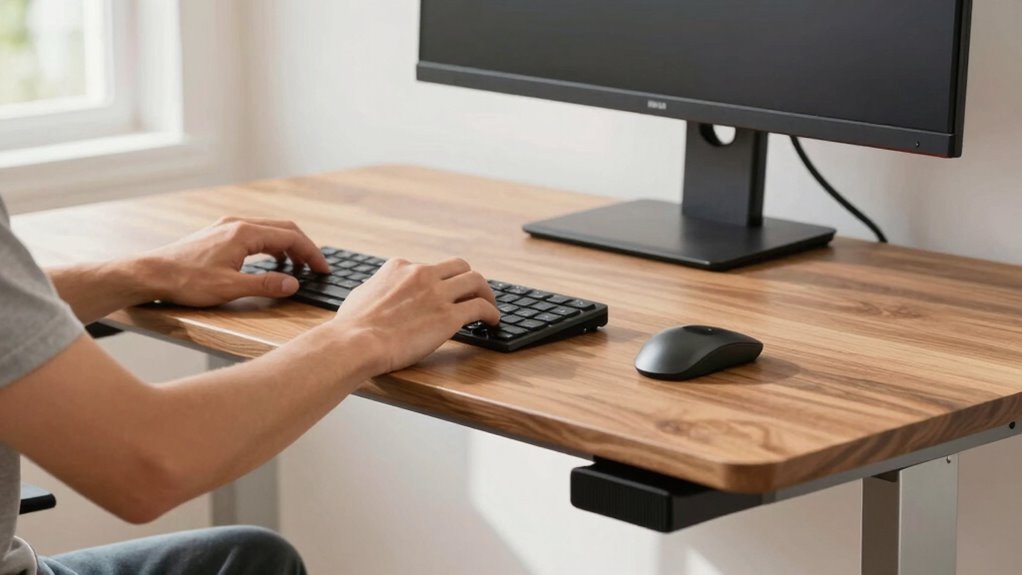
To guarantee your standing desk is set up correctly, pay close attention to how your body feels during use. Check if your desk height allows your elbows to stay close to a 90-degree angle when typing or working. Your wrists should be straight, not bent upward or downward, which indicates proper posture alignment. Stand comfortably with your shoulders relaxed and your head aligned over your spine. If your neck feels strained or your shoulders tense, your desk height may be off. Also, ensure your monitor is at eye level to prevent neck strain. When your setup promotes relaxed shoulders, a neutral wrist position, and a natural head posture, you know your standing desk is correctly adjusted for ideal ergonomics. Additionally, understanding the mechanics of posture can help you make more informed adjustments to your workspace. Proper ergonomic setup can also prevent discomfort and long-term musculoskeletal issues. Maintaining awareness of posture alignment during your work can further enhance comfort and productivity. Regularly adjusting your workspace based on your body’s signals can ensure sustained comfort and reduce fatigue.
Tips for Adjusting Your Desk During the Day for Better Comfort
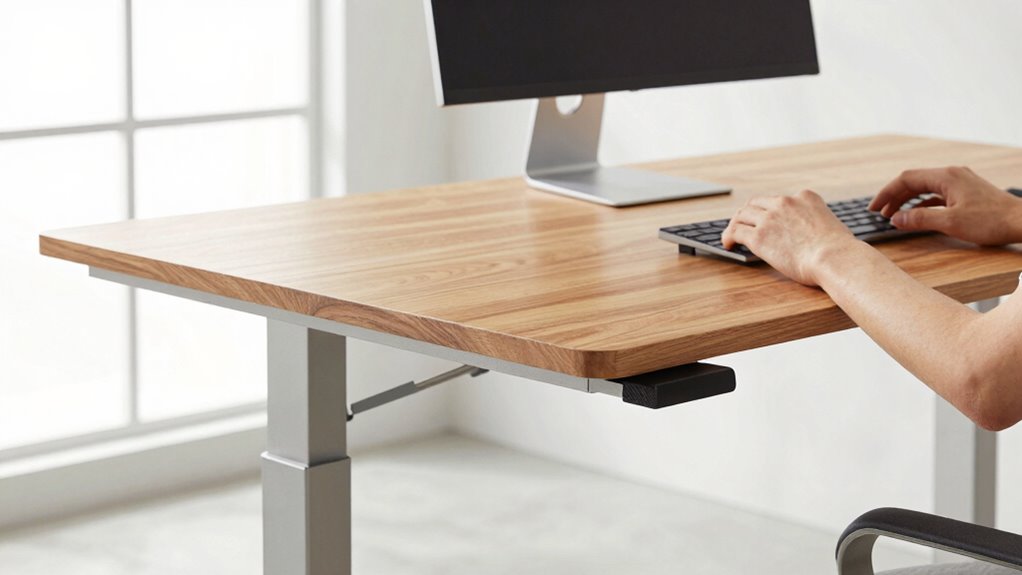
Throughout the day, your body can shift slightly, making it necessary to make small adjustments to your desk setup for continued comfort. Regularly check your desk posture to prevent strain and maintain productivity. Incorporate ergonomic tips like adjusting your monitor height so it’s eye level, keeping your wrists straight, and ensuring your feet are flat on the ground. Stand tall and avoid leaning forward or slouching, which can cause discomfort over time. Take brief breaks to stretch and reset your position every 30 to 60 minutes. Small adjustments, like shifting your weight or repositioning your arms, help reduce fatigue and keep your body aligned. Additionally, understanding engine feel and how to optimize your workspace can contribute to better comfort and performance during long work sessions. Being mindful of indoor air quality and ensuring proper ventilation can also improve overall comfort and focus during long work sessions. Regularly assessing ergonomic setup ensures you maintain proper posture and reduces the risk of strain over time. Paying attention to workspace organization can also help you make quicker adjustments and stay comfortable throughout the day. Consistently refining your setup guarantees comfort and supports good ergonomic habits throughout the day.
Tools and Accessories to Keep Your Standing Desk at the Right Height
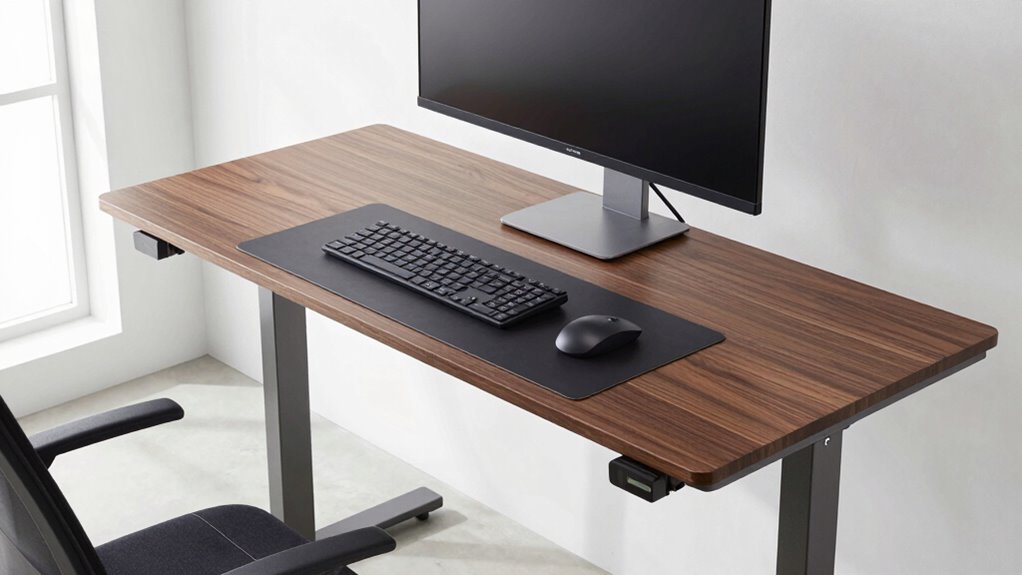
To maintain the perfect standing desk height, you’ll want to take into account adjustable components like monitor arms and keyboard trays. Ergonomic accessories can also help you stay comfortable and aligned throughout the day. Choosing the right tools guarantees your workspace stays healthy and efficient.
Adjustable Desk Components
Ensuring your standing desk stays at the ideal height often depends on the right tools and accessories. Adjustable desk components like programmable controllers, height locks, and sturdy legs help you maintain proper ergonomics principles. These components allow precise height adjustments, preventing strain and improving comfort. For example, using reliable desk components ensures your workspace aligns with ergonomic guidelines, reducing risk of injury. Here’s a quick comparison:
| Component Type | Feature | Benefit |
|---|---|---|
| Electric motors | Smooth, programmable control | Effortless adjustments |
| Mechanical lifts | Manual height locks | Budget-friendly, reliable |
| Gas springs | Quick, easy changes | Convenient, precise |
| Adjustable legs | Customizable height | Fits various users |
| Locking mechanisms | Secure position | Stability during use |
Choosing the right adjustable desk components aligns with ergonomics principles, ensuring a healthier, more productive workspace.
Ergonomic Accessories Selection
Choosing the right ergonomic accessories is essential for maintaining your standing desk at the correct height and promoting comfort. Proper desk accessories can improve your workspace, reduce strain, and support good keyboard ergonomics. Consider adjustable keyboard trays or stands that keep your keyboard at elbow height, preventing shoulder and wrist tension. Use monitor risers or stands to elevate your screens to eye level, aligning with your ergonomic needs. Anti-fatigue mats can reduce leg discomfort during long standing periods. Cable management tools help keep your workspace organized, preventing accidental pulls that could shift your setup. Selecting these accessories thoughtfully guarantees your standing desk remains at the ideal height, minimizing discomfort and enhancing productivity. Prioritize quality and adjustability to create a comfortable, ergonomic workspace.
FAQs About Standing Desk Height and Setup
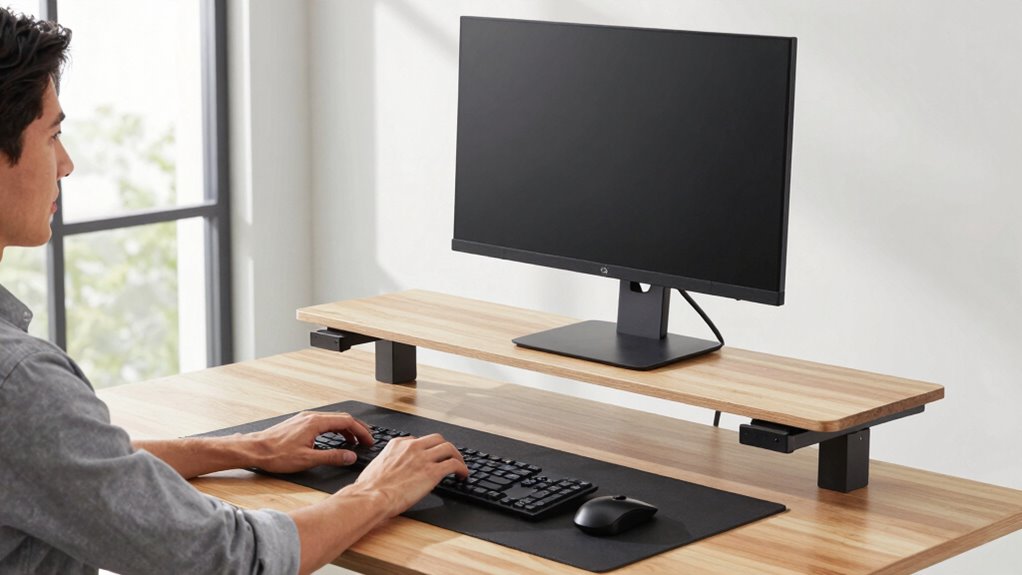
Many people wonder how to set their standing desk height for ideal comfort and productivity. The key is achieving an ergonomic posture with the correct desk height. Your elbows should form about a 90-degree angle, and your monitor should be at eye level.
| Ideal Desk Height | Correct Posture | Common Mistakes |
|---|---|---|
| Elbows at 90° | Prevents strain | Desk too high causes shoulder tension |
| Monitor at eye level | Reduces neck strain | Monitor too low leads to hunching |
| Feet flat on the ground | Supports stability | Standing on tiptoes causes fatigue |
Adjust your desk to match your body, ensuring ergonomic posture for comfort and productivity.
Frequently Asked Questions
How Often Should I Adjust My Standing Desk Height During the Day?
You should adjust your standing desk height every 30 to 60 minutes, following ergonomic accessories and desk height routines. This helps prevent strain and promotes movement. Regular adjustments keep your posture aligned and comfortable, reducing fatigue. Use reminders or adjustable desks to make quick changes. Incorporate these routines into your day to stay ergonomic and avoid long periods of static positioning, ensuring better comfort and productivity.
What Signs Indicate My Standing Desk Height Is Incorrect?
If your neck feels strained, your shoulders ache, or your wrists hurt, your standing desk height might be wrong. You should also check if your elbows are at a 90-degree angle and your monitor is at eye level. Use ergonomic accessories like footrests and adjustable monitor arms, and consult desk height charts to verify proper setup. These signs help you identify when to readjust for comfort and health.
Can Standing Desk Height Affect My Posture Long-Term?
Yes, your standing desk height can impact your long-term posture if not set correctly. When your desk height aligns with ergonomic keyboard positioning, it reduces strain on your shoulders and neck. Also, consider foot support considerations—using a footrest helps maintain proper alignment and balance. Proper desk height promotes healthy posture, prevents discomfort, and minimizes the risk of musculoskeletal issues over time.
Are There Recommended Desk Heights for Different Body Types?
Yes, there are recommended desk heights based on your body type. You should set your standing desk so that your elbows are at a 90-degree angle, with your ergonomic chair supporting your lower back. Proper keyboard placement is essential—keep it at elbow height to prevent strain. Adjust the desk height accordingly to maintain a neutral wrist position and avoid awkward postures, ensuring comfort and reducing long-term injury risk.
How Do I Know if My Monitor Is at the Correct Eye Level?
Perfect positioning promotes productivity and prevents pain. To check if your monitor is at the correct eye level, sit comfortably and look straight ahead. Your monitor’s top should align with your eye level, ensuring ergonomic excellence. Adjust your monitor’s height or tilt if needed. Remember, proper monitor ergonomics keeps your neck neutral and eyes engaged, creating a comfortable, clear workspace that minimizes strain and maximizes focus.
Conclusion
Remember, the right standing desk height isn’t just about comfort—it’s about respecting your body’s natural rhythms. When you find that perfect setup, you’ll notice a subtle harmony in your day, making productivity feel effortless. Small adjustments can lead to big benefits over time. So, trust the process, stay attentive, and let your workspace gently support you. After all, a well-tuned environment quietly guides you toward your best every single day.
Columbus Day / Indigenous Peoples' Day Picks
long weekend sales
As an affiliate, we earn on qualifying purchases.