
TL;DR

Get the latest gadgets delivered free — and shop member deals
- Fast, free delivery on millions of items
- Access to Prime Big Deal Days deals on October 6–7
- Prime Video, Amazon Music and more included
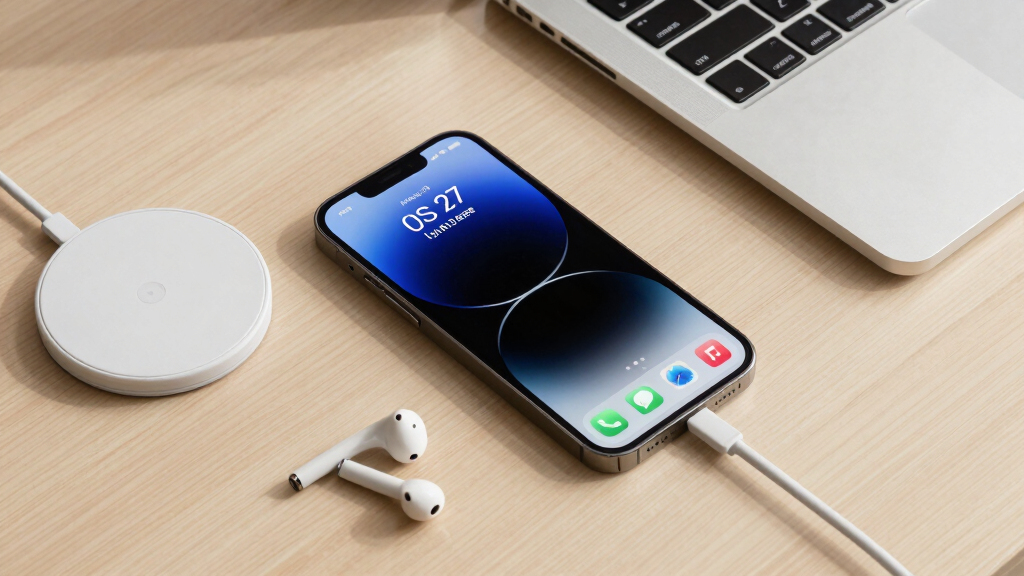
Apple has released the first developer beta of iOS 27, available for compatible devices. While it offers early access to new features, installing it carries significant risks, especially for non-developers. Caution and proper backups are essential.
Apple has officially released the first developer beta of iOS 27, allowing compatible iPhone users to install and test the upcoming software ahead of its official fall launch. While this provides early access to new features like Apple Intelligence and enhanced customization options, experts warn that installing the beta on personal devices is risky and not recommended for most users.
The iOS 27 developer beta is now available for all compatible iPhones, including models from iPhone 11 onward. This early version is intended primarily for developers to test their apps and services, not for general users. Installing the beta can cause bugs, glitches, and potential data loss, especially since Apple has not yet optimized the software for everyday use.
To install, users must download the beta profile from Apple’s developer site and follow standard procedures. Apple recommends backing up the device to a local computer before proceeding, as restoring from iCloud backups may overwrite current data. The beta is only supported on devices running iOS 26, including recent iPhone models, but features like Apple Intelligence are limited to iPhone 15 Pro and newer.
Risks and Benefits of Installing iOS 27 Beta
Installing the iOS 27 beta provides early access to new features, including AI enhancements and customization options, which can appeal to tech enthusiasts and developers. However, it also exposes devices to instability, bugs, and potential data loss. For most users, waiting for the public beta or official release remains the safer choice, as early developer builds are not yet polished.
As an affiliate, we earn on qualifying purchases.
Background on iOS Beta Releases and Risks
Apple traditionally releases developer betas ahead of public betas and official launches, allowing developers to prepare their apps. These early versions are often unstable and contain bugs, as they are meant for testing and debugging. The first developer beta of iOS 27 follows this pattern, with Apple emphasizing that it is not optimized for general use. Past beta releases have occasionally caused device malfunctions, making backups essential before installation.
“Installing the iOS 27 developer beta is risky for everyday users, as it can cause bugs and data loss. Backup your device thoroughly before proceeding.”
— Jake Peterson, Lifehacker Senior Tech Editor
“The developer beta is intended for testing and development purposes and may contain bugs that impact device performance.”
— Apple spokesperson (official statement)
iOS beta profile installation kit
As an affiliate, we earn on qualifying purchases.
As an affiliate, we earn on qualifying purchases.
Unconfirmed Aspects of iOS 27 Beta Stability
It is not yet clear how stable the first developer beta of iOS 27 will be across different devices, or how quickly bugs will be addressed in subsequent updates. Apple has not provided detailed information on the expected stability or specific issues that may arise.
As an affiliate, we earn on qualifying purchases.
Next Steps for Users Interested in iOS 27 Beta
Apple is expected to release a public beta of iOS 27 next month, which will be more stable and suitable for general users. Developers and adventurous users should ensure they back up their devices and consider waiting for the public beta if they want to test new features without risking data loss. The official release of iOS 27 is anticipated in September, alongside new iPhone models.
compatible iPhone screen protector
As an affiliate, we earn on qualifying purchases.
As an affiliate, we earn on qualifying purchases.
Key Questions
Can I downgrade from the iOS 27 beta if I encounter issues?
Yes, but only if you have a backup of your device made before installing the beta. Restoring from this backup on a compatible iOS version will revert your device to the previous state. Keep in mind, once Apple stops signing the older iOS version, downgrading may no longer be possible.
Which iPhones are compatible with iOS 27?
All devices supporting iOS 26 are compatible with iOS 27, including iPhone 11 and newer, such as iPhone 12, 13, 14, 15, and 17 series. However, new features like Apple Intelligence are limited to iPhone 15 Pro and newer models.
Is it safe to install the iOS 27 developer beta on my primary device?
Generally, it is not recommended unless you are a developer or highly experienced with beta testing. The beta can cause instability and data loss, so backing up and understanding the risks are essential. For most users, waiting for the public beta or official release is safer.
What features are expected in iOS 27?
iOS 27 is expected to introduce Apple Intelligence, a more AI-powered Siri, new customization options including Liquid Glass, and performance improvements. Details are still emerging, and some features may change before the official launch.
Source: Lifehacker
Fall Picks
fall essentials
As an affiliate, we earn on qualifying purchases.