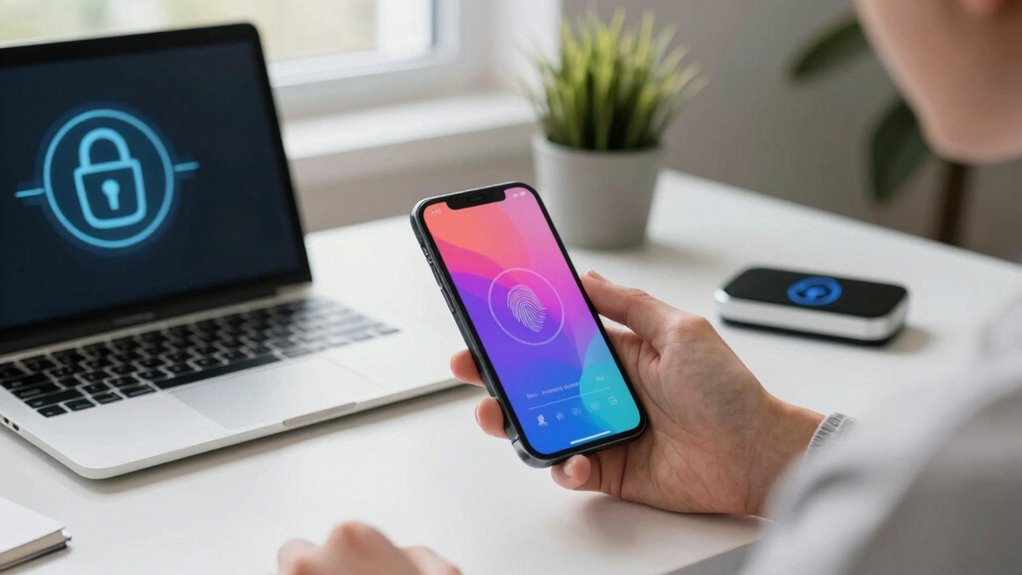
The simplest way to secure your accounts without memorizing passwords is by using a reliable password manager. It stores all your passwords securely, generates strong ones, and syncs across your devices so you don’t have to remember anything. Plus, adding multi-factor authentication boosts your security even more. If you want to understand how to set it up easily and keep your accounts safe, there’s more to discover next.
Key Takeaways
- Use a reputable password manager to securely store and organize all your passwords in one place.
- Generate strong, unique passwords for each account with built-in password generators.
- Enable multi-factor authentication for an extra security layer on your accounts.
- Import passwords from browsers or files to quickly set up your secure vault without memorizing.
- Regularly update passwords and monitor accounts for suspicious activity to maintain optimal security.

McAfee Total Protection 5-Device | AntiVirus Software 2026 for Windows PC & Mac, AI Scam Detection, VPN, Password Manager, Identity Monitoring | 1-Year Subscription with Auto-Renewal | Download
DEVICE SECURITY – Award-winning McAfee antivirus, real-time threat protection, protects your data, phones, laptops, and tablets
As an affiliate, we earn on qualifying purchases.
As an affiliate, we earn on qualifying purchases.
Why Password Security Matters and How a Password Manager Can Help
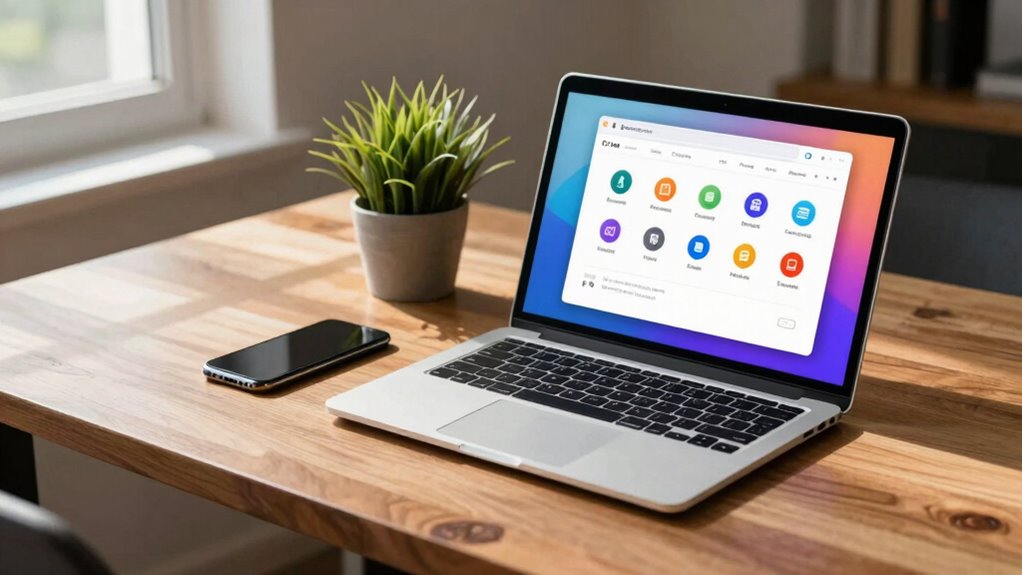
Since passwords are the first line of defense for your online accounts, ensuring they’re strong and unique is essential. Weak or reused passwords put you at risk of password breaches, which can compromise your digital privacy. When hackers gain access through poor security, your personal information, financial details, and sensitive data become vulnerable. A password manager helps you by securely storing and generating complex passwords, eliminating the need to remember them all. With a password manager, you can create unique passwords for every account, reducing the chance of a breach. This not only boosts your digital privacy but also makes managing passwords effortless. Utilizing secure storage for your passwords adds an extra layer of protection. Additionally, many password managers offer automatic password updates to further enhance your security. Implementing multi-factor authentication provides an additional security layer beyond passwords. Using encryption to safeguard your data ensures that even if stored information is accessed, it remains protected. To further improve your security, enable biometric login features when available. Protect your online presence by prioritizing strong, distinct passwords, and let a password manager do the heavy lifting.

Yubico – YubiKey 5C NFC – Multi-Factor authentication (MFA) Security Key and passkey, Connect via USB-C or NFC, FIDO Certified – Protect Your Online Accounts
POWERFUL SECURITY KEY: The YubiKey 5C NFC is the most versatile physical passkey, protecting your digital life from…
As an affiliate, we earn on qualifying purchases.
As an affiliate, we earn on qualifying purchases.
What Is a Password Manager and Why Use One?
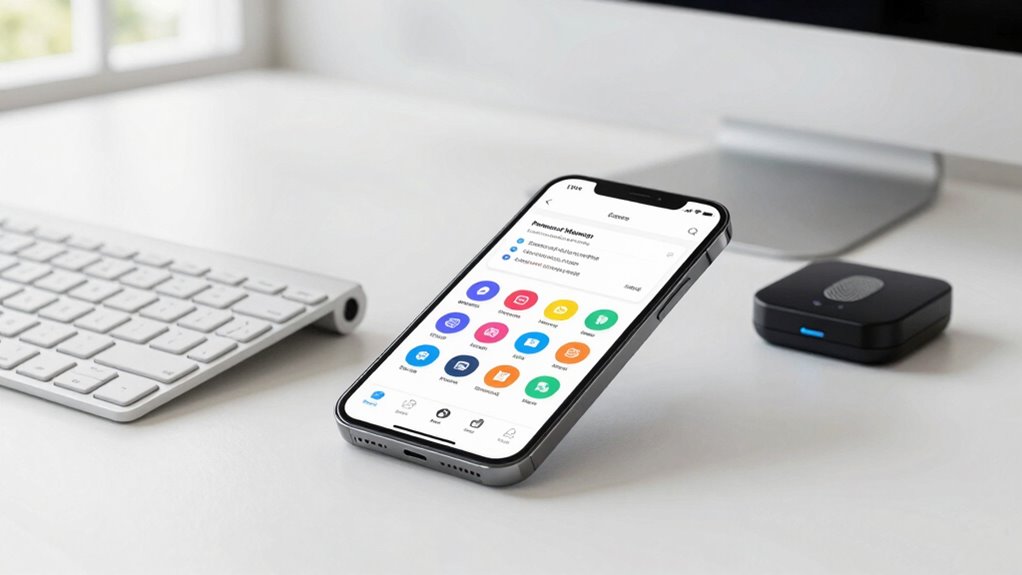
A password manager is a tool designed to securely store and organize all your passwords in one place. It generates strong, complex passwords, improving password complexity and reducing the risk of hacking. With a password manager, you avoid reusing passwords or sharing them insecurely, keeping your accounts safer. Using a password manager simplifies your security, making it easy to maintain strong, unique passwords without memorizing them. It’s a smart way to protect your digital life effortlessly. Additionally, integrating automotive performance parts can enhance your vehicle’s efficiency and safety. Proper password security is essential to prevent unauthorized access and protect your personal information, especially as cyber threats continue to evolve. Understanding halal practices worldwide can also help you appreciate diverse cultural approaches to security and tradition, just as the horsepower of electric dirt bikes offers powerful performance options for off-road enthusiasts.

EZ Home and Office Address Book Software
Address book software for home and business (WINDOWS 11, 10, 8, 7, Vista, and XP. Not for Macs)….
As an affiliate, we earn on qualifying purchases.
As an affiliate, we earn on qualifying purchases.
How to Choose the Best Password Manager for Your Needs
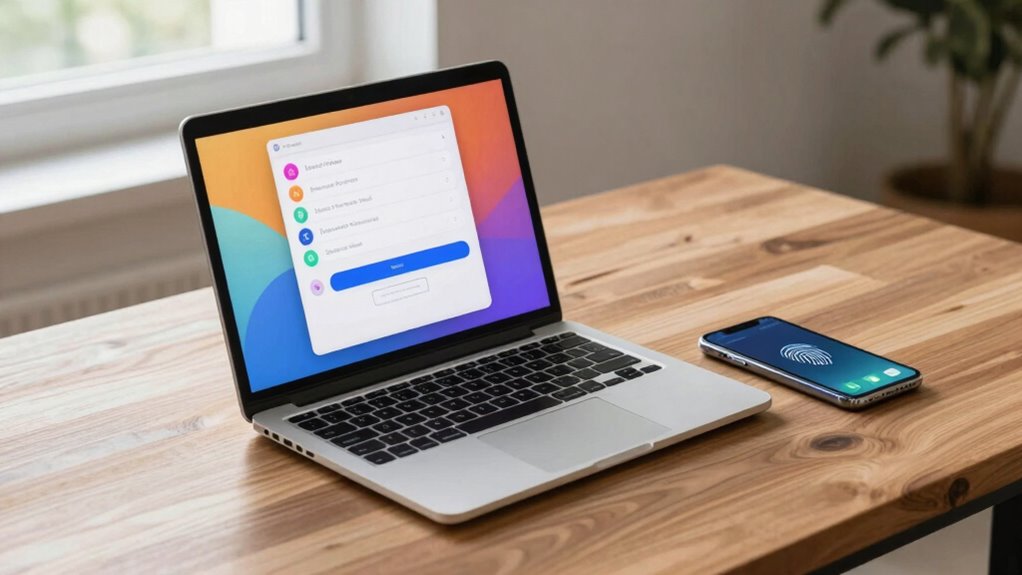
When choosing a password manager, you need to contemplate if it works seamlessly across your devices. Look for strong security features to protect your data and check that it’s easy to use without a steep learning curve. Balancing compatibility, security, and simplicity will help you find the best fit for your needs. Additionally, consider trustworthy information that can help you make informed decisions about the tools you rely on. Ensuring the provider uses industry-standard encryption can further enhance your data security. Being aware of common security practices can also help you evaluate the overall safety of your chosen password manager. Understanding cybersecurity strategies can provide deeper insight into how these tools protect your digital assets. Knowing how home security best practices relate to digital safety can provide a comprehensive approach to protecting your information.
Compatibility With Devices
Choosing a password manager that seamlessly works across all your devices is essential for maintaining security and convenience. Ensuring device compatibility means you can access your passwords anytime, anywhere, without hassle. Look for options that offer cross platform access—whether on Windows, Mac, Android, or iOS. This flexibility prevents you from sticking to just one device or platform. To compare, consider this quick overview:
| Feature | Compatibility |
|---|---|
| Device Compatibility | Supports multiple devices & OS |
| Cross Platform Access | Syncs across all your devices |
| User Experience | Easy to use on any device |
Choosing a password manager with strong device compatibility simplifies your digital life and keeps your accounts secure. Additionally, understanding the importance of content formats can help you choose tools that adapt well to your preferred devices and workflows. Being aware of device compatibility requirements ensures the tool you select will serve your needs effectively across all your gadgets.
Security Features Offered
To select the best password manager, pay close attention to the security features it offers, as these are essential for protecting your sensitive information. Look for options like biometric authentication, which provides quick, secure access without passwords, enhancing both convenience and security. Also, check if the manager allows you to set security questions, adding an extra layer of verification if needed. Strong encryption protocols, such as AES-256, guarantee your data remains confidential even if the provider’s servers are compromised. Multi-factor authentication (MFA) is another critical feature that prevents unauthorized access. Avoid managers that lack these protections or rely solely on master passwords. Additionally, smart protocol standards ensure your data security aligns with current best practices. Incorporating regular security updates from the provider helps safeguard against emerging threats. Implementing advanced security features can further strengthen your account protection. For added assurance, look for managers that support zero-knowledge architecture, ensuring that only you have access to your encrypted data. Staying informed about cybersecurity best practices empowers you to make smarter choices for your online safety. By focusing on these security features, you ensure your accounts stay safe from hacking and unauthorized access.
Ease of Use
While security features protect your data from external threats, ease of use determines how comfortably and efficiently you manage your passwords daily. When choosing a password manager, prioritize options with password simplicity and user friendliness. An intuitive interface makes it easier to store, retrieve, and update passwords without frustration. Look for features like clear navigation, straightforward setup, and minimal steps for routine tasks. A user-friendly manager reduces the learning curve and helps you stay consistent with your security habits. Compatibility across devices and seamless autofill capabilities also enhance convenience. Additionally, understanding passive voice detection can help you improve your writing clarity and effectiveness. Incorporating training techniques to familiarize yourself with the features can further streamline your experience. Ultimately, a password manager that balances strong security with simplicity allows you to focus on your online activities without unnecessary hassle, making your overall digital experience safer and more comfortable.

Windows Hello Fingerprint Reader for Windows 11 10, Offline Physical Security Vault for PC, USB Biometric Fingerprint Scanner, 360° Touch Secure Login & Data Encryption Device for Laptop Sliver
🔐 【Offline Physical Vault: Zero Cloud, Zero Risk】 Secure your digital life with this windows hello fingerprint reader…
As an affiliate, we earn on qualifying purchases.
As an affiliate, we earn on qualifying purchases.
Setting Up Your Password Manager in Just Minutes
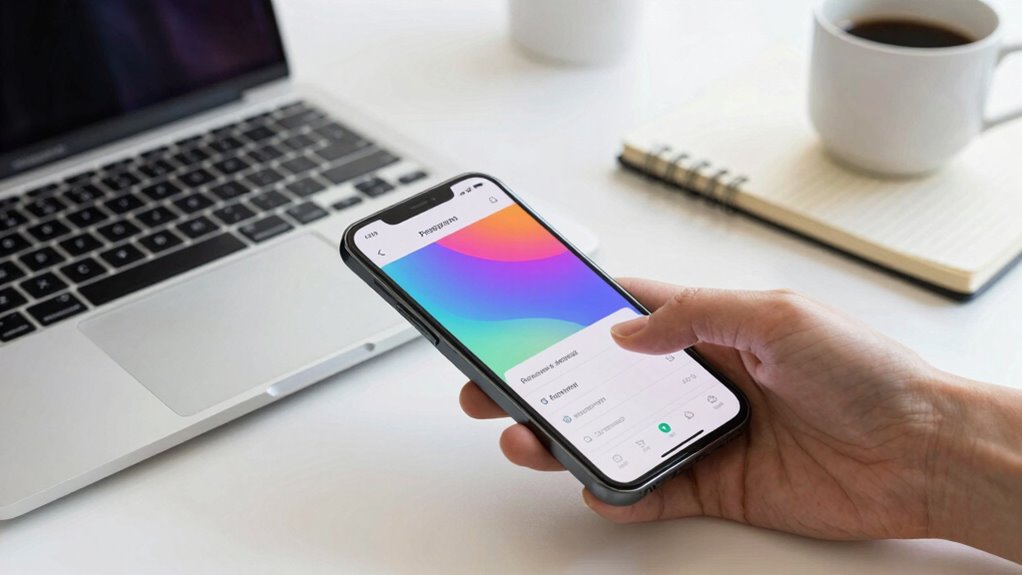
Setting up your password manager is quick and straightforward. First, choose a reliable manager that fits your needs, then install and configure the app in just a few minutes. Finally, easily import your existing passwords to start securing your accounts right away.
Choose a Reliable Manager
Choosing a reliable password manager is vital to keeping your accounts secure. Your manager selection impacts your overall password security, so pick one you can trust. Look for a manager with strong encryption and a good reputation for security. Avoid free or obscure options that might compromise your data. Consider user reviews and whether the manager offers features like automatic backups and multi-device sync. A trustworthy manager should make your password management simple without sacrificing security. Make sure it’s compatible with your devices and offers support if needed. By choosing a reputable manager, you’re taking a critical step in safeguarding your online life. A solid manager helps you avoid weak passwords and minimizes the risk of breaches, giving you peace of mind with minimal effort.
Install and Configure App
After selecting a trustworthy password manager, the next step is to install and set it up quickly and easily. Download the app on your device and follow the prompts. Enable biometric authentication for faster, secure access—no more remembering passwords. Once installed, activate cloud synchronization to keep your passwords up-to-date across all devices effortlessly. This setup creates a seamless experience, ensuring your data is both protected and accessible whenever you need it. Here’s how it feels:
| Secure & Convenient | Effortless Access |
|---|---|
| Biometric login makes it fast | Syncs across devices instantly |
| No memorizing passwords | Always up-to-date, no hassle |
| Peace of mind knowing data is safe | Quick, simple setup |
| Confidence in your security | Freedom from remembering complex passwords |
Import Passwords Easily
Importing your existing passwords into your new password manager is quick and straightforward. Most managers allow you to import directly from your browser or CSV files, saving you time and effort. Once imported, you can manage password sharing securely with trusted contacts, avoiding risky shortcuts like reuse or weak passwords. The password manager will help you maintain password complexity, ensuring each account has a unique, strong password without the need to memorize them. This process not only streamlines setup but also enhances your overall security. With just a few clicks, your passwords are safely stored and accessible across devices. By importing your passwords now, you set a solid foundation for effortless, secure account management moving forward.
How to Generate Strong, Unique Passwords Easily
Creating strong, unique passwords doesn’t have to be a formidable task. You can generate them easily with a few simple rules. Focus on increasing password complexity by combining uppercase, lowercase, numbers, and symbols. Use password generators to create unpredictable combinations. To keep your accounts secure, practice regular password rotation—changing passwords periodically. Here’s a quick guide:
| Step | Tip | Example |
|---|---|---|
| Use a password generator | Create complex passwords automatically | Random$7gK!2p |
| Avoid common words | Steer clear of easy guesses | Password123 |
| Change passwords regularly | Reduce risk from breaches | Every 3-6 months |
Adding Extra Security With Multi-Factor Authentication
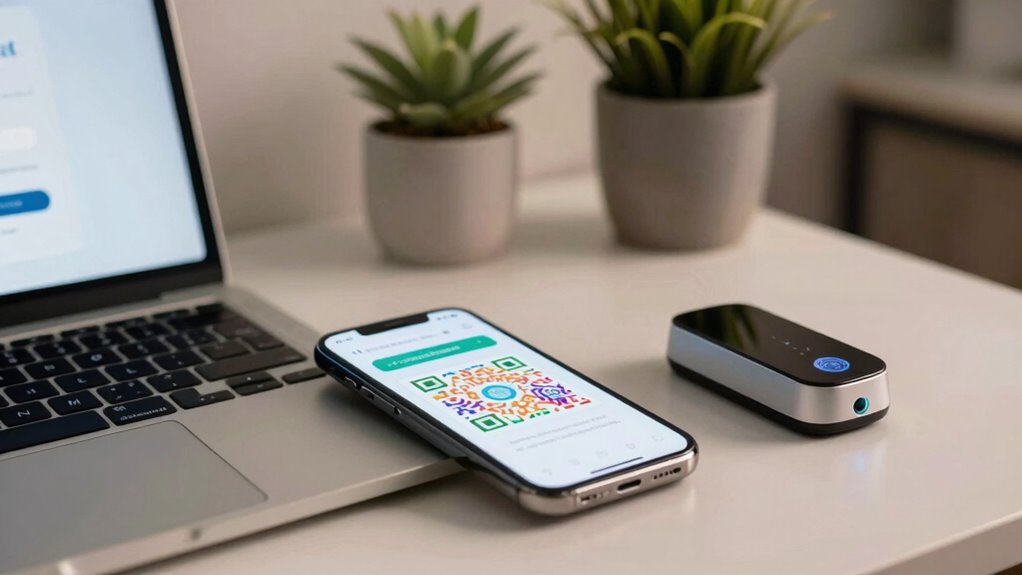
Have you ever wondered if your password alone is enough to protect your accounts? Multi-factor authentication (MFA) adds an extra layer of security, making it much harder for hackers to break in. With MFA, you’ll verify your identity through multiple methods, such as:
- Biometric authentication, like fingerprint or facial recognition
- Hardware tokens that generate one-time codes
- Text message codes sent to your phone
- Authentication apps that produce secure, time-sensitive codes
- Security questions or PINs
Using hardware tokens or biometric authentication ensures that even if your password is compromised, your account stays protected. MFA considerably reduces the risk of unauthorized access, giving you peace of mind knowing your accounts are safer. It’s a straightforward step to enhance your security without memorizing complex passwords.
Troubleshooting Common Issues and Keeping Your Passwords Safe
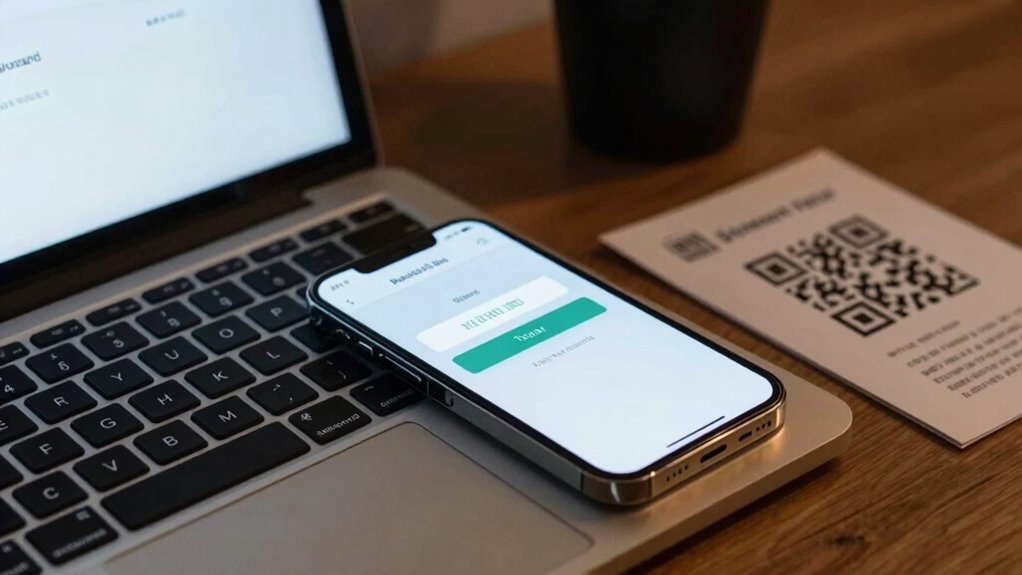
Even with multi-factor authentication in place, you might still encounter issues accessing your accounts or keeping your passwords safe. If you experience a password breach, change your passwords immediately and review your account activity for suspicious actions. Beware of phishing scams that can trick you into revealing sensitive information; always verify the sender’s authenticity before clicking links or providing details. Use a trusted password manager to securely store your passwords and avoid reusing them across sites. Regularly update your passwords and enable alerts for unusual activity. If you notice any signs of compromise, act swiftly to reset your passwords and strengthen your security measures. Staying vigilant and proactive helps protect your accounts from common threats like breaches and scams.
Frequently Asked Questions
Can I Use a Password Manager Across Multiple Devices Securely?
Yes, you can securely use a password manager across multiple devices. It offers cross-device synchronization, guaranteeing your passwords stay updated everywhere. Reputable password managers use strong encryption standards, like AES-256, to protect your data during transmission and storage. Just make sure you enable two-factor authentication for added security. This way, you enjoy seamless access while keeping your passwords safe across all your devices.
Are Free Password Managers as Safe as Paid Ones?
Free password managers can be safe if they use strong password encryption and offer reliable data backups. Many reputable free options implement robust security measures similar to paid ones, protecting your data from unauthorized access. However, always research their security policies and features. Remember to keep your master password strong, enable two-factor authentication if available, and regularly update the software to make sure your accounts stay secure.
How Often Should I Update My Stored Passwords?
You should update your stored passwords every three to six months. For example, a small business experienced a breach because passwords weren’t altered regularly, exposing sensitive data. Following password aging policies helps reduce risks. Regular password updates ensure your accounts stay secure, especially if a breach occurs. If you notice suspicious activity or a breach notification, change your passwords immediately, regardless of the usual update schedule.
What Should I Do if I Forget My Password Manager Master Password?
If you forget your password manager master password, you should start by exploring account recovery options offered by your provider, such as security questions or email verification. If these aren’t available, consider master password alternatives, like biometric access if supported. Remember, some password managers have a master password reset process, but it often involves data loss. Always keep backup recovery codes to prevent losing access entirely.
Is It Safe to Share Passwords With Trusted Family Members?
Sharing passwords with trusted family members can be safe if you establish clear boundaries and use secure methods. Studies show that nearly 60% of people share passwords with family, highlighting its commonality. When doing family password sharing, make certain you trust their judgment and limit access to essential accounts only. Using a password manager with secure sharing features can provide trustworthy access while maintaining security. Always update passwords regularly and monitor activity.
Conclusion
Secure your accounts simply, swiftly, and smartly by choosing a reliable password manager. With minimal effort, you’ll master memorable security, make multi-factor authentication a must, and mitigate most mistakes. Remember, consistent caution keeps your digital domain safe, so stay vigilant, verify vulnerabilities, and value your virtual valuables. By embracing these easy, effective strategies, you’ll fortify your fortress and feel confident steering the online world—because safety starts with smart, simple, and steady security habits.