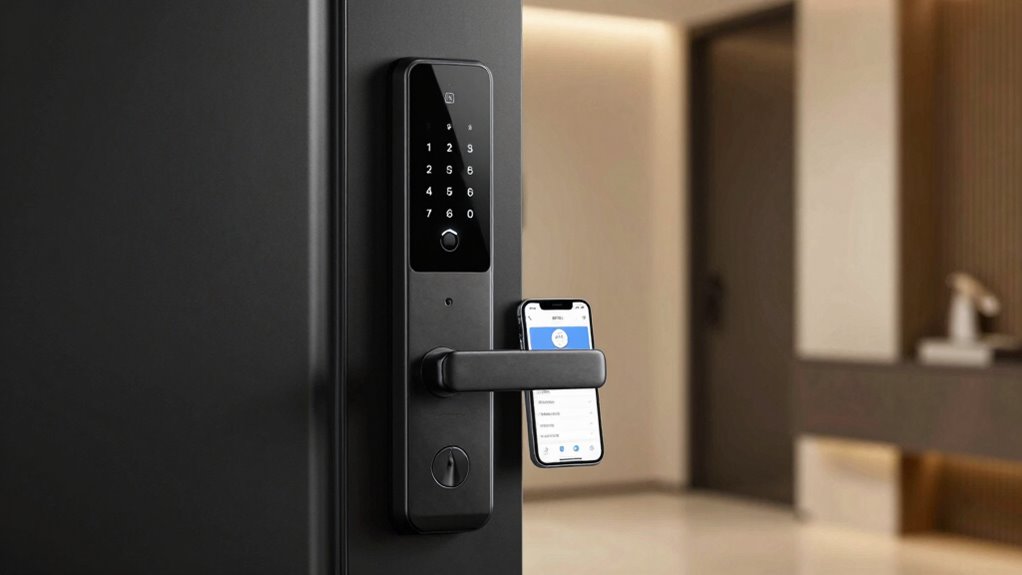

Smart locks come in three main types: keypad, fingerprint, and app-controlled. Keypad locks let you enter a PIN, offering easy access, but codes can be shared or forgotten. Fingerprint locks provide quick, secure entry with biometric recognition, reducing hacking risks, though they may be less reliable with dirt or moisture. App-controlled locks offer remote access and user management, but depend on Wi-Fi or Bluetooth. Exploring these options helps you find the best fit—more details await.

Get the latest gadgets delivered free — and shop member deals
- Fast, free delivery on millions of items
- Access to Prime Big Deal Days deals on October 6–7
- Prime Video, Amazon Music and more included
Key Takeaways
- Keypad locks offer simple PIN entry, easy to share temporary codes, but can be vulnerable if codes are guessed or shared.
- Fingerprint locks provide biometric security, reducing unauthorized access, but may face recognition issues and require maintenance.
- App-controlled locks enable remote access and monitoring, offering convenience but depend on internet stability and device security.
- Keypad locks are straightforward and cost-effective, while fingerprint and app locks tend to be more advanced and more expensive.
- Combining methods (e.g., keypad and biometric) enhances security and flexibility, catering to diverse user needs and scenarios.
As an affiliate, we earn on qualifying purchases.
What Are Smart Locks and How Do They Work?
Have you ever wondered how smart locks work? They use advanced locking mechanisms that rely on electronic components instead of traditional keys. When you use your smartphone, keypad, or fingerprint, the lock communicates with a central system that verifies your identity through security protocols. These protocols guarantee only authorized users gain access, enhancing safety. Smart locks connect via Wi-Fi, Bluetooth, or Z-Wave, allowing remote control and monitoring. Inside, they contain sensors and motors that activate the locking mechanism once your credentials are validated. This integration of technology makes smart locks more convenient and secure than conventional locks, giving you control from anywhere. Understanding these core functions helps you appreciate how smart locks improve home security with their sophisticated security protocols and reliable locking mechanisms. Additionally, encryption methods protect your data and ensure that unauthorized individuals cannot hack into your lock system. Properly designed encryption aligns with the security standards used in Piercing Care and Hygiene, emphasizing the importance of safeguarding sensitive information. Moreover, the use of security protocols ensures consistent protection against potential cyber threats, and the implementation of secure communication channels further enhances overall security. Furthermore, cybersecurity practices are essential to maintaining the integrity of smart lock systems in an increasingly connected world.
biometric fingerprint smart lock
As an affiliate, we earn on qualifying purchases.
As an affiliate, we earn on qualifying purchases.
What Are Keypad Smart Locks? Features and Drawbacks
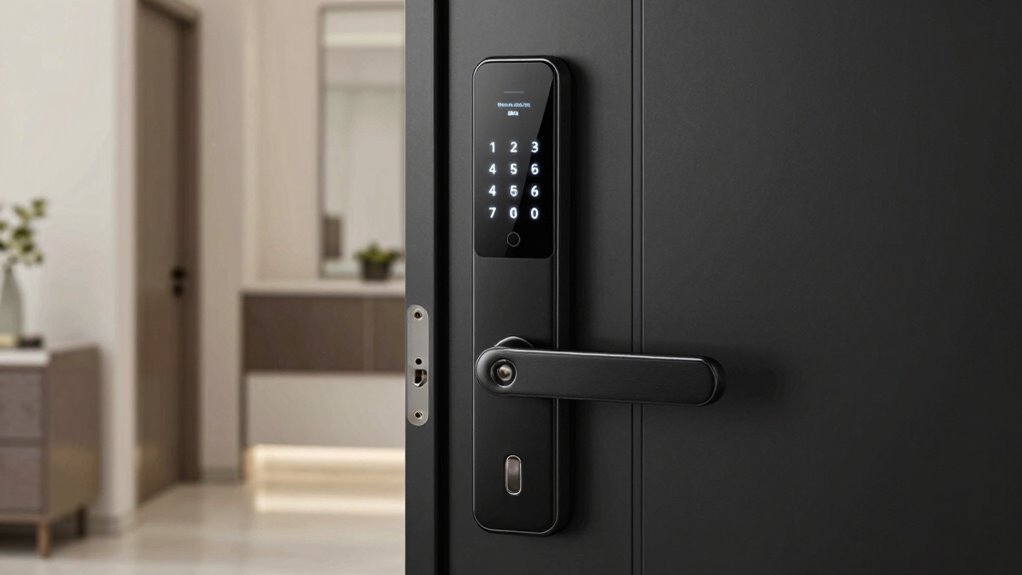
Keypad smart locks are easy to set up, allowing you to create and change codes quickly. However, they offer limited options for emergency access if the batteries die or the lock malfunctions. Battery life is a concern, so you’ll want to monitor power levels to avoid getting locked out. Additionally, regional flavors can influence the design and features of smart locks, making some models more suitable for certain areas. Regularly checking power indicators can help ensure reliable operation. Incorporating smart home integrations can further enhance security and convenience for users. Being aware of compatibility considerations can help you select the most suitable lock for your existing home automation system. Staying informed about regional regulations can also ensure your chosen lock complies with local standards and laws.
Easy Access Setup
To enjoy the convenience of keypad smart locks, you simply need to set up their easy access features. Typically, this involves creating an access code and completing a straightforward setup process. You can assign unique codes to different users, making it simple to manage access. The setup process usually involves entering a master code, then programming new ones through the keypad. Most locks offer step-by-step instructions, so you won’t need technical expertise. Here’s a quick comparison:
| Feature | Benefit/Drawback |
|---|---|
| Access code | Easy to share temporarily or permanently |
| Setup process | Usually simple and quick |
| Multiple codes | Good for family or guests |
| Code security | Can be less secure if not changed regularly |
| Reset options | Usually straightforward |
This makes access management both flexible and user-friendly. Additionally, understanding the Free Floating concept can help in designing a versatile and adaptable backyard space that complements your smart lock setup. For optimal security, selecting a high-quality keypad lock with robust encryption can further enhance your home safety.
Limited Emergency Options
While keypad smart locks offer convenient access management, they often come with limited emergency options. If you forget your code or experience a power or system failure, gaining emergency access can be challenging. Unlike traditional locks with physical keys, many keypad models lack a backup keyhole, making accidental lockouts more problematic. Some locks provide a physical override, but not all, leaving you stranded if the electronic system fails. This restriction can be especially frustrating during emergencies when quick entry is vital. You might need to rely on remote access or have a trusted person ready to help, but these solutions aren’t always immediate. Additionally, the reliance on electronic components makes these locks vulnerable to cybersecurity threats, which could compromise your security. The electronic system of keypad locks can also be affected by power outages, rendering the lock temporarily unusable without alternative access methods. Moreover, some models lack manual backup options, increasing the risk of lockouts during critical moments. Overall, limited emergency options mean you should weigh the convenience of keypads against potential risks of accidental lockouts or emergencies.
Battery Life Concerns
Battery life is a crucial consideration when choosing a keypad smart lock, as it directly impacts your security and convenience. A high battery drain can leave you unexpectedly locked out, so understanding power backup options is essential. To manage this, look for locks with:
- Long-lasting batteries that reduce frequent replacements
- Power backup systems like rechargeable or replaceable batteries
- Low energy consumption features to extend battery life
- Power management strategies that help conserve battery life during periods of infrequent use. These elements help prevent disruptions, especially during emergencies. Regularly checking battery levels and having backup power sources ensure your lock stays operational. Keep in mind, a weak battery can compromise security, so prioritize locks with reliable power backup options. Being proactive about battery maintenance minimizes the risk of sudden failure and keeps your home secure.
remote app-controlled smart lock
As an affiliate, we earn on qualifying purchases.
As an affiliate, we earn on qualifying purchases.
How Do Fingerprint Locks Improve Security and Convenience?
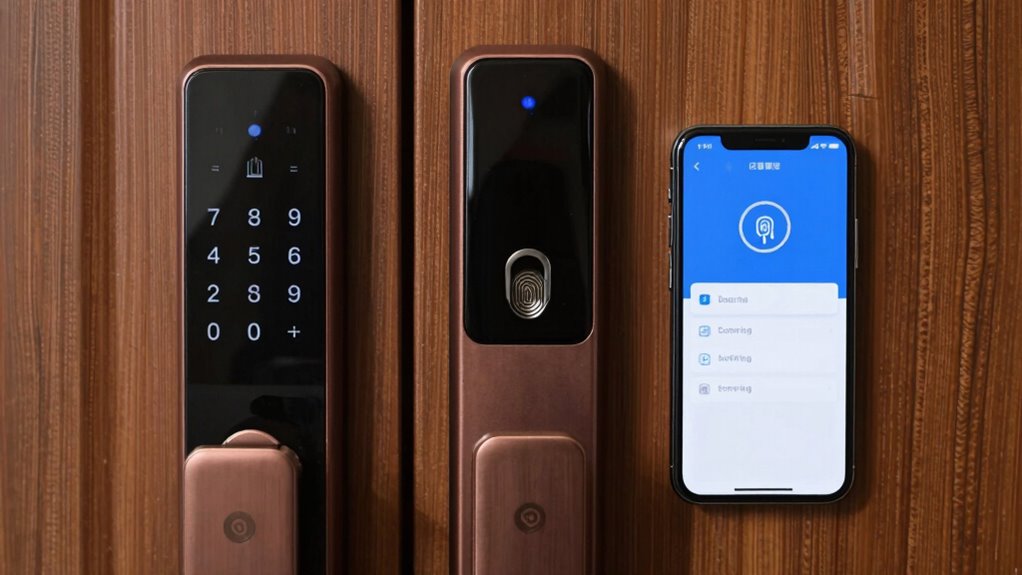
Fingerprint locks boost your security by only allowing authorized fingerprints, making it harder for intruders to gain access. They also offer quick and effortless entry, saving you time when you’re in a hurry. Together, these features make fingerprint locks both safer and more convenient to use. Implementing requirements traceability ensures that all security features are properly documented and maintained throughout the product lifecycle. Additionally, understanding the difference between Twin Flame vs Soul Tie can help you recognize meaningful connections that influence your security and peace of mind. Recognizing the importance of biometric authentication can further enhance the reliability of your security system. Incorporating physical activity and mental challenges can improve overall security awareness and cognitive responses.
Enhanced Security Features
Ever wonder how fingerprint locks boost your home’s security and make access more convenient? They do this through advanced features that prioritize safety and accountability. First, biometric encryption ensures your fingerprint data stays secure, converting it into encrypted templates that can’t be easily hacked. Second, access logging keeps a detailed record of every entry, so you know exactly when someone comes and goes. Third, fingerprint recognition makes unauthorized entry nearly impossible, as only registered fingerprints can *unseal* the door. These features work together to reduce risks associated with lost keys or codes. Additionally, biometric encryption guarantees that your biometric data remains protected from potential breaches. Moreover, implementing secure data storage ensures that your fingerprint information is kept safe from cyber threats. Incorporating two-factor authentication can further enhance your security by requiring an additional verification step. As technology advances, real-time monitoring adds an extra layer of security by alerting homeowners to suspicious activity instantly. Furthermore, the integration of cloud-based security systems allows for remote access and monitoring, increasing overall control and safety. Overall, fingerprint locks enhance security by combining biometric encryption with access logs, providing both protection and accountability for your home.
Quick and Easy Access
Fingerprint locks simplify your daily routine by providing quick, instant access to your home without fumbling for keys or remembering codes. With a simple scan of your fingerprint, you can enter effortlessly, saving time and hassle. Many models also offer remote access, so you can *disengage* your door from anywhere using your smartphone, perfect for letting in guests or service providers. Additionally, you can generate temporary codes for visitors, giving them limited access without compromising your security. This combination of convenience and control means you no longer need to carry keys or worry about lost access. Fingerprint locks make your life easier while maintaining high security, streamlining entry and exit with just a touch.
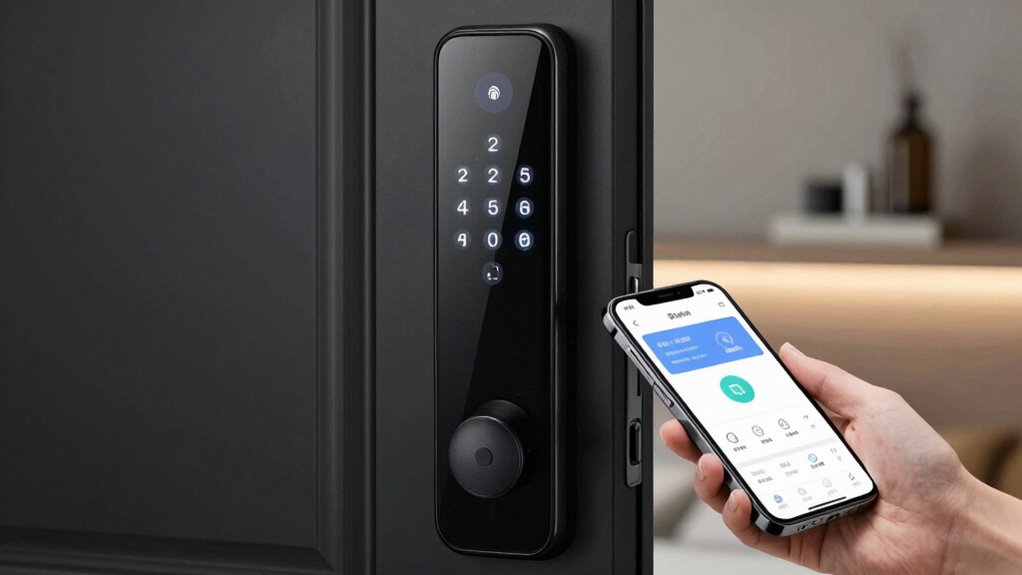
smart lock with keypad and fingerprint
As an affiliate, we earn on qualifying purchases.
As an affiliate, we earn on qualifying purchases.
What Are App-Controlled Smart Locks? Setup and Benefits
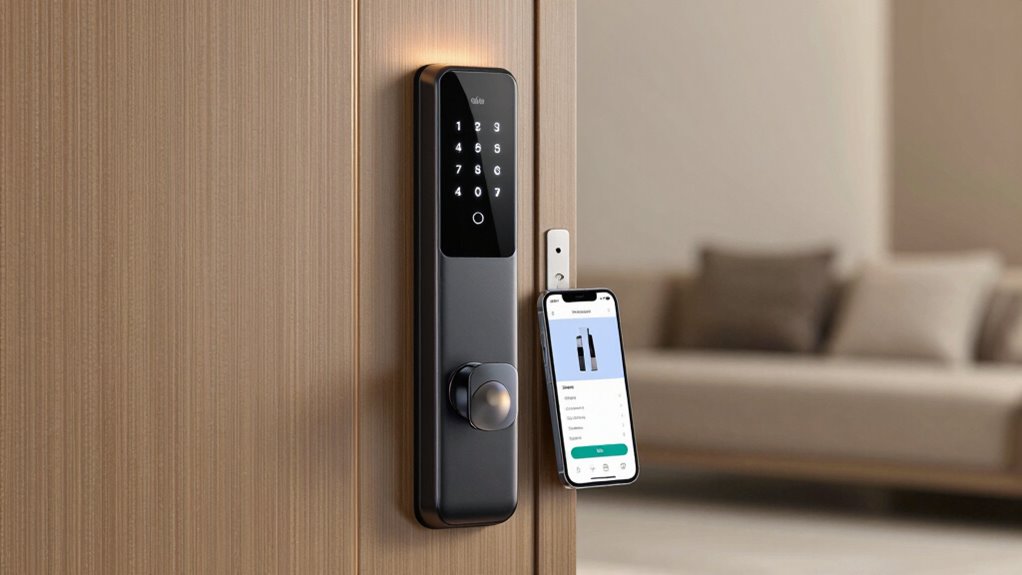
App-controlled smart locks have revolutionized home security by allowing you to lock or open your door remotely using a smartphone app. Setting them up is straightforward:
- Download the lock’s app and create an account.
- Connect the lock to your Wi-Fi network following the app’s instructions.
- Configure security protocols and grant access permissions.
These locks offer seamless app integration, letting you manage access for family, friends, or service providers from anywhere. Their setup guarantees you can monitor activity logs and control who enters your home. Benefits include convenience, real-time control, and enhanced security. Plus, most models support multiple access methods, making them flexible for different needs. Just ensure your app and lock firmware stay updated for maximum security and performance.
Which Smart Lock Offers the Best Security? A Comparison
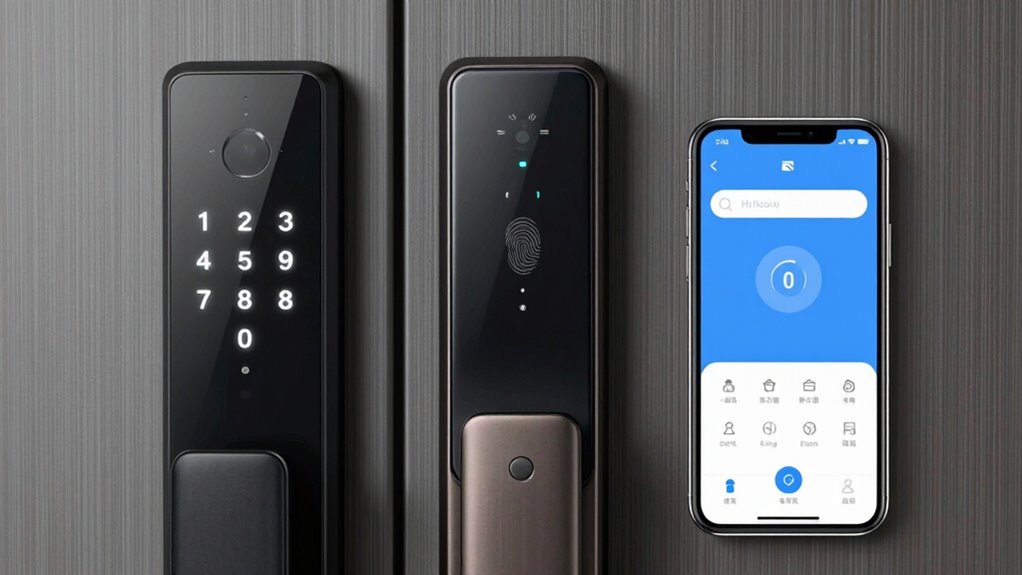
When selecting a smart lock for maximum security, it’s essential to compare encryption protocols, access methods, and build quality. Biometric authentication, like fingerprint scans, offers quick, secure access, but relies on accurate sensors. Encryption protocols protect data during transmission, preventing unauthorized access. The best security often combines multiple features. Consider the following:
| Feature | Strengths | Limitations |
|---|---|---|
| Biometric Authentication | Fast, unique access | False negatives possible |
| Encryption Protocols | Data protection during transmission | Complex implementation |
| Build Quality | Physical durability and tamper-resistance | May add cost |
Choosing a lock with robust encryption and biometric options guarantees your home remains secure from intruders.
How Easy Is It to Install and Use These Locks?
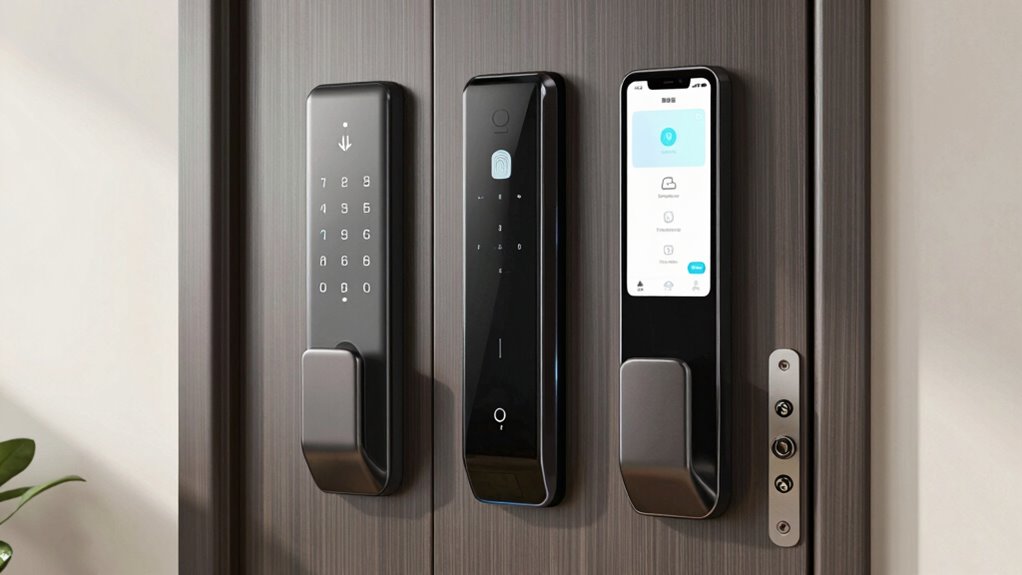
Installing and using smart locks has become more straightforward as manufacturers streamline setup processes. Most models now prioritize intuitive user interfaces to reduce installation challenges.
- Preparation: Gather tools and read instructions carefully. Many locks come with step-by-step guides or app instructions, simplifying setup.
- Installation: Mounting the lock usually involves replacing your existing deadbolt, which is quick for most DIYers. Some models may require more technical adjustments, increasing installation challenges.
- Setup: Connecting the lock to your Wi-Fi or Bluetooth and configuring the app is usually straightforward, thanks to clear prompts. The user interface design plays a essential role in making the process user-friendly and hassle-free.
How Much Do Smart Locks Cost? Budget Options vs Premium Models
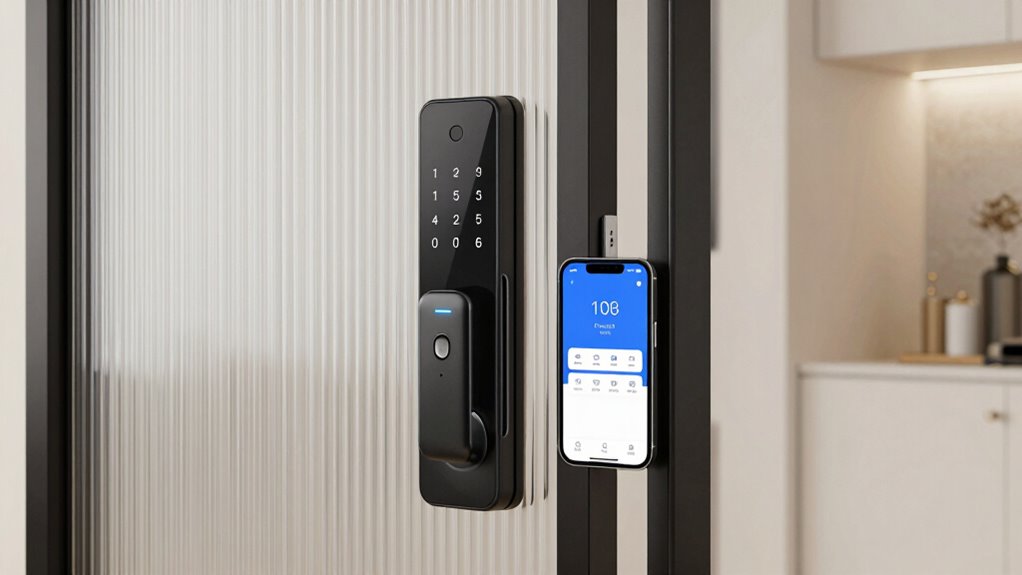
Smart locks come in a wide range of prices, making it easy to find options that fit your budget. Budget models typically cost between $50 and $150, offering basic features like keypad entry or Bluetooth connectivity. These options often have simpler lock installation processes and fewer advanced features. On the other hand, premium smart locks can range from $200 to $400 or more, providing features like fingerprint recognition, app control, and integration with smart home systems. The smart lock costs are influenced by the technology and security level you want. While premium models may require more complex lock installation, they offer enhanced convenience and security. Your choice depends on your needs, preferences, and how much you’re willing to invest in your smart lock system.
Are Smart Locks Compatible With Your Smart Home System?
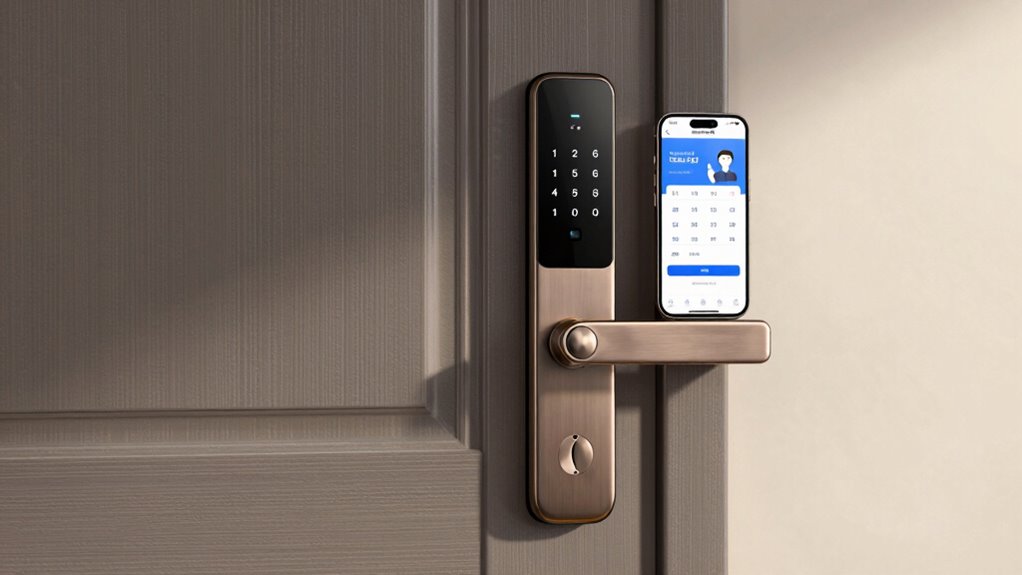
Many smart locks are designed to work seamlessly with popular smart home systems, but compatibility isn’t universal. To guarantee smooth integration, check the following:
- Accessory Compatibility: Confirm that your smart lock supports your existing ecosystem, like Alexa, Google Assistant, or Apple HomeKit.
- Firmware Updates: Regular updates are essential for security and functionality, so verify that your lock can receive firmware updates easily.
- Platform Compatibility: Make sure the smart lock’s app or hub supports your smart home platform to avoid connectivity issues.
Troubleshooting Common Issues With Keypad, Fingerprint, and App Locks
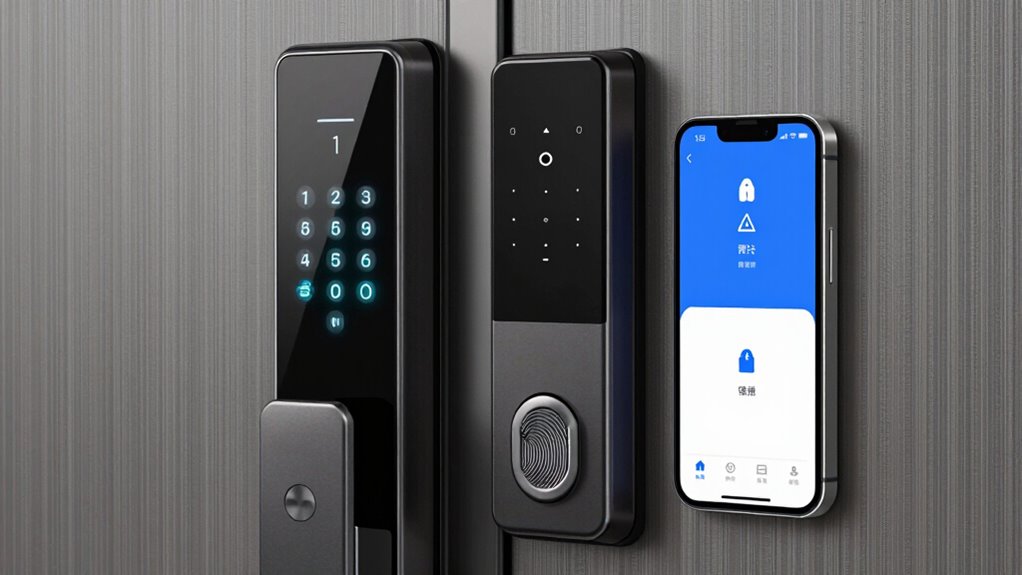
When your keypad, fingerprint, or app lock isn’t working right, it’s important to understand common malfunctions and how to fix them. Resetting and reprogramming your lock can often resolve issues quickly. Knowing these steps helps you regain control without needing professional help.
Common Lock Malfunctions
Sometimes, lock malfunctions can disrupt your daily routine, but identifying the root cause can often resolve the issue quickly. Common problems include failure to recognize user authentication, mechanical jams, or power issues. To troubleshoot:
- Check your lock’s power source and replace batteries if needed—poor power can cause miscommunication.
- Clean and maintain the lock regularly to prevent debris from interfering with mechanical parts.
- Verify that your user codes or fingerprints are correctly registered, as outdated data can prevent access.
These steps ensure proper lock maintenance and help identify if the issue is hardware or software-related. Addressing these common malfunctions promptly keeps your smart lock functioning smoothly and maintains reliable access.
Resetting and Reprogramming
Resetting and reprogramming your smart lock is often the quickest way to resolve issues with keypad entries, fingerprints, or app controls. If your lock isn’t responding properly, a factory reset can clear glitches and restore settings. Many locks offer a manual override option, allowing you to access temporarily if electronic functions fail. After resetting, you’ll need to re-enter user codes, fingerprints, or re-sync the lock with your app. This process guarantees you maintain control and security. If you only need temporary access for a guest or service provider, use the manual override or generate a temporary code through the app. Reprogramming your lock helps fix malfunctions and keeps your security system functioning smoothly. Always follow manufacturer instructions for resetting and reprogramming to avoid issues.
Which Smart Lock Is Right for You? Tips to Make the Best Choice
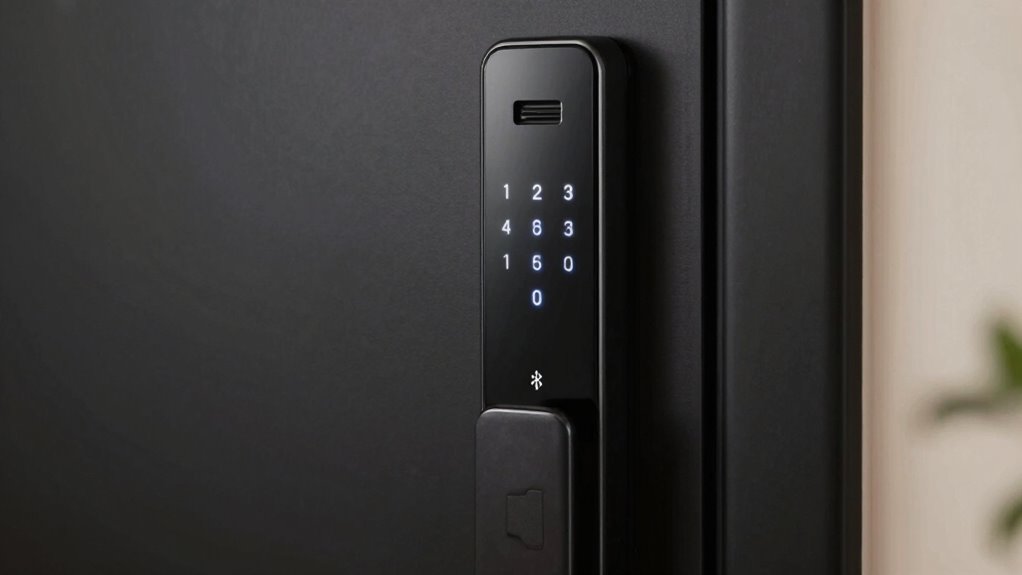
Choosing the right smart lock depends on your specific needs and preferences. To make the best choice, consider these tips:
- Evaluate your security protocols—do you need advanced encryption or simple access?
- Think about user management—will multiple people require access, and how easy is it to add or remove users?
- Match the lock type to your lifestyle—keypad for convenience, fingerprint for quick access, or app control for remote management.
Frequently Asked Questions
Can Smart Locks Be Integrated With Existing Home Security Systems?
Yes, you can integrate smart locks with your existing home security system. By doing so, you enhance your home automation and security integration, allowing you to control access remotely and receive alerts. Make sure your smart lock is compatible with your current system or hub. This integration offers seamless security management, giving you peace of mind knowing all components work together to protect your home efficiently.
What Are the Typical Battery Life Spans for Different Smart Lock Types?
Battery longevity varies widely among smart lock types, often between six months to a year, depending on usage and power source options. You might find keypad locks needing more frequent replacements due to their constant keypad illumination, while fingerprint or app-controlled locks typically last longer with efficient power management. To avoid lockouts, choose models with extended battery life or those that offer low-battery alerts, ensuring your power source options keep your home secure.
How Secure Are App-Controlled Smart Locks Against Hacking Attempts?
App-controlled smart locks are generally secure if you follow cybersecurity best practices. They use encryption protocols to protect your data and prevent hacking attempts. However, you should stay vigilant about cybersecurity vulnerabilities like weak passwords or outdated software, which can expose your lock to hacking. Regular updates, strong passwords, and two-factor authentication markedly enhance your lock’s security, making it harder for hackers to compromise your smart lock system.
Do Smart Locks Require Professional Installation or Can I Do It Myself?
You can definitely do a DIY installation of your smart lock if you’re comfortable with basic tools and follow the instructions carefully. Many models are designed for easy DIY setup, saving you money. However, if you prefer a seamless, professional setup or encounter complex wiring or compatibility issues, opting for professional installation guarantees everything’s done correctly and securely. Consider your skills and confidence before choosing between DIY or professional setup.
Are Smart Locks Suitable for Outdoor Use in Harsh Weather Conditions?
Yes, smart locks can be suitable for outdoor use in harsh weather, but it depends on their weather durability and material resilience. You should choose models specifically designed for outdoor conditions, featuring weatherproof seals and sturdy materials like zinc alloy or stainless steel. While some are built to withstand rain, snow, and extreme temperatures, others may falter. Always verify product specifications to confirm your smart lock can handle your outdoor environment.
Conclusion
Choosing the right smart lock is like finding the perfect key to your digital castle—each type offers a unique blend of security and convenience. Whether you opt for the tactile reassurance of a keypad, the sleek fingerprint scan, or the seamless control of an app, your decision should fit your lifestyle like a glove. Trust your instincts, weigh the pros and cons, and let your smart lock be the vigilant guardian guarding your haven with quiet confidence.
Fall Picks
fall essentials
As an affiliate, we earn on qualifying purchases.