
🔍 Read the full analysis: What NVIDIA Warp And MjWarp Bring To Robotics Simulation Workflows on ThorstenMeyerAI.com

Get the latest gadgets delivered free — and shop member deals
- Fast, free delivery on millions of items
- Access to Prime Big Deal Days deals on October 6–7
- Prime Video, Amazon Music and more included
TL;DR
Hugging Face’s second article in its State of Simulation for Physical AI series shows how to prepare an SO-101 robot simulation with MuJoCo Warp (MJWarp) and run up to 2,048 parallel environments. The tutorial demonstrates setup and scale, but reports no measured speedup, hardware details or policy-training results.
Hugging Face’s second State of Simulation for Physical AI article demonstrates preparing an SO-101 follower-arm simulation with MuJoCo Warp (MJWarp) and scaling it to as many as 2,048 parallel environments, following the original analysis. The walkthrough shows an implementation path for GPU-based simulation, but does not report a measured speedup or train a robot policy.
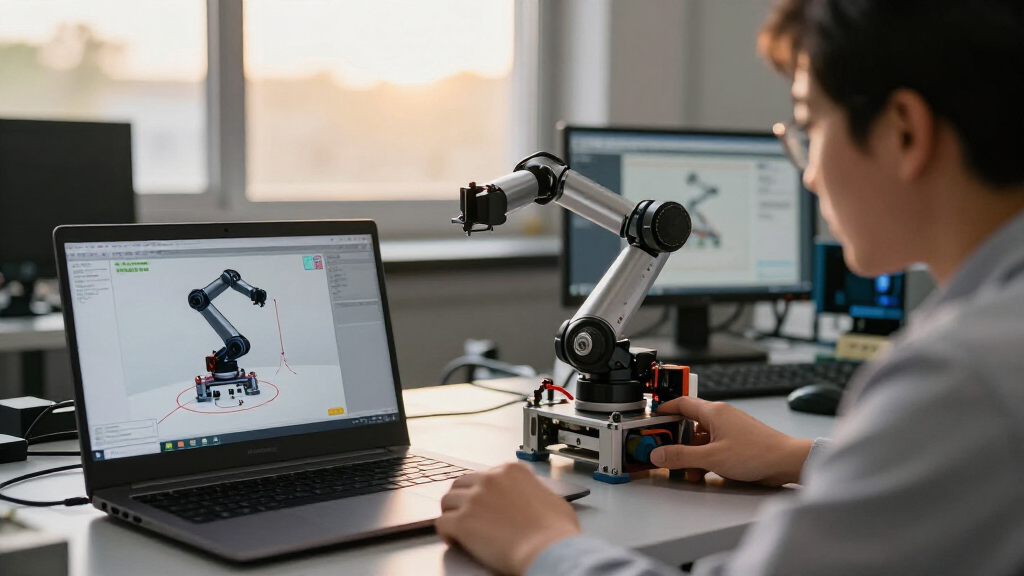
The workflow starts with MuJoCo loading and compiling the robot’s MJCF model. MJWarp then implements compatible MuJoCo physics using NVIDIA Warp kernels, which can execute on NVIDIA GPUs. The tutorial combines these components with SO-101 assets and task geometry to prepare multiple copies of a simulation scene.
Warp is a Python framework for writing kernels that run on CPUs or GPUs. Its first kernel launch compiles and caches a native module; subsequent launches reuse it. The article also explains a data-transfer detail: copying a CUDA array to NumPy synchronizes execution and transfers data to the CPU. Keeping data on the GPU requires Warp adapters or sharing through DLPack-compatible interfaces.
The reported 2,048 environments are a scale demonstration, not a throughput result. The source material provides no simulation rate, hardware configuration or comparison baseline for the SO-101 example. It also reports no training run, task success rate or evidence that this setup improves learning outcomes.
Scaling Robot Learning Simulations
Running many simulation worlds in batches can help teams generate experience across different starting states or candidate actions, a common need in robot-learning workloads. MJWarp’s GPU approach provides a route to keep compatible physics simulations close to the accelerator while advancing multiple environments together.
The practical gain remains unquantified in this walkthrough. Environment count alone does not show how quickly each world advances, what hardware cost is involved, or whether a particular policy learns better. The article is useful as an engineering recipe and scale example; teams evaluating adoption still need task-specific measurements.
Hugging Face’s guidance distinguishes workloads: standard CPU MuJoCo can suit single-robot model-predictive control or teleoperation; MJWarp or mjlab may suit raw MuJoCo physics throughput; and MuJoCo Playground or MJX with a Warp implementation may fit JAX-oriented training recipes. The appropriate option depends on the task and surrounding software.
How MuJoCo Connects to Warp
MuJoCo is used for robot simulation and control, including setups that parallelize work across CPU cores. In the workflow described by Hugging Face, MuJoCo loads the model, while MJWarp runs compatible physics through Warp in batched GPU environments. Warp supplies kernel authoring and device execution; the simulation layer supplies MuJoCo physics.
This is the second entry in Hugging Face’s series on simulation for physical AI. The installment focuses on setting up and scaling a simulation, rather than building a full learning pipeline. Hugging Face positions later articles on Newton and Isaac Lab as further steps into integration with robotics systems and training workflows.
The article also discusses Warp capabilities such as differentiable kernels and deterministic execution. These are framework features, not guarantees that an entire MJWarp rollout is differentiable or deterministic by default.
““Here, we prepare and scale the simulation environment; we do not train a policy.””
— Hugging Face
Benchmark and Compatibility Gaps
The source material does not state the GPU model, simulation rate, workload settings or benchmark baseline behind the 2,048-environment demonstration. It also does not establish how performance changes across robot scenes, contact conditions or different hardware.
The article addresses compatible MuJoCo models, but the supplied information does not specify how broad that compatibility is or which models may need modification. No policy-training results or task success rates are provided, so the effects on learning quality remain unknown.
Further Robotics Integration
Hugging Face says future installments will cover Newton and Isaac Lab, extending the series to additional integration layers such as multi-solver APIs, USD, sensors, managers and training loops. The supplied material does not give publication dates for those articles.
For teams considering MJWarp, the next useful evidence would include reproducible throughput measurements with named hardware and task settings, clearer model-compatibility guidance, and results from an actual policy-training run. Those details are not in the current tutorial’s supplied source material.
Key Questions
What does the Hugging Face tutorial demonstrate?
It shows how to prepare an SO-101 follower-arm simulation with MuJoCo Warp and scale it to as many as 2,048 parallel environments.
Does the article show that MJWarp is faster?
No measured speedup is reported. The environment count is a scale demonstration, and the source material gives no simulation rate, hardware details or comparison baseline.
Does the walkthrough train a robot policy?
No. Hugging Face describes the article as preparing and scaling the simulation environment; it does not include a policy-training run or task success results.
What roles do MuJoCo and Warp play?
MuJoCo loads and compiles the MJCF robot model. MJWarp implements compatible MuJoCo physics using NVIDIA Warp kernels for batched execution, including on GPUs.
What information is still missing?
The supplied source material does not give the GPU model, throughput measurements, benchmark baseline, detailed compatibility limits or evidence of training outcomes.
Primary source: Hugging Face · via ThorstenMeyerAI.com
Fall Picks
fall essentials
As an affiliate, we earn on qualifying purchases.