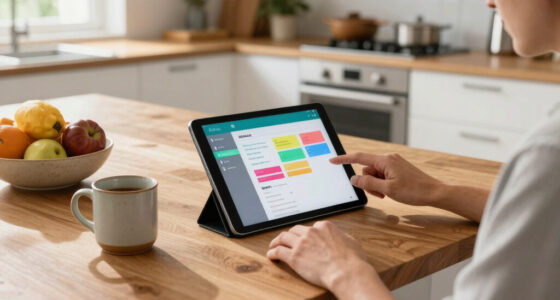

To reduce notification anxiety without going offline, start by reviewing your device and app notification settings to turn off non-essential alerts. Use focus modes or Do Not Disturb during work or relaxation times to minimize interruptions. Set boundaries by scheduling regular breaks and designating quiet periods, like overnight or during family time. Practice mindful digital habits and utilize automation tools to filter notifications. Keep exploring strategies that help you stay calm and connected at the same time.

Get the latest gadgets delivered free — and shop member deals
- Fast, free delivery on millions of items
- Access to Prime Big Deal Days deals on October 6–7
- Prime Video, Amazon Music and more included
Key Takeaways
- Review and customize notification settings to prioritize essential alerts and turn off non-urgent ones.
- Use Focus Modes or Do Not Disturb during work or relaxation to minimize interruptions.
- Schedule specific times to check notifications, reducing constant checking and anxiety triggers.
- Set boundaries with scheduled digital detox periods, like during meals or before bedtime.
- Recognize physical and emotional signs of stress, adjusting notification habits to support mental well-being.
As an affiliate, we earn on qualifying purchases.
Why Notifications Cause Anxiety and How to Recognize It
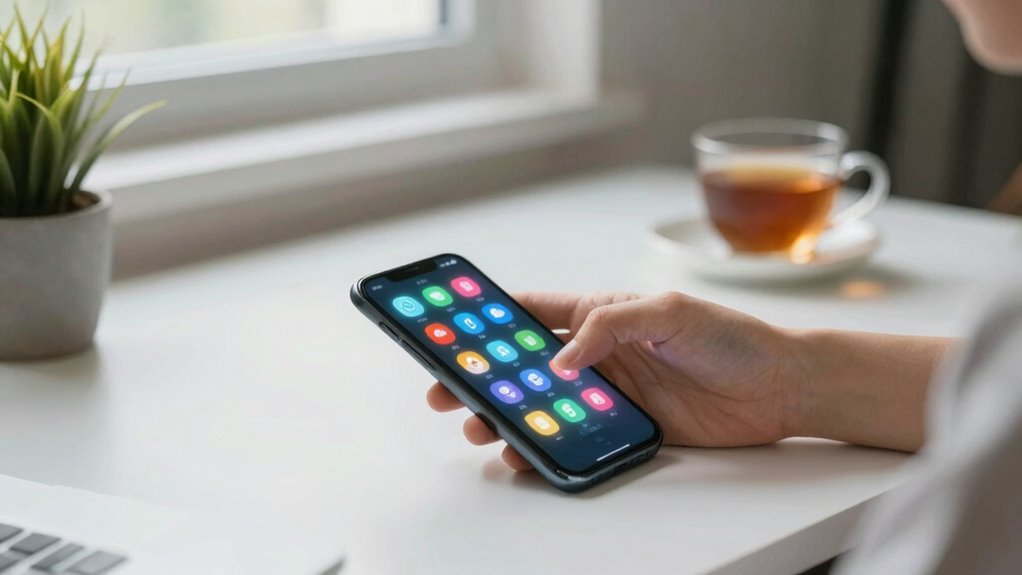
Notifications often trigger anxiety because they create a constant sense of urgency and interruption. When your devices ping repeatedly, it fuels tech overload, making you feel overwhelmed and distracted. These frequent alerts act as anxiety triggers, disrupting your focus and increasing stress levels. You might notice your heart pounding or your hands trembling when you hear a new notification, which signals a physical response to stress. Recognizing these signs helps you understand how notifications impact your mental state. Over time, continuous alerts can condition your brain to associate every ping with an emergency, heightening your anxiety. By paying attention to how notifications make you feel, you can better identify which alerts are truly important and which are just stress-inducing distractions. Implementing filter sizing/flow strategies in your notification management can help reduce unnecessary alerts and ease your mental load. Additionally, cultivating mindfulness practices can help you become more aware of your reactions to notifications and regain control over your mental space. Recognizing how alert frequency influences your stress levels can guide you in setting healthier boundaries with your devices. Understanding the impact of notifications on your overall mental health can motivate you to make more mindful choices about your digital interactions. Incorporating awareness of electric bike horsepower and speed capabilities can also serve as a mental shift, redirecting focus away from stress triggers to more empowering interests.
As an affiliate, we earn on qualifying purchases.
Review Your Notification Settings to Spot Stress Triggers
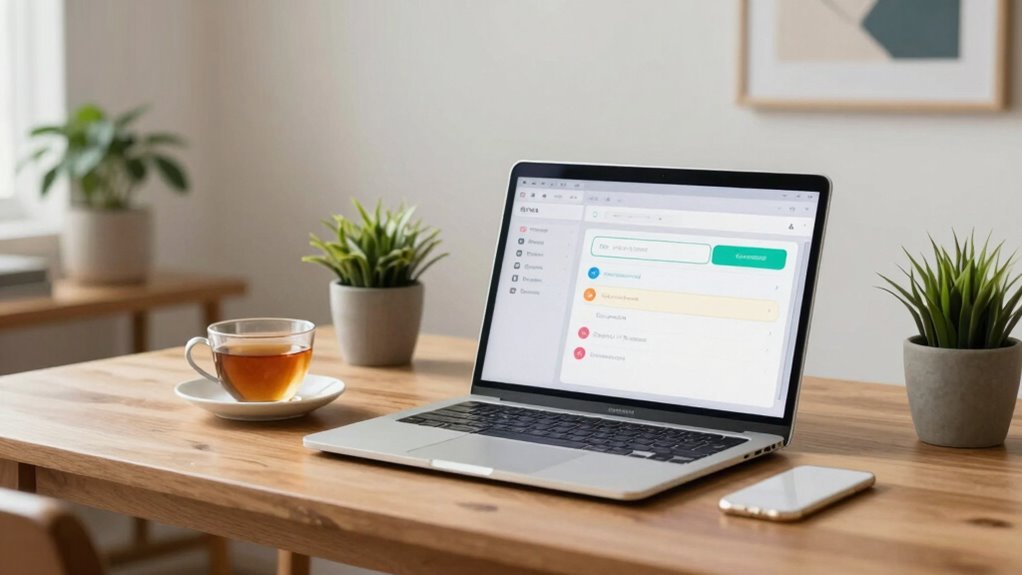
To identify which alerts are causing your stress, start by reviewing your notification settings on each device. This is a vital step in effective notification management and stress reduction. Look at which apps send alerts, how often they notify you, and whether those notifications are necessary. Consider turning off non-essential alerts or adjusting their frequency to reduce overwhelm. Pay attention to notifications that tend to trigger anxiety, such as work emails or social media alerts. By customizing your settings, you create a calmer digital environment, helping you stay focused and less stressed. Regularly revisiting and refining your notification management ensures you maintain control over what demands your attention, making it easier to manage stress without feeling overwhelmed. Incorporating digital mindfulness practices can further help you recognize and mitigate stress triggers as they arise, especially when combined with awareness of your device usage patterns and stress management techniques. Being mindful of your notification patterns allows you to make informed adjustments that support your mental well-being. Additionally, understanding the impact of notifications on your mental health can motivate you to set healthier boundaries with your devices. Recognizing the connection between spirituality and stress can also provide additional support in cultivating a calm and centered mindset.
As an affiliate, we earn on qualifying purchases.
Decide Which Notifications Are Worth Your Attention
You need to determine which notifications truly matter so you aren’t overwhelmed. Focus on critical alerts and turn off non-essential ones to reduce distractions. Setting specific times for DND can help you stay focused without constant interruptions. Managing your cookie preferences effectively can also minimize unnecessary digital noise and enhance your overall browsing experience. Being aware of media literacy can further help you distinguish between important information and distracting content. Additionally, understanding digital capacity can help you set realistic limits for your notification intake and prevent overload. Recognizing how smart thermostat protocols work can also help you prioritize alerts related to home comfort and energy efficiency, further reducing unnecessary notifications. Learning about DIY tools and safety tips can empower you to handle home projects confidently and safely, reducing the need for constant online reminders.
Prioritize Critical Alerts
Because not all alerts carry the same importance, it’s essential to determine which notifications truly deserve your attention. Otherwise, you risk notification fatigue and alert overload, making it harder to focus. To prioritize critical alerts, consider these steps:
- Identify notifications that impact your safety or work productivity.
- Set boundaries for non-urgent alerts, like social media updates.
- Use filters or labels to categorize important messages.
- Schedule specific times to check less critical notifications.
- Being aware of notification overload can help you develop better management strategies. Incorporating mindfulness practices, such as yoga or breathing exercises, can also improve your ability to handle notification stress effectively, especially when understanding the role of arcade games in stress relief. Recognizing how natural pools integrate with backyard spaces can further contribute to a balanced approach to relaxation and digital detox. Exploring sound healing science techniques can provide additional calming tools to manage digital distractions.
Turn Off Non-Essential Notifications
Turning off non-essential notifications can substantially reduce your digital clutter and help you focus on what matters most. Effective notification management involves evaluating which alerts truly deserve your attention and turning off the rest. By doing so, you create a calmer, more intentional digital environment that supports your focus and well-being. Start by reviewing your app settings and disabling notifications from sources that aren’t urgent or important. Remember, not every ping needs to interrupt your day. Practicing digital mindfulness means being deliberate about the information you engage with. Prioritizing digital safety and managing your notifications responsibly can also help prevent information overload and maintain your peace of mind. Additionally, understanding how notification overload impacts mental health can motivate you to stay disciplined in your digital habits. Recognizing the impact on mental health emphasizes the importance of setting boundaries around digital interactions. This simple step can markedly lower anxiety and restore control over your digital experience, fostering a sense of serenity rooted in Stoic wisdom. Implementing strategies for mindful digital habits can further reinforce your efforts to reduce distraction and promote mental clarity.
Set Time-Specific Do Not Disturb
Implementing time-specific Do Not Disturb settings allows you to control when notifications interrupt your day, ensuring that only the most important alerts get through during designated periods. This is a key step in mindful notification management and digital boundary setting. To make the most of it, consider these tips:
- Schedule DND during work hours or family time, so distractions don’t break your focus.
- Allow exceptions for urgent contacts or critical apps to stay informed without overwhelm.
- Use recurring timers for regular quiet periods, like bedtime or early mornings.
- Review your notification settings periodically to refine which alerts truly deserve your attention.
- Remember that digital distractions can hinder innate creativity and focus, so setting boundaries can help you reconnect with more meaningful activities.
notification filter automation tools
As an affiliate, we earn on qualifying purchases.
As an affiliate, we earn on qualifying purchases.
Adjust Your Notifications to Stay Focused and Calm
To stay focused and calm, it’s vital to customize your notifications rather than leave them at default settings. Effective notification management helps reduce unnecessary interruptions and boosts your digital well-being. Start by turning off non-essential alerts and prioritizing only those that truly matter. Use settings that allow you to receive important messages without constant pings, such as silent notifications or scheduled delivery times. Consider grouping notifications or setting specific times for checking updates, so you’re not constantly disrupted. Adjusting your notification preferences keeps you in control, preventing overwhelm and maintaining focus. When you manage notifications thoughtfully, you create a digital environment that supports your mental clarity and overall calmness throughout the day.
Set Digital Boundaries That Help You Stay Calm Throughout the Day
Setting digital boundaries helps you stay calm by managing your notifications effectively. Focus on prioritizing important alerts, scheduling regular detox periods, and customizing your alert settings. These steps create a healthier balance and reduce unnecessary stress throughout your day.
Prioritize Important Notifications
Since not all notifications are equally urgent or important, it’s essential to focus on prioritizing the ones that truly matter. Effective notification prioritization helps you manage alerts without feeling overwhelmed. To do this, consider these steps:
- Identify your critical contacts and apps—like work, family, or health alerts—and set them as high priority.
- Mute or turn off non-essential notifications that don’t require immediate attention.
- Use notification categories or filters to separate important updates from casual alerts.
- Regularly review and adjust your alert management settings to stay aligned with your current needs.
Schedule Digital Detox Periods
After prioritizing your notifications, it’s important to establish clear boundaries to prevent digital overload. Scheduling regular digital detox periods helps you combat notification fatigue and regain control over your day. Set specific times, like during meals or an hour before bed, where you disconnect completely. These breaks give your mind space to rest and reduce the constant pinging that fuels anxiety. Communicate these boundaries to colleagues and family, so they respect your detox periods. Consistently enforcing these times helps you stay calm and prevents the feeling of being overwhelmed. Remember, it’s about creating a routine that allows you to recharge without the distraction of notifications. By scheduling these periods, you regain focus and maintain a healthier balance between your digital and offline worlds.
Customize Alert Settings
Customizing your alert settings allows you to create digital boundaries that keep you calm and focused throughout the day. By managing notification fatigue and alert overload, you prevent constant interruptions from taking over your productivity. Start by:
- Turning off non-essential notifications to reduce distraction.
- Setting specific hours when alerts are muted, giving you uninterrupted focus.
- Prioritizing important alerts only, so critical messages stand out.
- Using Do Not Disturb mode during deep work sessions or rest periods.
These simple adjustments help you regain control over your digital environment. Instead of feeling overwhelmed by every ping, you choose what’s important. Custom alert settings empower you to stay calm, avoid unnecessary anxiety, and maintain steady focus all day long.
Use Focus Modes and Do Not Disturb to Create Calm Periods
To create calm periods and minimize notification anxiety, take advantage of your device’s Focus Modes and Do Not Disturb features. These tools help you set intentional times to disconnect, fostering mental clarity and reducing overwhelm. During these periods, you can practice mindfulness meditation or engage in physical activity without interruptions. To optimize this, consider how different activities align with your focus goals:
| Activity | Focus Mode Setting | Ideal Duration |
|---|---|---|
| Mindfulness meditation | Do Not Disturb | 10-15 minutes |
| Physical activity | Focus Mode | 30-60 minutes |
| Deep work | Custom Focus Mode | 1-2 hours |
| Relaxation | Do Not Disturb | 20-30 minutes |
| Creative pursuits | Focus Mode | 45 minutes |
Using these settings creates intentional calm periods, helping you regain control over digital distractions.
Practice Mindful Digital Habits to Reduce Overwhelm
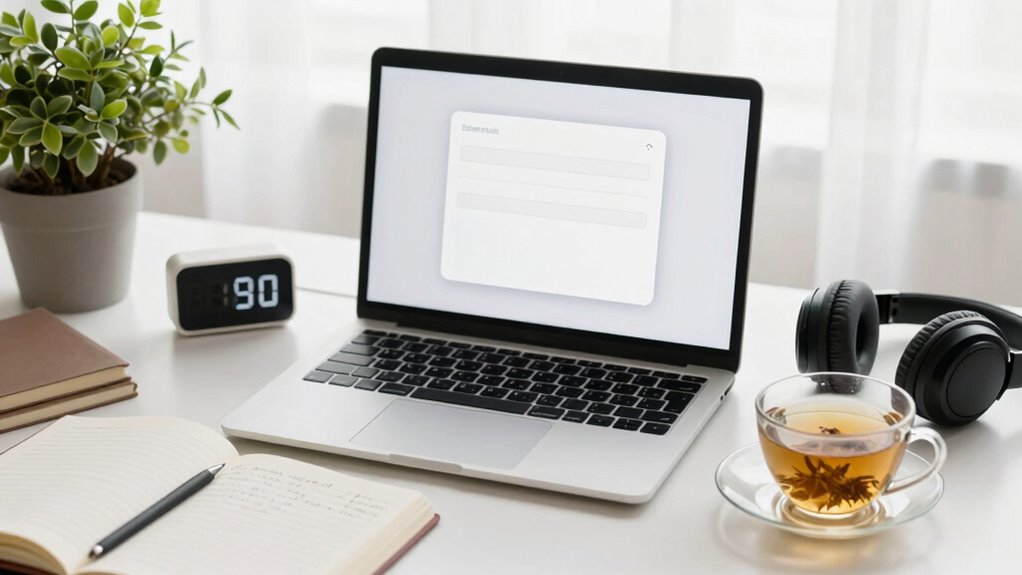
Practicing mindful digital habits involves intentionally managing your technology use to prevent overwhelm. By cultivating notification awareness, you can stay present and reduce anxiety. Here are four easy ways to build mindful digital habits:
- Set specific times to check notifications, avoiding constant distraction.
- Turn off non-essential alerts to minimize unnecessary interruptions.
- Practice deep breathing or brief pauses when you notice notification overload.
- Use apps that track your screen time to stay aware of your digital habits.
These practices help you stay in control, reduce the feeling of being overwhelmed, and foster mindful digital engagement. Over time, you’ll create a healthier balance that keeps you connected without the constant stress of notifications.
Use Phone and App Features to Create a Calmer Digital Environment
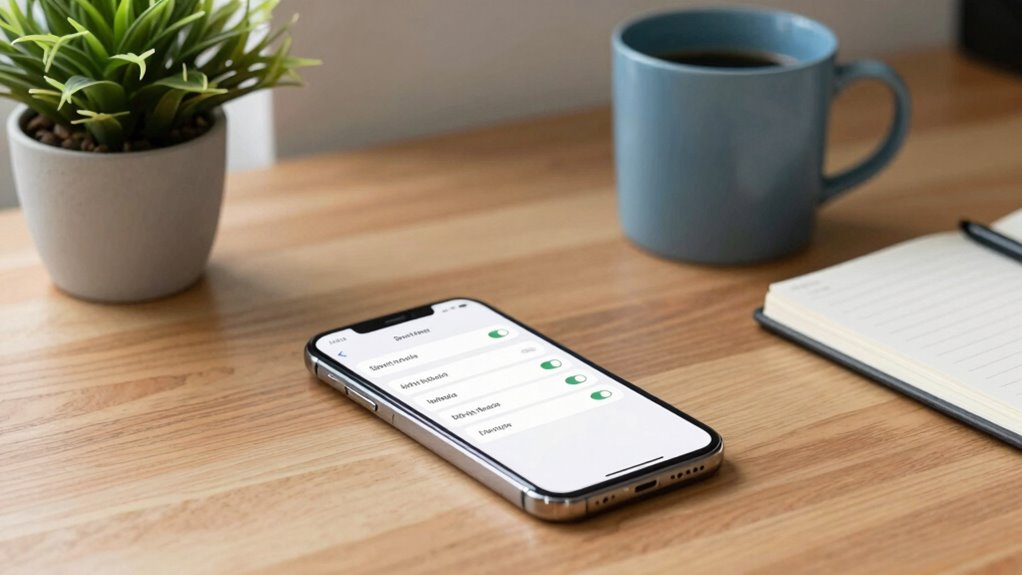
Using your phone and app features thoughtfully can considerably create a calmer digital environment. Effective notification management helps reduce constant interruptions, allowing you to focus and stay present. Turn off non-essential notifications or set them to silent, so you’re not bombarded with alerts. Many devices offer “Do Not Disturb” modes, which you can customize for specific times or contacts, fostering digital mindfulness. Use app settings to limit alerts or schedule quiet periods during work or relaxation times. Adjust notification preferences to prioritize only essential updates, minimizing distraction. By actively managing notifications, you regain control over your digital space, reducing anxiety and promoting a more peaceful interaction with your devices. Small adjustments make a significant difference in cultivating a calmer, more mindful digital environment.
Create Routines to Keep Notification Overload in Check
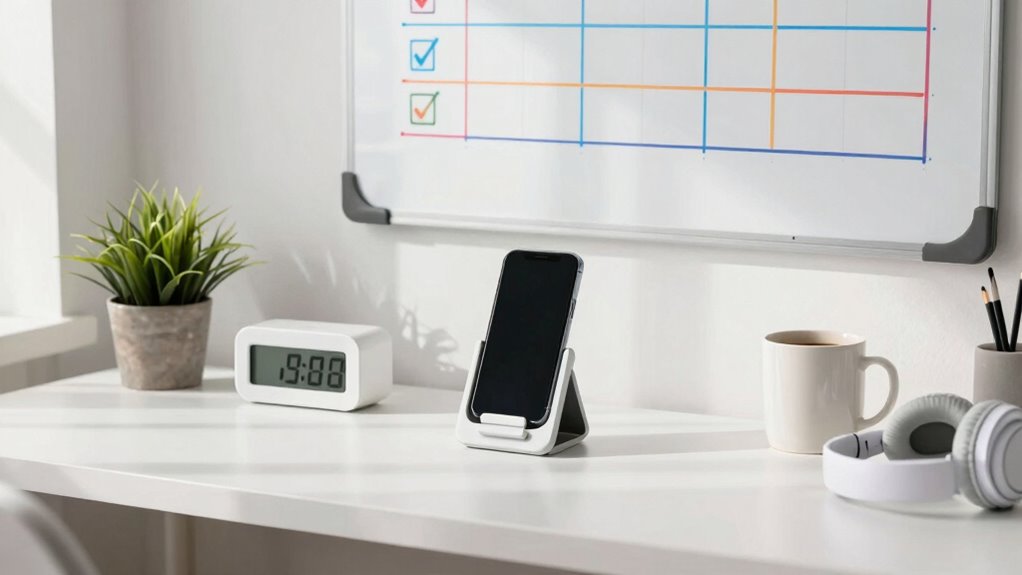
Establishing daily routines can be a powerful way to prevent notification overload from taking over your day. By implementing consistent habits, you improve notification prioritization and make routine automation work for you. For example:
Creating daily routines helps manage notifications and reduce overwhelm effectively.
- Set specific times to check emails and messages, avoiding constant alerts.
- Use app features to silence notifications during focused work periods.
- Create a morning and evening routine that includes reviewing important updates.
- Automate routine tasks, like filtering notifications or using Do Not Disturb during meetings.
These routines help you control when and how you receive notifications, reducing anxiety and distraction. Over time, they reinforce healthier digital habits, allowing you to stay connected without feeling overwhelmed. Creating these habits ensures notifications serve you, not control you.
Frequently Asked Questions
How Can I Identify Which Notifications Truly Matter?
You can identify which notifications truly matter through notification prioritization. Start by examining your alerts and categorizing them as urgent, important, or low priority. Ask yourself if the notification affects your work or well-being. Regularly practice a digital detox by disabling non-essential notifications, allowing you to focus on what genuinely matters. This approach helps reduce anxiety and keeps you in control of your digital environment without feeling overwhelmed.
What Are Simple Ways to Reduce Notification Frequency?
Think of your notifications as a rushing river—overwhelming when unfiltered. To tame it, try notification batching, where you gather alerts into specific times, and customize app settings to only alert for truly important updates. These simple steps slow the flow, giving you control. You won’t miss out, but you’ll regain peace of mind, like standing beside a calm stream instead of a flood.
How Do I Balance Staying Connected and Avoiding Overwhelm?
You can balance staying connected and avoiding overwhelm by setting specific times for checking notifications, practicing mindfulness techniques to stay present, and scheduling regular digital detox periods. Turn off non-essential alerts, focus on one task at a time, and create boundaries around your device use. By intentionally managing your digital habits, you’ll stay connected without constant distraction, reducing anxiety and fostering a healthier relationship with technology.
Can Notification Management Improve My Overall Mental Health?
Yes, notification management can improve your mental health. By scheduling regular digital detoxes and turning off non-essential alerts, you reduce constant interruptions. Practicing mindfulness techniques, like deep breathing or grounding exercises, helps you stay present and less overwhelmed. Taking control of notifications lessens stress, enhances focus, and promotes better emotional well-being. You’ll find yourself more balanced, less anxious, and better able to enjoy the moment when you manage digital distractions effectively.
What Tools or Apps Can Help Me Control Notifications Better?
You can use tools like Do Not Disturb mode, Focus apps, or notification management apps that offer notification prioritization and app customization. These apps allow you to control which notifications come through and when, reducing unnecessary alerts. By customizing settings, you stay informed on essential updates while minimizing distraction. Apps like Screen Time, Notification Manager, or built-in device features help you take charge of your notifications and ease anxiety.
Conclusion
Think of your digital life as a garden. If you let notifications run wild, weeds of anxiety take over. But with mindful pruning—adjusted settings, boundaries, and routines—you cultivate a peaceful space. By tending to your digital garden daily, you create a sanctuary of calm amid the chaos. Remember, you hold the gardener’s shears; with care, you can nurture a serene, balanced mind every day.
Halloween Picks
halloween
As an affiliate, we earn on qualifying purchases.