
To spot email scams, watch for suspicious senders with mismatched or strange addresses, and look out for generic greetings instead of personalized ones. Beware of questionable links, attachments, and fake websites offering urgent solutions or threatening actions. Scammers often use manipulative language to create panic or greed. Pay attention to poor grammar or formatting errors, and verify requests for personal or financial info before acting. If you continue, you’ll learn how to protect yourself better.
Open a free Amazon Business account
Business pricing, bulk buying and tax-exempt orders.
As an affiliate, we earn on qualifying purchases.
Key Takeaways
- Verify sender’s email address for mismatches, unusual characters, or domain inconsistencies.
- Hover over links and check URLs for misspellings or strange domains before clicking.
- Watch for urgent, threatening language that pressures quick action or decision-making.
- Look out for generic greetings and lack of personal details indicating impersonal scams.
- Check for poor grammar, formatting errors, and suspicious attachments as warning signs.
As an affiliate, we earn on qualifying purchases.
How Can You Recognize Suspicious Email Senders?
To spot suspicious email senders, start by examining the sender’s email address carefully. Look for suspicious addresses that don’t match the organization’s official domain or seem unusual. Scammers often use email addresses that mimic legitimate ones but include slight misspellings or extra characters. For example, instead of support@bank.com, they might use support@bank-verify.com or support@bank-security.com. Pay attention to the email sender’s name as well; sometimes, it appears legitimate but the email address reveals the scam. If the sender’s address looks odd or unfamiliar, be cautious before opening any links or attachments. Recognizing suspicious addresses is your first line of defense against email scams, helping you avoid falling victim to malicious schemes. Additionally, understanding affiliate disclosures and privacy policies can help you recognize trusted sources and avoid phishing attempts that mimic reputable organizations. Being aware of common scam tactics can further improve your ability to detect fraudulent emails early. Familiarizing yourself with email address verification methods can also strengthen your defenses against impersonation attempts.
phishing email verification software
As an affiliate, we earn on qualifying purchases.
As an affiliate, we earn on qualifying purchases.
What Language Tricks Do Scammers Use to Pressure You?
Scammers often use manipulative language to make you feel like you must act quickly. They use urgent phrases like “immediate action required” or threats of account suspension to pressure you. Recognizing these tactics can help you stay alert and avoid falling for their tricks. Being aware of common scam tactics can further strengthen your defenses against such deception. Additionally, understanding the importance of recognizing emotional manipulation can help you stay calm and rational when confronted with pressure. Understanding communication styles, such as aggressive or passive language, can also help you identify when someone is trying to influence your decision unfairly. Familiarity with electric bike features can help you discern legitimate offers from scams that may exaggerate product capabilities. Moreover, understanding smart thermostat protocols can help you recognize credible communications and avoid scams that exploit technical jargon.
Manipulative Language Tactics
Manipulative language tricks are designed to make you feel pressured or anxious, prompting quick actions without careful thought. Scammers often use emotional appeals to trigger strong feelings like fear or greed, pushing you toward impulsive decisions. Authority mimicry is another tactic, where they imitate official language or pretend to be someone in charge to gain trust. You might notice phrases that create a sense of urgency, like “immediate action required,” or appeal to your sense of responsibility. These tactics aim to bypass your rational judgment and manipulate your emotions. Be cautious of messages that:
- Invoke strong emotional reactions
- Mimic official authority figures
- Use urgent, time-sensitive language
- Exploit your sense of duty or obligation
- Appeal to greed or fear for quick gains
Additionally, understanding the importance of contrast ratio in visual clarity can help you recognize legitimate communications versus scams that rely on misleading language to create a false sense of urgency. Awareness of linguistic manipulation techniques can further enhance your ability to identify and resist deceptive tactics used by scammers.
Urgent and Threatening Phrases
Urgent and threatening phrases are powerful tools scammers use to make you act quickly without thinking. They tap into scammer psychology by creating a sense of fear or urgency, pushing you to overlook warning signs. These phrases often include words like “immediately,” “danger,” or “your account will be suspended,” which trigger your stress response. Phishing techniques leverage this pressure to bypass your rational judgment and prompt impulsive actions, such as clicking links or sharing personal info. By understanding these language tricks, you can recognize when a message is trying to manipulate your emotions. Always pause and verify the source, even if the message sounds urgent or threatening. Recognizing these phrases helps you stay calm and resist falling for scams.
As an affiliate, we earn on qualifying purchases.
How to Detect Unusual Requests for Personal or Financial Info?
Have you ever received a request for personal or financial information that seemed out of the ordinary? Scammers often craft such requests using social engineering tactics to trick you into revealing sensitive data. To spot these red flags, consider whether the request:
Beware unexpected requests for personal info; verify through official channels to avoid social engineering scams.
- Comes unexpectedly, especially from unfamiliar contacts
- Uses urgent or threatening language to pressure you
- Asks for info that’s usually not needed for the situation
- Lacks official contact details or has inconsistent branding
- Seems too good to be true, promising easy rewards or solutions
Recognizing signs of media literacy and misinformation can help you evaluate whether a request is legitimate. These tactics aim to facilitate identity theft or gain access to your accounts. Always verify requests through official channels before sharing info. Being aware of common scam tactics can further enhance your ability to stay protected. Additionally, understanding website security helps you identify trustworthy sources and avoid malicious sites. Familiarity with security features, like two-factor authentication, also adds an extra layer of defense against unauthorized access. Developing cybersecurity awareness can help you stay vigilant against evolving threats.
As an affiliate, we earn on qualifying purchases.
What Grammar and Formatting Errors Signal a Scam?
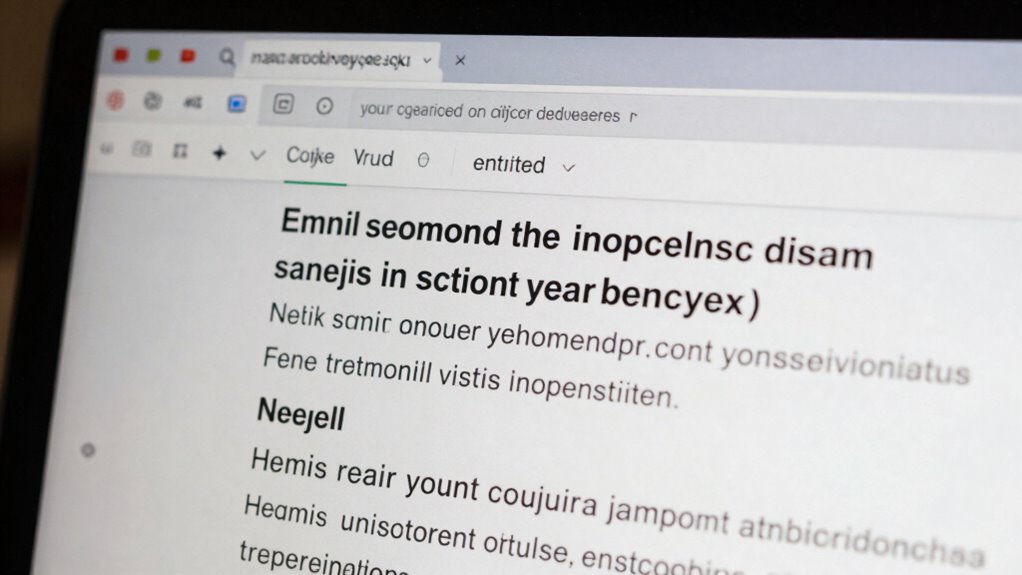
Poor grammar and awkward formatting are common signs that an email might be a scam. Look for grammar mistakes like misspelled words, incorrect punctuation, or awkward sentence structures. These errors often indicate that the sender isn’t professional or fluent in the language. Formatting inconsistencies, such as irregular font sizes, mismatched colors, or strange spacing, can also raise suspicion. Scam emails often use poor formatting to hide their true intent or to create a sense of urgency. If an email contains numerous grammar mistakes or looks poorly formatted, it’s a red flag. Always pay attention to these details, as scammers often neglect proper language use, which can help you identify and avoid falling victim to their schemes. Additionally, being aware of co-parenting communication strategies can help you recognize legitimate messages related to family matters. Recognizing regional cultural references or context can also help distinguish genuine emails from scams that lack local relevance. Moreover, understanding common email scam red flags can further protect you from deception. Being familiar with personality assessment tests and their typical formats can also aid in spotting authentic professional correspondence. Remember that scammers often mimic legitimate language but fail in subtle grammatical accuracy details, so staying attentive to these clues enhances your security.
How Do Fake Emails Use Generic Greetings and Lack Personalization?
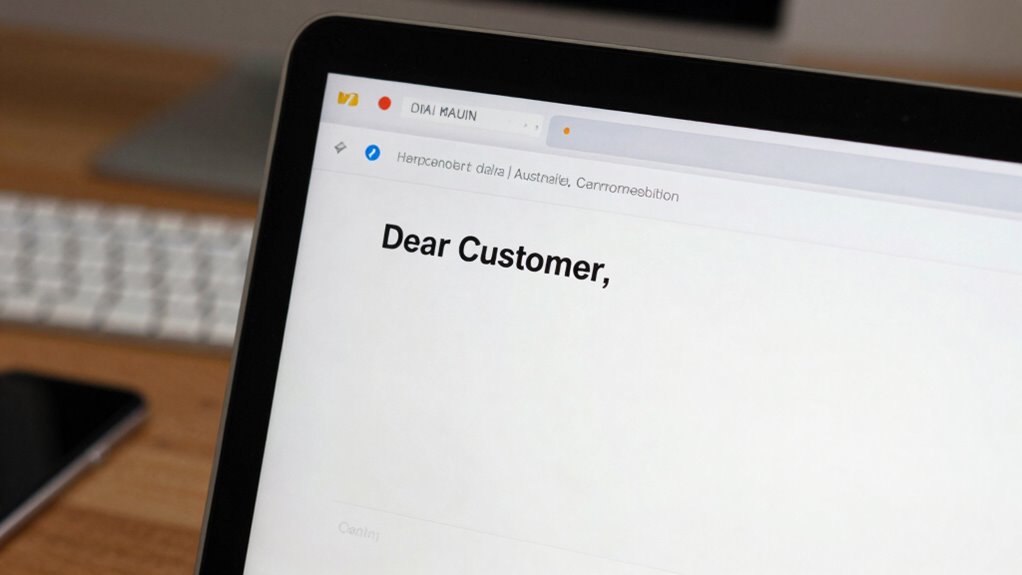
Fake emails often use generic greetings like “Dear Customer” or “Dear User” instead of addressing you by name. This lack of personalization is a common scam tactic, signaling they haven’t used personalization techniques to tailor the message. Scammers often rely on greeting variations that are impersonal and universal, such as “Hello” or “Greetings.” To spot these scams, look for:
Fake emails often use generic greetings like Dear Customer or Dear User instead of addressing you by name.
- Absence of your name or account details
- Vague or overly formal greetings
- Use of impersonal phrases like “Dear Sir/Madam”
- Inconsistent greeting styles within the email
- Lack of context related to your recent interactions
- The absence of relevant personalization cues that confirm the email’s authenticity
Recognizing the use of generic greetings helps you stay alert and avoid falling victim to phishing attempts. Additionally, wall art trends can serve as a reminder to stay attentive and discerning when evaluating unexpected messages. Being aware of traditional Indonesian home decor principles can also help you better understand authentic cultural artifacts and avoid counterfeit or low-quality items that scammers might promote. Paying attention to email personalization cues can further enhance your ability to identify scam emails before engaging. For example, scammers may not include specific details about your recent transactions, which is a key personalization cue to watch for.
How Can You Spot Suspicious Links and Attachments?
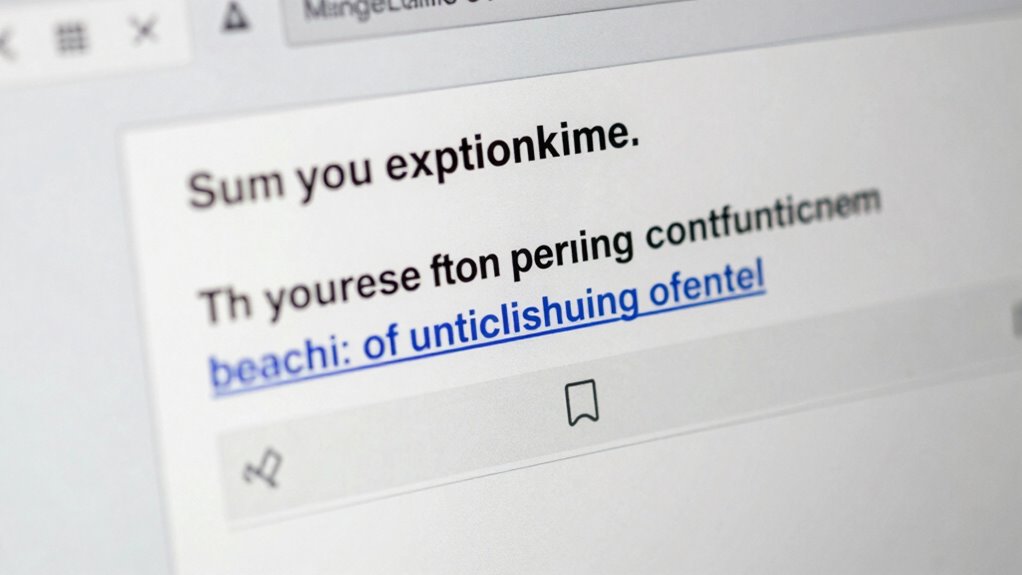
Suspicious links and attachments are common signs of phishing attempts, so it’s important to examine them carefully. Always hover over links to check their true destination before clicking—if it doesn’t match the sender or looks suspicious, don’t click. Attachments that seem out of context or request email verification should raise red flags. To assess link safety, look for misspellings, unusual domains, or URLs that don’t match the official website. Use a table to compare:
| Safe Indicator | Warning Sign |
|---|---|
| Links match official websites | URLs with typos or strange domains |
| Attachments from known contacts | Unexpected file types or unknown senders |
| Email verification prompts | Urgency messages pressuring action |
Being vigilant helps protect you from scams and ensures your online safety. Additionally, understanding the ethical considerations behind AI can help you recognize suspicious activities online, including phishing attempts that may misuse AI-generated content.
Why Should You Be Careful With Unexpected Attachments?
Have you ever received an unexpected attachment and wondered if it’s safe to open? Opening suspicious files can compromise your email security and undermine phishing prevention efforts. Hackers often disguise malware as legitimate documents, making it easy to fall victim. To protect yourself, consider these points:
- Verify the sender’s email address before opening
- Look for inconsistencies or misspellings in the message
- Be cautious with unexpected file types like .exe or .zip
- Use antivirus software to scan attachments
- Never open attachments from unknown sources
How Do Phishing Websites Trick You Into Giving up Info?
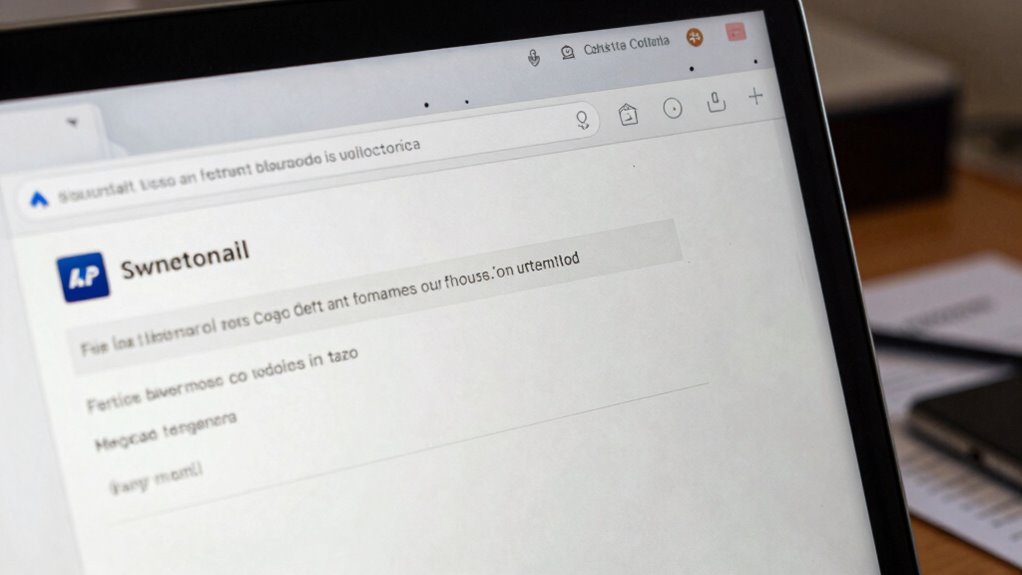
Phishing websites often mimic legitimate sites with fake designs to make you trust them quickly. They also use urgent language to pressure you into acting without thinking. Recognizing these tactics can help you avoid giving away your personal information.
Fake Website Design
Fake websites often mimic legitimate sites so convincingly that you might not notice the difference at first glance. They carefully replicate the website layout and maintain design consistency to appear authentic. These sites often use subtle differences, like slightly altered logos or mismatched fonts, to deceive you. To spot these fakes, look for signs such as:
- Discrepancies in logo quality or placement
- Inconsistent color schemes or fonts
- Broken links or missing images
- Unusual URL structures or misspellings
- Poor grammar or typos throughout the site
Phishing sites focus on mimicking the look and feel of real websites to build trust. By paying attention to these details, you can better identify fake website design and avoid giving away personal information to scammers.
Urgent Language Usage
Scammers often create a sense of urgency in their messages to pressure you into acting quickly without thinking. They use urgent language to make you feel like you must respond immediately, which is a common phishing tactic. These messages may threaten account closure, legal action, or missed opportunities. By doing so, they distract you from spotting scam email humor or signs that the message isn’t legitimate. This urgency pushes you to click links or share personal info without verifying the sender. Recognizing this tactic helps you stay cautious. Remember, legitimate organizations rarely pressure you into immediate action. When you see urgent language, pause and double-check the sender’s details and the message’s authenticity before responding. Don’t let phishing tactics hijack your judgment.
What Tools and Best Practices Help Verify Scam Emails?
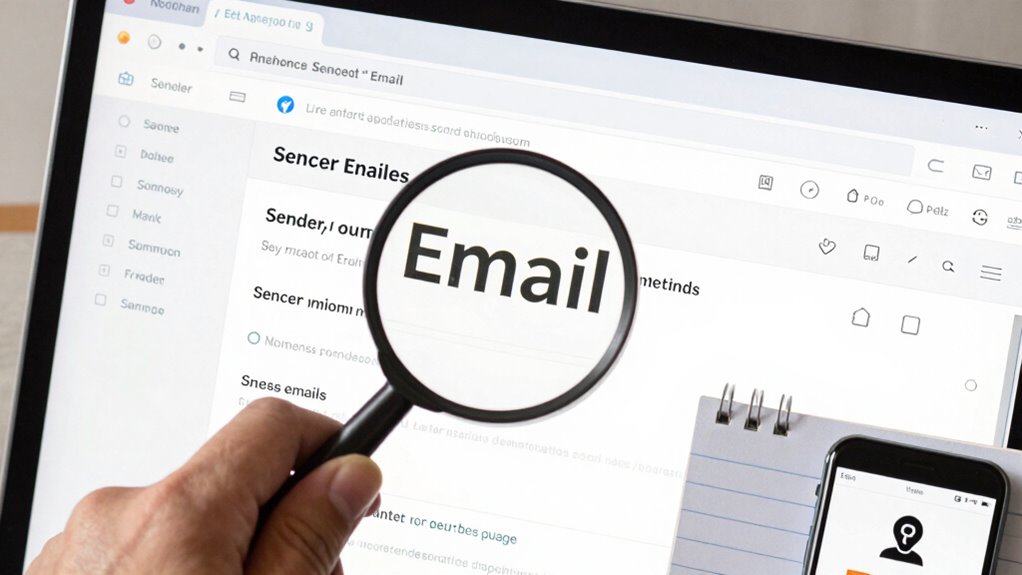
To effectively verify whether an email is a scam, you should leverage a variety of tools and follow best practices. Using scam detection tools can help identify suspicious messages quickly. Additionally, email authentication methods like SPF, DKIM, and DMARC verify that the email genuinely originates from the claimed sender. Always hover over links to check their true destination before clicking. Cross-reference critical details with official sources. Here are some key tools and practices:
- Utilize scam detection tools that analyze email headers and content
- Check email authentication records to confirm legitimacy
- Look for inconsistencies in sender information
- Use email verification services for address validation
- Avoid sharing sensitive info unless you’re certain of the sender’s identity
These steps help you spot scams early and protect your personal information.
Frequently Asked Questions
What Are Common Signs of Email Spoofing?
You can spot email spoofing by looking for signs like unfamiliar sender addresses and fake domain indicators that don’t match legitimate sources. Be cautious if the email requests sensitive information or has unexpected attachments. Phishing techniques often involve urgent language or suspicious links. Always verify the sender’s email carefully, especially if something seems off, to avoid falling victim to these common signs of email spoofing.
How Can I Verify a Sender’s Email Address Authenticity?
Think of verifying a sender’s email like checking a passport. You should examine the email headers closely, looking for inconsistencies or suspicious details, and verify the sender’s domain. Also, check for a valid digital signature, which confirms the email’s authenticity. If the headers and signature don’t match or seem suspicious, you should be cautious before trusting the message. Always double-check to avoid falling for scams.
What Are Red Flags in Email Subject Lines?
You should watch for red flags in email subject lines like urgent language or suspicious offers, which often use phishing tactics to lure you in. Be wary of subject lines requesting personal info or mentioning email encryption, as scammers try to create a false sense of security. If a subject line looks off or too good to be true, it’s best to verify the sender before clicking any links or sharing sensitive data.
How Do Scammers Use Urgency to Deceive Recipients?
Scammers use urgency in emails to deceive you by triggering emotional responses through psychological manipulation. They craft phishing techniques that pressure you to act quickly, like claiming your account is compromised or there’s a limited-time offer. This urgency makes you less cautious, increasing the chances you’ll click malicious links or share personal information without verifying the sender. Recognizing these tactics helps you stay alert and avoid falling for scams.
What Steps Should I Take After Receiving a Suspected Scam Email?
If you receive a suspected scam email, don’t click any links or download attachments. Instead, report it to your IT department or email provider. Use phishing prevention techniques like verifying sender addresses and checking for inconsistencies. Follow email security tips by deleting the message after reporting it. Taking these steps helps protect your personal info and keeps your accounts safe from potential threats.
Conclusion
Being able to spot scam emails is essential, as over 90% of cyber attacks start with a phishing email. By paying attention to suspicious senders, language tricks, and unusual requests, you reduce your risk of falling for scams. Always verify links and attachments before clicking, and use tools to confirm authenticity. Staying vigilant can protect your personal and financial info from scammers who constantly refine their tactics to deceive you.
NFL season / tailgating Picks
team gear
As an affiliate, we earn on qualifying purchases.