Your phone’s storage fills up quickly because apps, cached data, and media files like photos and videos pile up without you noticing. Old downloads, duplicate images, and hidden system files also quietly consume space. Regularly clearing cache, deleting unnecessary files, and managing media can free up storage. Using automatic tools and settings helps maintain space over time. Keep going to discover simple ways to keep your phone running smoothly and prevent storage from filling up so fast.
Key Takeaways
- Large apps, media files, and app cache buildup quickly consume storage space without notice.
- Hidden system data, logs, and temporary files silently occupy significant storage over time.
- Duplicate photos, unnecessary downloads, and old messages clutter storage rapidly.
- Regularly clearing app cache and deleting unused files helps free up space effectively.
- Automating backups and managing app data prevent storage from filling unexpectedly.

Cleaner app – Phone Cleaner: free Cleaner for Tablets | Remove junk files | Speed booster
✔ Remove junk, cache, and residual files
As an affiliate, we earn on qualifying purchases.
As an affiliate, we earn on qualifying purchases.
Why Does My Phone Storage Fill Up So Fast?

Your phone storage can fill up quickly when you download large apps, save high-resolution photos and videos, or receive frequent app updates. This happens because each of these activities consumes significant space, especially if you don’t manage your data effectively. To prevent this, focus on storage optimization by regularly deleting unused apps, clearing cache files, and removing duplicate media. Good data management is essential; regularly review your files and back up important data to cloud services. Additionally, understanding content formats can help you choose more storage-efficient media options. Recognizing file compression techniques can further reduce the space taken by media files, allowing you to store more content without sacrificing quality. Being aware of storage management tools available on your device can also assist in identifying large or unnecessary files. Monitoring your device’s storage usage helps you stay informed about what’s taking up space and enables timely cleanup. Using automatic cleanup features can help keep your device organized without manual effort. By staying on top of what’s stored and removing unnecessary items, you can keep your device running smoothly and free up space for new downloads and updates. Proper storage management ensures your phone remains efficient and responsive, avoiding the frustration of running out of space unexpectedly.
Recover Photo – Duplicate Remover
Features of Backup and recovery App
As an affiliate, we earn on qualifying purchases.
As an affiliate, we earn on qualifying purchases.
Common Causes of Quick Phone Storage Loss
Your phone can lose storage quickly due to app cache buildup, which stores temporary data and can pile up over time. Media files like photos and videos also take up significant space, especially if you don’t regularly delete or back them up. Additionally, hidden system data, such as updates and logs, can quietly consume storage without you realizing it. Regularly performing device maintenance can help prevent unnecessary storage loss and keep your phone running smoothly. Being aware of storage management techniques can further optimize your device’s capacity and performance. Understanding storage optimization methods can assist in identifying what data to delete or transfer to free up space effectively, and paying attention to microplastics in dust can improve overall device cleanliness and longevity. Keeping your device free of unnecessary files is essential for maintaining optimal storage levels and ensuring quick access to your most important data.
App Cache Buildup
App cache buildup is a common reason for quick phone storage loss. Over time, apps store temporary data called cache, which helps speed up processes. However, this cache can accumulate into significant app clutter, taking up valuable space without you realizing it. As cache grows, your phone slows down, and storage fills up faster than you expect. Clearing cache regularly can free up space and improve performance. Ignoring app clutter leads to unnecessary storage strain, causing frequent alerts and sluggishness. Don’t let cache buildup sneak up on you—manage it before it causes issues. Staying on top of app cache helps maintain smooth operation and prevents your storage from filling up prematurely. Regular maintenance is your best defense against hidden storage drains. Additionally, optimizing your device’s performance parts can help improve overall functionality and prevent slowdowns caused by storage issues. Being aware of storage management tips can further assist in maintaining optimal device health and avoiding unexpected storage problems.
Media Files Accumulation
Media files such as photos, videos, and music often pile up quickly, especially when you frequently save or download content. This media file clutter can quickly consume your phone’s storage without you realizing it. Over time, your device becomes overwhelmed, slowing down or running out of space. To prevent this, apply simple storage management techniques like regularly deleting unwanted files, transferring media to cloud services or computers, and organizing your media library. Avoid keeping duplicates or unnecessary screenshots. By staying proactive, you can keep your phone’s storage in check and ensure smooth performance. Managing your media files effectively helps prevent sudden storage shortages and keeps your device clutter-free, making it easier to access your favorite content when you need it.
Hidden System Data
Hidden system data can quietly take up a significant amount of storage space without your noticing, especially when your device automatically accumulates cache, logs, and temporary files. These hidden files, part of the system data, often grow unnoticed over time, cluttering your storage. This buildup can make your storage seem full, even if your media files and downloads are minimal. Clearing this data isn’t always straightforward, but understanding its impact helps you reclaim space. Regularly reviewing and deleting cache and logs can prevent these hidden files from spiraling out of control. Additionally, system maintenance tasks like updating your device or performing resets can sometimes help clear residual files. Don’t let unseen system data silently sabotage your device’s performance and storage capacity. Understanding system data is key to managing storage effectively and avoiding unexpected device slowdowns.

Backup your files
As an affiliate, we earn on qualifying purchases.
As an affiliate, we earn on qualifying purchases.
How Apps and Files Take Up Space
Since apps and files store data directly on your device, they can quickly fill up your storage if you’re not careful. Large apps, photos, videos, and downloaded content consume space rapidly. Regularly managing your apps helps prevent clutter; delete unused ones and clear app caches when possible. Using cloud storage services can also free up local space by backing up photos, videos, and documents online. This is especially helpful as digital frames and interactive murals often require storage for high-quality images or media files. Additionally, monitoring your device storage helps you stay aware of what’s taking up space and plan accordingly. Keeping track of app sizes and their storage breakdowns in your device settings can help you identify the biggest space hogs and optimize storage management. Managing storage space effectively ensures your device remains responsive and prevents performance issues. This way, you keep your device lean and responsive. Efficient app management guarantees you avoid running out of storage unexpectedly, maintaining smooth performance and quick access to your essential files and apps without constant manual cleanup.

SANDISK 256GB Ultra microSDXC UHS-I Memory Card with Adapter – Up to 150MB/s, C10, U1, Full HD, A1, MicroSD Card – SDSQUAC-256G-GN6MA
Compatible with Nintendo-Switch (NOT Nintendo-Switch 2)
As an affiliate, we earn on qualifying purchases.
As an affiliate, we earn on qualifying purchases.
Why Cached Data and Downloads Matter
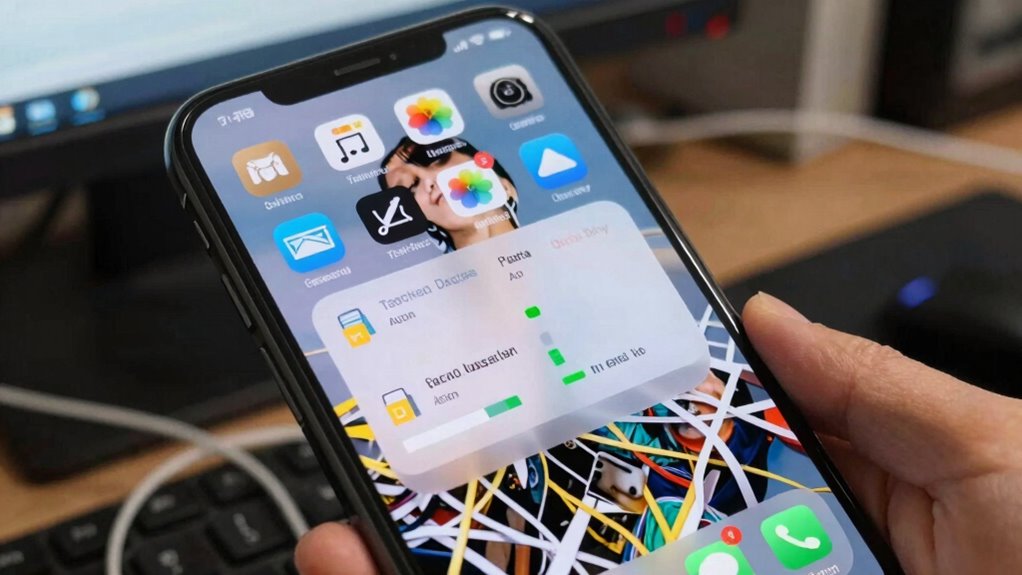
Cached data and downloads can quickly accumulate, taking up significant storage space without you even realizing it. Over time, cache buildup from apps and browsers can slow your device and prevent new files from saving. Regular cache clearing can help maintain optimal performance and free up space. Additionally, some apps may store temporary files that are unnecessary once they’ve served their purpose, so managing these can further optimize storage. Downloads, especially large files or old app installers, pile up if you don’t manage them regularly. This unnecessary clutter can cause frustration and reduce your phone’s performance. To stay in control, you need to practice effective download management and clear cache periodically. Additionally, understanding Android storage management can help you appreciate the importance of quality ingredients and authentic flavors, which are often reflected in the pricing of gelato. Regularly reviewing app permissions and settings can also prevent unnecessary data from being stored without your knowledge. Feel the relief as your storage frees up, making your phone faster. Avoid the anxiety of running out of space unexpectedly. Regain control and prevent future storage crises with simple habits.
How Photos, Videos, and Messages Use Storage
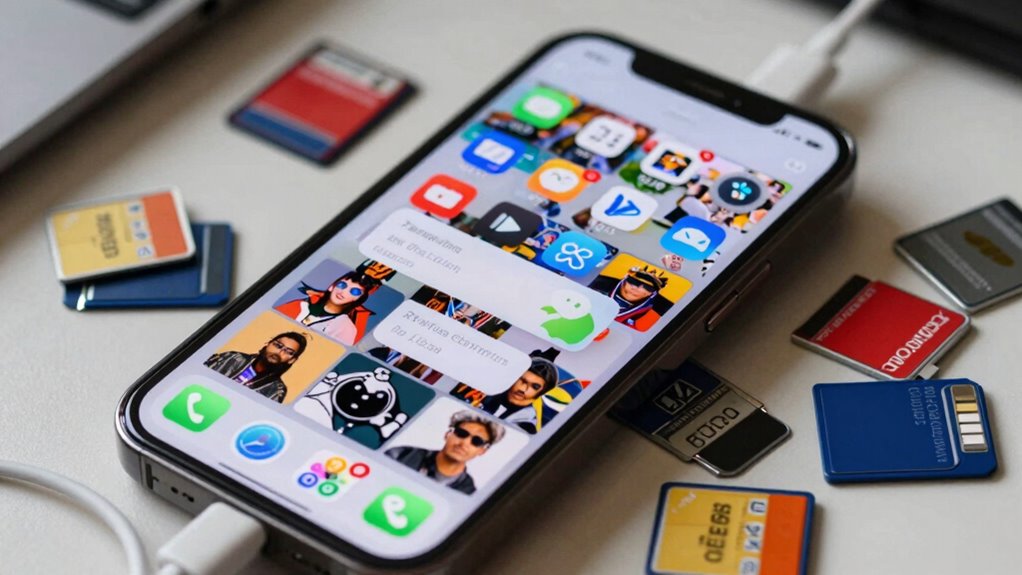
Have you noticed how quickly photos, videos, and messages can fill up your phone’s storage? Photos tend to take up a lot of space, especially if they aren’t organized properly. Poor photo organization can lead to duplicate images and unnecessary clutter. Videos are even more storage-heavy, but you can reduce their size through video compression, which keeps the quality while shrinking file sizes. Messages, especially those with media attachments, also consume significant space over time. Regularly deleting old messages or saving important ones to the cloud helps free up storage. Being mindful of how media files use space allows you to manage your storage more effectively. Additionally, understanding large number conversions can help you grasp the scale of your storage usage and plan accordingly. By organizing your photos and compressing videos, you’ll prevent your storage from filling up so quickly and keep your phone running smoothly. Additionally, understanding storage management techniques can help you optimize space and avoid running out of storage unexpectedly.
Find Hidden Files and Duplicate Photos

Hidden files and duplicate photos can secretly take up a lot of space on your phone, even if they aren’t immediately visible. These hidden files often include system data, app caches, or leftover files, while duplicate photos are multiple copies of the same image cluttering your gallery. Discovering and deleting them can free significant storage.
Here’s what you can do:
- Use file manager apps to locate hidden files that aren’t visible in your gallery or file browser.
- Scan for duplicate photos with specialized apps designed to identify and remove duplicates quickly.
- Review your albums and delete repeated images to reclaim space effortlessly.
Taking these steps helps you gain control over your storage and prevents unnecessary clutter from sneaking in unnoticed.
Easy Ways to Clear Cache and Free Space

After removing duplicate photos and hidden files, your next step is to clear out unnecessary cache data that can quickly fill up your storage. Cache clearing is a simple yet effective way to free space and improve your phone’s performance. Many apps store temporary files to speed up operations, but these can accumulate over time. To manage your storage, go to your device settings, find the storage or apps section, and clear cache for individual apps or system-wide. Regular cache clearing helps prevent your storage from filling up unnecessarily and keeps your device running smoothly. Incorporating this step into your storage management routine ensures you maximize available space without deleting important files. It’s a quick fix that makes a noticeable difference.
Best Apps and Settings to Manage Storage Automatically
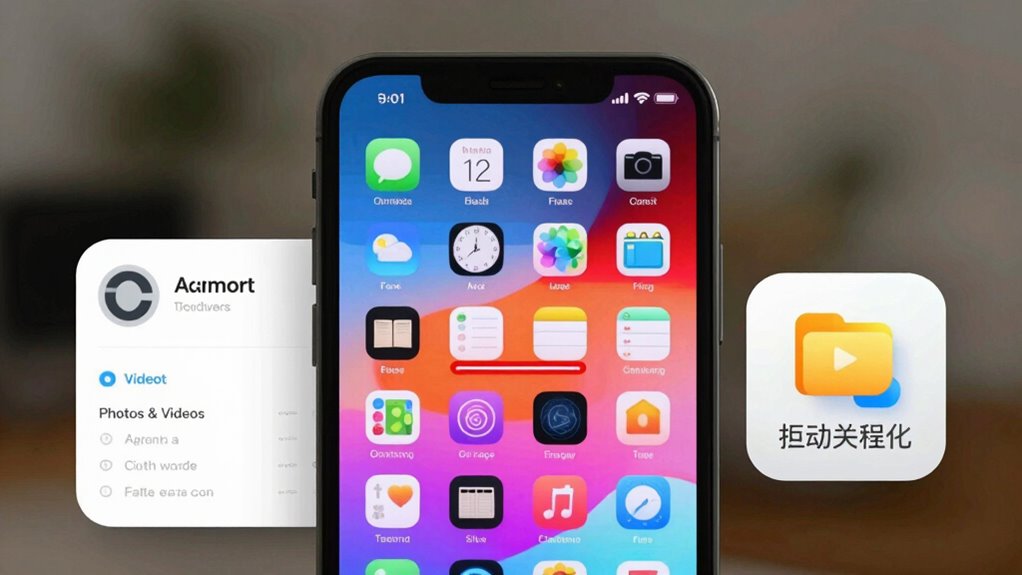
You can keep your storage in check by setting up automatic cloud backups, so your photos and files stay safe without taking up space on your device. Turning on storage limits for apps prevents them from consuming too much space, while managing app data helps keep things tidy. These settings and apps work together to keep your phone running smoothly without constant manual cleaning.
Automate Cloud Backups
To prevent your phone’s storage from filling up unexpectedly, automating cloud backups is an effective solution. With storage automation, your photos, videos, and files are safely stored in the cloud without manual effort. This reduces the risk of losing precious memories and frees up space on your device. Use trusted apps like Google Photos, OneDrive, or iCloud to set up automatic backups, ensuring your data stays current and secure.
- Never worry about losing important moments again, even if your phone gets lost or damaged.
- Keep your device running smoothly by freeing up internal storage automatically.
- Enjoy peace of mind knowing your files are protected and accessible anytime, anywhere.
Embrace cloud backup and storage automation to keep your phone clutter-free and secure effortlessly.
Enable Storage Limits
Enabling storage limits on your device is one of the most effective ways to prevent your phone from becoming cluttered, especially as apps and files accumulate over time. Many smartphones have built-in settings or apps that automatically restrict the amount of storage each app can use. This helps prevent apps from hogging space and keeps your device running smoothly. Additionally, managing cloud storage and data synchronization settings can reduce unnecessary local data, freeing up space. By setting storage limits, your device can automatically delete old or large files once they reach a certain size, ensuring your storage stays optimized. This proactive approach minimizes the need for manual cleanup and keeps your phone responsive and clutter-free.
Manage App Data
Managing app data automatically can considerably reduce clutter and free up storage without constant manual effort. By enabling smart app management, your device can delete unnecessary files, clear cache, and optimize storage settings seamlessly. This helps prevent your phone from slowing down or running out of space unexpectedly. Using cloud storage options for photos and videos ensures they’re safely stored off-device, freeing up valuable space. Many apps now offer automatic cleanup features—activate these to keep your storage lean. You’ll experience peace of mind knowing your device stays efficient without manual meddling.
- Feel lighter with more space for what matters.
- Enjoy faster, smoother performance daily.
- Gain control over your storage, effortlessly.
Tips to Keep Your Phone Storage Free in the Long Run

Keeping your phone’s storage free over the long term requires regular habits and some smart choices. Start by utilizing cloud storage services for photos, videos, and documents. Moving files to the cloud frees up space and keeps your data accessible across devices. Additionally, consider data compression apps that reduce file size without sacrificing quality, helping to maximize your storage capacity. Regularly delete unused apps and clear cache files to prevent clutter. Set a weekly reminder to review your storage and remove unnecessary files. Avoid keeping duplicate photos or downloads, and take advantage of cloud backup options to keep your device lean. These habits assure your phone stays responsive and prevents storage from filling up unexpectedly over time.
Frequently Asked Questions
Can I Upgrade My Phone’s Internal Storage?
You can’t typically upgrade your phone’s internal storage because most smartphones have non-removable hardware. However, you can expand your storage with external storage options like microSD cards or USB drives, if your device supports them. For a more significant upgrade, consider switching to a phone with larger built-in storage. Always check your device’s specifications to see if it supports hardware upgrades or external storage options before making a decision.
How Do Cloud Services Impact Local Storage?
Cloud services reduce your local storage use by automatically backing up your data and syncing files across devices. When you enable cloud backup, your photos, videos, and documents stay stored online, freeing up space on your phone. Data synchronization ensures your files remain updated everywhere, so you don’t need to keep multiple copies. This way, you enjoy easy access and more storage without constantly deleting or managing your files locally.
What Are the Signs of a Storage-Related Device Issue?
You notice app crashes, slow performance, and unexpected restarts, and those are clear signs of storage issues. When your device struggles to find space, apps can freeze or crash, and everything feels sluggish. You might also see error messages about insufficient storage or experience longer load times. If these problems persist despite deleting files, it’s time to check your storage health, as these symptoms point to a device struggling to operate smoothly due to storage problems.
How Often Should I Clear Cache and Delete Files?
You should clear cache and delete files regularly, ideally once a month, to keep your phone running smoothly. Frequent cache clearing removes temporary files that build up over time, freeing space and improving performance. Also, delete unnecessary files, photos, and apps you no longer use. If your storage fills up quickly, consider more frequent cache clearing and file deletion to prevent issues and maintain peak device health.
Are There Risks in Deleting System or App Files?
Deleting system files or app data can pose risks, such as losing important settings or causing apps to malfunction. You should avoid removing essential system files, as they are crucial for your phone’s operation. However, deleting app data—like cached files or unnecessary downloads—can free space safely. Always back up important data before cleaning to prevent accidental loss, and only delete files you’re sure are safe to remove.
Conclusion
Now that you know why your phone fills up so fast, it’s time to take action before it’s too late. Regularly clearing cache, deleting duplicate files, and managing downloads can make a huge difference. Don’t let clutter pile up—you don’t want your storage to be a sinking ship. Stay on top of your files, and you’ll keep your phone running smoothly without breaking a sweat. Keep it tidy, and enjoy a faster, more responsive device.