
Before installing home cameras, consider privacy risks and legal rules. Use strong passwords and keep software up to date to prevent hacking. Position cameras carefully to avoid capturing private areas or neighbors’ property. Check local laws about surveillance and property boundaries to stay compliant. Enable security features like encryption and limited access. Respect neighbors’ privacy to maintain good relations. For more tips on responsible installation, explore the key points ahead.

Get the latest gadgets delivered free — and shop member deals
- Fast, free delivery on millions of items
- Access to Prime Big Deal Days deals on October 6–7
- Prime Video, Amazon Music and more included
Key Takeaways
- Understand and comply with local privacy laws and regulations regarding camera placement and recording areas.
- Position cameras to cover necessary areas while avoiding private spaces like bedrooms, bathrooms, and neighbors’ yards.
- Use strong passwords, encryption, and regular updates to secure footage and prevent unauthorized access.
- Clearly mark property boundaries and avoid pointing cameras beyond your property to respect neighbors’ privacy.
- Notify residents and visitors when cameras are active, especially in shared or sensitive areas, to promote transparency.
home security camera with privacy zones
As an affiliate, we earn on qualifying purchases.
As an affiliate, we earn on qualifying purchases.
Understanding Home Camera Privacy Risks
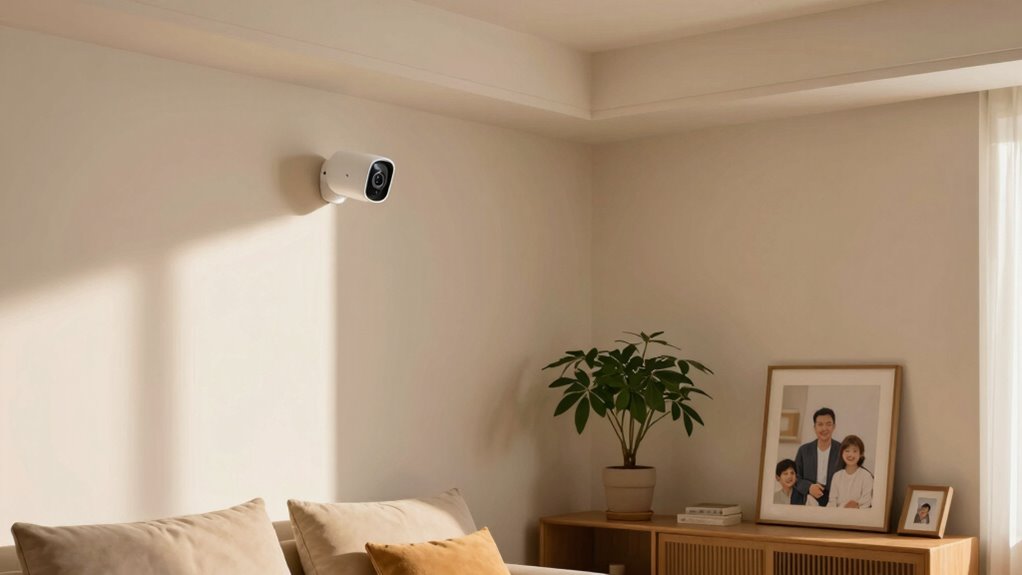
Understanding home camera privacy risks is essential because these devices can inadvertently expose your personal life if not properly secured. One major concern is camera hacking, which can allow unauthorized individuals to access your live feeds or recordings. Hackers might exploit weak passwords or outdated software to gain control of your cameras. Additionally, facial recognition features can pose privacy threats if misused or accessed without consent. Such technology could identify and track you across different locations, raising serious privacy concerns. Without proper security measures, your private moments could be exposed or monitored without your knowledge. Recognizing these risks helps you take proactive steps to protect your devices, ensuring your home remains a safe and private space. Implementing strong passwords and keeping your software updated are crucial steps to mitigate these vulnerabilities. Practicing cybersecurity best practices can further enhance your overall device security and privacy, especially when considering the potential for unauthorized access. Staying informed about device security vulnerabilities enables you to respond quickly to emerging threats and safeguard your privacy effectively. Being aware of network security protocols can also help prevent unauthorized intrusion and keep your home network secure.
wireless security camera with encryption
As an affiliate, we earn on qualifying purchases.
As an affiliate, we earn on qualifying purchases.
How to Position Your Cameras to Protect Privacy
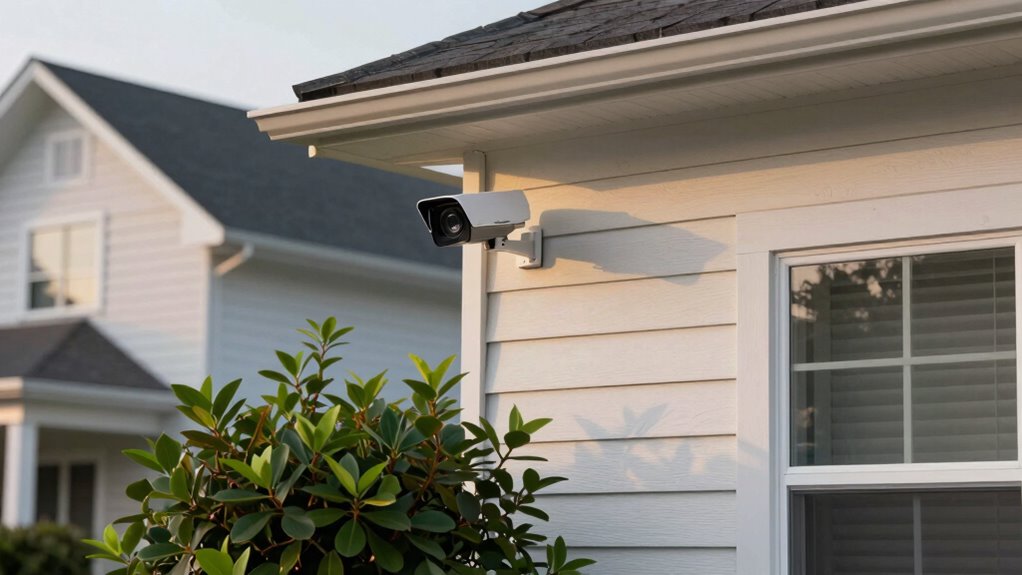
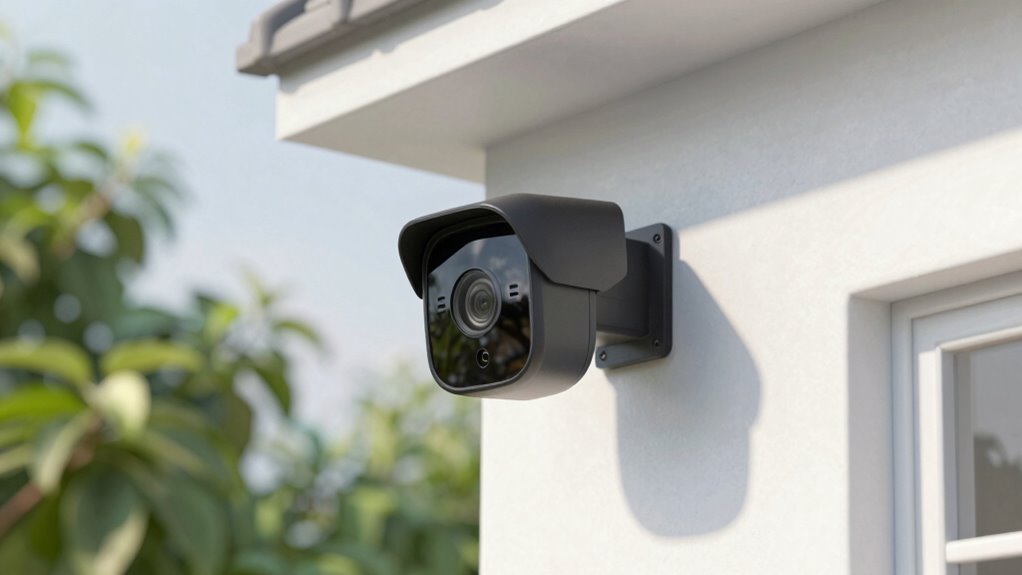
How you position your cameras plays a key role in safeguarding your privacy. Choose an ideal camera angle that covers essential areas without capturing private spaces like bedrooms or bathrooms. To avoid invading your own privacy or that of neighbors, be mindful of blind spots, which are areas your camera can’t see. Position cameras high enough to prevent tampering and ensure they’re angled downward to monitor entrances and driveways effectively. Avoid pointing cameras directly into windows or neighboring properties to prevent unnecessary intrusion. Regularly review your camera angles to ensure they’re focused on public areas only. Proper placement helps protect your privacy while maintaining security, giving you peace of mind knowing your cameras serve their purpose without overstepping boundaries. Additionally, understanding privacy zones can help you configure your camera settings to exclude private areas from recording. Being aware of camera placement best practices can further enhance your privacy, ensuring your security measures are both effective and respectful. Proper camera positioning is essential for balancing security and privacy effectively, and consulting guidelines on privacy-aware camera setup can provide further assistance.
smart home camera with motion detection
As an affiliate, we earn on qualifying purchases.
As an affiliate, we earn on qualifying purchases.
Managing Data Storage and Setting Access Controls
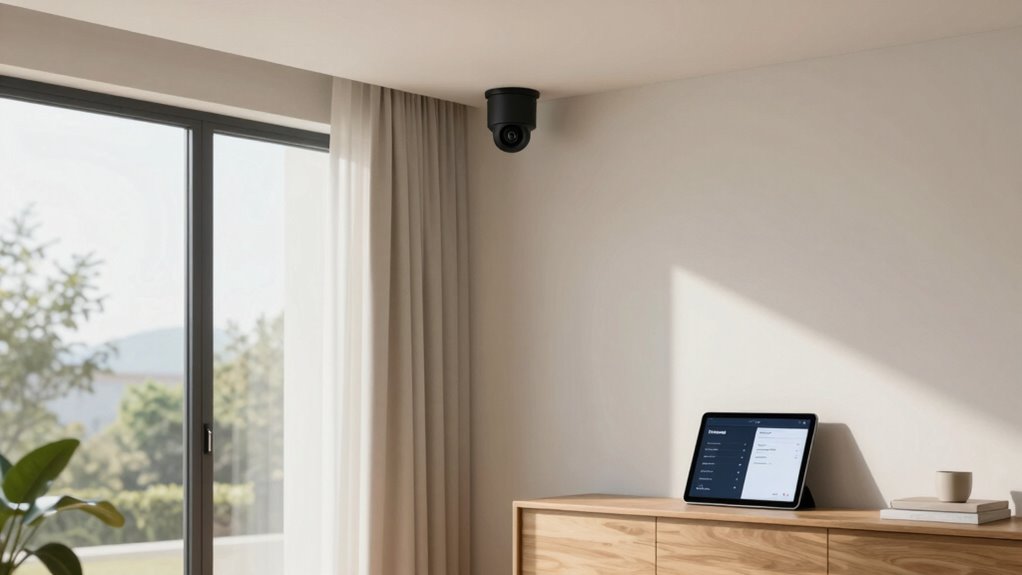
To protect your privacy, it’s vital to manage how your camera data is stored and who can access it. Use data encryption to secure footage both during transmission and when stored, preventing unauthorized access. Regularly update your device’s firmware and encryption protocols to stay ahead of potential vulnerabilities. Set up strong user authentication, such as unique passwords and two-factor authentication, to control who can view or modify your camera feeds. Limit access to trusted users only, and revoke permissions when necessary. Consider local storage options, like a dedicated DVR or NAS, to keep footage offline and reduce risk. Additionally, understanding the importance of privacy considerations can help you make informed decisions about your home security. Being aware of cookie management practices can also enhance your overall privacy and control over your data. Ensuring proper data backup solutions are in place is crucial to prevent data loss in case of hardware failure or cyberattacks. Implementing access controls can further restrict vulnerabilities and safeguard your information. By actively managing storage and access controls, you guarantee your home security system respects your privacy and minimizes exposure to breaches.
outdoor security camera with night vision
As an affiliate, we earn on qualifying purchases.
As an affiliate, we earn on qualifying purchases.
Legal Requirements and Neighborhood Privacy Laws
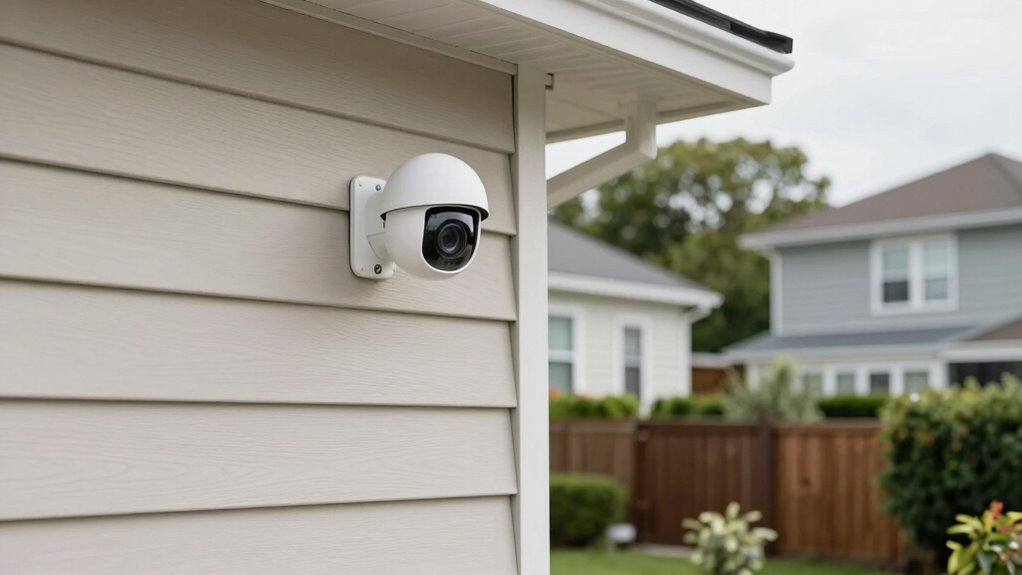
Before installing home cameras, you need to understand local surveillance regulations and neighborhood privacy laws. You should also be aware of property line boundaries to avoid capturing areas you shouldn’t. Respecting neighbor privacy expectations helps you stay compliant and maintain good relationships. Being aware of media literacy can help you interpret what you see and understand the context of surveillance rules. Additionally, understanding privacy rights can empower you to make informed decisions about camera placement and use.
Local Surveillance Regulations
Understanding local surveillance regulations is essential before installing home cameras, as laws vary widely between neighborhoods and municipalities. You need to be aware of privacy legislation that governs where you can place cameras and what areas you can record. Some communities restrict cameras from capturing public surveillance areas like sidewalks or streets, while others have strict rules about recording neighbors’ properties. Failing to follow these regulations could lead to legal trouble or privacy complaints. Check with local authorities or homeowner associations to understand specific restrictions. Additionally, adapting to evolving laws is crucial, as surveillance regulations can change over time to better protect individual privacy. By respecting these laws, you ensure your home security measures stay compliant and avoid infringing on others’ privacy. Staying informed helps you balance effective surveillance with legal and ethical responsibilities.
Property Line Boundaries
Knowing your property line boundaries is essential when installing home cameras, as local laws often specify how close surveillance devices can be placed to neighboring properties. You should avoid pointing cameras beyond your property boundary or fence line, which could infringe on neighbors’ privacy rights. Many jurisdictions restrict recording or viewing areas outside your property, especially near fences or shared boundary lines. To clarify, here’s a quick comparison:
| Aspect | Allowed | Restricted |
|---|---|---|
| Camera placement | Within property boundary, on fence line | Over property line into neighbor’s yard |
| Recording scope | Your property only | Neighbor’s private space |
Failing to respect property boundaries can lead to legal issues and neighbor disputes. Always check local regulations before installing. Additionally, understanding privacy laws related to surveillance can help ensure compliance and avoid potential conflicts. Being aware of local ordinances can further prevent unintended violations. Properly marking property boundaries can assist in precise placement and legal compliance, reducing the risk of disputes. Ensuring your surveillance setup aligns with property boundary regulations helps protect your privacy rights and fosters good neighbor relations.
Neighbor Privacy Expectations
Legal requirements and neighborhood privacy laws set clear expectations for how your home cameras can be used without infringing on neighbors’ rights. Understanding these privacy expectations helps you avoid legal issues and maintain good neighbor relations. Many laws prohibit capturing footage of areas where neighbors have a reasonable expectation of privacy, such as their yards or windows. It’s essential to take neighbor considerations before installing cameras, especially if they might record beyond your property boundaries. Check local regulations and homeowners’ association rules to ensure compliance. Respecting privacy expectations fosters trust and prevents conflicts. By being mindful of where your cameras point and what they record, you can protect your property while honoring your neighbors’ rights. Additionally, being aware of public surveillance laws can help you understand the broader legal context surrounding camera use. Being aware of privacy laws and how they apply in your area can further help you navigate legal boundaries. Practicing energetic alignment when setting up your cameras can also promote harmony and positive relations with your neighbors, ensuring your security measures are both effective and respectful. Understanding camera placement guidelines and the importance of privacy zones can help you avoid inadvertent privacy breaches and maintain a good neighborhood dynamic. This proactive approach keeps everyone comfortable and avoids potential legal complications.
Activating Secure Features and Permissions on Your Cameras
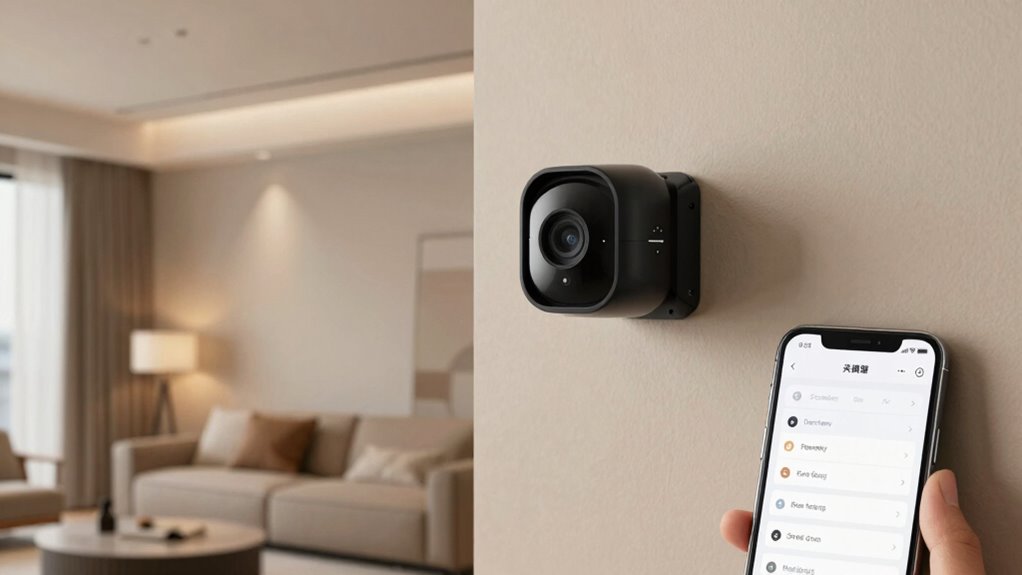
To keep your home cameras secure, activating their built-in security features and setting proper permissions is essential. Start by enabling password protection on all devices to prevent unauthorized access. Regularly check for firmware updates; these patches fix security vulnerabilities and improve functionality. Make sure only trusted users have access by adjusting permissions carefully. Use two-factor authentication if available to add an extra layer of security. Keep software and apps updated to guarantee your cameras are protected against the latest threats.
- Enable password protection for all accounts
- Regularly install firmware updates
- Limit user permissions to necessary levels
- Activate two-factor authentication if possible
Best Practices for Responsible Home Camera Use
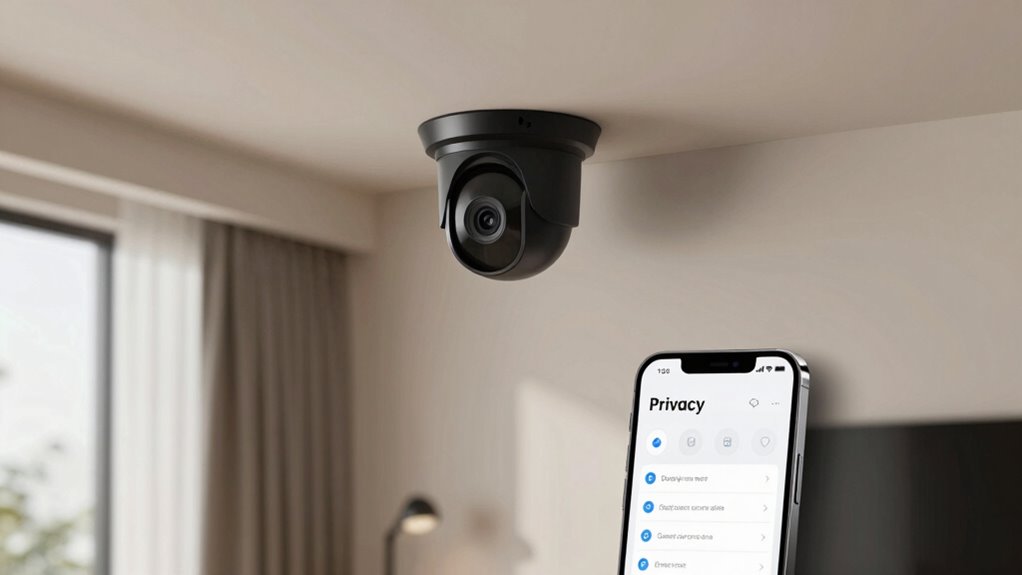
Using home cameras responsibly means respecting others’ privacy while guaranteeing your security. Regular camera maintenance keeps your system functioning properly and prevents technical issues that could compromise your privacy. Always notify users, whether family members or visitors, when cameras are active, especially in shared spaces. This user notification helps build trust and avoids surprises. Be mindful of camera placement to avoid capturing private areas like bathrooms or bedrooms. Review your camera’s settings regularly to ensure they’re configured correctly and up-to-date. Avoid sharing access credentials with others unless necessary. By maintaining your cameras properly and communicating clearly about their use, you protect both your privacy and the privacy of others while maximizing security benefits.
Frequently Asked Questions
How Often Should I Update My Home Camera Firmware for Security?
You should update your home camera firmware as soon as security patches become available. Regular Firmware updates are vital for maintaining security, fixing vulnerabilities, and improving performance. Check for updates at least once a month and enable automatic updates if possible. This proactive approach helps protect your privacy and prevents unauthorized access. Staying current with firmware updates ensures your camera stays secure and functions effectively over time.
Can I Monitor My Cameras Remotely Without Risking Privacy Breaches?
Yes, you can monitor your cameras remotely without risking privacy breaches, but you must stay vigilant. Enable strong privacy safeguards like two-factor authentication, encrypted connections, and secure passwords. Limit remote access to trusted devices and networks, and regularly update your camera firmware to patch vulnerabilities. By taking these steps, you keep your surveillance secure and private, even when you’re miles away. Stay cautious—your privacy depends on it.
What Are the Signs of a Compromised or Hacked Home Camera?
If your home camera is hacked, you’ll notice signs like unauthorized access or suspicious activity, such as unexpected movement alerts or unexplained footage. You might also see unfamiliar devices connected to your network or changes in camera settings without your input. These clues indicate someone could be accessing your camera without permission. To stay safe, regularly update your firmware, change passwords, and monitor your device activity for any unusual behavior.
How Do I Securely Share Camera Footage With Family or Neighbors?
Sharing camera footage is like passing a delicate message; you want it to stay between trusted hands. Use secure methods like encrypted links or cloud services with end-to-end encryption. Set strict access controls, only granting permissions to family or neighbors you trust. Regularly update passwords and firmware to keep the door locked. By doing so, you guarantee your footage remains private, only shared with those you intend to see it.
Are There Privacy Concerns With Using Third-Party Cloud Storage Services?
Yes, there are privacy concerns with using third-party cloud storage services. You face third-party risks, like data breaches or unauthorized access, which can compromise your footage. Be sure to check the cloud privacy policies and encryption methods the provider uses. Always choose reputable services that prioritize security, and consider local storage options if you’re worried about exposing your footage to external risks.
Conclusion
By understanding these privacy basics, you’re better equipped to safeguard yourself and your neighbors. But remember, as technology evolves, new risks and regulations may emerge—are you prepared to adapt? Staying vigilant and informed is key. Don’t let your home cameras become a privacy pitfall. The next step could change everything—are you ready to take control and ensure your privacy stays secure? The choice is yours.
Fall Picks
fall essentials
As an affiliate, we earn on qualifying purchases.