
To clean your home tech effectively, start by gently wiping devices with soft, lint-free cloths using water and isopropyl alcohol, and use compressed air for hard-to-reach areas. Organize and inspect cables, update firmware, and disinfect smartphones, tablets, and remote controls with suitable cleaners or UV sterilizers. Keep your digital files tidy, back up important data, and make certain your smart devices are running smoothly. Keep exploring for more tips on maintaining your tech setup effortlessly.
Key Takeaways
- Clean devices thoroughly with microfiber cloths, compressed air, and appropriate electronic cleaners to prevent dust and grime buildup.
- Organize and secure cables using ties, labels, and cable management tools to reduce clutter and protect connections.
- Disinfect smartphones, tablets, and remote controls with antibacterial sprays or UV sterilizers to maintain hygiene.
- Update firmware and apps on smart devices, check settings, and replace batteries for optimal performance and security.
- Clear digital clutter by organizing files, backing up data, and ensuring software updates for device longevity and efficiency.

MagicFiber Microfiber Cleaning Cloth, 6 Pack – Premium Cloth for Glasses, Lens, Screens & More
Glasses cleaner – Sourced from the highest quality microfiber that absorbs and removes dust, oil, smudges, fingerprints, dirt,…
As an affiliate, we earn on qualifying purchases.
As an affiliate, we earn on qualifying purchases.
How to Safely Clean Your Home Tech Devices

Ever wondered how to clean your home tech devices without causing damage? The key is using gentle methods and the right tools. Start by removing any screen protectors if possible, as this allows you to clean the screen thoroughly. Use soft, lint-free cloths or microfiber tech cleaning tools to wipe surfaces gently, avoiding abrasive materials that can scratch screens. Dampen the cloth slightly with a mixture of water and a small amount of isopropyl alcohol or specialized electronic cleaner. Never spray liquids directly onto devices. Carefully clean around buttons, ports, and edges. For Free Floating components, ensure no liquids seep into gaps or openings. Additionally, paying attention to device maintenance best practices can help prevent buildup and damage. Regular cleaning with proper techniques can help avoid issues caused by dirt and grime. Incorporating preventative care can further extend the lifespan of your devices. Using compressed air can also be effective for difficult-to-reach areas, helping to dislodge dust without risking moisture intrusion. This approach guarantees your devices stay in top condition without risking damage. Regular, careful cleaning helps maintain clarity and function, extending the lifespan of your tech gadgets.

Compressed Canned Air Duster for Computer – iDuster Disposable Electronic Keyboard Cleaner for Cleaning Duster, 2PCS(3.5oz)
Dust Buster for Hidden Spaces:The canned air spray stands out as an exceptional tool for forcefully removing dust…
As an affiliate, we earn on qualifying purchases.
As an affiliate, we earn on qualifying purchases.
Why Regular Tech Cleaning Extends Device Lifespan
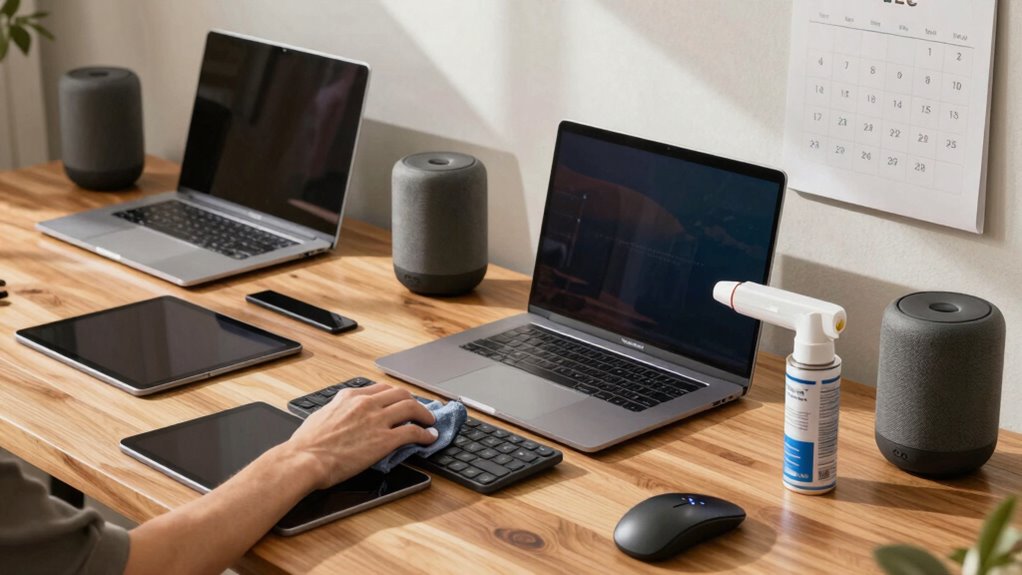
Regularly cleaning your tech devices is essential because accumulated dirt, dust, and grime can cause overheating, corrosion, and mechanical issues over time. When you maintain a consistent cleaning frequency, you reduce the risk of damaging components and ensure your devices operate smoothly. Dirt buildup can block vents and cooling fans, leading to higher temperatures that strain internal parts. Corrosion from moisture or grime can weaken circuits, shortening device longevity. Additionally, understanding regional flavors and pairings can inspire creative ways to enjoy your tech breaks with a cup of coffee or tea. Keeping your devices free from contaminants also helps prevent hardware malfunction, which can be costly and inconvenient. Implementing proper cleaning techniques can further enhance the effectiveness of your routine maintenance. By cleaning your devices regularly, you help prevent these problems and extend their functional life. Prioritizing a routine cleaning schedule means fewer repairs and replacements, saving you money in the long run. Ultimately, device maintenance is a simple yet effective way to keep your devices performing at their best and maximize their lifespan.
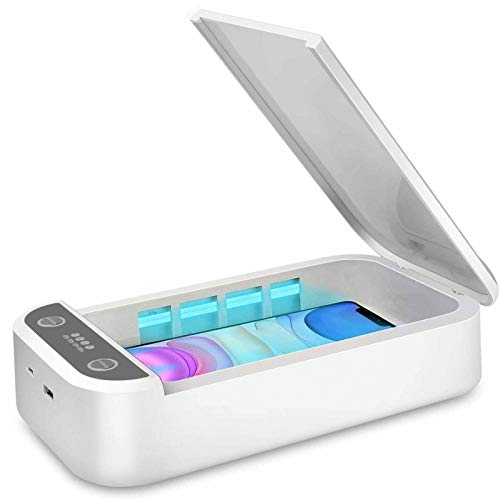
Watolt UV Light Sanitizer – Cell Phone Sanitizer Cleaner Box for Smartphone iPhone
CELL PHONE UV SANITIZER – This UV cell phone sanitizer is a convenient and safe way to sanitize…
As an affiliate, we earn on qualifying purchases.
As an affiliate, we earn on qualifying purchases.
Essential Steps to Disinfect Your Smartphones, Tablets, and Remote Controls
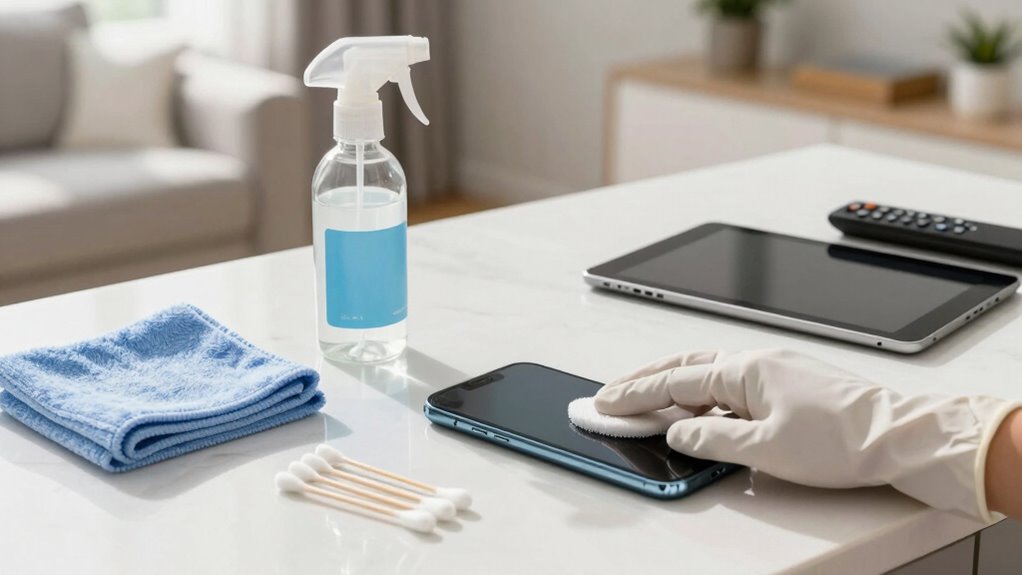
Keeping your devices clean isn’t just about appearance—it also helps protect your health. To disinfect smartphones, tablets, and remote controls effectively, start with antibacterial sprays designed for electronics. Lightly mist a microfiber cloth with the spray and wipe all surfaces, paying close attention to buttons and screens. For a deeper clean, consider UV sterilization devices, which use ultraviolet light to eliminate germs without chemicals. These devices are quick and safe, offering an extra layer of protection. Avoid harsh chemicals or excessive moisture, which can damage your gadgets. Regularly disinfect your devices, especially if you share them or use in high-traffic areas. This simple routine reduces germs and keeps your devices hygienic and safe to use every day. Incorporating proper cleaning techniques can further enhance the effectiveness of your disinfection efforts. Additionally, maintaining device hygiene can contribute to overall health and well-being. Regular cleaning also helps preserve your devices’ color accuracy, ensuring they look their best over time. Establishing a regular cleaning schedule ensures consistent device hygiene and minimizes germ buildup. Incorporating proper cleaning frequency into your routine can help maintain optimal device hygiene consistently.

N NOROCME 192 PCS Cable Management Kit 4 Wire Organizer Sleeve,11 Cable Holder,35Cord Clips 10+2 Roll Cable Organizer Straps and 100 Fastening Cable Ties for Computer TV Under Desk, black,clear
Cable Management Kit: 4pcs Cable Sleeves( 20 in L x 0.4 in w), 20pcs reusable wire ties,35Cable Clips…
As an affiliate, we earn on qualifying purchases.
As an affiliate, we earn on qualifying purchases.
How to Maintain Your Smart Home Devices for Peak Performance
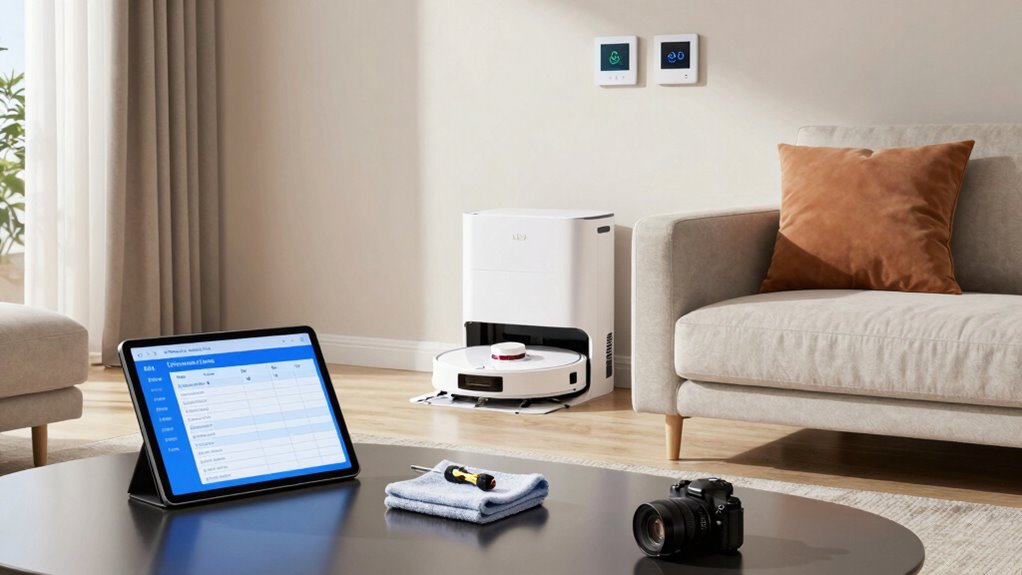
To make certain your smart home devices perform at their best, it’s essential to stay on top of their maintenance. Regular tech maintenance keeps your devices running smoothly and extends their lifespan. Start by updating firmware and apps to guarantee you have the latest features and security patches. Check your device settings periodically to enhance performance. Additionally, keep an eye on battery levels and replace or recharge batteries as needed. Ensuring your devices are configured with efficient water system settings can also improve overall household performance, especially when integrated with smart home automation features that optimize energy and water usage. For safety, regularly inspect your portable oil radiators to prevent hazards and ensure they are used correctly. Using device-specific cleaning tips can help prevent dust and debris buildup that may impair functionality and longevity, including recommended cleaning routines for different device types.
Cleaning and Organizing Your Entertainment Systems and Cables

Now’s a great time to tidy up your entertainment systems and cables. Using proper cable management techniques keeps everything neat and prevents tangles. Don’t forget to dust your devices and check all connections to make certain your system runs smoothly. Additionally, inspecting for potential safety hazards can help prevent accidents involving children or pets. Incorporating regular HVAC maintenance can also improve overall system performance and safety. To further enhance your space, consider organizing your kitchen gear to streamline your food prep area. Incorporating wall art trends, such as digital frames or interactive murals, can also add a fresh aesthetic touch to your living space. Incorporating herbal wellness elements like natural air purifiers or calming scents can contribute to a healthier environment.
Cable Management Techniques
Ever feel overwhelmed by tangled cables behind your entertainment system? Good cable management can make a huge difference. Start by using cable ties or velcro straps to bundle wires neatly. Label each cable so you know which device it belongs to, preventing confusion later. Consider installing cable clips or raceways along the back of your furniture to keep wiring organized and out of sight. Additionally, choosing ergonomic home products can help reduce strain and improve safety while managing your cables. Incorporating performance-oriented upgrades such as high-quality cable connectors or durable wiring can enhance overall safety and reliability. These simple wiring organization techniques improve safety, accessibility, and overall aesthetics. Proper cable management not only reduces clutter but also prevents accidental unplugging or damage. Taking a few minutes now saves time and hassle when you need to troubleshoot or upgrade your entertainment system later.
Device Dusting Tips
Regularly dusting your entertainment devices helps keep them running smoothly and prevents dust buildup that can cause overheating. Start by turning off and unplugging your devices. Use a microfiber cloth for gentle screen cleaning, avoiding harsh chemicals that could damage the surface. For dust removal from vents and crevices, use compressed air or a soft brush to dislodge debris without pushing dust further inside. When cleaning cables, gently wipe them with a damp cloth to remove grime, then dry thoroughly. Keep cables organized to prevent tangling, and consider using cable sleeves or clips. Regular dusting not only prolongs your device lifespan but also ensures peak performance, reducing the risk of overheating and electrical issues.
System Connectivity Checks
Keeping your entertainment system organized and ensuring all cables are properly connected can prevent signal issues and make setup easier. Start by checking all connections, securing loose cables, and labeling cords for easy identification. This reduces troubleshooting time later. Next, review your wireless setup: test your Wi-Fi connection, update firmware, and troubleshoot any wireless issues to improve streaming quality. Don’t forget to enhance network security by changing default passwords and enabling encryption to prevent unauthorized access. Finally, inspect for interference sources like other electronics that may disrupt wireless signals. Consider using cable management solutions to keep cables tidy. Regularly performing these connectivity checks ensures smooth operation, minimizes signal disruptions, and keeps your network secure and efficient.
Tips for Disinfecting Keyboards, Mice, and Other Peripherals Safely
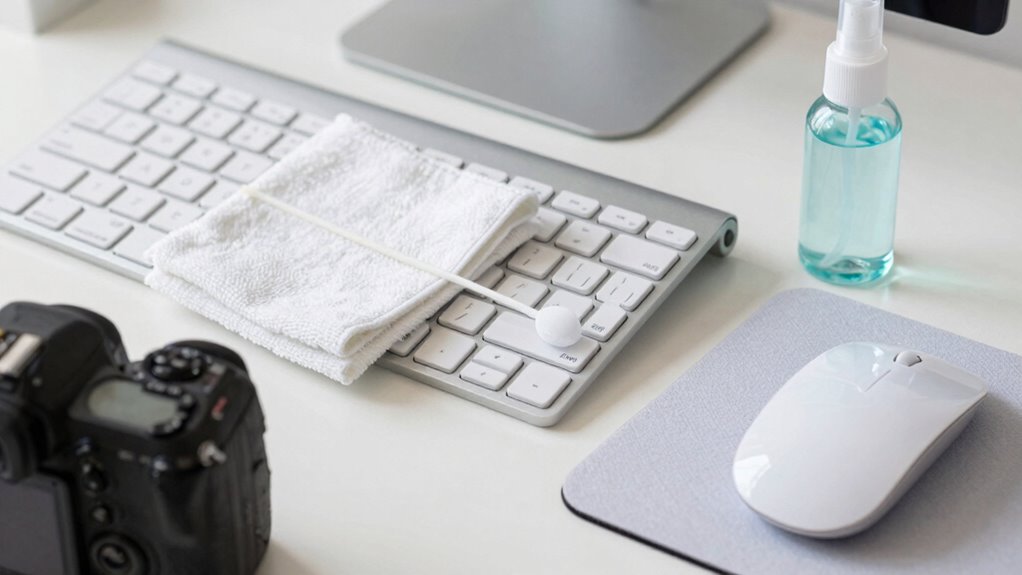
Choosing the right disinfectant is key to cleaning your peripherals without damage. You should use safe, electronics-friendly cleaning solutions and avoid harsh chemicals. Applying proper techniques guarantees a thorough clean while protecting your devices’ longevity.
Proper Disinfectant Selection
Selecting the right disinfectant is essential for safely cleaning your keyboards, mice, and other peripherals without causing damage. You want products that effectively eliminate germs while being gentle on electronics. Look for antiseptic solutions designed specifically for electronics or disinfectant sprays labeled safe for sensitive devices.
Consider these options:
- Alcohol-based antiseptic solutions with at least 70% alcohol
- Non-abrasive disinfectant sprays formulated for electronics
- Cloth-friendly disinfectants that won’t leave residue
Avoid harsh chemicals like bleach or abrasive cleaners, which can damage surfaces. Always check product labels for compatibility. Using the proper disinfectant ensures thorough cleaning without risking your devices’ longevity or performance.
Safe Cleaning Techniques
To clean your peripherals safely, it’s important to follow proper techniques that prevent damage while effectively disinfecting. Start by turning off and unplugging your devices. For keyboards and mice, use a soft microfiber cloth slightly dampened with a disinfectant recommended for tech accessories. Avoid harsh chemicals that can damage screens or coatings. When cleaning screens, gently wipe with a cloth designed for screen protectors, avoiding excessive moisture. Never spray disinfectants directly onto devices. Use disinfectant wipes or sprays on a cloth first, then wipe surfaces. For stubborn grime, a small brush can help clean crevices. Always dry thoroughly before reconnecting. Following these safe cleaning techniques will keep your peripherals disinfected without risking damage to sensitive components or screen protectors.
Keep Your Devices Secure With Software and Firmware Updates
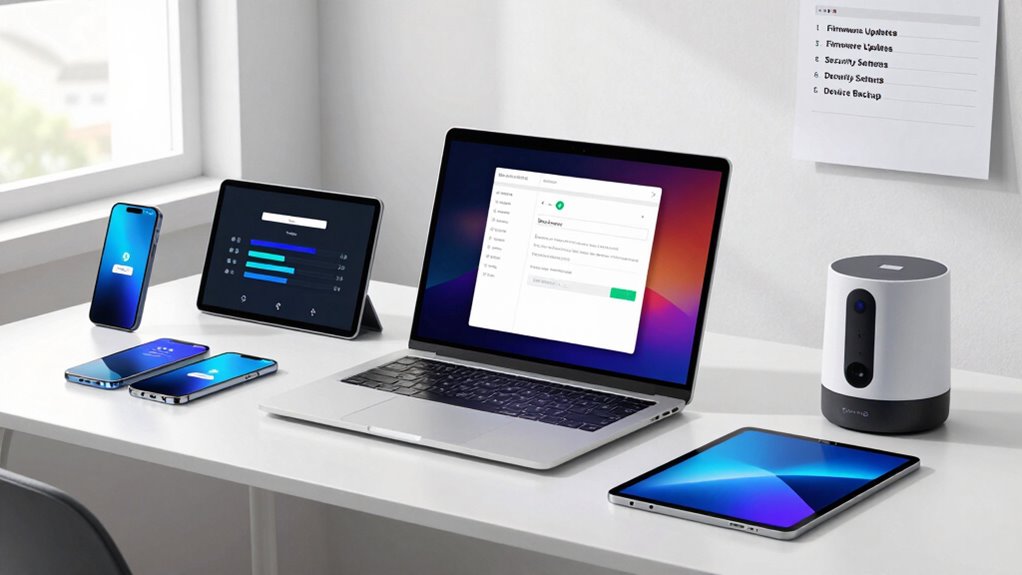
Keeping your devices secure begins with regular software and firmware updates. These updates enhance software security by patching vulnerabilities that hackers could exploit. Firmware updates improve device performance and fix bugs, ensuring your gadgets run smoothly and securely. To stay protected, consider these key steps:
Regular updates patch vulnerabilities and fix bugs, keeping your devices secure and running smoothly.
- Enable automatic updates for all devices and apps
- Regularly check manufacturers’ websites for firmware updates
- Install updates promptly to prevent security gaps
Organize Your Digital Files and Back Up During Your Tech Spring Clean
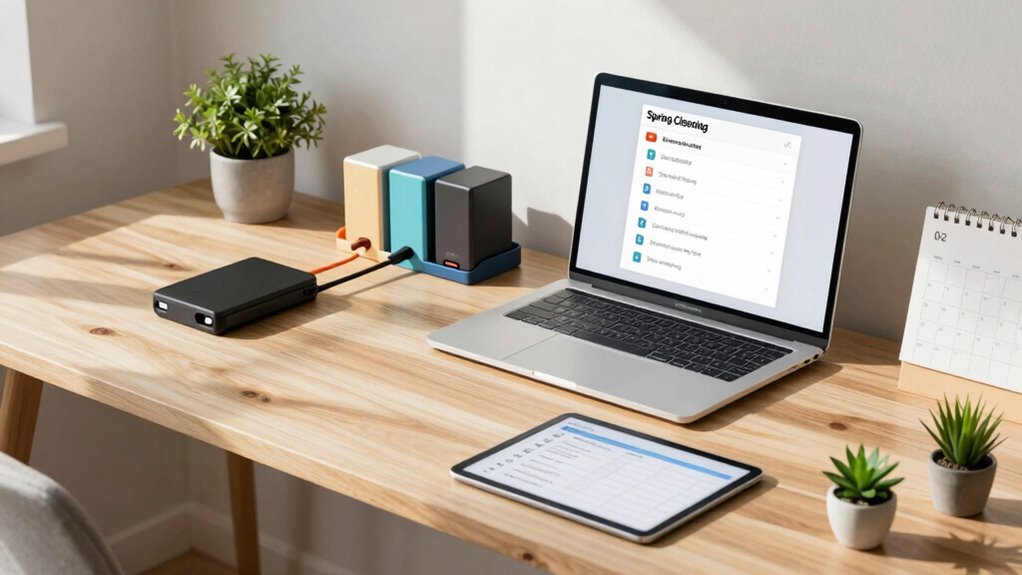
After ensuring your devices are secure with the latest updates, it’s time to tidy up your digital space by organizing your files and creating backups. Effective digital file organization helps you find what you need quickly and reduces clutter. Use folders and labels to categorize documents, photos, and important data. Implement cloud backup strategies to keep copies safe and accessible from anywhere. Consider services like Dropbox, Google Drive, or OneDrive for seamless backups. To stay organized, review your stored files regularly and delete duplicates or outdated items. Here’s a quick guide:
| Task | Example |
|---|---|
| Clean up digital clutter | Delete unused files |
| Organize files | Create folders by category |
| Implement cloud backups | Use cloud storage services |
| Verify backups | Ensure data is accessible |
How Often Should You Spring Clean Your Home Tech Devices?
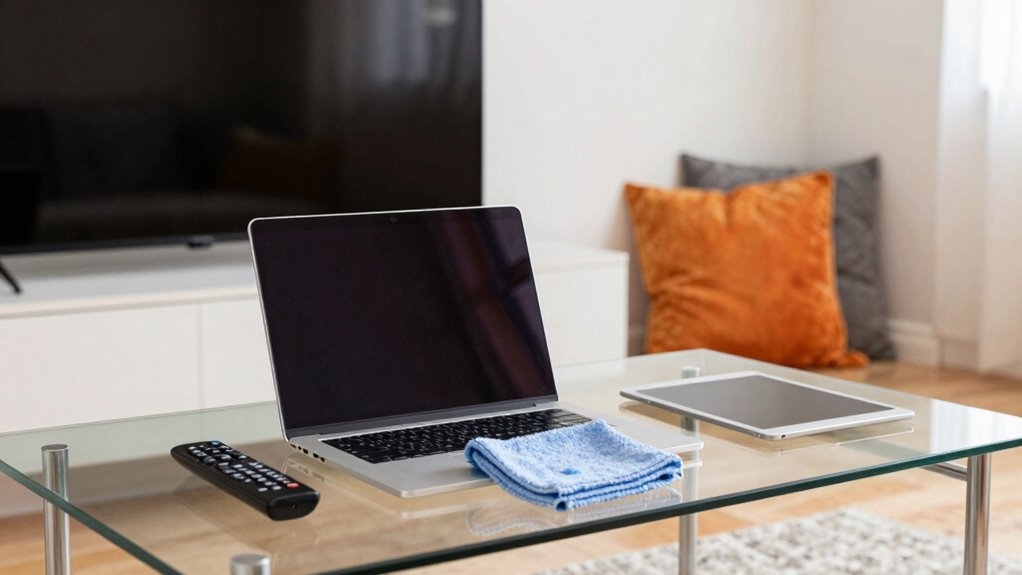
Regularly spring cleaning your home tech devices guarantees they run smoothly and stay secure. How often you do this depends on usage and environment. For example, clean your smartphone, including screen protectors, every 3 to 6 months to remove dirt and grime. Devices used daily or in dusty settings may need monthly attention. Wireless charging pads should be wiped down weekly to maintain efficiency and prevent dust buildup. Keep screens free of fingerprints and smudges, and inspect for scratches or damage. Also, check for updates and refresh your device backups. Staying consistent with these routines prevents overheating, prolongs device lifespan, and keeps your tech looking new. Remember, a little maintenance goes a long way in ensuring your tech stays reliable and secure.
Frequently Asked Questions
How Do I Identify Which Cleaning Products Are Safe for My Tech Devices?
You can identify safe cleaning products for your tech devices by checking their ingredients list for harsh chemicals like ammonia or alcohol, which can damage screens. Opt for gentle, electronics-specific cleaners or make DIY cleaning solutions with distilled water and a small amount of isopropyl alcohol. Always read labels carefully, avoid abrasive materials, and test a small area first to verify compatibility, keeping your devices safe and spotless.
Can Cleaning My Devices Void Their Warranty?
Cleaning your devices with DIY methods can potentially void your warranty if you damage internal components or use harsh chemicals. To avoid warranty concerns, follow manufacturer guidelines and use approved cleaning products. Be gentle, avoid opening sealed units, and skip aggressive scrubbing. If you’re unsure, consult the warranty terms or contact customer support. Proper cleaning keeps your tech functioning well without risking warranty issues.
What Are Signs My Device Needs Professional Repair After Cleaning?
If you notice device corrosion or screen discoloration after cleaning, your device probably needs professional repair. Corrosion can damage internal components, while discoloration indicates possible damage to the screen’s display. Don’t ignore these signs; continuing to use the device might worsen the problem. It’s best to consult a professional technician who can assess and fix the damage properly, ensuring your device functions safely and correctly again.
How Do I Prevent Static Damage During Cleaning?
Imagine a lightning bolt gently grounding itself—this is how static can damage your devices. To prevent static damage during cleaning, use antistatic sprays on your hands or tools, and practice grounding techniques like touching a metal object before handling electronics. These simple steps create a safe pathway for static electricity, protecting your devices from harm while ensuring your cleaning session is effective and safe.
Are There Eco-Friendly Cleaning Options for Home Tech Devices?
Yes, you can use eco-friendly alternatives and natural cleaning solutions to clean your home tech devices. Look for products with biodegradable ingredients and minimal chemicals, like vinegar or lemon juice mixed with water. These natural solutions effectively clean screens and surfaces without harming the environment. Always apply them to a soft cloth first, avoiding direct contact with devices, to guarantee safe and eco-friendly cleaning that protects your tech and the planet.
Conclusion
Regularly cleaning your home tech can extend device lifespan by up to 30% and keep them running smoothly. Did you know that over 50% of electronics harbor bacteria that can cause illness? By following these spring cleaning tips, you not only protect your devices but also your health. Make tech cleaning a habit this season—you’ll enjoy a safer, more efficient smart home and a clutter-free digital space all year round.