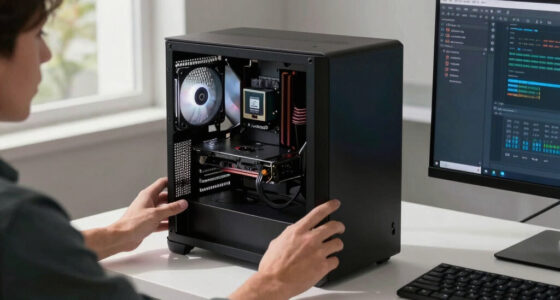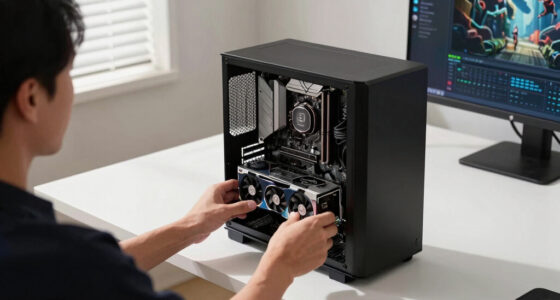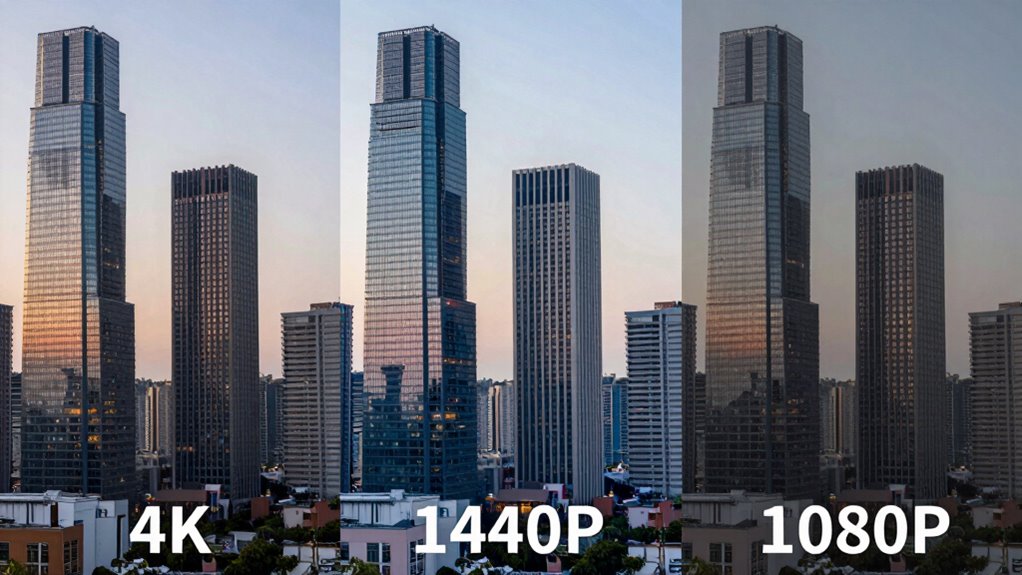

When comparing 4K, 1440p, and 1080p, these numbers mainly refer to pixels on the screen, affecting image sharpness and detail. 4K offers four times the pixels of 1080p, giving you ultra-clear images, while 1440p balances performance and quality. Your choice depends on your screen size, gaming or work needs, and budget. Keep in mind, other factors like display technology also influence quality, so exploring further will help you choose smarter.

Get the latest gadgets delivered free — and shop member deals
- Fast, free delivery on millions of items
- Access to Prime Big Deal Days deals on October 6–7
- Prime Video, Amazon Music and more included
Key Takeaways
- Higher resolution numbers like 1080p, 1440p, and 4K indicate increasing pixel counts, improving image sharpness and detail.
- 1080p (Full HD) offers decent clarity for most uses, while 1440p (QHD) provides sharper images suitable for gaming and professional work.
- 4K (Ultra HD) delivers the highest pixel density, revealing finer details but requires more powerful hardware.
- Resolution numbers are rough guides; actual image quality depends on factors like screen size, pixel density, and calibration.
- Larger resolution screens can appear sharper at the same size, but pixel density and display quality are key for perceived clarity.
As an affiliate, we earn on qualifying purchases.
What Do 1080p, 1440p, and 4K Really Mean for Your Display?
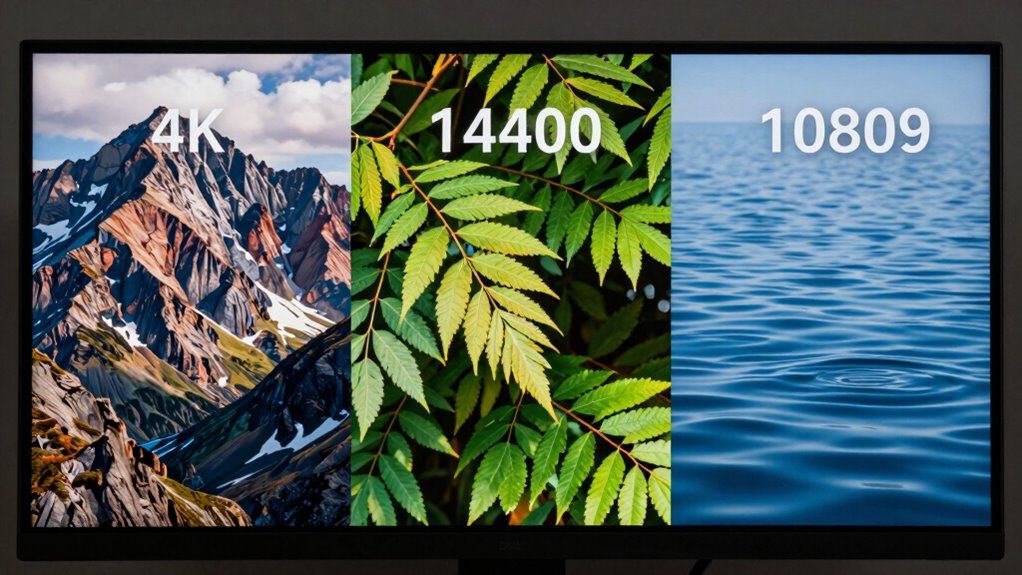
Have you ever wondered what those display resolution numbers really mean? When you see 1080p, 1440p, or 4K, you’re looking at the pixel density, or how many pixels fit into the screen’s dimensions. Higher resolutions mean more pixels, which typically results in sharper images. But it’s also essential to consider aspect ratios, which define the width-to-height ratio of your display. For example, 16:9 is common for most monitors and TVs, offering a widescreen experience. A 1080p display (1920×1080 pixels) offers good clarity, while 1440p (2560×1440) provides a sharper image, and 4K (3840×2160) delivers even more detail. Knowing these numbers helps you choose a display that best fits your needs, balancing pixel density and aspect ratio for ideal viewing. Additionally, understanding contrast ratio is vital, as it impacts the perceived depth and clarity of images on your screen. To make the most of these resolutions, it’s also important to consider refresh rate and how it complements pixel density for smooth visuals.
As an affiliate, we earn on qualifying purchases.
How Does Resolution Impact Image Quality and Detail?

Higher resolution makes your images appear clearer and sharper, so details stand out more. When resolution increases, you can recognize finer textures and small features more easily. This means your viewing experience becomes more realistic and engaging. Additionally, understanding visual clarity can help you select the right display for your needs. A higher resolution also reduces pixelation, ensuring smoother images even during close-up viewing. Moreover, screen size and viewing distance play a crucial role in how resolution affects your overall image quality.
Clarity and Sharpness
Ever wondered how resolution influences the clarity and sharpness of an image? Higher resolutions typically increase pixel density, meaning more pixels fit into the same space, resulting in crisper details. This makes images appear sharper and more defined, especially when viewed up close. However, image compression can impact clarity by reducing file size, which often introduces artifacts that blur fine details. If compression is too aggressive, even high-resolution images can look less sharp. Conversely, lower resolutions may seem softer and less detailed because fewer pixels are capturing the scene. Ultimately, a higher resolution combined with minimal compression enhances clarity and sharpness, giving you a more vivid, lifelike image. Balancing resolution and compression is key to achieving ideal image quality. Incorporating artistic expression techniques can also help optimize visual content for different screens.
Fine Detail Recognition
When it comes to recognizing fine details in an image, resolution plays a pivotal role. Higher resolutions increase pixel density, allowing you to see sharper, more intricate features. This means textures, small text, and subtle patterns become clearer, enhancing overall image quality. However, achieving ideal detail also depends on proper display calibration; a well-calibrated screen ensures colors and contrast don’t mask or distort fine details. As resolution increases from 1080p to 4K, the benefit becomes more noticeable, especially on larger screens or close-up viewing. Keep in mind, though, that without sufficient pixel density and correct calibration, even the highest resolution won’t reveal all the subtle details. Balancing resolution, calibration, and your viewing distance is key for the best fine detail recognition. Additionally, factors such as screen calibration and display quality significantly impact how well fine details are perceived.
As an affiliate, we earn on qualifying purchases.
What Hardware Do You Need for Gaming or Watching in Different Resolutions?
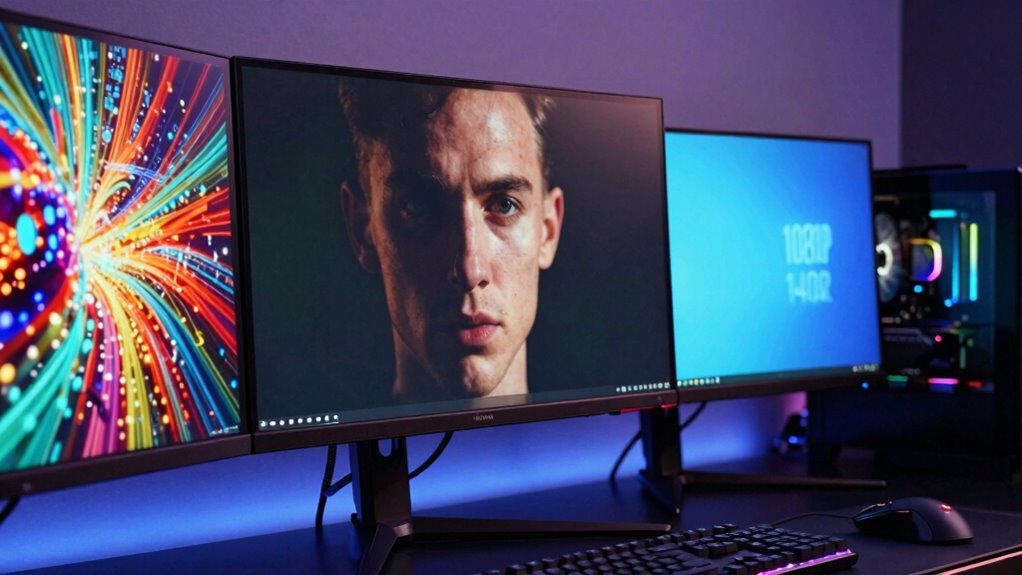
Choosing the right hardware for gaming or watching in different resolutions depends on your desired quality and performance. To handle various resolution standards, you’ll need a capable GPU, especially for 4K, which demands powerful graphics cards. Your display technology also matters; OLEDs and high-refresh-rate monitors improve visual quality and smoothness. Consider this hardware overview:
| Resolution | Recommended Graphics Card | Display Technology |
|---|---|---|
| 1080p | Mid-range GPU | LED, IPS, TN |
| 1440p | High-end GPU | IPS, VA, G-SYNC/FreeSync |
| 4K | Top-tier GPU | OLED, HDR, high refresh rate |
Matching your hardware with your resolution goals ensures ideal gaming or viewing experiences aligned with your preferred display technology. Additionally, understanding resolution standards can help you make more informed hardware choices.
As an affiliate, we earn on qualifying purchases.
How Much Do 1080p, 1440p, and 4K Monitors Cost, and Where Can You Find Them?

You can find 1080p, 1440p, and 4K monitors at a wide range of prices, making it easier to fit your budget and needs. A basic 1080p monitor often costs between $100 and $200, while mid-range options range from $200 to $400. 1440p monitors generally start around $200 and go up to $500, depending on features. 4K monitors tend to be pricier, ranging from $300 to over $1,000 for high-end models. The market availability of these monitors varies, with more options in the mid-range and premium segments. During sales or discounts, you can find quality monitors at lower prices, making it a good idea to compare costs before purchasing. This cost comparison helps you choose based on your specific needs and budget.
Which Resolution Is Best for Gaming, Professional Work, or Casual Viewing?
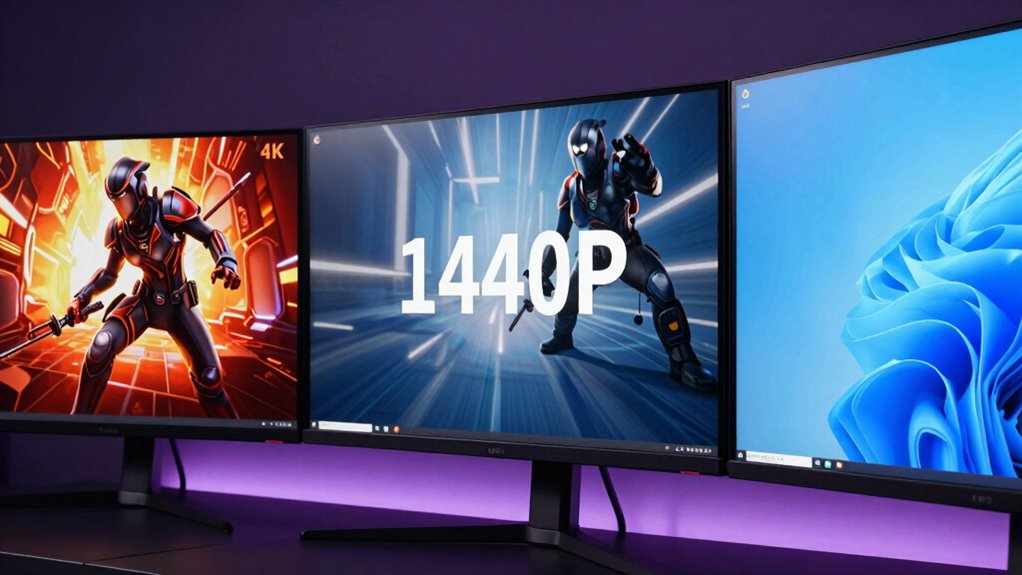
Selecting the right monitor resolution depends on how you plan to use it, as each offers distinct advantages for gaming, professional work, or casual viewing. For gaming, a higher refresh rate and lower response time matter most, and 1080p often balances performance and affordability. For professional work, especially with color accuracy, 4K provides sharper images and detail, essential for editing. Casual viewers prioritize comfort, often favoring 1080p or 1440p for smooth playback and decent clarity. Understanding monitor resolution and its impact on visual clarity can help you make the best choice for your specific needs and prevent unnecessary eye strain or budget overspending.
How to Choose the Right Resolution Based on Your Screen Size and Use Case
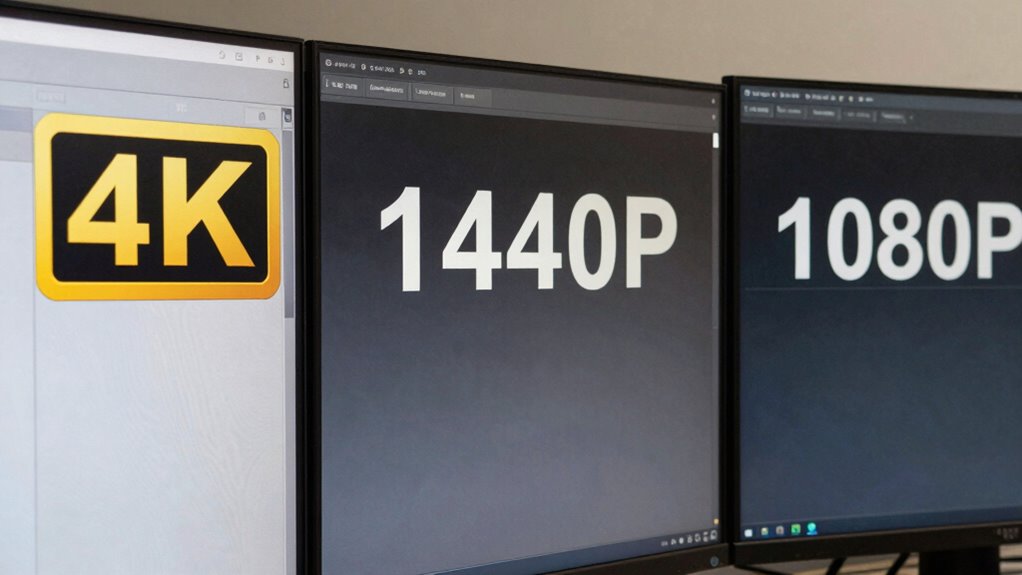
Ever wonder how your screen size influences the best resolution for your needs? The key is matching resolution to your display and use case. First, consider your monitor calibration and color accuracy needs—higher resolutions often demand more precise calibration for superior image quality. Second, for smaller screens (like laptops), 1080p usually suffices, offering sharp images without taxing your system. Third, larger monitors benefit from 1440p or 4K, providing more detail and better color fidelity for professional work or gaming. Keep in mind, higher resolutions can reveal imperfections, so proper calibration is crucial. By choosing a resolution aligned with your screen size and use case, you ensure sharper visuals and accurate colors that enhance your overall experience.
Common Myths About Resolution Numbers: What’s Actually True?
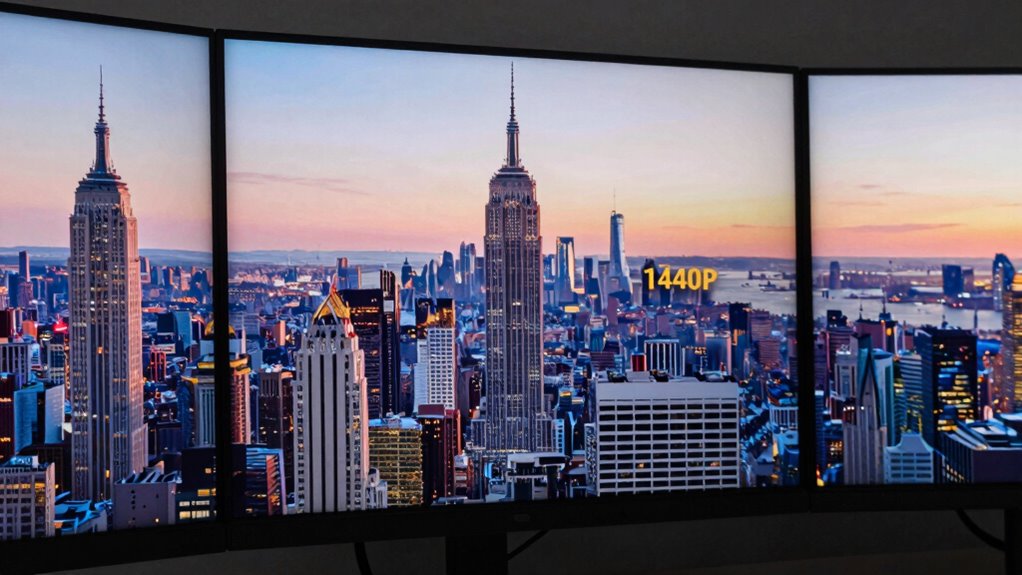
Many people believe resolution numbers are exact and that higher resolutions always mean better quality. However, this isn’t always the case, as other factors influence display clarity. Understanding the truth helps you choose the right screen for your needs. For example, display quality factors like panel type and calibration can significantly affect how sharp and clear a picture appears, regardless of resolution. Additionally, visual perception plays a role in how we interpret image sharpness and detail, making resolution just one part of overall display quality. Recognizing these technical nuances ensures you make informed decisions when selecting a display.
Resolution Numbers Are Exact
A common misconception is that resolution numbers are always exact, but in reality, they often serve as general indicators rather than precise measurements. When it comes to pixel density and color accuracy, the numbers can be misleading. Here’s why:
- Resolution numbers like 1080p or 4K give a rough idea but don’t account for screen size, which impacts pixel density.
- Different screens with the same resolution can have vastly different pixel densities, affecting sharpness.
- Color accuracy depends on more than resolution; display technology and calibration also play a vital role.
- Accessibility features and display calibration can further influence the perceived quality of a screen beyond its resolution number.
Higher Resolution Means Better
While higher resolution often suggests better image quality, it doesn’t guarantee sharper or more vibrant visuals on your screen. Pixel density plays a vital role here; a higher pixel density means more pixels packed into the same space, resulting in sharper images. However, simply increasing resolution doesn’t automatically improve color accuracy, which affects how true-to-life colors appear. A 4K display isn’t necessarily better if it has poor color calibration or low pixel density compared to a well-calibrated 1080p screen. The perceived quality depends on multiple factors, including screen size, viewing distance, and display technology. So, don’t assume that a higher resolution always means better visuals—consider pixel density and color accuracy to truly evaluate display quality.
Frequently Asked Questions
How Do Resolution Numbers Affect Gaming Performance and Frame Rates?
Higher resolution numbers can influence your gaming performance and frame rates because they require more from your GPU. When you choose 4K, your system needs to process more pixels, which can lower frame rates unless paired with a powerful GPU. A higher refresh rate enhances fluidity, and better color accuracy improves visuals. Balancing resolution with your GPU’s capabilities ensures smoother gameplay without sacrificing visual quality.
Can I Upgrade My Monitor to a Higher Resolution Easily?
Upgrading your monitor to a higher resolution is usually straightforward, but it’s not just about plugging in a new screen. You’ll want to take into account monitor calibration and color accuracy to truly enjoy your visuals. Make sure your graphics card can handle the new resolution smoothly. Once set up, adjust calibration settings for ideal color and clarity, and you’ll enjoy stunning visuals without hassle.
Are Higher Resolutions Necessary for Everyday Video Streaming?
Higher resolutions aren’t necessary for everyday video streaming, especially since video compression often reduces quality. Your eyes might not notice the difference between 1080p and 4K during casual viewing. To improve your experience, focus on proper display calibration for clearer images and better color accuracy. Unless you have a large screen or high-end setup, sticking with lower resolutions is practical, saving bandwidth without sacrificing much visual quality.
How Does Screen Size Influence the Optimal Resolution Choice?
You should choose higher resolutions for larger screens, as studies show image quality drops noticeably on screens over 27 inches with lower resolutions. Screen size considerations are vital because a bigger display enhances ergonomic impacts, reducing eye strain when you see sharp, detailed images. Opting for 4K on larger screens ensures clarity, while smaller screens can comfortably use 1080p or 1440p without sacrificing quality or comfort.
What Are the Environmental Impacts of Higher Resolution Displays?
Higher resolution displays consume more energy, increasing your carbon footprint through greater electricity use. They also tend to become obsolete faster, leading to more electronic waste. By choosing lower resolutions, you reduce energy consumption and help lessen electronic waste, which benefits the environment. Being mindful of your display choices encourages sustainable practices and minimizes your overall environmental impact.
Conclusion
Choosing the right resolution depends on your needs and screen size. Did you know that over 50% of gamers now prefer 1440p for a balance of performance and detail? Whether gaming, working, or streaming, understanding these numbers helps you make smarter choices. So, consider your budget, hardware, and viewing habits to pick the perfect display. Your ideal resolution is out there—just find what fits your style best.
Fall Picks
fall essentials
As an affiliate, we earn on qualifying purchases.