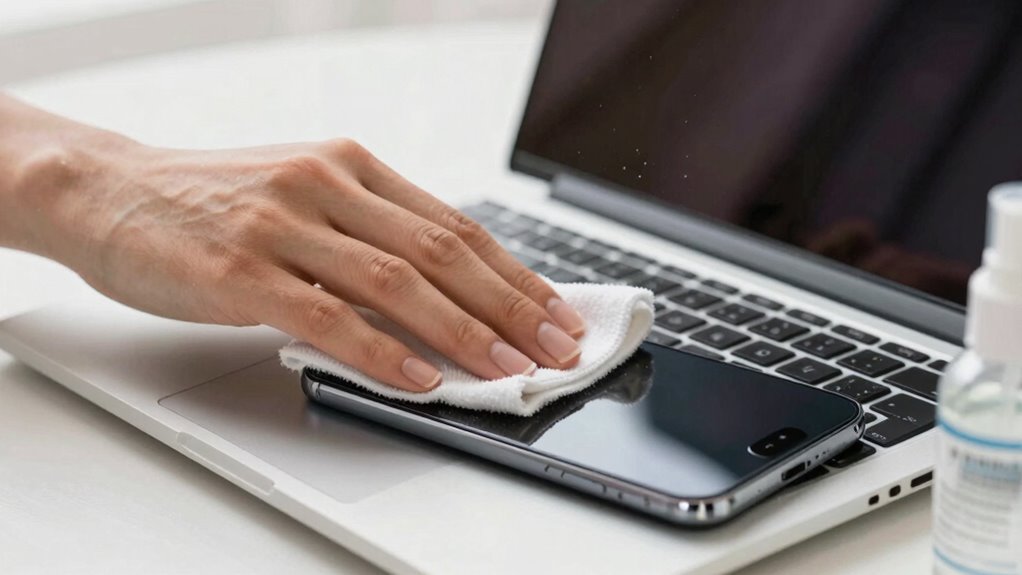

To clean your laptop and phone without damage, use soft microfiber cloths and screen wipes designed for electronics. Avoid harsh chemicals like ammonia or bleach, and never spray liquids directly onto your devices. Lightly dampen a cloth with water or isopropyl alcohol, and gently wipe screens and surfaces. Power off and unplug devices before cleaning, then dry with a microfiber cloth. For more tips, you’ll find helpful advice to keep your devices safe and pristine.
Key Takeaways
- Power off and unplug devices before cleaning to prevent electrical damage and safety hazards.
- Use lint-free microfiber cloths dampened with water and a small amount of isopropyl alcohol; avoid sprays directly on devices.
- Select gentle, device-specific cleaning wipes designed for electronics; avoid abrasive materials and harsh chemicals like ammonia or bleach.
- Clean screens and surfaces gently with light, circular motions, and dry thoroughly to prevent moisture damage.
- Regularly maintain devices with proper tools and techniques, avoiding excessive moisture or aggressive scrubbing to prevent damage.

MagicFiber Extra Large Microfiber Cleaning Cloth – Premium Cloth for TV Screens, Windows, Mirrors, Glasses, Lenses, VR, Computers, Monitors, & More
Premium Materials: Extremely high-quality, soft, microfiber material absorbs and removes dust, oil, smudges, fingerprints, and dirt. Leaves no…
As an affiliate, we earn on qualifying purchases.
As an affiliate, we earn on qualifying purchases.
Why Harsh Cleaners Can Damage Your Devices: and What to Use Instead
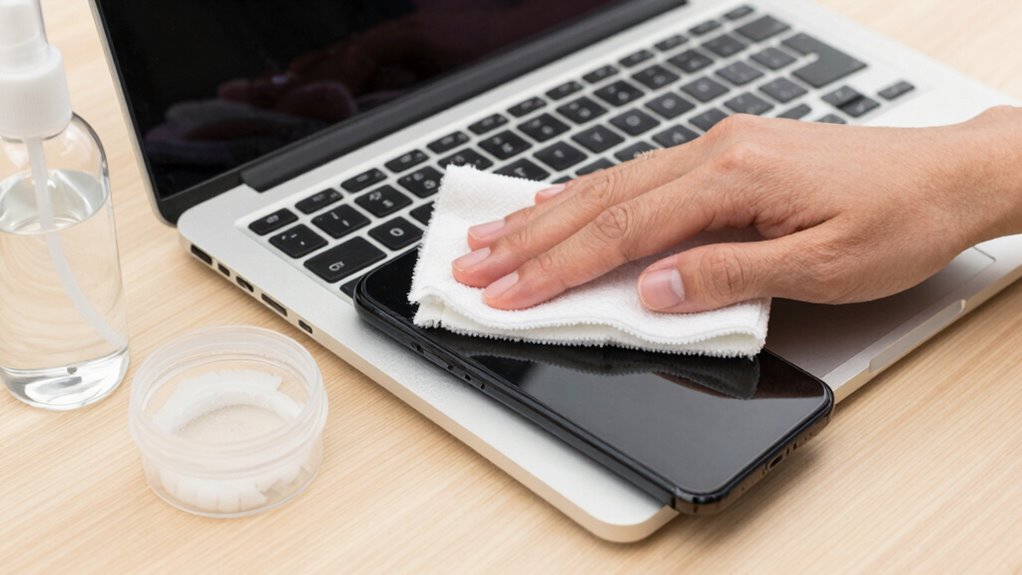
Although it might seem safe to use strong cleaners on your devices, harsh chemical cleaners can actually cause more harm than good. These chemicals can damage sensitive screens, coatings, and internal components, leading to reduced functionality or permanent discoloration. Avoid abrasive scrubbing, which can scratch glass or plastic surfaces, creating tiny grooves where dirt and bacteria can hide. Using aggressive cleaners or rough cloths may seem effective but often worsens the problem, stripping away protective layers. Instead, opt for gentle, device-safe cleaning solutions and soft microfiber cloths. These tools and products help remove dirt and smudges without risking scratches or chemical damage, ensuring your devices stay clean and in top condition for longer. Incorporating knowledge about protective coatings can further help in choosing appropriate cleaning methods that preserve your device’s longevity. Additionally, understanding the sensitivity of screens emphasizes why gentle cleaning is essential to prevent permanent damage.

Windex Electronic Cleaning Wipes, Pre-Moistened Screen Wipes for TVs, Phones, and Other Electronics, Resealable for a Freshness Lock, 25 Count
What You'll Get: One pack of 25 Windex Electronic Pre-Moistened Cleaning Wipes
As an affiliate, we earn on qualifying purchases.
As an affiliate, we earn on qualifying purchases.
The Top Materials and Tools for Safe Cleaning of Your Laptop and Phone

Using the right materials and tools is crucial for safely cleaning your laptop and phone. Screen wipes are designed specifically to remove smudges and dirt without damaging delicate surfaces, making them a perfect choice. Microfiber cloths are another essential tool—they gently lift dust and grease without scratching your screens. Avoid abrasive materials like paper towels or rough fabrics, which can cause scratches. Keep a supply of alcohol-free, lint-free screen wipes on hand for quick, effective cleaning. Additionally, soft microfiber cloths can be used dry or slightly dampened with water for routine cleaning. Proper tools make the process easier and safer, helping you maintain your devices’ appearance and functionality over time. Using high-quality cleaning materials is essential to prevent damage and ensure effective cleaning. For electric bikes and tools, choosing the correct cleaning and maintenance supplies is essential to preserve performance and longevity. Moreover, selecting appropriate cleaning products tailored for delicate electronic devices can further reduce the risk of damage during cleaning. Regularly inspecting your devices and using the right cleaning techniques can also extend their lifespan and keep them functioning smoothly. Incorporating proper cleaning methods can also prevent buildup that might impair device performance over time.

XXL Lens Wipes, 50 Count – 9.8"x6.7" Eye Glasses Cleaner Wipes for Lenses, Watches, Display Screens, and More – Cleans and Shines – Quick Drying, No Smear with Isopropyl Alcohol
These wipes are non-flush and should only be disposed of in the garbage.
As an affiliate, we earn on qualifying purchases.
As an affiliate, we earn on qualifying purchases.
How to Safely Clean Your Laptop Without Scratches or Moisture
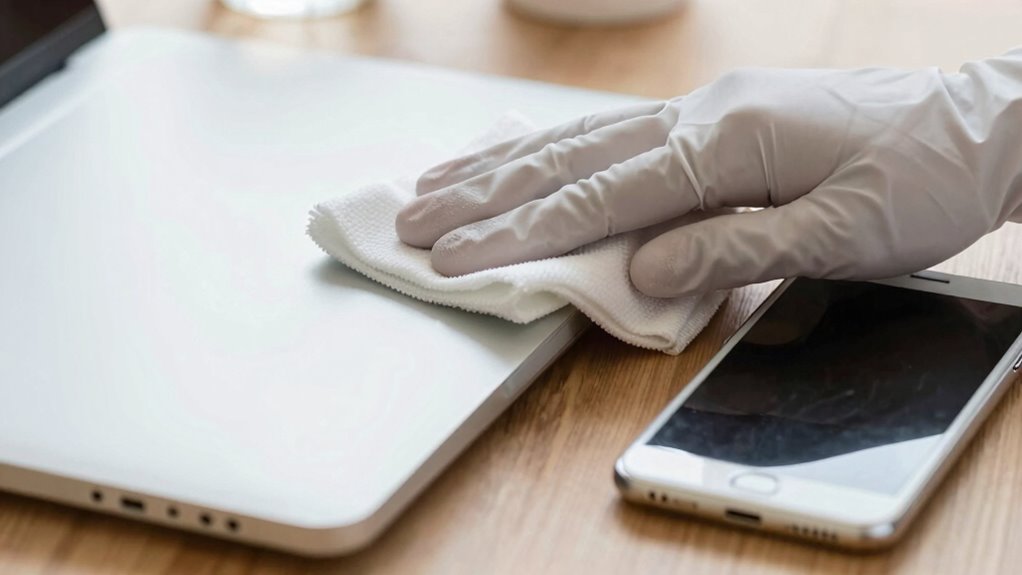
To clean your laptop safely, always use gentle cleaning supplies and avoid harsh chemicals. Make sure to power off your device before wiping it down, and be careful not to use too much moisture. These simple steps help prevent scratches and moisture damage.
Use Gentle Cleaning Supplies
Choosing the right cleaning supplies is essential to prevent damage to your laptop. Use gentle, non-abrasive products for screen cleaning to avoid scratches and streaks. Microfiber cloths are ideal for safely removing dust and smudges without damaging the surface. For keyboard maintenance, use a soft cloth slightly dampened with a mixture of water and a gentle cleaner, avoiding harsh chemicals. Never spray liquids directly onto your devices; instead, apply them to the cloth first. Avoid rough scrubbers or strong cleaning agents that could scratch or weaken the material. Stick to products designed for electronics, as they’re formulated to clean effectively without harming sensitive surfaces. Using gentle cleaning supplies ensures your devices stay clean and functional without risking damage. Additionally, consider device-specific cleaning techniques to maintain your devices’ longevity and performance. Being mindful of nail biology and hygiene can also help prevent the transfer of dirt and oils that might cause buildup or damage over time. Regularly cleaning your devices with appropriate supplies helps preserve their overall condition, and extending their lifespan. Proper maintenance not only keeps your devices looking new but also helps avoid long-term damage or malfunction.
Power Off Before Cleaning
Before you start cleaning your laptop, always turn it off and unplug it from any power sources. Powering down guarantees the device battery is inactive, reducing the risk of electrical issues or damage. It also prevents accidental inputs that could interfere with cleaning. Additionally, lower your screen brightness to minimal; this minimizes the risk of static buildup and makes dirt easier to see. Turning off your laptop helps avoid unintended touches or commands during cleaning. If your device has a removable battery, consider removing it for extra safety. Always wait a few moments after powering down before cleaning to allow internal components to settle. Being mindful of static electricity and how it can affect sensitive electronics is crucial for safe cleaning. Taking these steps safeguards your device and ensures a safer, more effective cleaning process. Moreover, understanding proper electrostatic discharge precautions can further protect your electronics from damage during cleaning. For added safety, consider working in an environment with low humidity, which can help reduce static buildup and protect your devices. Also, using an anti-static mat can help discharge static safely as you clean. Implementing proper cleaning techniques can prevent scratches or moisture damage to your devices.
Avoid Excessive Moisture
When cleaning your laptop, it’s essential to avoid using excessive moisture, as too much liquid can seep into openings and damage internal components. To prevent this, lightly dampen your cloth rather than soaking it, and never spray cleaning solutions directly onto your device. After wiping, use proper drying techniques, like gently patting with a dry microfiber cloth, to remove any remaining moisture. Avoid excessive moisture by limiting the amount of liquid you use and ensuring your cloth is only slightly damp. Additionally, it’s important to be aware of moisture exposure risks that can cause internal damage. Using appropriate cleaning tools can further reduce the risk of moisture intrusion during cleaning. Employing techniques for safe cleaning can help safeguard your device from potential harm while achieving a thorough clean. These precautions help prevent water damage and keep your device safe while ensuring a thorough clean. Remember, less moisture equals safer cleaning. Being mindful of electronic device sensitivities can also help you understand how delicate your device components are during cleaning. Paying attention to manufacturer guidelines ensures you follow the best practices for your specific device model.

Keyboard Cleaning Kit Laptop Cleaner, All-in-1 Computer Screen Cleaning Brush Tool, Multi-Function PC Accessories Electronic Cleaner Kit Spray for iPhone iPad Macbook Earbud Camera Monitor with Patent
【UPGRADED LAPTOP CLEANING KIT 】 The macbook cleaning kit computer screen cleaner comes with a number of accessories…
As an affiliate, we earn on qualifying purchases.
As an affiliate, we earn on qualifying purchases.
Easy Ways to Clean Your Phone Screen and Prevent Water Damage
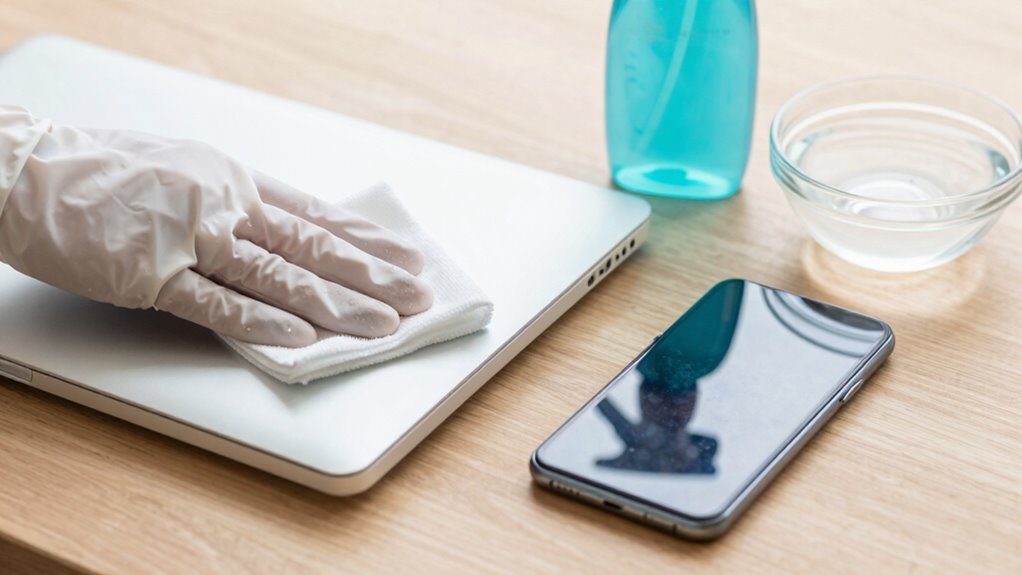
Cleaning your phone screen regularly not only keeps it looking clear and shiny but also helps prevent the buildup of dirt and germs. To protect your device from water damage, use a soft, lint-free cloth and avoid harsh chemicals. Incorporating screen protectors can shield your screen from scratches and make cleaning easier. Establish a regular cleaning schedule—once a week is usually enough—to keep your phone in top condition. When cleaning, lightly dampen the cloth with a mixture of water and a small amount of isopropyl alcohol, never spray liquids directly onto your device. Be cautious around ports and openings to prevent water from seeping inside. Device safety protocols are essential for avoiding accidental damage during cleaning. Understanding device maintenance can help prolong the lifespan of your electronics and prevent costly repairs. Cryptid Mysteries are sometimes mistakenly reported as paranormal encounters, so understanding the difference can help in proper device care. These simple steps will help maintain your phone’s clarity and prevent water-related issues.
Simple Tips to Keep Your Devices Looking and Working Like New
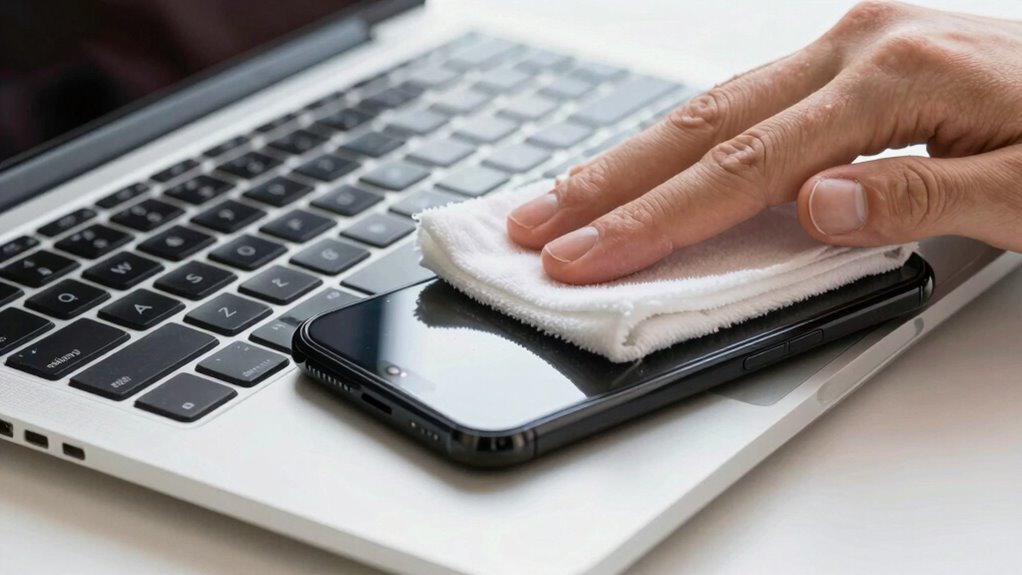
Keeping your devices looking and working like new is easier when you adopt simple, consistent habits. Regularly wiping down your laptop and phone with a soft microfiber cloth prevents dust and fingerprints from accumulating, supporting device longevity. Avoid harsh chemicals that could damage screens or casings, and use gentle cleaning solutions designed for electronics. Establish a routine to clean your devices weekly, focusing on key areas like screens, keyboards, and ports. This consistent aesthetic maintenance not only keeps your devices visually appealing but also reduces the risk of dirt buildup that can impact performance. By staying proactive, you extend the lifespan of your devices and maintain their ideal function, saving you money and effort in the long run. Simple habits make a noticeable difference in preserving your devices’ like-new appearance.
Common Cleaning Mistakes and How to Avoid Them
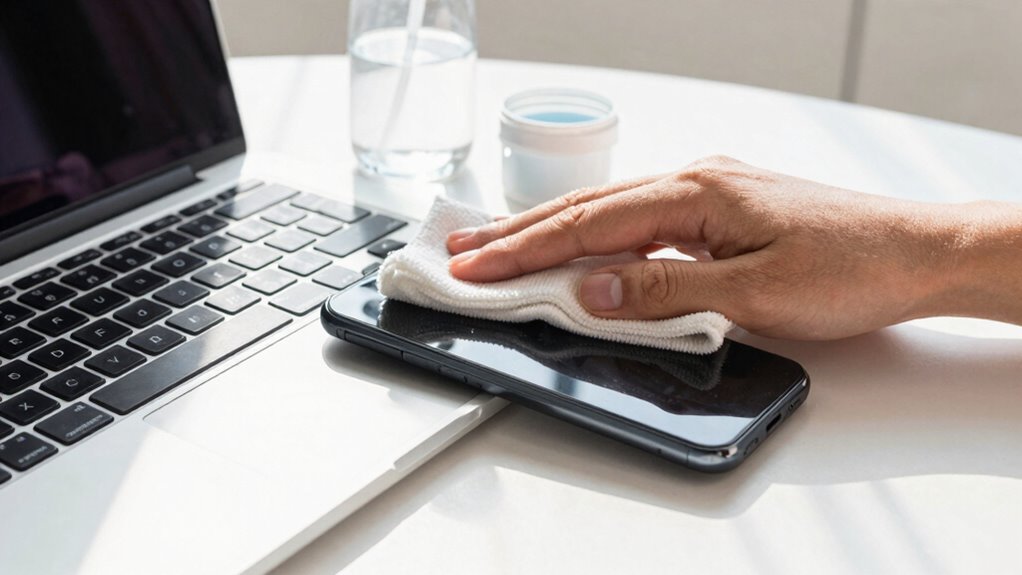
Many people make common mistakes that can harm their devices during cleaning, but you can avoid these pitfalls with a little awareness. One mistake is using harsh or abrasive materials that cause screen scratches, so always opt for microfiber cloths instead of paper towels or rough fabrics. Another error is applying too much liquid or using cleaners with chemical residues, which can damage screens or leave harmful residues behind. Never spray cleaning solutions directly onto your device; instead, lightly dampen your cloth. Also, avoid using ammonia-based or bleach cleaners, which can degrade screen coatings. Rushing through the process or pressing too hard can also cause damage. By being gentle, using appropriate products, and avoiding these common mistakes, you’ll keep your devices clean without risking harm.
Frequently Asked Questions
Can I Use Household Cleaning Products on My Devices?
You shouldn’t use household cleaners on your devices because they can damage the screens and internal components. These products often contain harsh chemicals that compromise device safety. Instead, stick to gentle, alcohol-based wipes or a soft cloth dampened with water. This approach keeps your laptop and phone clean without risking harm, ensuring they stay in good condition and function properly over time.
How Often Should I Clean My Laptop and Phone?
You should clean your laptop and phone at least once a week to maintain good hygiene and prevent bacteria buildup. Regular screen cleaning removes smudges and dirt, while routine hygiene maintenance helps keep germs at bay. If you notice fingerprints, smudges, or dirt accumulating, clean them more often. Being consistent guarantees your devices stay hygienic and functioning well, making your overall experience cleaner and healthier.
Is It Safe to Use Alcohol-Based Cleaners on Screens?
Think of your screen coatings as delicate paint on a masterpiece. Using alcohol-based cleaners on screens is like scraping that paint off; it can damage the protective layer. While cleaning agents with alcohol might seem effective, they can weaken or strip away coatings, risking harm. It’s safer to use gentle, screen-specific cleaners or a damp microfiber cloth, ensuring your screens stay clear and protected without damage.
What Should I Do if Liquid Gets Inside My Device?
If liquid gets inside your device, turn it off immediately and unplug it. Gently wipe away excess liquid with dry cloths, avoiding spreading it further. Do not try to turn it on or shake it, as that could worsen damage. Instead, take your device to a professional repair service for proper drying and inspection. Acting quickly helps prevent corrosion and long-term harm, increasing your chances of recovery.
Are There Eco-Friendly Cleaning Options for Electronics?
Think of eco-friendly cleaning options as a breath of fresh air for your devices. You can use biodegradable wipes or natural cleaning solutions that are gentle yet effective. These options help reduce environmental impact while keeping your electronics spotless. Just make certain your chosen cleaner is free from harsh chemicals, and always follow manufacturer guidelines. This way, you protect your gadgets and the planet at the same time.
Conclusion
By using gentle cleaners and proper tools, you can keep your devices spotless without risking damage. Imagine wiping your phone screen with a harsh chemical and accidentally scratching it—that’s preventable with the right approach. Instead, opt for a soft microfiber cloth and a mild solution. Keeping these habits in mind ensures your laptop and phone stay pristine and functioning perfectly, just like new, for years to come.