
Smart home hubs can make managing multiple devices easier by unifying control, automating routines, and supporting various protocols like Zigbee and Z-Wave. However, whether you need one depends on your setup; if you have many compatible devices or want seamless automation, a hub can be beneficial. For smaller or simpler systems, controlling devices directly through apps or voice assistants may suffice. Want to find out if a hub fits your smart home? Keep exploring for more insights.
Key Takeaways
- Smart home hubs centralize device management, automation, and security, especially useful for multi-protocol and complex setups.
- They are beneficial when managing numerous compatible devices or integrating different protocols like Zigbee and Z-Wave.
- If you have few devices or prefer direct control, using apps or voice assistants without a hub may suffice.
- Hubs can enhance security through encryption and centralized updates but may introduce privacy concerns.
- Choose a hub if you need seamless automation, broad device compatibility, and integration with voice assistants; otherwise, direct control can be simpler.

Aeotec Smart Home Hub, Works as a SmartThings Hub, Z-Wave, Zigbee, Matter Gateway, Compatible with Alexa, Google Assistant, WiFi
Connect & control your smart home — Easily link thousands of compatible devices from leading brands to create…
As an affiliate, we earn on qualifying purchases.
As an affiliate, we earn on qualifying purchases.
Do You Really Need a Smart Home Hub?
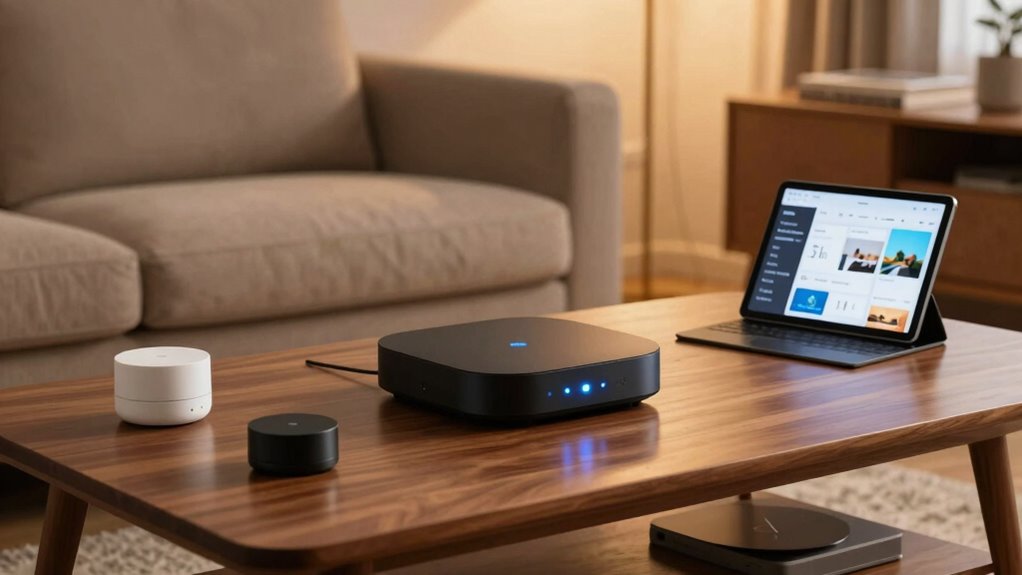
Deciding whether you need a smart home hub depends on how many smart devices you plan to use and how you want to manage them. If you have multiple devices using different wireless protocols like Zigbee, Z-Wave, or Wi-Fi, a hub can simplify control by acting as a central point. It helps unify device management, making automation easier. Voice assistants like Alexa or Google Assistant often work seamlessly with hubs, allowing you to control your devices with simple voice commands. Additionally, some hubs offer device compatibility, which can expand your smart home setup without requiring additional hardware. However, if your smart devices use compatible wireless protocols and you prefer managing each one individually through their apps or voice assistants, you might not need a hub. Consider your device ecosystem and how much convenience you want before deciding. Additionally, understanding projector technology can help you enhance your home entertainment setup if you decide to integrate smart devices with your home theater.

Hubitat Elevation C-8 Pro Smart Home Automation Hub – Latest Platform Updates – Matter 1.5, Z-Wave 800 LR, Zigbee 3.0 & Bluetooth – Local Control (No Cloud) – Alexa, Apple HomeKit & Google Home
POWERFUL SMART HOME PERFORMANCE – EVEN WITHOUT INTERNET Hubitat C-8 Pro runs automations inside your home instead of…
As an affiliate, we earn on qualifying purchases.
As an affiliate, we earn on qualifying purchases.
What Is a Smart Home Hub and How Does It Work?
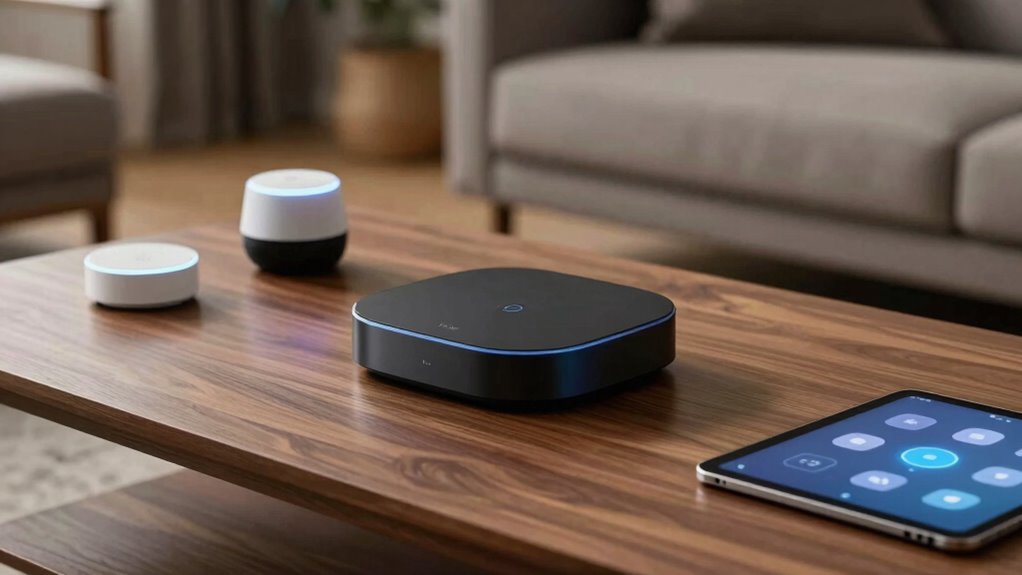
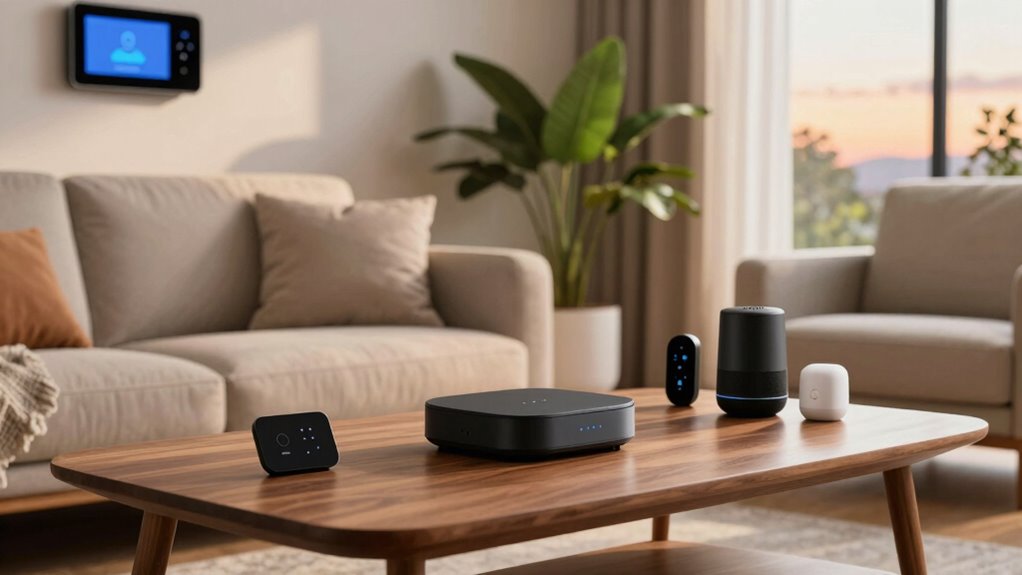
A smart home hub acts as the central control point that connects and manages all your compatible smart devices. It streamlines automation, allowing you to control lights, thermostats, and security systems from one interface. When you use voice control, the hub processes commands securely, enhancing convenience. Data security is essential, as the hub encrypts your information to prevent breaches. Here’s how it works:
| Component | Function | Benefit |
|---|---|---|
| Connectivity | Links multiple devices via protocols | Seamless integration |
| Processing Power | Manages commands locally or in cloud | Fast, reliable responses |
| Security Features | Encrypts data & authenticates devices | Protects your privacy |
In short, a hub centralizes control, making your smart home more intuitive and secure. Understanding device protocols is crucial to ensure compatibility and optimal performance. Additionally, choosing a hub with robust security features can help safeguard your personal data and maintain privacy.

Kasa Smart Plug HS103P4, Smart Home Wi-Fi Outlet Works with Alexa, Echo, Google Home & IFTTT, No Hub Required, Remote Control, 15 Amp, UL Certified, 4-Pack, White
Voice control: Kasa smart plugs that work with Alexa and Google Home Assistant. Enjoy the hands free convenience…
As an affiliate, we earn on qualifying purchases.
As an affiliate, we earn on qualifying purchases.
When Does a Hub Make Your Smart Home Easier?
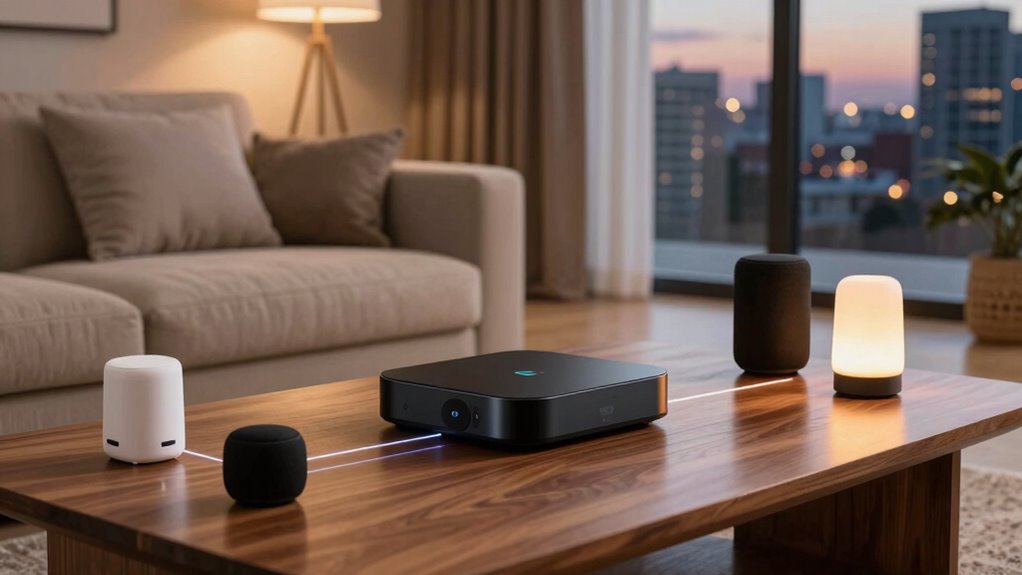
A hub makes your smart home easier when it simplifies managing multiple devices, so you don’t have to juggle separate apps. It also boosts automation, allowing different devices to work together seamlessly. Plus, it guarantees your gadgets stay compatible, preventing frustration from incompatible systems. Additionally, utilizing essential safety tips for electronics can help prevent issues and keep your smart devices operating safely. Understanding Free Floating concepts can further enhance your device integration and safety measures. Incorporating DIY tools and safety tips can also help you troubleshoot and maintain your smart home setup effectively. Being aware of performance upgrades can optimize overall system reliability and efficiency. Leveraging long-range drone technology can expand your home network’s capabilities, providing more robust connectivity and coverage.
Simplifies Device Management
When managing multiple smart devices, a hub can considerably streamline the process by centralizing control. Instead of juggling separate apps, you can use voice control to command all your devices from one interface. This boosts device interoperability, ensuring your smart gadgets work seamlessly together. A hub simplifies device management by unifying controls, reducing setup time, and minimizing compatibility issues. Additionally, a hub can enhance device security by providing a centralized point for monitoring and updates. Centralized device management can also help prevent potential security vulnerabilities associated with individual device setups. Furthermore, a hub can facilitate system updates, ensuring all connected devices stay current with the latest security patches and features. By consolidating control, a hub can also help prevent compatibility problems that often arise with diverse smart home products. Proper network configuration is essential to maximize the benefits of using a hub effectively. Here’s a quick look at how it helps:
| Device Type | Control Method | Compatibility |
|---|---|---|
| Smart Lights | App, Voice Control | Works with Hub |
| Thermostats | App, Voice Control | Interoperable |
| Security Cameras | App | Compatible via Hub |
| Smart Locks | Voice Control | Central Control |
| Sensors | App, Voice Control | Integrated System |
A hub makes managing your smart home straightforward and efficient.
Enhances Automation Capabilities
By centralizing control and ensuring devices communicate smoothly, a smart home hub notably boosts automation capabilities. With a hub, you can set up complex routines that improve efficiency and convenience. For example:
- Enable voice control to activate multiple devices simultaneously, making commands simpler and faster.
- Automate lighting and climate adjustments based on occupancy or time of day.
- Incorporate energy monitoring to track consumption patterns, helping you optimize usage and reduce costs.
- A hub can also facilitate device management for maintaining hive health and monitoring drone activity, ensuring your smart home runs smoothly.
Additionally, a hub can help manage interoperability between different brands and standards, reducing compatibility issues. As the demand for AI cybersecurity professionals grows, integrating secure and resilient systems becomes increasingly important to protect your smart home environment. A hub streamlines these automations, allowing your smart home to respond intelligently without manual intervention. It’s especially useful for creating seamless, integrated experiences that save you time and energy. When automation is a priority, a hub makes your smart home significantly easier to manage. Exploring local automation options can further enhance your system’s responsiveness and privacy, especially when considering device limitations and their impact on overall performance.
Ensures System Compatibility
System compatibility becomes much easier to manage with a smart home hub because it acts as a central translator, connecting different devices regardless of their brands or protocols. This simplifies network integration and reduces compatibility issues. A hub ensures your devices work seamlessly together, preventing frustration and technical gaps. It also enhances device security by centralizing control, allowing you to monitor and update security settings easily. When choosing a hub, consider supported protocols and device types to maximize compatibility. Here’s a quick overview:
| Feature | Benefits | Considerations |
|---|---|---|
| Protocol Support | Connects various device brands | Check compatibility before buying |
| Device Integration | Simplifies setup and management | Supports your existing devices |
| Security Features | Protects your network and data | Look for encrypted connections |
| Scalability | Adds more devices over time | Ensure future expansion options |
| User Control | Centralized device management | User-friendly interface |
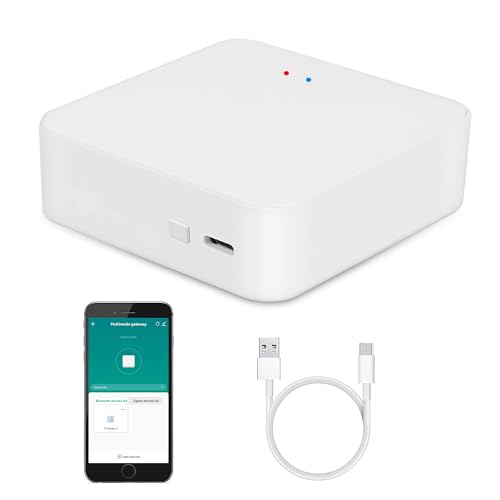
Smart Hub Gateway: Zigbee & Bluetooth Mesh Multi-Protocol Communication Gateway, App Remote Control, Voice Control, Intelligent Home Bridge, ONLY Support Tuya Smart Devices
MULTI-MODE GATEWAY: Smart home bridge supports Zigbee, Bluetooth Mesh dual-protocols, and supports WIFI control at the same time….
As an affiliate, we earn on qualifying purchases.
As an affiliate, we earn on qualifying purchases.
Types of Smart Home Hubs and What They Offer

Have you ever wondered which smart home hub is right for your needs? There are a few common types, each offering different features:
- Voice-activated hubs: These prioritize voice control, allowing you to manage devices hands-free while enhancing security features through voice recognition. They often incorporate security protocols to ensure your voice commands are protected from potential threats.
- Centralized controllers: They serve as a primary command point, supporting multiple protocols like Z-Wave or Zigbee, and often include security measures to protect your network. Understanding protocol compatibility can help you choose a hub that works seamlessly with your existing devices. Additionally, security features are crucial to safeguard your smart home ecosystem from potential threats. It’s also important to consider network integration to ensure your hub communicates effectively within your smart home setup.
- All-in-one smart speakers: Combining voice control with smart home capabilities, they deliver convenience and security features like built-in microphones and encryption.
- Incorporating traditional Indonesian decor masks into smart home design can add a unique cultural touch and aesthetic appeal to your space, blending modern technology with artistic heritage.
Features to Consider When Choosing a Hub
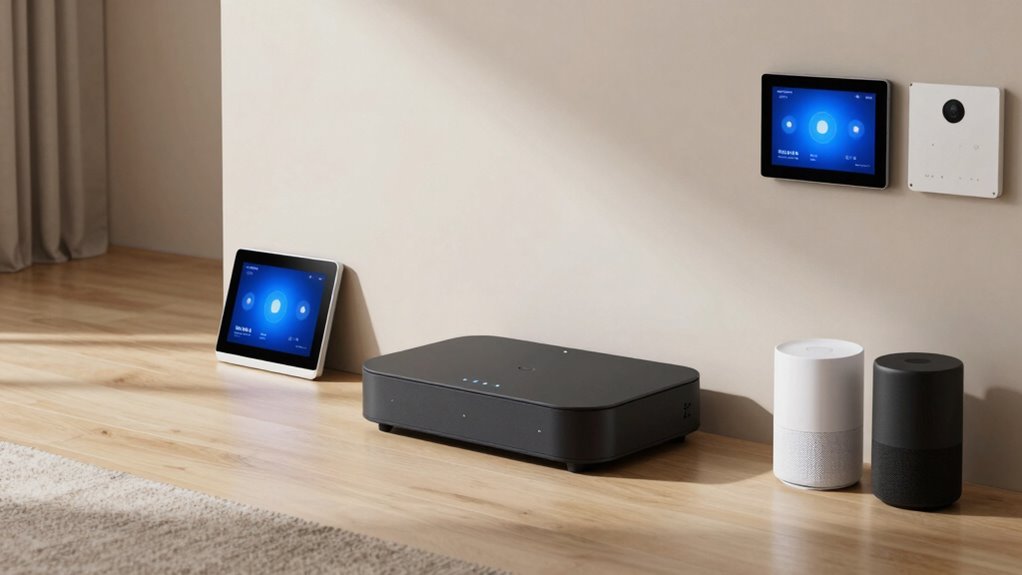
When choosing a smart home hub, it’s important to contemplate the features that match your needs and lifestyle. Voice control is a key feature, allowing you to manage devices hands-free and improve convenience. Look for a hub that offers seamless integration with popular voice assistants like Alexa, Google Assistant, or Siri. Security features are equally crucial; choose a hub with robust encryption, regular firmware updates, and multi-factor authentication to protect your smart home from threats. Compatibility is another consideration—ensure it supports the devices you already own or plan to add. Additionally, check for user-friendly controls and automation capabilities that help streamline your routines. Prioritizing these features ensures your smart home remains secure, responsive, and tailored to your preferences.
What Are the Downsides of Using a Smart Home Hub?
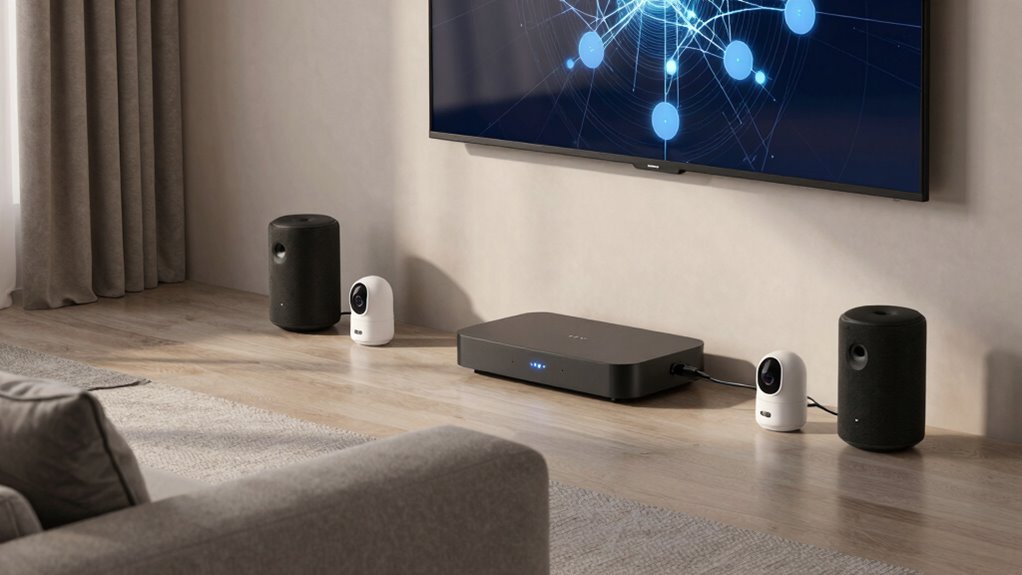
While smart home hubs offer convenience and centralized control, they also introduce certain drawbacks. One major concern is privacy; since your devices connect through the hub, sensitive data could be vulnerable if security isn’t tight. Additionally, technical limitations can cause compatibility issues or slowdowns, especially if the hub doesn’t support your devices fully. You might also experience connectivity problems if your internet goes down, leaving your devices unresponsive. In conclusion, relying on a hub adds complexity to your setup, increasing the risk of a single point of failure. Here are some downsides to consider:
Smart home hubs can improve control but also raise privacy, compatibility, and connectivity concerns.
- Privacy concerns due to data collection and security vulnerabilities
- Technical limitations impacting device compatibility and performance
- Increased complexity and potential for connectivity issues
Managing Devices Without a Hub: Alternatives and Tips
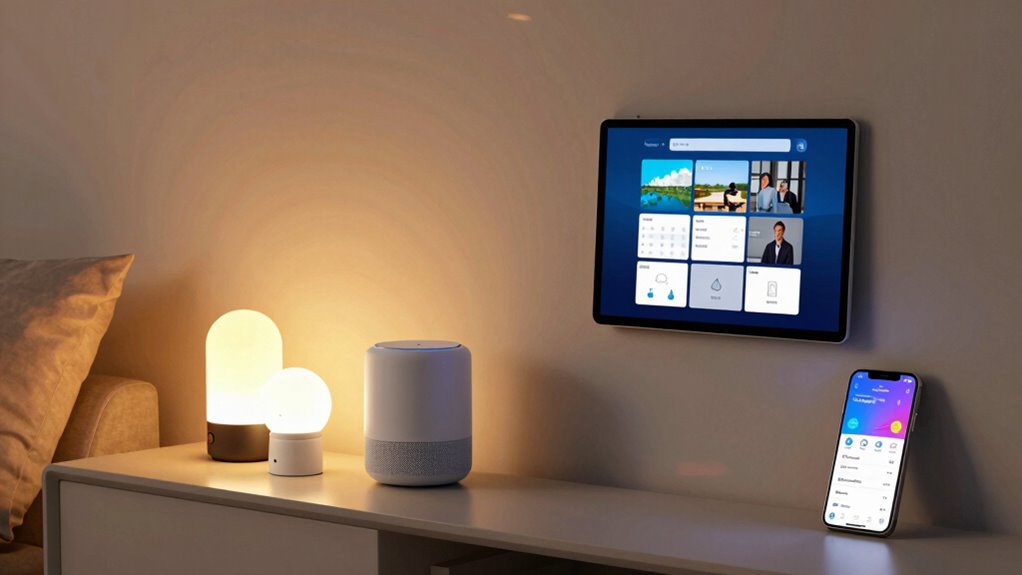
Opting to manage your smart devices without a hub can help you avoid some of the complexities and security concerns associated with centralized control systems. Instead, rely on direct device control through apps or voice assistants like Alexa, Google Assistant, or Siri. This approach simplifies setup and enhances security. You can also use devices with built-in energy monitoring to track power usage without extra hardware. Here’s a quick comparison:
| Method | Pros | Cons |
|---|---|---|
| Voice Control | Hands-free operation, easy integration | Limited device compatibility |
| Direct App Control | Greater security, customizable routines | Can be less seamless for multiple devices |
How to Pick the Right Smart Home Hub for Your Setup
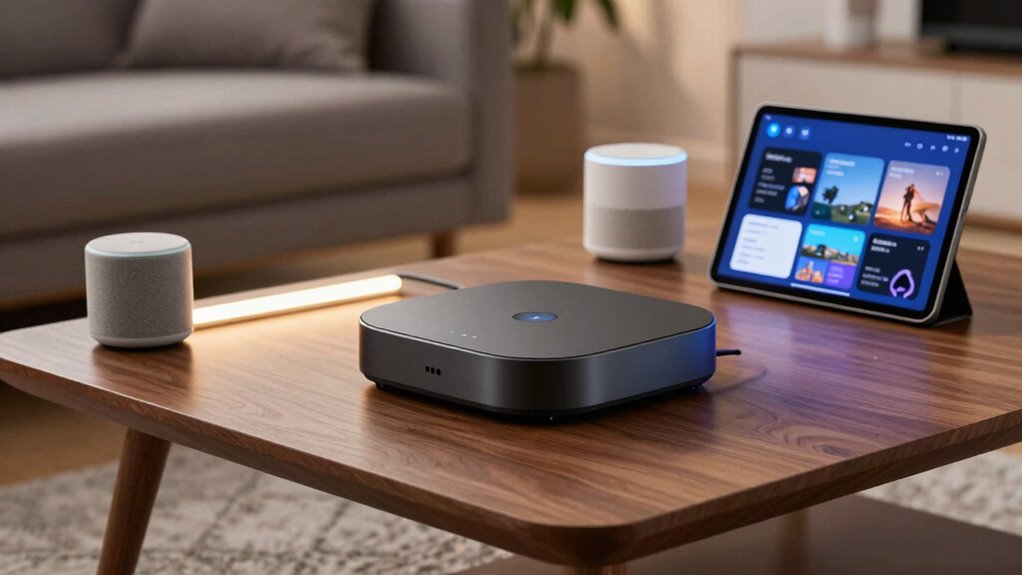
Choosing the right smart home hub depends on your specific needs and the devices you’re aiming to control. First, consider compatibility with your existing devices and protocols, such as Zigbee or Z-Wave. Second, prioritize voice control features if hands-free operation is important, ensuring the hub works seamlessly with your preferred voice assistant. Third, evaluate security integration options, especially if you want centralized control over security systems and cameras.
To summarize:
- Compatibility with your smart devices and protocols
- Robust voice control capabilities
- Strong security integration for peace of mind
Selecting a hub that aligns with these factors ensures smooth operation, enhanced convenience, and better security for your smart home setup.
Frequently Asked Questions
Can I Use Multiple Hubs in One Smart Home System?
Yes, you can use multiple hubs in your smart home system, but you’ll face limitations due to hub limitations and device compatibility. Not all hubs work seamlessly together, so you might encounter issues managing devices across different hubs. To avoid problems, choose hubs that support the same protocols and integrate well. Using multiple hubs can expand your system, but it requires careful planning to guarantee compatibility and smooth operation.
Are Smart Home Hubs Compatible With All Smart Devices?
Smart home hubs aren’t compatible with all smart devices, but they often support popular brands and standards, making voice control easier. You might worry about missing out on certain gadgets, but choosing a hub that supports multiple protocols like Zigbee or Z-Wave guarantees broader device compatibility. Always check the hub’s device list before purchasing to confirm it works with your preferred smart devices and simplifies your voice control experience.
How Secure Are Smart Home Hubs From Hacking?
Smart home hubs offer good security, but you’re not completely immune to hacking. They use wireless encryption to protect your data, and regular firmware updates fix vulnerabilities, enhancing security. To stay safe, make certain your hub is always updated, use strong passwords, and enable two-factor authentication if available. While no device is 100% secure, following these practices greatly reduces your risk of hacking.
Do Hubs Require Internet Access to Function Properly?
Think of your smart home hub as the heart of your system—yes, it needs Wi-Fi to stay alive. Without internet access, its Wi-Fi dependency means some functions might stop working, but offline functionality allows basic control of connected devices. So, while it can operate locally, a stable internet connection guarantees you get the full suite of features, making your smart home truly smart and responsive.
Can I Control My Smart Devices Without a Hub?
Yes, you can control your smart devices without a hub using voice control through assistants like Alexa or Google Assistant. Many smart devices connect directly to your Wi-Fi, allowing you to manage lighting, thermostats, and energy monitoring without a hub. However, for seamless integration and advanced features, a hub can improve performance. You won’t need a hub for basic control, but it enhances overall functionality and reliability.
Conclusion
Deciding whether a smart home hub is right for you is like choosing the right key to unfasten a door—sometimes, the simpler path opens just as many possibilities. If you prefer a streamlined setup without extra devices, managing your smart gadgets directly might be your best bet. But if you want a central command center that makes controlling everything feel like orchestrating a symphony, a hub could be your conductor. Choose what makes your smart home truly sing.